
What’s My Proxy? Find Your Proxy Address and Verify It
What’s My Proxy? Find Your Proxy Address and Verify It
If you are asking "what's my proxy," you are likely trying to solve one of two problems: you need to configure a specific software to use your network's proxy, or you are trying to diagnose why you can't connect to the internet.
Finding this information isn't always straightforward because "your proxy" exists in two places: the settings on your device (what you told it to do) and the public detection (what websites see).
This guide covers exactly how to find your configured proxy address on every major device, how to verify it works, and how to troubleshoot common issues.
Check out LycheeIP for stable proxies
What does “what’s my proxy” actually mean?
It typically refers to the intermediary server address your device is configured to route traffic through.
When you look for this information, you will usually find one of three formats:
- Manual Proxy: An IP address or hostname plus a port number (e.g., 192.168.1.50:8080).
- PAC File: A URL pointing to a "Proxy Auto-Configuration" script that tells the browser which proxy to use for which website.
- Transparent Proxy: You might not see any settings on your device because the network router intercepts traffic automatically (common in corporate or ISP setups).
Which method should you use to find your proxy?
Use this decision matrix to identify the fastest way to get the information you need.
| Your Goal | Best Method | Why? |
| "I need to enter proxy details into an app." | OS Network Settings | Shows the exact Host/IP and Port configured on your system. |
| "I want to see if I'm hidden." | IP Verification Site | Settings don't prove anonymity; you need to see what the website sees. |
| "My browser won't load pages." | Browser Settings | Browsers like Firefox can override system settings, causing conflicts. |
| "I need a proxy for WhatsApp." | App-Specific Settings | WhatsApp uses its own internal proxy configuration, independent of the OS. |
How do you find your proxy server address on Windows?
You can locate your proxy configuration directly inside the Network & Internet settings panel.
Steps for Windows 10/11:
- Press the Start button and select Settings (Gear icon).
- Navigate to Network & internet.
- Click on Proxy.
- Look under Manual proxy setup to see the IP address and Port, or under Automatic proxy setup to see if a Script Address (PAC) is being used.
If you see "Automatically detect settings" toggled On but no script address or manual IP, your network uses the WPAD protocol to assign a proxy without you seeing the address.
Check out LycheeIP for stable proxies
How do you find your proxy server address on Mac?
macOS organizes proxy settings by network interface, meaning your Wi-Fi proxy settings might differ from your Ethernet settings.
Steps for macOS (Ventura and later):
- Open System Settings.
- Click Network in the sidebar.
- Select your active network service (e.g., Wi-Fi).
- Click the Details... button.
- Select Proxies from the left-hand menu.
You will see a list of protocols (Web Proxy HTTP, Secure Web Proxy HTTPS, SOCKS Proxy). If a toggle is on, the address and port will be listed there.
How do you find your proxy settings on Mobile (iPhone & Android)?
Mobile devices generally apply proxy settings on a per-WiFi-network basis; cellular data rarely uses user-accessible proxy settings.
Finding Proxy on iPhone (iOS)
- Open Settings and tap Wi-Fi.
- Tap the blue info icon (i) next to your connected network.
- Scroll to the bottom to the HTTP PROXY section.
- Tap Configure Proxy to see if it is set to Off, Manual, or Automatic.
Finding Proxy on Android
Note: Menus vary slightly by manufacturer (Samsung, Pixel, etc.).
- Open Settings and tap Network & internet (or Connections).
- Tap Internet or Wi-Fi.
- Tap the gear icon next to your current network.
- Select Modify (or Edit) and expand Advanced options.
- Look at the Proxy dropdown to see the configuration.
How do you check proxy settings in Chrome, Firefox, and Safari?
Most browsers simply "borrow" the settings from your operating system, but there is one major exception.
- Google Chrome & Safari: These browsers do not have their own internal proxy settings. If you try to change them in the browser, they will redirect you to your computer's System Settings (Windows or Mac).
- Mozilla Firefox: Firefox allows independent configuration. You can go to Settings > General > Network Settings and choose "No proxy" or "Manual proxy configuration" specifically for Firefox, ignoring what the rest of the computer is doing.
Pro Tip: If Chrome works but Firefox doesn't (or vice versa), the issue is likely in Firefox's independent network settings.
How do you verify if your proxy is working correctly?
Finding the address is step one; proving it works is step two.
Configuration does not guarantee connection. To verify:
- Check your Public IP: Visit a site like whatismyipaddress.com without the proxy. Note the IP.
- Activate the Proxy: Turn on your settings.
- Check again: Refresh the page. If the IP address has not changed, your traffic is not going through the proxy, or the proxy is failing to mask you (transparent).
- Check protocol support: Ensure you aren't trying to use a SOCKS5 proxy in a field that only supports HTTP.
Check out LycheeIP for stable proxies
What are the most common proxy failure modes?
If you have found your proxy settings but cannot connect, consult this troubleshooting table.
| Symptom | Likely Cause | fast Fix |
| "Proxy server is refusing connections" | The proxy server is down or the IP/Port is typed incorrectly. | Double-check the Port number. Ping the proxy IP to see if it is live. |
| Constant username/password prompts | Authentication failure. | Verify your credentials. Note that some simple apps do not support User:Pass auth. |
| Works on Wi-Fi, fails on 4G/5G | Settings are tied to Wi-Fi only. | Mobile data ignores Wi-Fi proxy settings. You may need an APN configuration (advanced) or a VPN app. |
| "Connection timed out" | Firewall blocking or aggressive cooling periods. | Check if the IP is blocked by the target site, or switch to a new proxy IP. |
How do professional teams manage and validate proxies at scale?
For individual users, checking "what's my proxy" is a manual task. For data engineers, scraping teams, or multi-account agencies, managing hundreds of IPs manually is impossible.
Teams operating at scale generally move away from manual device settings and use dedicated infrastructure providers like LycheeIP.
How LycheeIP simplifies proxy management:
- Centralized Dashboard: Instead of digging through OS settings, you manage authorized IPs and view usage statistics via a web dashboard.
- Clear Protocol Attributes: You immediately know if you are deploying Dynamic Residential, Static Residential, or Datacenter proxies, eliminating the "what type of proxy is this?" confusion.
- Access Control: You can whitelist up to 5 IPs for Static Residential proxies, ensuring only your team uses your resources.
- Automated Rotation: For scraping, you don't manually change IPs. LycheeIP’s dynamic residential proxies handle rotation automatically, offering high availability (99.98% network availability).
If your "what's my proxy" question is actually about managing a fleet of connections for business logic, relying on manual OS settings is a bottleneck.
Assumptions & limitations
- Operating System Updates: Microsoft and Apple frequently rename network menus; "Network & internet" may act differently in future updates.
- App-Level Overrides: Even if your OS proxy is set, sophisticated apps (like Spotify or Telegram) may have their own internal routing settings that bypass the system default.
- Corporate Policies: On managed devices (school/work laptops), proxy settings are often locked by IT admin policies and cannot be viewed or changed by the user.
Check out LycheeIP for stable proxies
Frequently Asked Questions:
1. How do I find my proxy address on a Mac?
Go to System Settings > Network, select your active connection (Wi-Fi), click Details, and choose Proxies. Any enabled protocol will display the server address and port.
2. Why does my phone say "Proxy: None" but I'm still restricted?
You may be behind a transparent proxy managed by the ISP or network administrator. These do not require configuration on your device but still filter your traffic.
3. Can I use a proxy on WhatsApp?
Yes. WhatsApp allows in-app proxy configuration. You need to obtain a valid proxy IP and port, then enter them in WhatsApp under Storage and Data > Proxy.
4. Is a proxy address the same as a VPN?
No. A proxy address routes traffic for specific apps or protocols (usually HTTP/S), whereas a VPN captures the entire device's network connection at the operating system level.
5. What is a PAC file?
A Proxy Auto-Configuration (PAC) file is a script that tells your browser which proxy to use for specific URLs. It is often displayed as a web address (URL) in your settings rather than an IP address.
6. Why is "what's my proxy" showing my real location?
If you configured a proxy but detection sites still show your real location, your browser might be leaking your IP via WebRTC, or the proxy itself is not "Elite" (anonymous) and forwards your original IP in the headers.
7. How do I turn off the proxy if I don't want it?
Return to the same menu where you found the address (Network settings) and toggle the "Use a proxy server" switch to Off, or uncheck the boxes for Web Proxy/SOCKS Proxy.

Recommended Articles
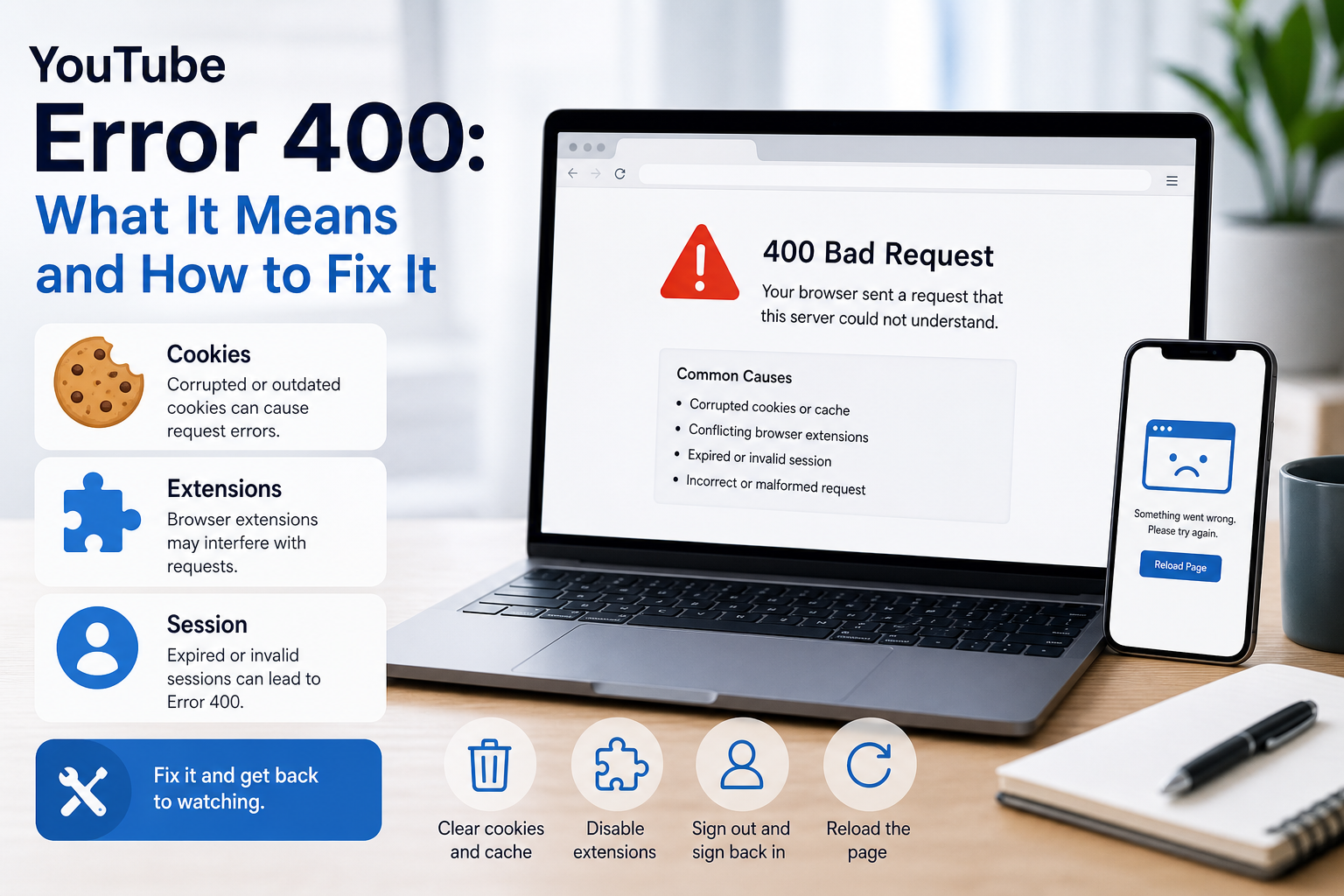
YouTube Error 400: What It Means and How to Fix It
In HTTP terminology, a 400 Bad Request is a client-error response. MDN explains that servers commonly return 400 when they consider the request malformed, incorrectly framed, or deceptively routed. The important troubleshooting clue is that repeating the exact same request without changing anything is expected to fail again.
View Details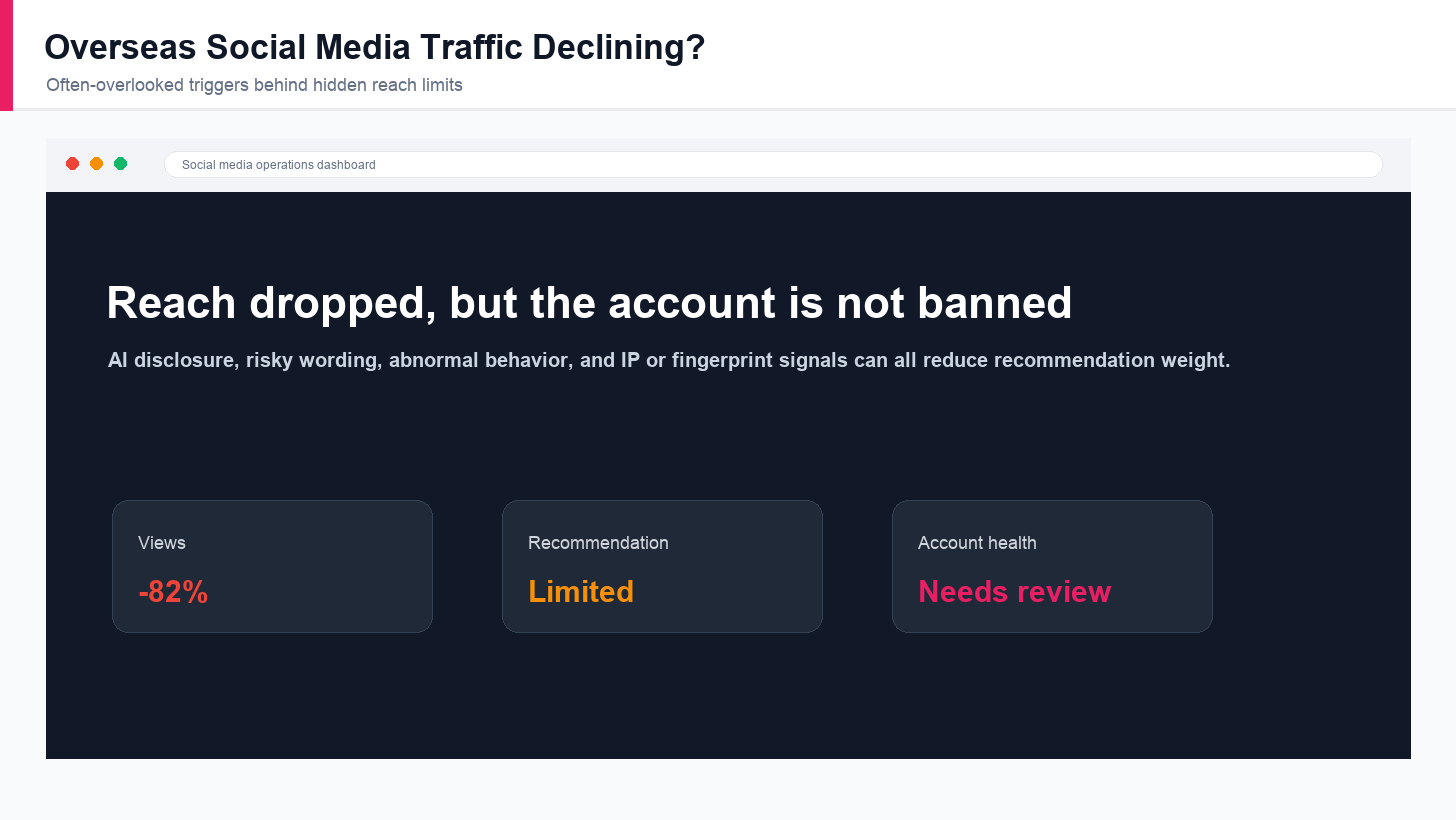
Overseas Social Media Traffic Declining? These Reach-Limiting Triggers Are Often Overlooked
A practical guide to overlooked overseas social media reach drops, covering AI content disclosure, risky wording, abnormal account behavior, hidden reach-limiting signals, and account environment checks.
View Details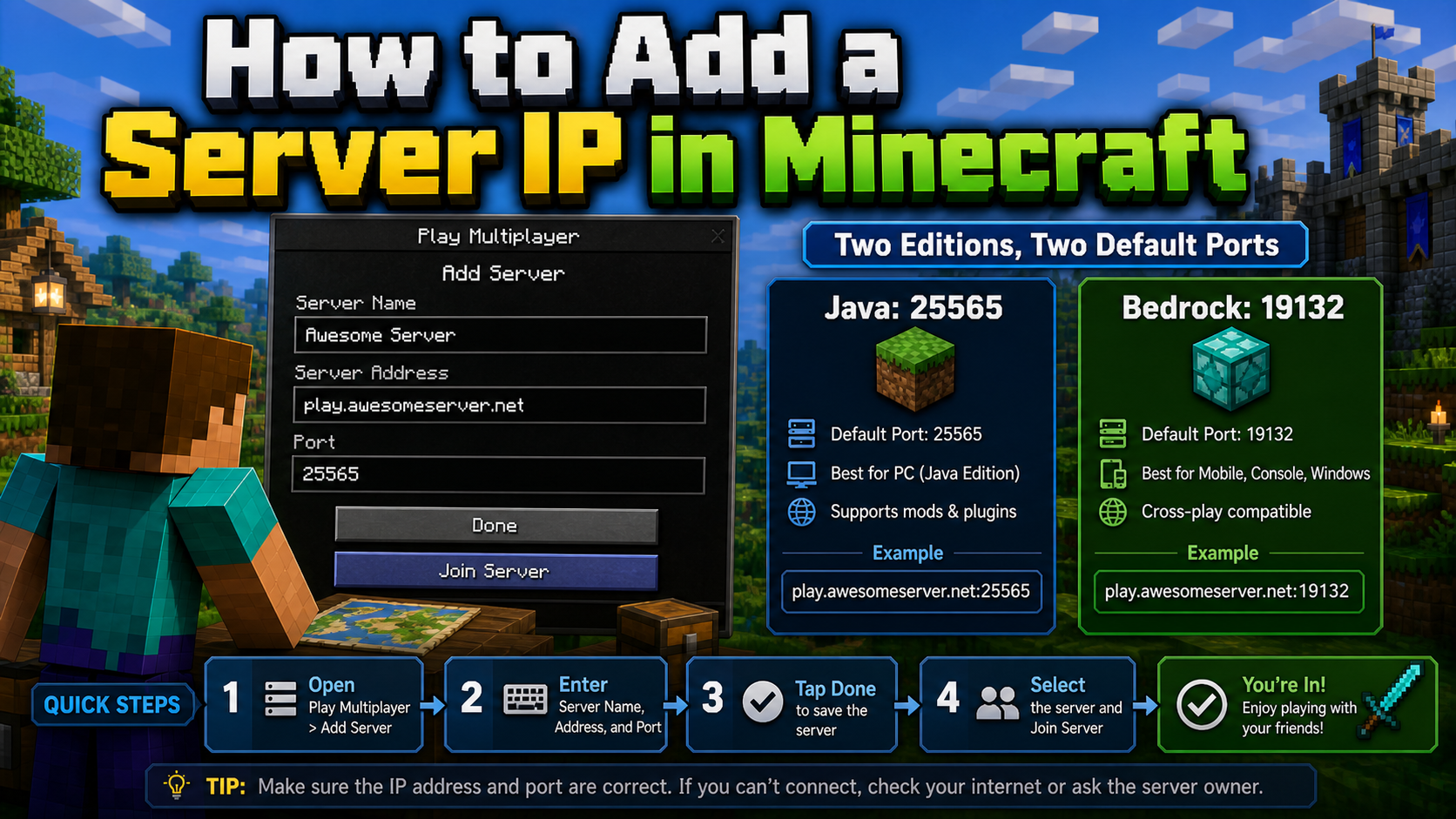
How to Add a Server IP in Minecraft Step by Step
Learn exactly where to enter a Minecraft server IP in Java, Bedrock, and Pocket Edition, plus how to fix common connection errors, ports, and edition mismatches.
View Details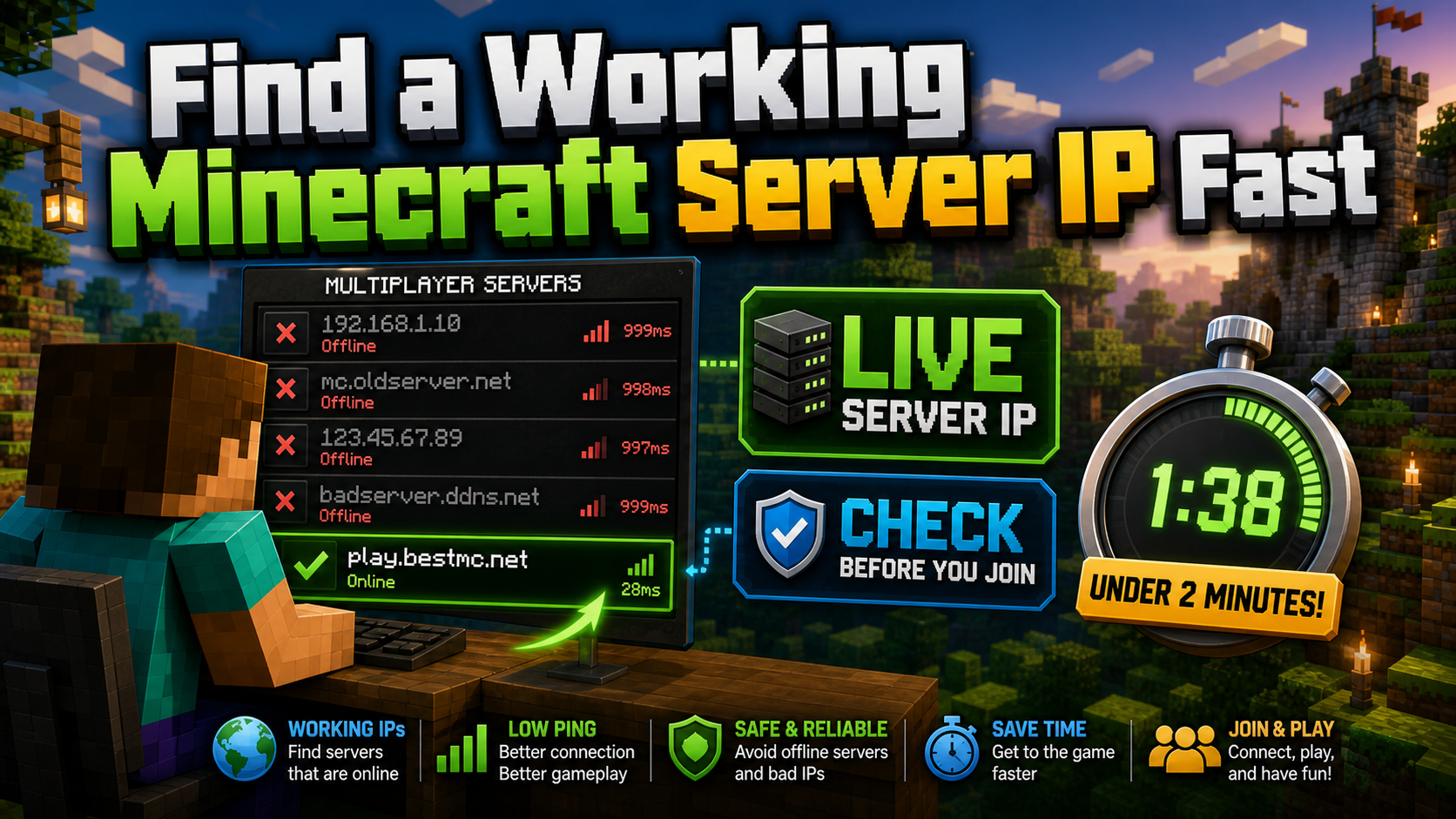
How to Find a Working Minecraft Server IP Fast
Stop wasting time on dead Minecraft server IPs. Learn how to verify live servers quickly, read status icons, check ports, and source updated server addresses.
View Details
Best 24/7 Online Minecraft Server IPs — No Downtime
Find reliable 24/7 Minecraft server IPs for Java and Bedrock, plus uptime checks, port basics, ping guidance, crossplay notes, and network stability tips.
View Details