
Scraping NASDAQ Stock Data with Python: A 2025 Tutorial

Financial markets like the NASDAQ generate a massive amount of valuable public data every second. For investors, analysts, and developers, the ability to programmatically collect this data is essential for monitoring live prices, backtesting trading strategies, and analyzing market trends.
However, modern financial websites are protected by sophisticated anti-scraping measures that can make data collection a significant challenge. At LycheeIP, we provide the critical proxy infrastructure that enables reliable access to this data. In this expert, step-by-step guide, our engineering team will walk you through how to build a powerful Python scraper to collect NASDAQ data while using LycheeIP's proxies to ensure a high success rate.
What is NASDAQ and Why Scrape Its Data?
NASDAQ is a major global stock exchange, and developers scrape its data to monitor live prices, analyze market trends, and backtest trading strategies. As one of the world's largest exchanges and home to tech giants like Apple, Microsoft, and Amazon, its public data offers invaluable insights.
Common professional use cases include:
- Real-Time Price Monitoring: Tracking live stock prices to inform automated or manual trading decisions.
- Historical Data Analysis: Collecting historical data to backtest algorithmic trading strategies.
- Market Trend Analysis: Aggregating data across industries to identify emerging trends and opportunities.
- Sentiment Analysis: Combining price data with news and social media data for a holistic market view.
Why Are Proxies Essential for Scraping NASDAQ?
Proxies are essential for scraping NASDAQ because its sophisticated anti-bot systems will quickly block any single IP address that makes automated requests. Financial websites like NASDAQ are among the most difficult to scrape. They use a combination of techniques to detect and block non-human traffic, including:
- IP Rate Limiting: Blocking any IP that sends too many requests in a short period.
- Geographic Fencing: Restricting access or showing different data based on your location.
- Browser Fingerprinting: Analyzing your browser's characteristics to identify automated scripts.
A high-quality rotating residential proxy network, like the one provided by LycheeIP, is the definitive solution to these challenges. By routing your requests through a vast pool of real, ISP-issued home IP addresses, you can make your scraper appear as a large number of unique, legitimate users, dramatically reducing your chances of being blocked.
How Do You Set Up the Python Environment?
You can set up the Python environment by installing selenium, beautifulsoup4, and selenium-wire using pip. These libraries provide the core functionality for our scraper: Selenium for browser automation, Beautiful Soup for HTML parsing, and Selenium-Wire to easily integrate a proxy.
First, create and activate a virtual environment, then run the following command in your terminal:
pip install selenium beautifulsoup4 selenium-wire pandasHow Do You Scrape NASDAQ Data Using Python, Selenium, and LycheeIP?
You can scrape NASDAQ data by using Selenium to render the page's JavaScript, executing a script to access the protected shadow DOM, and then parsing the extracted HTML with Beautiful Soup. NASDAQ is a challenging target because it hides its core price data within a shadow DOM element, which is inaccessible to simpler scraping tools like the requests library.
Below is a complete, step-by-step code example.
Step 1: Configure Your LycheeIP Proxy
First, replace the placeholder values below with your actual LycheeIP residential proxy credentials.
import time
from seleniumwire import webdriver
from selenium.webdriver.chrome.options import Options
from bs4 import BeautifulSoup
import pandas as pd

# --- LycheeIP Proxy Configuration ---
# Replace with your actual LycheeIP credentials
PROXY_HOST = 'proxy.lycheeip.com'
PROXY_PORT = 10000 # Your port
PROXY_USER = 'YOUR_USERNAME'
PROXY_PASS = 'YOUR_PASSWORD'

# Selenium-Wire options
proxy_options = {
    'proxy': {
        'http': f'http://{PROXY_USER}:{PROXY_PASS}@{PROXY_HOST}:{PROXY_PORT}',
        'https': f'https://{PROXY_USER}:{PROXY_PASS}@{PROXY_HOST}:{PROXY_PORT}',
        'no_proxy': 'localhost,127.0.0.1'
    }
}
Step 2: Build the Scraping Function
Next, we'll create a function that initializes a Selenium WebDriver, navigates to a NASDAQ stock page, and extracts the key data points.
def scrape_nasdaq_stock_info(symbol="AAPL"):
    """
    Scrapes key information for a given stock symbol from NASDAQ.
    """
    print(f"Scraping data for {symbol}...")
    url = f"https://www.nasdaq.com/market-activity/stocks/{symbol.lower()}"

    # Configure Chrome options for headless mode
    chrome_options = Options()
    chrome_options.add_argument("--headless")
    chrome_options.add_argument("--no-sandbox")
    chrome_options.add_argument("--disable-dev-shm-usage")

    # Initialize the WebDriver with our proxy configuration
    driver = webdriver.Chrome(seleniumwire_options=proxy_options, options=chrome_options)

    try:
        driver.get(url)
        # Wait for the dynamic content to load
        time.sleep(5)

        # --- Shadow DOM Extraction ---
        # This JavaScript finds the shadow host and returns its inner HTML
        script = """
        return document.querySelector('nasdaq-symbol-page').shadowRoot.innerHTML
        """
        shadow_root_html = driver.execute_script(script)

        # --- Data Parsing with Beautiful Soup ---
        soup = BeautifulSoup(shadow_root_html, 'html.parser')

        stock_data = {}

        # Extract stock name
        stock_data['name'] = soup.select_one('h1.symbol-page-header__name').get_text(strip=True)

        # Extract stock price
        stock_data['price'] = soup.select_one('span.symbol-page-header__price').get_text(strip=True)

        # Extract price change details
        price_change_element = soup.select_one('span.symbol-page-header__change')
        price_change_text = price_change_element.get_text(strip=True)

        # Split the text into the two parts (e.g., "+$1.23 (+0.45%)")
        parts = price_change_text.replace('(', '').replace(')', '').split()
        stock_data['price_change_absolute'] = ' '.join(parts[0:2])
        stock_data['price_change_percentage'] = parts[2]

        print(f"Successfully scraped data for {symbol}.")
        return stock_data

    except Exception as e:
        print(f"An error occurred while scraping {symbol}: {e}")
        return None
    finally:
        driver.quit()

# --- Example Usage ---
if __name__ == "__main__":
    apple_data = scrape_nasdaq_stock_info("AAPL")
    if apple_data:
        print("\n--- Scraped Data ---")
        print(apple_data)
        print("--------------------")
How Do You Save the Scraped Stock Data?
You can save the scraped stock data to a CSV file easily using the pandas library. After extracting the information for one or more stocks, you can append it to a list and then convert that list into a pandas DataFrame for easy storage.
Here’s how you can extend the example to save the data:
# ... (inside the if __name__ == "__main__": block)

# Scrape multiple stocks
symbols_to_scrape = ["AAPL", "GOOGL", "MSFT"]
all_stock_data = []

for symbol in symbols_to_scrape:
    data = scrape_nasdaq_stock_info(symbol)
    if data:
        data['symbol'] = symbol # Add the ticker symbol
        all_stock_data.append(data)

# Save the data to a CSV file
if all_stock_data:
    df = pd.DataFrame(all_stock_data)
    df.to_csv('nasdaq_stock_data.csv', index=False)
    print("\nData successfully saved to nasdaq_stock_data.csv")
Frequently Asked Questions (FAQ)
Is scraping NASDAQ legal?
Collecting publicly available data is generally considered legal in the US for purposes like research and analysis. However, you must always respect a website’s Terms of Service and data protection laws. This guide is for educational purposes, and you should consult with legal counsel for any commercial project.
Do I have to use Selenium, or can I use the requests library?
You must use a browser automation tool like Selenium or Playwright for NASDAQ. This is because the critical price data is embedded within a shadow DOM, a protected part of the webpage that is only rendered by JavaScript and is inaccessible to simpler HTTP clients like requests.
Can I scrape multiple stocks in parallel to go faster?
Yes. For high-volume scraping, you can use Python's asynchronous frameworks or multi-threading libraries to run multiple instances of your scraper concurrently. When doing so, it is absolutely essential to use a rotating proxy pool from a provider like LycheeIP to ensure each concurrent process has a unique IP address.
How often can I scrape without being blocked?
There is no magic number. The key is to be respectful of the website's servers. This means limiting your request frequency, adding random delays between requests, and using a high-quality residential proxy pool from LycheeIP to mimic legitimate user behavior.

Recommended Articles
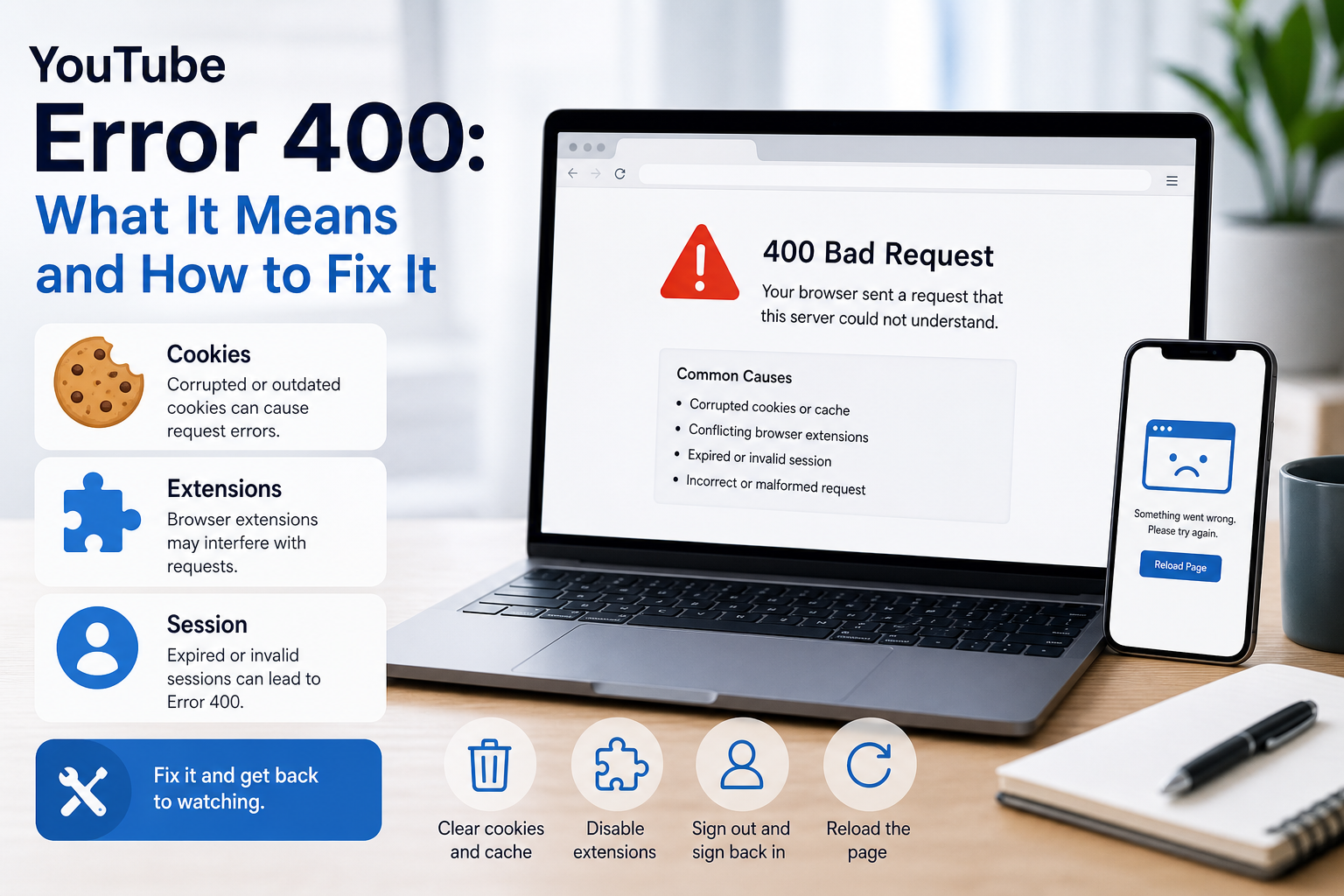
YouTube Error 400: What It Means and How to Fix It
In HTTP terminology, a 400 Bad Request is a client-error response. MDN explains that servers commonly return 400 when they consider the request malformed, incorrectly framed, or deceptively routed. The important troubleshooting clue is that repeating the exact same request without changing anything is expected to fail again.
View Details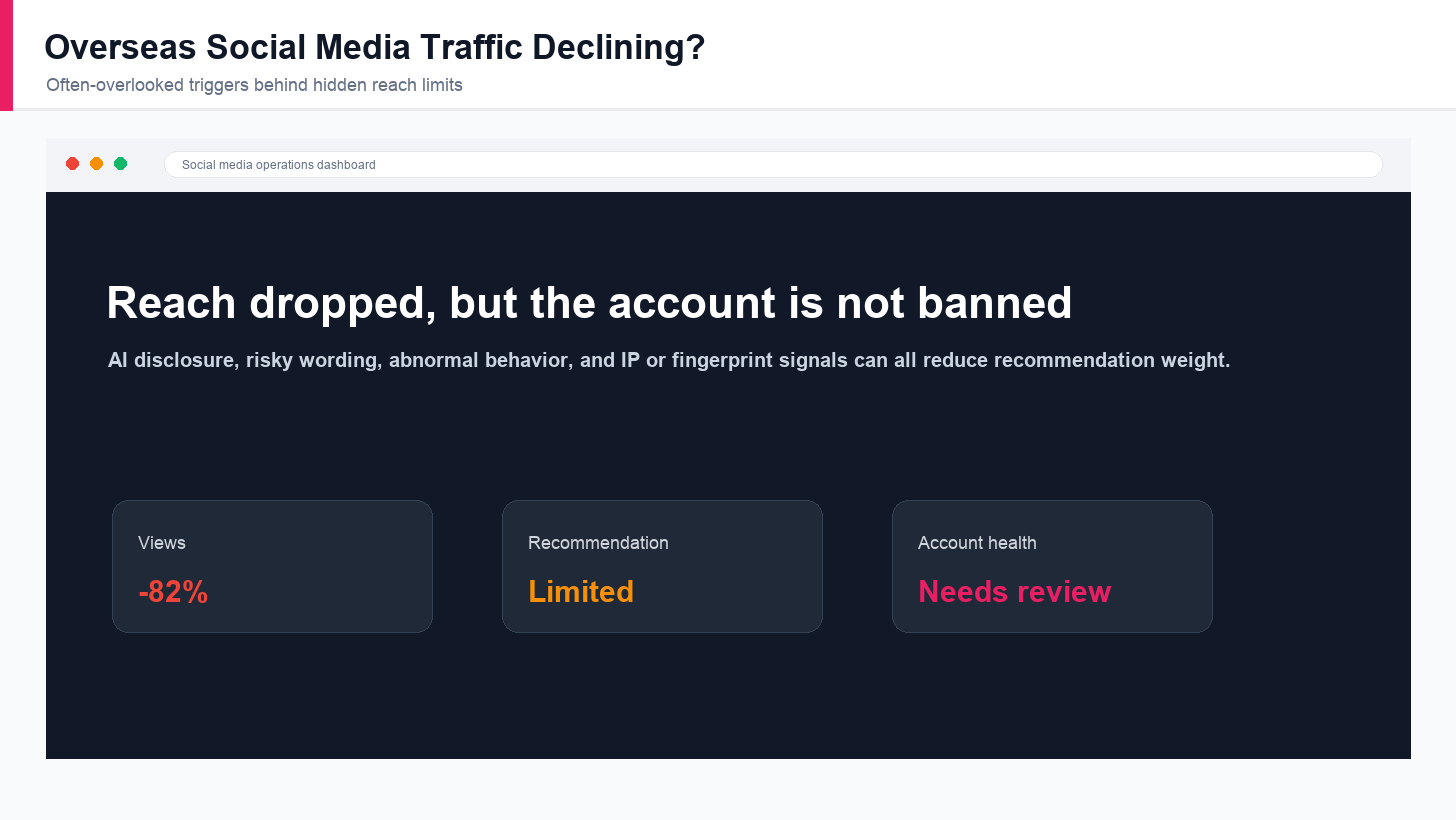
Overseas Social Media Traffic Declining? These Reach-Limiting Triggers Are Often Overlooked
A practical guide to overlooked overseas social media reach drops, covering AI content disclosure, risky wording, abnormal account behavior, hidden reach-limiting signals, and account environment checks.
View Details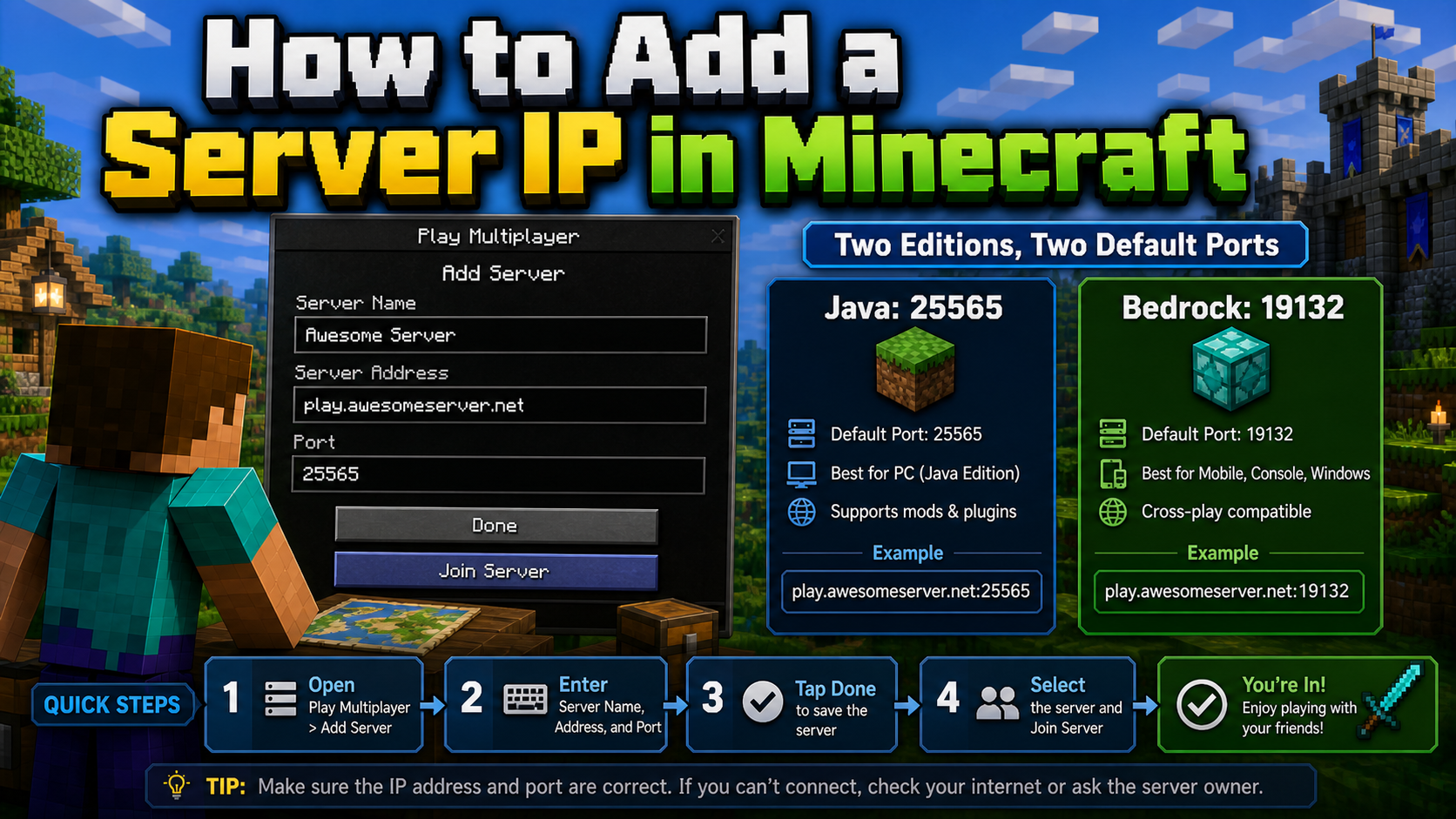
How to Add a Server IP in Minecraft Step by Step
Learn exactly where to enter a Minecraft server IP in Java, Bedrock, and Pocket Edition, plus how to fix common connection errors, ports, and edition mismatches.
View Details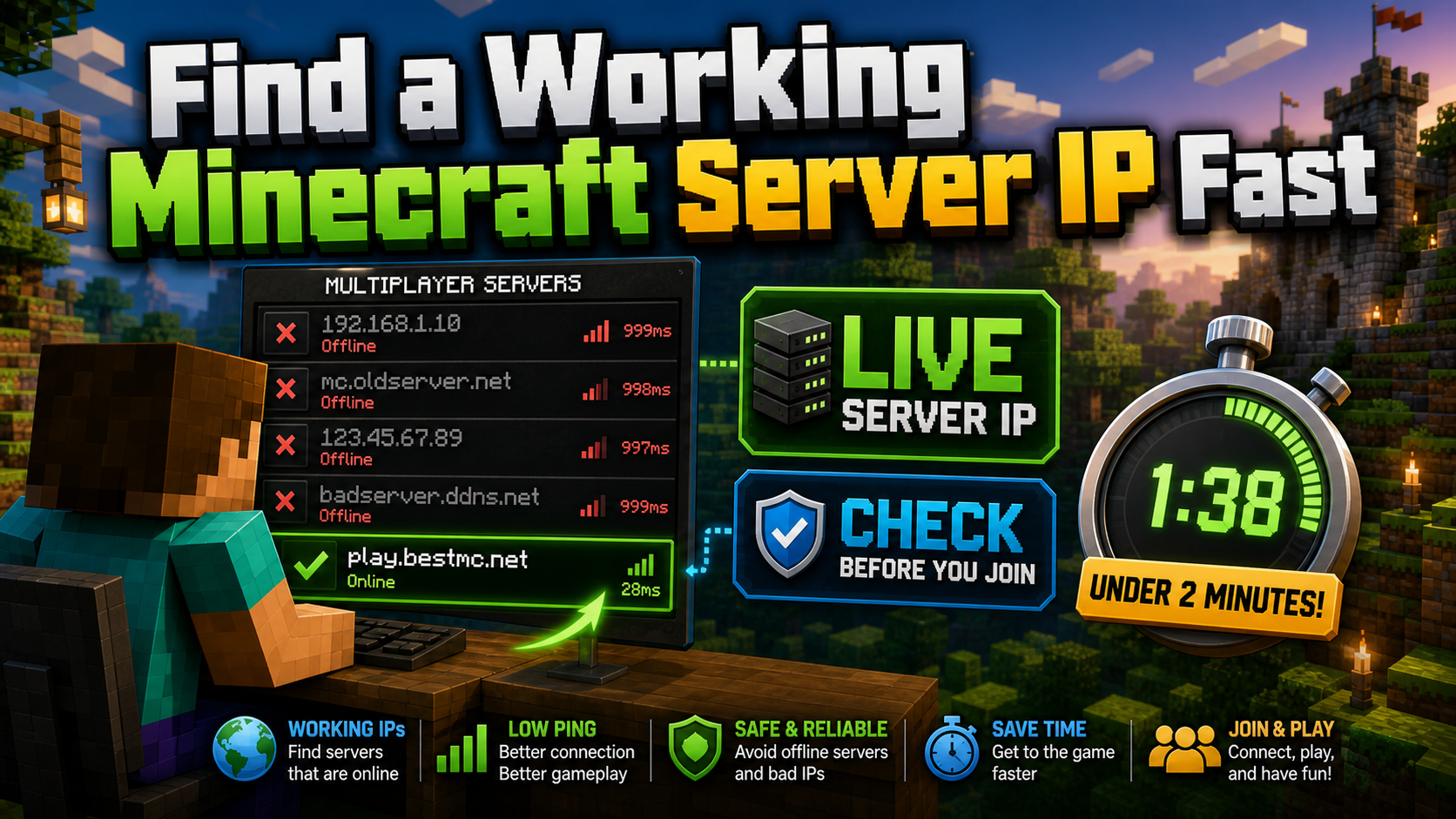
How to Find a Working Minecraft Server IP Fast
Stop wasting time on dead Minecraft server IPs. Learn how to verify live servers quickly, read status icons, check ports, and source updated server addresses.
View Details
Best 24/7 Online Minecraft Server IPs — No Downtime
Find reliable 24/7 Minecraft server IPs for Java and Bedrock, plus uptime checks, port basics, ping guidance, crossplay notes, and network stability tips.
View Details