
Java HTTP Requests Made Easy: A Step‑by‑Step Guide with LycheeIP (2025)
Java HTTP Requests Made Easy: A Step‑by‑Step Guide with LycheeIP (2025)
Making HTTP requests is a fundamental requirement for nearly every modern Java application, from consuming third-party APIs to large-scale web data collection. While Java's standard library provides powerful tools for this, integrating them correctly—especially with a proxy for resilience and scale—is crucial for building robust, production-ready applications.
At LycheeIP, we provide the proxy infrastructure that powers countless Java applications. In this expert guide, our engineering team will walk you through the entire process, from setting up your environment to sending GET and POST requests, and finally, to routing your traffic securely through a high-quality proxy network.
How Do You Prepare Your Java Environment?
You can prepare your Java environment by installing a recent Java Development Kit (JDK) and using a build tool like Maven or Gradle. For this guide, we recommend using JDK 11 or newer to take advantage of the modern, built-in HttpClient.
To start, create a new Java project in your favorite IDE. If you are using Maven, your pom.xml file will be minimal, as HttpClient is part of the standard library and requires no external dependencies.
Which HTTP Client Should You Use in Java?
You should use the native java.net.http.HttpClient for most modern Java applications. While older Java versions relied on the more cumbersome HttpURLConnection, the HttpClient introduced in JDK 11 offers a more streamlined, powerful, and user-friendly API. It supports both synchronous and asynchronous requests, handles modern protocols like HTTP/2, and is the clear choice for new projects.
While third-party libraries like Apache HttpClient and OkHttp are excellent and offer additional features, for the vast majority of use cases, the built-in HttpClient is all you need.
How Do You Send a GET Request?
You can send a GET request by building an HttpRequest object and using an HttpClient instance to send it. A GET request is the simplest way to retrieve data from a URL.
Here is a complete, practical example of how to create a client, build a request, and process the response.
import java.net.URI;
import java.net.http.HttpClient;
import java.net.http.HttpRequest;
import java.net.http.HttpResponse;
import java.io.IOException;

public class Main {
    public static void main(String[] args) {
        // 1. Create an HttpClient instance
        HttpClient client = HttpClient.newHttpClient();

        // 2. Build the HttpRequest object
        HttpRequest request = HttpRequest.newBuilder()
                .uri(URI.create("https://httpbin.io/get"))
                .header("User-Agent", "Java HttpClient Bot")
                .build();

        try {
            // 3. Send the request and get the response
            HttpResponse<String> response = client.send(request, HttpResponse.BodyHandlers.ofString());

            // 4. Process the response
            System.out.println("Status Code: " + response.statusCode());
            System.out.println("Response Body: " + response.body());

        } catch (IOException | InterruptedException e) {
            e.printStackTrace();
        }
    }
}
How Do You Send a POST Request?
You can send a POST request by creating a request body, setting the Content-Type header, and using the POST() method. This is typically used for submitting data, such as sending JSON to an API endpoint.
Here’s how you can send a JSON payload in a POST request:
// ... (imports are the same as above)

public class Main {
    public static void main(String[] args) {
        HttpClient client = HttpClient.newHttpClient();

        // Define the JSON payload
        String jsonBody = "{\"name\":\"LycheeIP\", \"service\":\"proxies\"}";

        HttpRequest request = HttpRequest.newBuilder()
                .uri(URI.create("https://httpbin.io/post"))
                .header("Content-Type", "application/json") // Set the content type header
                .POST(HttpRequest.BodyPublishers.ofString(jsonBody)) // Set the method and body
                .build();

        try {
            HttpResponse<String> response = client.send(request, HttpResponse.BodyHandlers.ofString());
            System.out.println("Status Code: " + response.statusCode());
            System.out.println("Response Body: " + response.body());
        } catch (IOException | InterruptedException e) {
            e.printStackTrace();
        }
    }
}
How Do You Use a Proxy with Java's HttpClient?
You can use a proxy by creating an Authenticator for your credentials and setting a ProxySelector on your HttpClient instance. This is the most critical step for any serious data collection project, as it allows you to mask your application's IP address.
Here is a production-ready example showing how to integrate an authenticated LycheeIP proxy.
import java.net.Authenticator;
import java.net.InetSocketAddress;
import java.net.PasswordAuthentication;
import java.net.ProxySelector;
import java.net.URI;
import java.net.http.HttpClient;
import java.net.http.HttpRequest;
import java.net.http.HttpResponse;
import java.io.IOException;

public class Main {
    public static void main(String[] args) {
        // Your LycheeIP proxy credentials
        final String proxyHost = "proxy.lycheeip.com";
        final int proxyPort = 10000; // Replace with your port
        final String username = "YOUR_USERNAME";
        final String password = "YOUR_PASSWORD";

        // Create an Authenticator for your proxy credentials
        Authenticator authenticator = new Authenticator() {
            @Override
            protected PasswordAuthentication getPasswordAuthentication() {
                return new PasswordAuthentication(username, password.toCharArray());
            }
        };

        // Build the HttpClient with the proxy configuration
        HttpClient client = HttpClient.newBuilder()
                .proxy(ProxySelector.of(new InetSocketAddress(proxyHost, proxyPort)))
                .authenticator(authenticator)
                .build();

        // Build the request as usual
        HttpRequest request = HttpRequest.newBuilder()
                .uri(URI.create("https://ip.lycheeip.com/")) // An endpoint to check your IP
                .build();

        try {
            HttpResponse<String> response = client.send(request, HttpResponse.BodyHandlers.ofString());
            System.out.println("Status Code: " + response.statusCode());
            // This will print the IP address of your LycheeIP proxy
            System.out.println("Response Body (Proxy IP): " + response.body());
        } catch (IOException | InterruptedException e) {
            e.printStackTrace();
        }
    }
}
Why Should You Use Proxies for Your Java HTTP Requests?
You should use proxies to prevent your Java application's IP from being blocked when performing tasks like web scraping or API testing at scale. If you send a high volume of requests from a single server IP, you will inevitably be rate-limited or permanently banned by your target websites.
A high-quality proxy network like LycheeIP solves this by routing your requests through a vast pool of different IP addresses. This allows you to:
- Avoid IP bans and CAPTCHAs.
- Access geo-restricted content by using IPs from specific countries.
- Test your application from thousands of different perspectives.
Frequently Asked Questions (FAQ)
Do I need third‑party libraries for HTTP requests in Java?
Not for most cases. Java 11's built-in HttpClient provides robust functionality for both synchronous and asynchronous requests. You would only need a library like OkHttp or Apache HttpClient for highly specific features or legacy project compatibility.
Can I send asynchronous requests with HttpClient?
Yes. The client.sendAsync() method allows you to send non-blocking requests and handle the response using a CompletableFuture. This is a highly efficient way to manage multiple requests concurrently without blocking your main application thread.
How do I handle self-signed SSL certificates?
While the default client handles standard HTTPS connections perfectly, you may encounter errors with self-signed certificates in a development environment. To handle this, you can configure a custom SSLContext and TrustManager, but you should never disable SSL verification in a production environment.
Does LycheeIP support proxy authentication?
Yes. As shown in the code example above, our network supports standard username and password authentication. You can also whitelist your application server's static IP in your LycheeIP dashboard for password-less authentication.

Recommended Articles
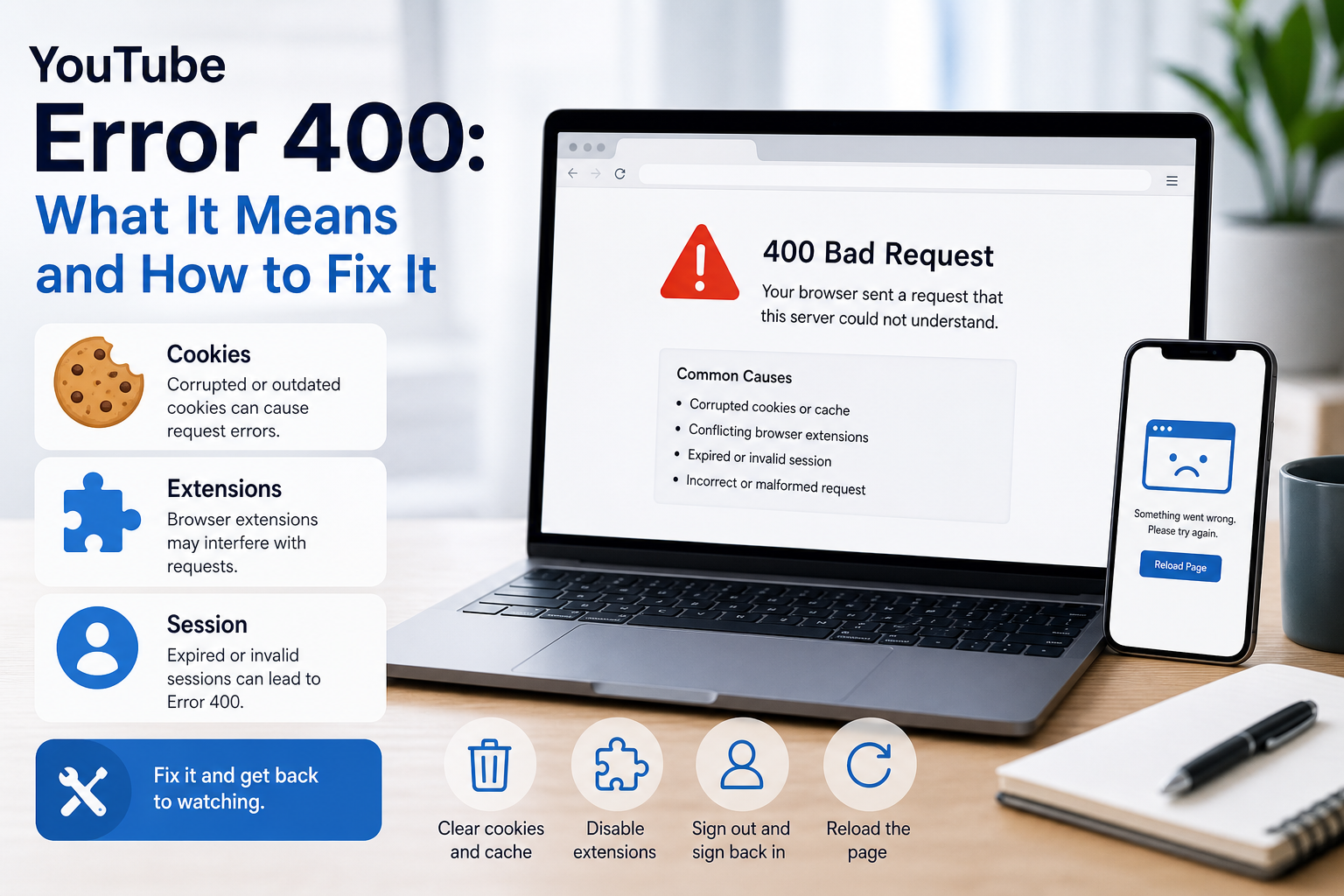
YouTube Error 400: What It Means and How to Fix It
In HTTP terminology, a 400 Bad Request is a client-error response. MDN explains that servers commonly return 400 when they consider the request malformed, incorrectly framed, or deceptively routed. The important troubleshooting clue is that repeating the exact same request without changing anything is expected to fail again.
View Details
Overseas Social Media Traffic Declining? These Reach-Limiting Triggers Are Often Overlooked
A practical guide to overlooked overseas social media reach drops, covering AI content disclosure, risky wording, abnormal account behavior, hidden reach-limiting signals, and account environment checks.
View Details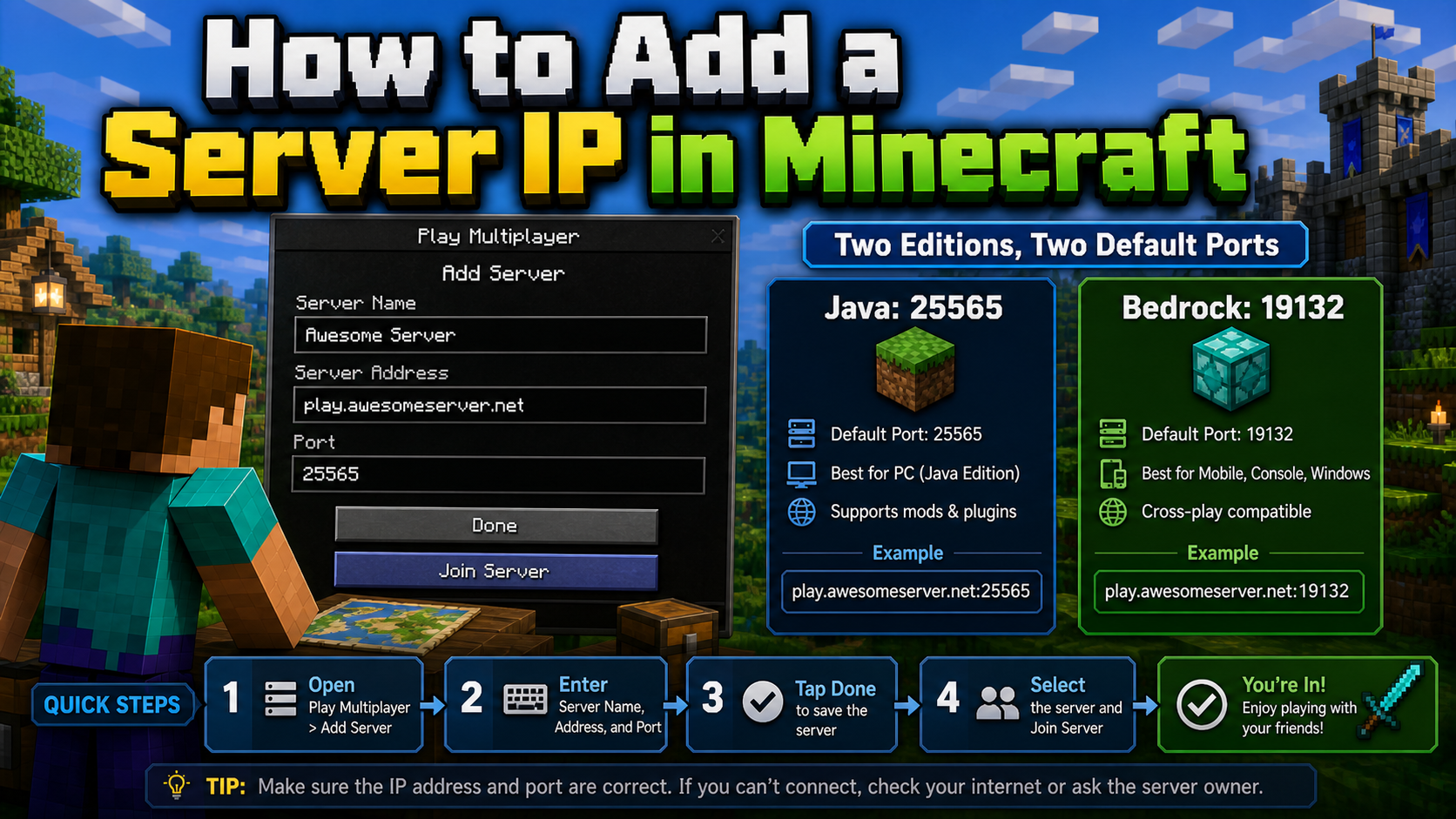
How to Add a Server IP in Minecraft Step by Step
Learn exactly where to enter a Minecraft server IP in Java, Bedrock, and Pocket Edition, plus how to fix common connection errors, ports, and edition mismatches.
View Details
How to Find a Working Minecraft Server IP Fast
Stop wasting time on dead Minecraft server IPs. Learn how to verify live servers quickly, read status icons, check ports, and source updated server addresses.
View Details
Best 24/7 Online Minecraft Server IPs — No Downtime
Find reliable 24/7 Minecraft server IPs for Java and Bedrock, plus uptime checks, port basics, ping guidance, crossplay notes, and network stability tips.
View Details