
Network Security Basics Every Professional Needs
Network Security Basics Every Professional Needs
Think like an attacker to defend like a professional. This isn't just a catchy phrase, it's the fundamental principle that separates effective security practitioners from those who simply check compliance boxes. For IT professionals transitioning into security roles, the shift in mindset can be jarring. You've spent years building systems, optimizing performance, and ensuring availability. Now you need to think like someone who wants to tear it all down.
Understanding how attackers scan and exploit network vulnerabilities isn't about becoming malicious, it's about developing the defensive insight that only comes from knowing your adversary's playbook. Every firewall rule you write, every network segment you design, and every monitoring alert you configure becomes exponentially more effective when informed by real attack methodologies.
This guide walks through the attacker's journey from initial reconnaissance to exploitation, then flips the script to show you how to build defenses at each stage. By the end, you'll understand not just what* to protect, but *why* specific controls matter and *how they frustrate real-world attacks.
Power secure traffic with LycheeIP
Act 1: Network Reconnaissance Using Professional Scanning Tools
The Attacker's First Move
Before any attack can succeed, attackers need to understand the terrain. Network reconnaissance is the systematic process of gathering information about target systems, services, and potential vulnerabilities. This phase is often passive or minimally invasive, designed to build a comprehensive map of your infrastructure without triggering alarms.
For defenders, understanding reconnaissance techniques reveals what information you're inadvertently exposing and where your first line of detection should focus.
Professional Scanning Tools
The same tools used by attackers are essential for security professionals conducting authorized assessments:
Nmap (Network Mapper) remains the gold standard for network discovery and security auditing. A simple command like `nmap -sV -sC 192.168.1.0/24` performs service version detection and runs default scripts against an entire subnet, revealing:
- Open ports and listening services
- Service versions (often including patch levels)
- Operating system fingerprints
- Potential vulnerabilities in service configurations
Masscan offers high-speed port scanning, capable of scanning the entire Internet in under six minutes (though you shouldn't). Attackers use it for rapid reconnaissance across large IP ranges, while defenders use it to quickly audit their external attack surface.
Netcat, the "Swiss Army knife" of networking, allows both banner grabbing and manual service interaction. A simple `nc -v target.com 80` followed by HTTP commands reveals exact server versions and configurations.
Types of Reconnaissance Scans
Port Scanning identifies which network ports are open, closed, or filtered. TCP SYN scans (`nmap -sS`) are stealthy half-open scans that don't complete the three-way handshake, making them harder to log. UDP scans (`nmap -sU`) target often-overlooked services like DNS, SNMP, and TFTP.
Service Enumeration goes beyond identifying open ports to fingerprint specific applications. Version detection reveals whether that web server is Apache 2.4.49 (vulnerable to CVE-2021-41773 path traversal) or a patched version.
OS Fingerprinting analyzes TCP/IP stack behaviors to identify operating systems with surprising accuracy. An attacker knowing you're running Windows Server 2012 immediately narrows their exploit database.
What Attackers Learn
A comprehensive reconnaissance scan reveals:
- Network topology and subnet organization
- Demilitarized zone (DMZ) configurations
- Firewall rule patterns (what's blocked vs. allowed)
- Internal vs. external service exposure
- Naming conventions that might indicate server functions
- Time zone information and system uptimes
- Technology stack details
Each piece of information reduces the attacker's uncertainty and increases their probability of success.
Act 2: Common Network Vulnerabilities and Exploitation Methods
Reconnaissance identifies opportunities; exploitation converts those opportunities into access. Understanding common vulnerability patterns helps you prioritize defensive efforts where they matter most.
Open Ports and Unnecessary Services
Every listening service is a potential attack vector. Legacy environments often run SMB, Telnet, FTP, or outdated remote administration tools that were never disabled after migrations to more secure alternatives.
Real-world scenario: An attacker finds port 445 (SMB) open on a file server. Using tools like Metasploit or manual exploitation, they check for EternalBlue (CVE-2017-0144) or other SMB vulnerabilities. Even if patched, SMB often reveals share information, usernames, and domain details through null sessions.
Weak Authentication Mechanisms
Default credentials remain shockingly common. Network devices, database servers, and IoT devices frequently ship with vendor defaults that administrators never change. Attackers maintain extensive databases of default credentials for thousands of devices.
Brute force and password spraying attacks target authentication endpoints. Unlike traditional brute forcing (many passwords against one account), password spraying tries one common password across many accounts—staying below lockout thresholds while exploiting human password patterns.
Unpatched Systems and Known CVEs
CVE databases provide attackers with ready-made exploit code for thousands of vulnerabilities. When reconnaissance reveals specific software versions, attackers immediately check exploit databases like Exploit-DB or Metasploit modules.
Critical insight: The window between vulnerability disclosure and widespread exploitation has shrunk dramatically. Automated attack tools now incorporate new exploits within hours of public disclosure.
Misconfigured Network Devices
Routers, switches, and firewalls with misconfigured ACLs (Access Control Lists) create unintended pathways. Common misconfigurations include:
- Overly permissive outbound rules allowing command-and-control communications
- Firewall rules that permit traffic based on source IP alone (easily spoofed)
- Network segmentation bypasses through dual-homed systems
- VLAN hopping vulnerabilities in switch configurations
Man-in-the-Middle Opportunities
Unencrypted protocols (HTTP, Telnet, FTP) transmit credentials in cleartext. ARP spoofing and DNS poisoning allow attackers on the same network segment to intercept or redirect traffic.
Even encrypted connections become vulnerable when certificate validation is disabled or ignored, a configuration shortcut that persists in production environments far too often.
From Vulnerability to Compromise
Modern attacks chain multiple vulnerabilities. An initial foothold through a misconfigured web application leads to network reconnaissance from inside your perimeter. Lateral movement exploits trust relationships between systems. Privilege escalation leverages unpatched local vulnerabilities. Each stage builds on the previous, turning minor weaknesses into critical breaches.
Power secure traffic with LycheeIP
Act 3: Implementing Defensive Controls Based on Attack Patterns
Now we flip the script. Every attack technique has corresponding defensive controls. Effective security isn't about preventing every possible attack, it's about raising the cost of attack until it exceeds the value of compromise.
Network Segmentation Strategies
Principle: Don't allow lateral movement. Segment your network so that compromising one system doesn't grant access to everything.
Implementation:
- Separate production, development, and administrative networks
- Isolate high-value assets (databases, domain controllers, sensitive file servers)
- Implement VLANs with strict inter-VLAN routing policies
- Create jump boxes/bastion hosts as controlled entry points for administration
Attack pattern defeated: Limits reconnaissance scope and prevents lateral movement after initial compromise.
Firewall Rules and ACLs
Principle: Default deny. Permit only known-good traffic; block everything else.
Implementation:
- Document business justification for every allow rule
- Implement both ingress and egress filtering
- Use stateful inspection to prevent spoofing
- Apply the principle of least privilege to network access
- Regularly audit and remove obsolete rules
Attack pattern defeated: Reduces attack surface by eliminating unnecessary service exposure and blocks command-and-control communications.
Intrusion Detection and Prevention Systems
Principle: Detect anomalies and known attack signatures.
Implementation:
- Deploy network-based IDS/IPS at network perimeter and between segments
- Signature-based detection catches known exploit attempts
- Anomaly-based detection identifies unusual traffic patterns
- Configure meaningful alerting (avoid alert fatigue)
- Integrate with SIEM for correlation
Attack pattern defeated: Identifies reconnaissance activity, exploit attempts, and command-and-control traffic patterns.
Security Monitoring and Logging
Principle: You can't defend what you can't see.
Implementation:
- Enable comprehensive logging on network devices, firewalls, and critical systems
- Centralize logs in a SIEM or log management platform
- Establish baseline behavior to identify deviations
- Monitor for reconnaissance signatures (port scans, service enumeration)
- Track authentication failures and privilege escalation attempts
- Implement alerting for critical security events
Attack pattern defeated: Provides visibility into all attack phases from reconnaissance through exploitation and lateral movement.
Patch Management Processes
Principle: Eliminate known vulnerabilities before they're exploited.
Implementation:
- Establish regular patching cycles
- Prioritize based on CVSS scores and exploit availability
- Test patches in non-production before deployment
- Maintain asset inventory to ensure nothing is overlooked
- Implement virtual patching through IPS when immediate patching isn't possible
Attack pattern defeated: Removes the vulnerabilities that reconnaissance identifies and exploits rely on.
Zero-Trust Architecture Principles
Principle: Never trust, always verify, even inside your perimeter.
Implementation:
- Authenticate and authorize every connection
- Encrypt all traffic (even internal communications)
- Micro-segmentation at the workload level
- Continuous verification of security posture
- Least-privilege access for all users and systems
Attack pattern defeated: Assumes breach has occurred; limits damage even when perimeter defenses fail.
Your Defensive Checklist
1. Inventory: Know every asset, service, and network path
2. Minimize: Disable unnecessary services and close unused ports
3. Segment: Separate networks based on function and trust level
4. Harden: Configure systems according to security benchmarks (CIS, DISA STIGs)
5. Monitor: Implement logging and alerting for security events
6. Update: Maintain current patches and security updates
7. Test: Regularly scan and assess your own infrastructure
8. Respond: Have incident response procedures documented and tested
Strategic Infrastructure: How LycheeIP Fits the Security Ecosystem
LycheeIP provides developer-first proxy and data infrastructure that bridges the gap between local security tools and real-world network integrity. Here is how it completes the defensive and offensive security cycles:
1. High-Fidelity Reconnaissance and Scanning
- Bypassing Reputation Filters: Professional security audits often require scanning from "clean" IP addresses. LycheeIP offers ethically sourced residential proxies that appear as genuine home users, allowing you to test if your target's Web Application Firewall (WAF) can distinguish between human traffic and automated scans.
- Global Geo-Targeting: Simulate attacks from 200+ countries. This is essential for testing "Geo-fencing" rules and ensuring that your regional security policies are actually functioning as intended across different geographic zones.
2. Testing Under Persistent Conditions (Static vs. Dynamic)
- Static Residential (ISP) Proxies: Ideal for simulating long-dwell threats. If your security lab project involves maintaining a persistent "backdoor" or a long-term C2 (Command & Control) channel, LycheeIP’s static IPs provide a fixed, stable identity that won't cycle mid-session.
- Dynamic Rotation for Stress Testing: Use the dynamic residential poo, to rotate IPs for every request. This is critical for testing how your Intrusion Detection Systems (IDS) handle distributed attacks or rate-limiting bypass attempts.
3. Developer-First Security Automation
- API-Driven Infrastructure: Professional security teams shouldn't be manual. LycheeIP provides a near real-time API and web dashboard, allowing you to programmatically rotate IPs or monitor traffic statistics directly within your custom Python scanners or automated exploit frameworks.
- Purity and Cooling Protocols: Every IP in the pool undergoes a 6-month cooling period before reuse. This ensures your security tests aren't skewed by "burnt" IPs that were blacklisted by previous users, providing a clean baseline for your research.
4. Technical Protocol Support
- Versatile Proxy Protocols: Full support for HTTP/HTTPS and SOCKS5 ensures that every tool in your security arsenal, from Nmap and Metasploit to Hydra, can be seamlessly routed through a professional proxy layer without protocol errors.
Conclusion: The Offensive-Defensive Mindset
The transition from IT professional to security practitioner requires more than technical knowledge, it demands a fundamental shift in perspective. Building systems taught you to optimize for availability and performance. Security requires you to also think about confidentiality and integrity, often accepting some inconvenience to reduce risk.
Thinking like an attacker means developing structured thinking about threats and infrastructure. When you recognize that lateral movement follows initial compromise, you segment your network. When you understand that modern adversaries use sophisticated network masking, you integrate tools like LycheeIP into your defensive labs to simulate those exact conditions.
Every defensive control becomes more purposeful when you understand the attack it prevents. Every security decision becomes clearer when framed by the adversary's perspective.
Your next step: Choose one defensive control from this guide and implement it this week. Run an authorized scan of your own network. Review your firewall rules. Or, and see how residential proxies change the way you perceive network reconnaissance. Each small action compounds, building toward a comprehensive security posture.
The attackers are already thinking this way. The question is whether you'll join them in that mindset, as a defender who truly understands the game.
Power secure traffic with LycheeIP
Frequently Asked Questions
Q: What's the difference between a vulnerability scan and a penetration test?
A: A vulnerability scan is an automated process that identifies known vulnerabilities, open ports, and misconfigurations in your systems. It tells you what weaknesses exist. A penetration test goes further, it actively attempts to exploit those vulnerabilities to determine if they're actually exploitable and what access they might grant to an attacker. Think of scanning as finding unlocked windows, while pen testing is actually climbing through them to see what you can reach.
Q: Is it legal to use tools like Nmap on my own network?
A: Yes, it's completely legal to scan and test networks you own or have explicit written authorization to assess. However, scanning networks you don't own or control, even if you think you're helping, is illegal in most jurisdictions and can result in serious consequences. Always obtain proper authorization before conducting any security testing, even within your own organization.
Q: How often should I scan my network for vulnerabilities?
A: The frequency depends on your risk profile and change rate. At minimum, conduct vulnerability scans monthly and after any significant infrastructure changes. High-security environments often scan weekly or even continuously. Critical systems should be scanned before and after patching cycles. Remember that new vulnerabilities are discovered constantly, so your last scan's clean results don't guarantee current security.
Q: What should I do if I discover a critical vulnerability during a scan?
A: First, assess whether the vulnerability is actively exploitable from your threat landscape (internet-facing vs. internal-only). Document the finding with details about the affected system, vulnerability, and potential impact. For critical vulnerabilities, implement temporary mitigations immediately—this might include firewall rules, disabling services, or network segmentation. Then schedule emergency patching or remediation. Always follow your organization's incident response and change management procedures.
Q: Can network segmentation really stop attackers who've already breached my perimeter?
A: Network segmentation won't stop a breach, but it significantly limits what attackers can do after the initial compromise. Without segmentation, compromising one system often provides a pathway to everything on the network. Proper segmentation forces attackers to overcome additional obstacles at each boundary, slowing their progress, increasing the likelihood of detection, and potentially stopping them before they reach high-value targets. It's about defense in depth, multiple layers that must each be defeated.

Recommended Articles
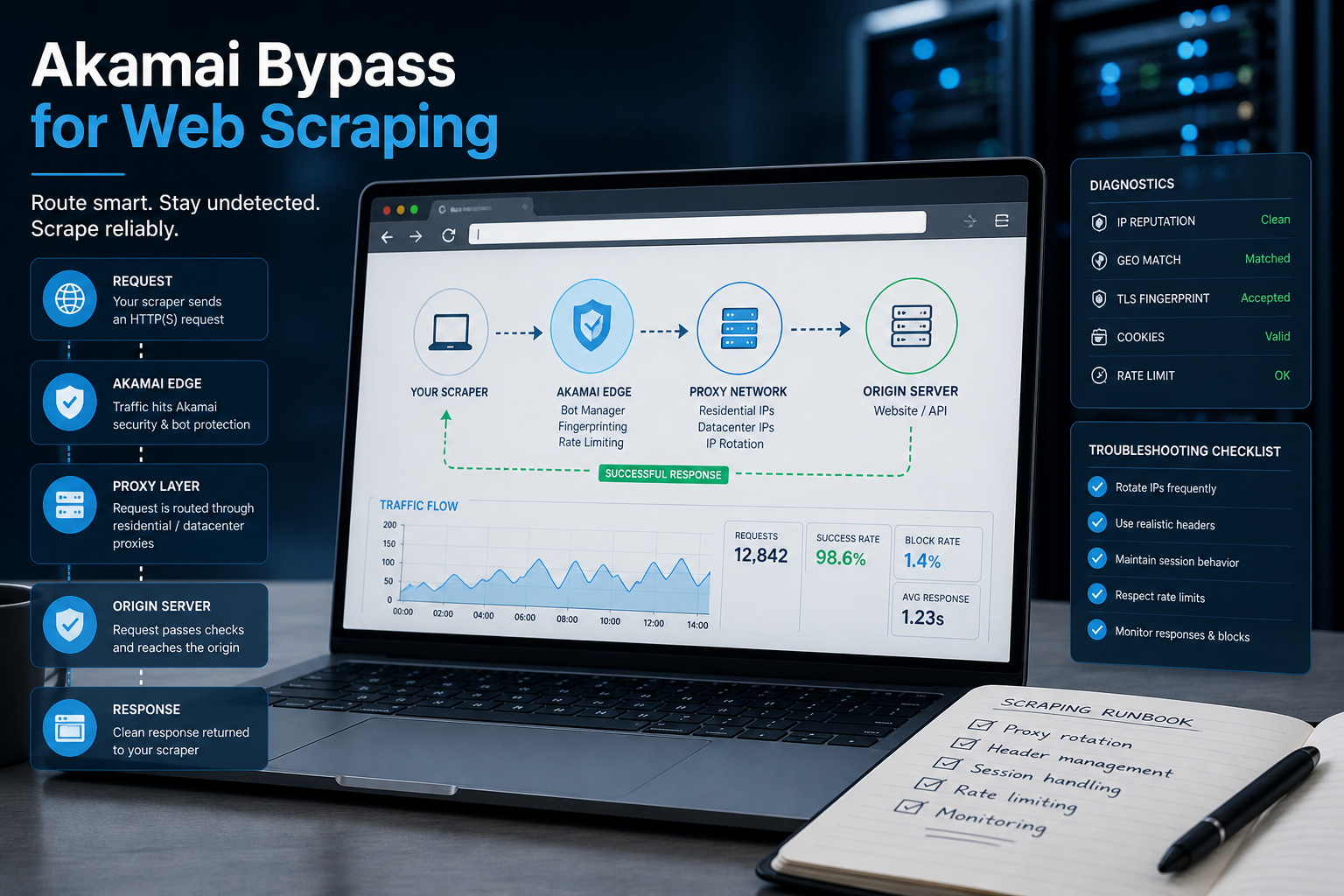
Akamai Bypass for Web Scraping
Akamai Bypass for Web Scraping
View Details
Browser Security Settings Most Users Never Touch
Stop leaving your personal data wide open. We reveal the crucial security toggles buried in your browser that instantly lock down your passwords and hide your daily web traffic.
View Details
Stop Saving Passwords in Your Browser
Letting Chrome or Safari remember your passwords feels incredibly convenient, but it is a massive security risk. Discover the hidden dangers of browser autofill and exactly what you should be using instead.
View Details
Should You Pay for a Browser? The Case For and Against
Are you currently paying for your free browser with your personal data? Discover if upgrading to a paid tool like Brave Origin is the ultimate privacy hack or just a complete waste of your cash.
View Details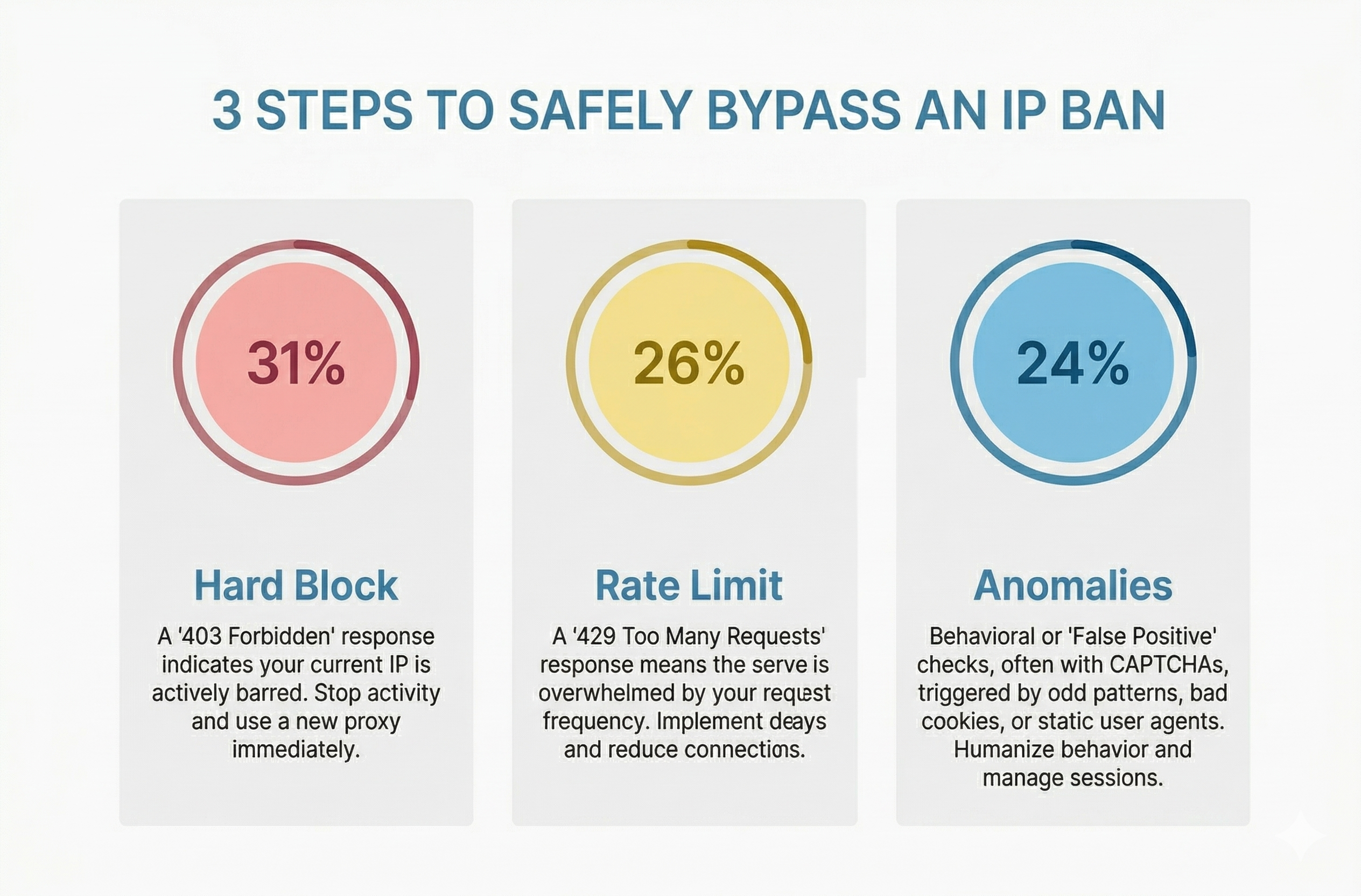
How to Bypass an IP Ban Safely by Diagnosing 403s, 429s, and False Positives
Diagnose 403s, 429s, and false positives quickly. Use this technical checklist to recover network access, reduce blocks, and scale data pipelines safely.
View Details