
How to Bypass an IP Ban Safely by Diagnosing 403s, 429s, and False Positives
If you searched how to bypass an IP ban, the most effective technical response is not to hide faster. The right approach is to diagnose the signal correctly, stop the exact behavior that triggered it, and choose the most reliable recovery path. In many cases, what looks like a permanent block is actually a 429 rate limit, a 403 forbidden IP blocked message, a temporary challenge page, or a network-specific false positive.
Try LycheeIP for Stable Access
What does how to bypass an IP ban really mean?
Most people researching how to bypass an IP ban do not need complex evasion tactics. They need an accurate diagnosis of their network traffic.
A true IP ban means the destination server has completely denied the source network address. However, real-world network incidents rarely start there. A 403 status code means the server understood the request but actively refused to process it. A 429 status code means the client sent too many requests in a specific time window, triggering a 429 too many requests error. Many modern servers will include a Retry-After header alongside a 429 error to tell you exactly when to try again.
Understanding this difference is critical. Treating every network refusal like a permanent ban leads engineering teams to retry requests too aggressively or rotate infrastructure prematurely. The real solution often involves fixing authentication headers, adjusting session states, modifying geofencing rules, or simply slowing down.
How can you tell whether you are seeing a 403, a 429, or a true IP ban?
The fastest way to identify the signs of an IP ban is to inspect the HTTP status code, response headers, visible challenge pages, and network behavior across different connections.
If you receive a 429 status code, you have hit a request threshold. This is almost never a permanent ban. The safest move is to stop the automated traffic, honor the cooldown period, and reduce your concurrency.
If you receive a 403 status code, the request was understood but refused. Do not automatically assume an IP problem. You should check authentication tokens, user permissions, session cookies, and regional restrictions first.
If you encounter a Cloudflare 1015 page, you are hitting a rate-limiting or Web Application Firewall (WAF) rule. This is not proof that you need a completely new IP address. Pause your retries and review your total request volume.
Finally, if the target site works on a mobile hotspot but fails on your office Wi-Fi, you are dealing with a network or egress issue. Test your DNS settings, firewalls, and ISP routing before assuming your specific account is blocked.
How should you respond in the first 15 minutes after a block?
Figuring out how to bypass an IP ban effectively requires absolute discipline in the first few minutes of a block. The best immediate response is to stop all automated retries and gather network evidence using the CLEAR Framework.
- Classify the signal: Record the exact HTTP status code, visible challenge page text, timestamps, request paths, and the affected endpoint.
- Look for headers and patterns: Check for cooldown hints like Retry-After headers. Look for sudden spikes in your request rate or check if only a single endpoint is dropping traffic.
- Ease off traffic immediately: Reduce concurrency limits, stop automated loops, and suspend bulk scraping jobs until you know if you hit a hard threshold.
- Ask for approved access if needed: If your use case is legitimate, prepare to contact the site owner to ask for IP allowlisting or to migrate to an official API.
- Resume gradually and review: Only resume traffic once the error signal is understood. Ramp your request volume back up carefully while monitoring logs.
Which recovery path should you choose for each signal?
The correct technical path depends entirely on the signal you receive, not on the broad concept of how to bypass an IP ban.
If your logs show 429 errors, assume threshold pressure first. Back off immediately, respect the server's cooldown window, lower your concurrency caps, and reduce repeated hits to the exact same endpoint.
If your logs show 403 errors, verify your account permissions, check your cookie states, ensure token freshness, and review the target's geographic rules before declaring it a network ban.
If you see a continuous challenge loop or CAPTCHA, treat it as a trust or WAF issue. Forcing more traffic through a challenge page will only damage your network reputation further.
When establishing a plan for how to bypass an IP ban for recurring business processes, remember that approved access is always more durable than constant troubleshooting.
How can scraping teams reduce repeat blocks without escalating risk?
Engineering teams reduce repeat blocks by implementing strict request discipline, not by adding hidden complexity. If you are learning how to bypass an IP ban safely at scale, the most reliable controls are usually fundamental architecture updates.
Teams should strictly cap concurrency, utilize aggressive caching where data freshness allows, avoid duplicate fetches, and monitor endpoint error rates closely.
When infrastructure upgrades are necessary, choosing the right proxy type is critical. A common market approach relies on shared VPNs or free proxies, which often route traffic through heavily flagged IP pools and cause immediate 403 errors. Developer-centric proxy networks instead focus on exclusive, rested IP assignments to maintain high trust scores.
How LycheeIP fits into block prevention:
- Clean IP pools: Every IP address goes through a strict cooling period of over six months before use.
- Developer-first simplicity: Monitor your usage and statistics in near real-time via a straightforward API.
- Reliable infrastructure: Dynamic residential proxies provide 99.8% uptime with unlimited concurrency for demanding scraping tasks.
- Protocol flexibility: Full support for both HTTP/S and SOCKS5 to integrate smoothly with your existing data pipelines.
- Clear access: Static datacenter options allow for batch IP management and IP whitelisting for up to 5 IPs.
Try LycheeIP for Stable Access
When should you contact the site owner, ask for allowlisting, or move to an API?
You should pursue approved access as soon as your network traffic is legitimate, repeatable, and important enough to justify a business relationship.
If you are researching how to bypass an IP ban for tasks like QA testing, uptime monitoring, or public-data verification, moving to an API is the most logical step. When sending an outreach request, clearly state who you are, your legitimate use case, and the specific endpoints affected. Provide timestamps, status codes, and request samples. Explain why your traffic may have triggered a block and commit to a fixed rate limit moving forward.
What mistakes make IP blocks worse?
The most common mistake engineers make when determining how to bypass an IP ban is confusing persistence with progress. Blind retries after a 429 error will reinforce an overload pattern. You must pause and honor the cooldown.
Calling every 403 error an IP ban hides underlying authentication or permission issues. You must check your tokens and account state first. Ignoring basic network tests can cause you to miss local ISP or egress issues, so always compare behavior across approved networks. Escalating to support before collecting evidence makes the resolution process much slower. Always bring timestamps, status codes, and exact request paths to the table.
When should you not try to work around an IP ban?
You should not try to figure out how to bypass an IP ban when the restriction is fundamentally about permissions, corporate policy, or local law.
If a target site explicitly forbids your activity, if your account lacks authorization, or if your access pattern violates terms of service or contracts, the correct technical answer is to stop and seek approval. Not every blocked request requires a workaround.
What assumptions and limitations apply?
This guide to how to bypass an IP ban is intentionally bounded.
- It focuses on diagnosis, recovery, and prevention rather than evasion techniques.
- Block thresholds, cooldown windows, and appeal paths vary wildly by site and can change without notice.
- A 403 error does not always indicate an IP issue.
- A 429 error does not always indicate a long-term network ban.
- Shared networks, reverse proxies, and security middleware frequently create false positives.
Comparison Table: Identifying Network Refusals
| Signal | Usually means | What not to assume | Safer next move |
| 429 Too Many Requests | You hit a request threshold | Not a permanent ban | Stop, honor cooldown, reduce concurrency |
| 403 Forbidden | Request understood but refused | Not always an IP problem | Check auth, permissions, session, region |
| Cloudflare 1015 | Rate limiting or WAF rule | Not proof you need a new IP | Pause retries, review request volume |
| Works on hotspot only | Network or egress issue | Not always account-related | Test network path, DNS, firewall, ISP |
| CAPTCHA loop | Risk scoring or WAF challenge | Not a simple IP block | Pause automation, verify approved access |
Troubleshooting Table: Mistakes That Escalate IP Blocks
| Mistake | Why it backfires | Better move |
| Blind retries after 429 | Reinforces the overload pattern and triggers harder bans | Pause automation and honor the Retry-After cooldown |
| Calling every 403 an IP ban | Hides the actual auth or permission issues | Check security tokens, account state, and regional rules |
| Ignoring network tests | Misses local egress or ISP routing issues | Compare traffic behavior across approved external networks |
| Treating temporary blocks as permanent | Leads to unnecessary architecture and proxy changes | Re-test the endpoint after a controlled cooldown period |
Try LycheeIP for Stable Access
Frequently Asked Questions:
1. How do I know if my IP address is banned?
Check the exact HTTP response first. A 429 usually means rate limiting, a 403 means the server refused the request, and a challenge page may point to WAF logic rather than a permanent IP ban. The fastest clue is whether the issue changes across different approved networks.
2. Is a 403 error the same as an IP ban?
No. A 403 means the server understood the request but refused to process it. That refusal can stem from account permissions, WAF logic, geofencing, or session state, not just IP reputation.
3. Is a 429 error the same as an IP ban?
No. A 429 means too many requests were sent in a specific time window. It points to rate limiting and usually includes a header that tells you exactly when to try the request again.
4. How can I regain access after an IP ban?
Start by classifying the error signal, pausing all retries, and gathering header evidence. Verify if the issue is account-specific, network-specific, or rate-limit-related.
5. How long does an IP ban last?
There is no universal duration. Some blocks are short cooldowns lasting minutes, some are tied to strict WAF policies, and some remain permanently until the site owner manually changes a rule.
6. Can a VPN fix an IP block?
A VPN can change the network path, but it does not tell you why the block happened. While researching proxy vs VPN for IP ban, remember that a VPN is not a substitute for diagnosing 403, 429, or permissions problems correctly.
7. What is my IP and why does it matter here?
Your current public IP is the network address a site sees for your routing path. It matters because network controls are often applied at the IP level, especially for rate limiting, reputation checks, and firewall rules.
8. What should scraping teams do instead of forcing retries?
They should improve data traffic governance. Understanding how to bypass an IP ban safely means utilizing concurrency caps, intelligent caching, clear handling for 429s, and utilizing rotating proxies only when necessary.

Recommended Articles
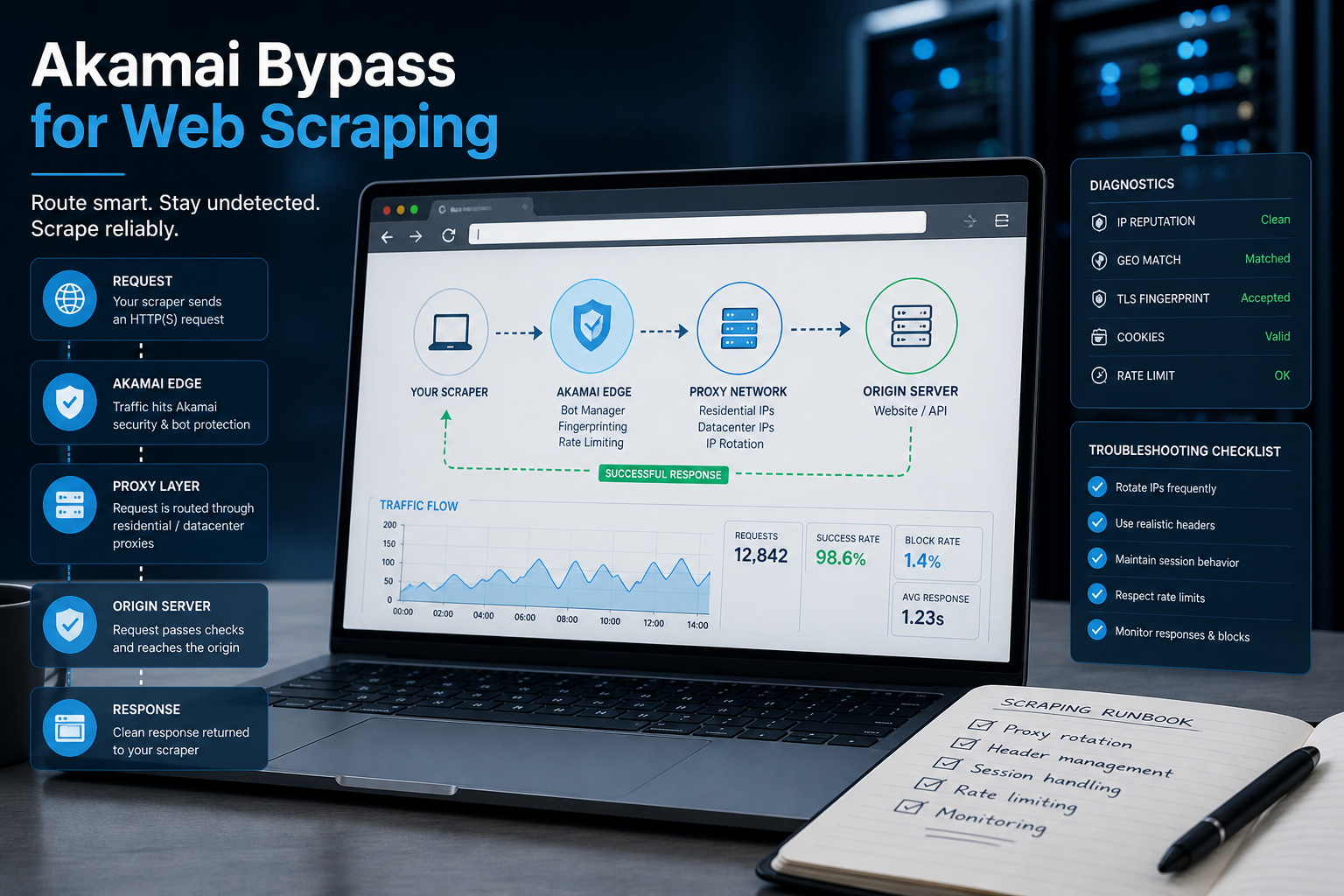
Akamai Bypass for Web Scraping
Akamai Bypass for Web Scraping
View Details
Browser Security Settings Most Users Never Touch
Stop leaving your personal data wide open. We reveal the crucial security toggles buried in your browser that instantly lock down your passwords and hide your daily web traffic.
View Details
Stop Saving Passwords in Your Browser
Letting Chrome or Safari remember your passwords feels incredibly convenient, but it is a massive security risk. Discover the hidden dangers of browser autofill and exactly what you should be using instead.
View Details
Should You Pay for a Browser? The Case For and Against
Are you currently paying for your free browser with your personal data? Discover if upgrading to a paid tool like Brave Origin is the ultimate privacy hack or just a complete waste of your cash.
View Details
Open Source Security: Shannon AI Pen Testing Walkthrough
Does autonomous pentesting really work? Follow along as we point this open source AI at a vulnerable app to see if it can find, exploit, and validate real security flaws completely on its own.
View Details