
Stop Saving Passwords in Your Browser
Your browser remembers every password you've ever saved. So does anyone, or anything that gets into your browser.
That single fact should make you uncomfortable, primarily because most people never think about the underlying architecture. Clicking "Save Password" in Chrome, Firefox, or Safari feels like a harmless, native timesaver. And it is, right up until the moment your local environment is compromised.
For developers, technical operators, and regular users alike, allowing a web browser to act as a primary credential vault violates core principles of operational security.
Secure web ops with LycheeIP
How Your Browser Actually Stores Passwords
To understand the vulnerability, you have to look at how browsers handle local storage. When you save a password in Chrome, it does not disappear into an impenetrable cryptographic black hole. It goes into a local SQLite database file sitting directly on your hard drive.
The OS-Level Encryption Trap
These database files are encrypted, but the encryption relies on native operating system functions rather than a dedicated master key.
- On Windows: Chrome and Edge utilize the Data Protection API (DPAPI). The decryption key is tied directly to your active Windows user session.
- On macOS: Safari and Chrome lean on the system Keychain.
- On Linux: Browsers often use the OS's native secret service API or default keyring.
The critical flaw here is that the encryption is intrinsically tied to your operating system login. If someone (or a piece of malware) is executing code on your machine while you are logged in, the browser will happily decrypt and display every stored credential on request. There is no isolated secondary vault.
The Cloud Sync Problem
Cloud sync expands this attack surface exponentially. Chrome syncs your passwords to your Google account; Safari syncs to iCloud. The convenience is undeniable, but it centralizes your risk. A compromise of your primary cloud account exposes your entire credential history across all devices.
Secure web ops with LycheeIP
Three Ways Browser Passwords Get Stolen
1. Infostealer Malware
A massive, highly commoditized category of malware exists solely to extract these databases. According to the MITRE ATT&CK framework (T1555.003), stealing credentials from local web browser stores is a primary tactic for initial access and lateral movement.
Malware strains like RedLine, Raccoon, Lumma, and Vidar do not need root access to steal your passwords. They simply execute as the current user, query the local SQLite database, utilize the OS's native decryption API (like DPAPI on Windows), and silently exfiltrate your plaintext passwords to a remote command-and-control server. Traditional antivirus software often fails to catch these lightweight, rapidly mutating scripts.
2. Physical Access to an Unlocked Device
You step away from your laptop at a coffee shop. A coworker sits down at your desk. If your browser is open and your device is unlocked, every saved password is a few clicks away. In Chrome, the password manager is easily accessible via the settings menu. While modern browsers have added an OS-password prompt before revealing plaintext, an attacker can still easily export the list or install a malicious extension if you leave your machine unattended.
3. Compromise of the Sync Account
Phishing attacks, credential stuffing, and session cookie hijacking target major account providers. If an attacker gains access to your Google or Apple account, they gain instantaneous access to every password you've allowed the browser to sync. This represents a catastrophic single point of failure that bypasses local endpoint security entirely.
LycheeIP (Developer-First Proxy Infrastructure)
LycheeIP is a developer-first proxy and data infrastructure provider designed to equip technical teams with the secure, scalable network routing required for modern web operations.
Just as storing credentials in a local browser creates unacceptable operational risk, exposing your local network environment during automated tasks invites IP bans and unwanted tracking. When engineering or data teams conduct public-data extraction, automated QA, or localized geo-testing, relying on unsecured local IPs is a critical vulnerability. By routing these automated requests through a premium proxy infrastructure, developers can isolate their internal networks from their scraping nodes. If your CI/CD pipelines require persistent, high-speed connections to securely validate APIs, datacenter proxies deliver the required bandwidth and stability. Conversely, if your team is scraping public data and needs to avoid automated bot protections, utilizing residential dynamic IP routing ensures your network requests perfectly mimic organic user traffic. Implementing a robust data infrastructure platform allows your team to scale external web operations securely, ensuring your local endpoints remain locked down.
Why a Dedicated Password Manager Is the Better Call
Dedicated password managers like Bitwarden, 1Password, and Dashlane were engineered around a zero-trust assumption: you should never fully trust any single device, OS session, or cloud server with your plaintext credentials.
Here is what they do differently to secure your data:
- Zero-Knowledge Encryption: Your vault is encrypted locally on your device (often using AES-256) before a single byte of data is transmitted to their servers. The company hosting your vault cannot read your passwords, meaning a breach of their infrastructure yields only useless ciphertext.
- Isolated Master Password: Unlike browser storage tied to your OS login, a dedicated manager requires an isolated master password. This aligns with secure identity guidelines outlined in resources like the OWASP Authentication Cheat Sheet, ensuring that physical or malware access to an unlocked OS account doesn't automatically grant access to your vault.
- Proactive Breach Monitoring: Dedicated managers actively scan databases like HaveIBeenPwned, alerting you immediately if your saved credentials appear in a known public data breach.
- Cross-Platform Independence: You can access your vault on any OS or browser without tying your entire digital life to a single Google, Apple, or Microsoft ecosystem.
From a usability standpoint, modern password managers install as lightweight browser extensions. They autofill credentials just as seamlessly as Chrome or Safari. The user experience is nearly identical; the security posture is worlds apart.
The Bottom Line
Browser-saved passwords are a dangerous shortcut that trades systemic, long-term security for fractional short-term ease. The local encryption exists, but it is architecturally fragile. The attack surface is incredibly wide. The consequences of a single breach—whether via an infostealer, physical access, or a hijacked sync account—are often catastrophic.
Migrating your credentials to a dedicated password manager takes roughly thirty minutes. Open-source solutions like Bitwarden are free, while premium options like 1Password cost just a few dollars a month. Both undergo rigorous independent security audits and are vastly superior to relying on a web browser.
Your browser is built to render the web. Let a dedicated cryptographic vault handle your passwords.
Secure web ops with LycheeIP
Frequently Asked Questions
Q: Is it really that risky to save passwords in Chrome or Safari?
A: Yes, significantly more than most users realize. Browser-stored passwords are encrypted, but that encryption is tied to your OS login session. This means any malware running under your user profile can easily decrypt and extract your passwords without triggering alarms.
Q: What is a zero-knowledge password manager?
A: A zero-knowledge architecture means your vault is encrypted on your local device using a key derived from your master password before it is synced to the cloud. The provider never possesses the key to decrypt your data, meaning even if their servers are hacked, your passwords remain secure.
Q: Which password manager should I start with?
A: Bitwarden is an excellent starting point for technical and non-technical users alike. It is free, open-source, independently audited, and supports all major browsers. 1Password is a highly regarded paid alternative that offers a polished UI, strong developer tools (like SSH key management), and robust family sharing.
Q: What happens if I forget my password manager's master password?
A: Because they utilize zero-knowledge encryption, the provider genuinely cannot reset your master password for you. Most managers will provide an emergency recovery kit or code during setup. It is critical that you print this recovery kit and store it in a physically secure location, like a safe.
Q: Can malware steal passwords from a dedicated password manager too?
A: It is much more difficult, though not entirely impossible if your device is deeply compromised by a targeted rootkit or advanced keylogger. However, dedicated managers require your master password to unlock the vault and automatically lock after a period of inactivity. This presents a significantly narrower and more resilient target compared to a browser's permanently accessible credential database.

Recommended Articles
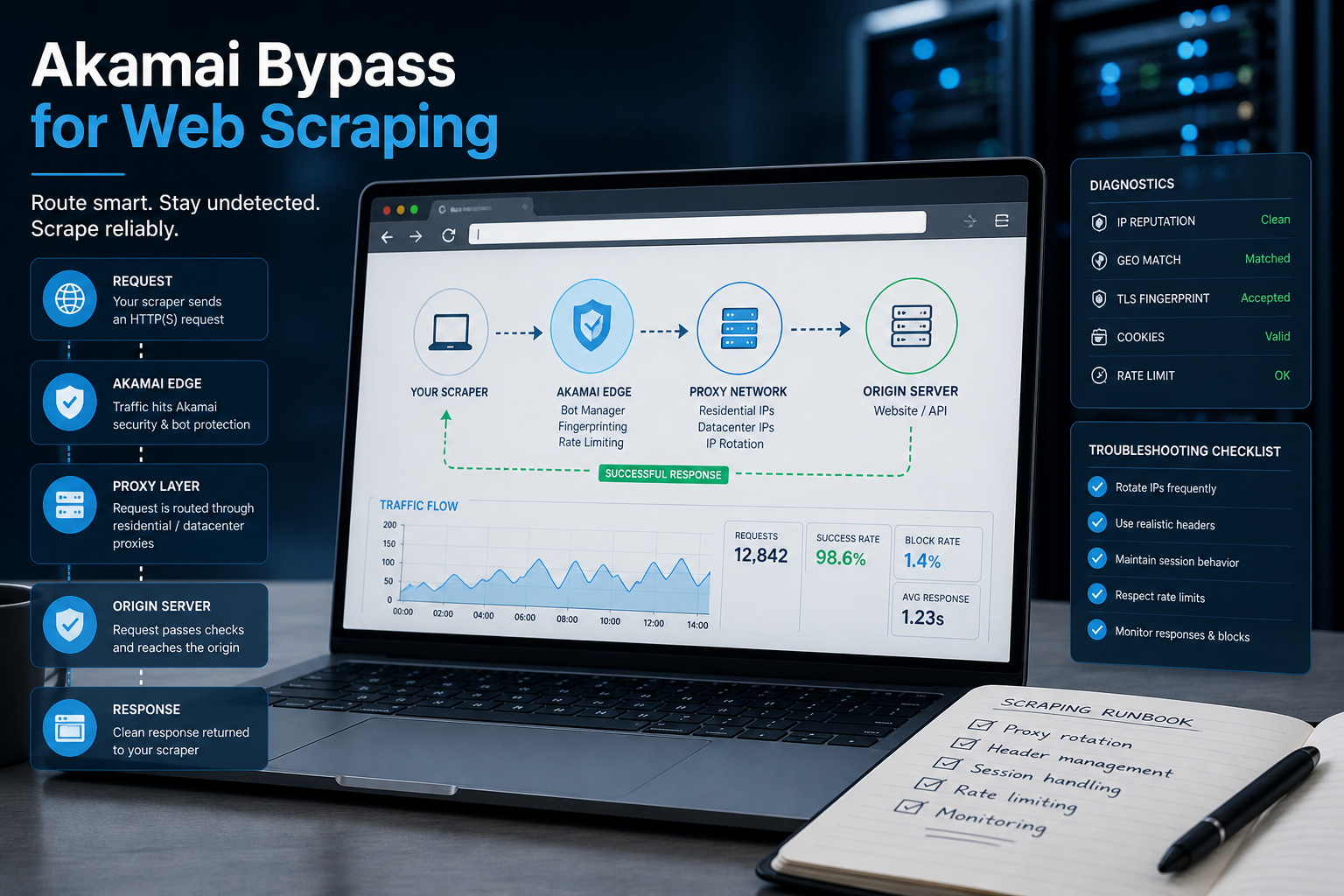
Akamai Bypass for Web Scraping
Akamai Bypass for Web Scraping
View Details
Browser Security Settings Most Users Never Touch
Stop leaving your personal data wide open. We reveal the crucial security toggles buried in your browser that instantly lock down your passwords and hide your daily web traffic.
View Details
Should You Pay for a Browser? The Case For and Against
Are you currently paying for your free browser with your personal data? Discover if upgrading to a paid tool like Brave Origin is the ultimate privacy hack or just a complete waste of your cash.
View Details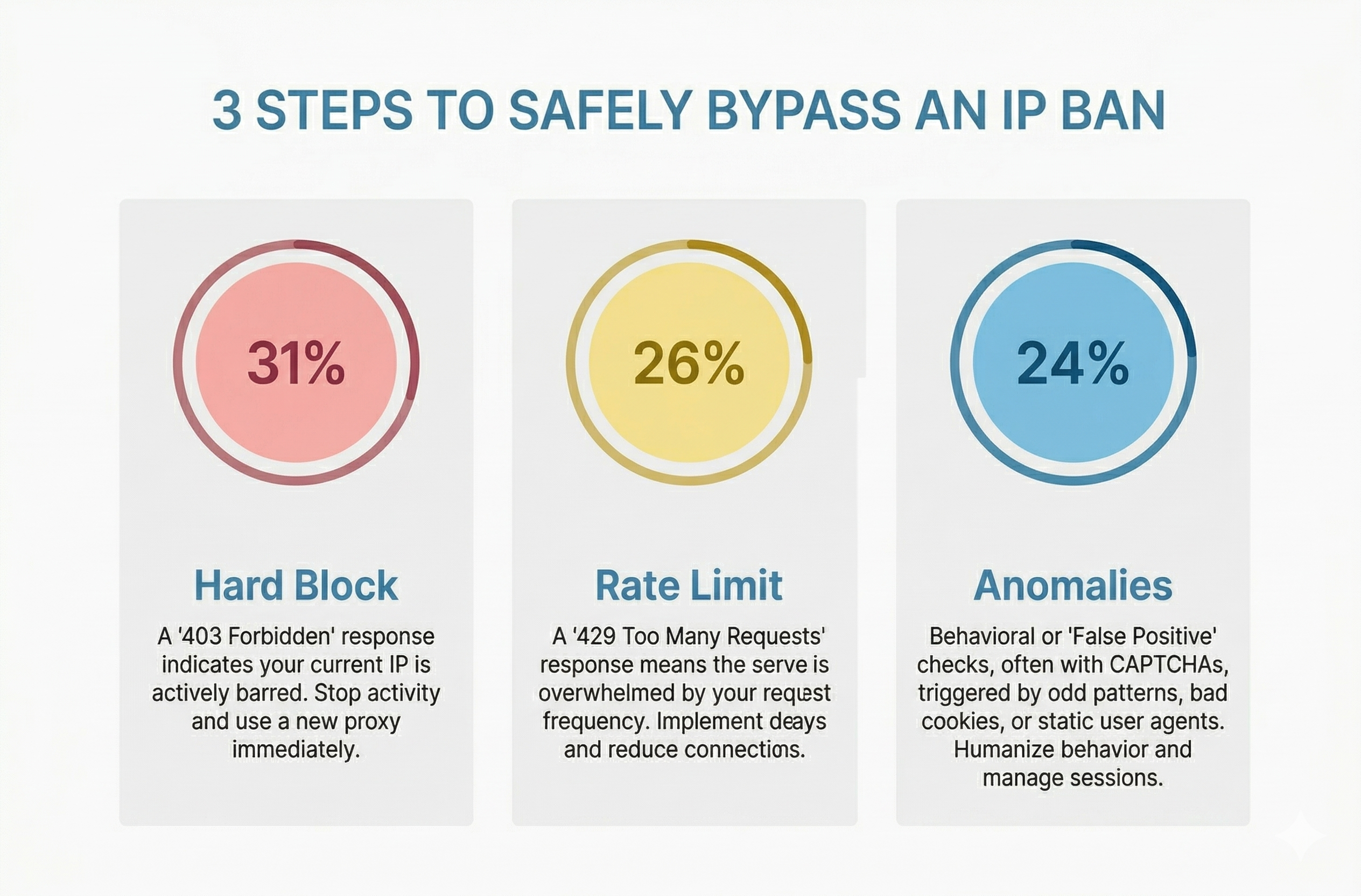
How to Bypass an IP Ban Safely by Diagnosing 403s, 429s, and False Positives
Diagnose 403s, 429s, and false positives quickly. Use this technical checklist to recover network access, reduce blocks, and scale data pipelines safely.
View Details
Open Source Security: Shannon AI Pen Testing Walkthrough
Does autonomous pentesting really work? Follow along as we point this open source AI at a vulnerable app to see if it can find, exploit, and validate real security flaws completely on its own.
View Details