
IP PIN: How To Get Your IRS Identity Protection PIN And Use It Safely
IP PIN: How To Get Your IRS Identity Protection PIN And Use It Safely
What Is an IP PIN and Why Does It Secure Your Tax Return?
An IP PIN is a six-digit number assigned by the IRS to eligible taxpayers to prevent the misuse of their Social Security number on fraudulent federal income tax returns.
Think of the identity protection PIN as Two-Factor Authentication (2FA) for your taxes. Even if a data thief steals your name, address, and Social Security number (SSN), they cannot file a return in your name without this specific six-digit code. The IRS system will automatically reject any electronic return that lacks the correct IP PIN IRS code associated with your account.
Use LycheeIP to test rotating proxies
How the identity protection PIN stops fraudulent refunds
Refund fraud occurs when a criminal files a tax return early in the season using stolen personal data to claim a refund before the real taxpayer files. When you get an IP PIN, you add a mandatory checkpoint to the filing process.
If a return is submitted with your SSN but missing the correct identity protection PIN, the IRS flags it immediately. This simple numeric string turns a static identifier (your SSN) into a dynamic, verified request. For those concerned about data privacy, similar to how developers use proxies to ensure request integrity, an IP PIN ensures the integrity of your tax filing.
Who is eligible to get an IP PIN from the IRS?
Originally, only victims of confirmed identity theft could get an IP PIN. Today, the IRS has expanded the program. Any taxpayer who can verify their identity can voluntarily opt into the IP PIN IRS program.
You should strongly consider this if:
- You want proactive security for your IP PIN taxes.
- You have been notified of a data breach by a company or employer.
- You reside in a location where tax-related identity theft is statistically higher.
Once you opt in, you must use the identity protection PIN on all future federal returns.
How Can You Get an IP PIN Online Through IRS.gov?
The fastest method to obtain your code is to access the IRS.gov IP PIN portal through your secure online account. This allows you to view your PIN immediately rather than waiting for mail.
To get an IP PIN digitally, navigate to the "Get An IP PIN" tool on the IRS website. This tool is the primary gateway for taxpayers to join the program or view their current number. Once logged in, the specific IP PIN online is displayed on your profile page. You will need to check this IRS.gov IP PIN page every January, as the number changes annually for security purposes.
Requirements to create an online account
Before you can view your IP PIN online, you must have a registered online account with the IRS. The setup process is rigorous to ensure you are the actual account holder.
You will need:
- A valid email address.
- Proof of identity (Passport, Driver’s License).
- A mobile phone capable of receiving security codes.
If you already have an online account, the IRS IP PIN log in process is straightforward. You simply sign in, navigate to your account profile, and the identity protection PIN will be visible under the security tab.
How the ID.me IP PIN verification process works
The IRS now uses a trusted technology provider, ID.me, to handle authentication. The ID.me IP PIN workflow involves uploading photos of your government ID and taking a video selfie to match your biometrics to your documents.
This ID.me IP PIN step is critical. If ID.me cannot verify you automatically, you may need to jump on a video call with a "Trusted Referee." Once verified, your ID.me credentials grant you access to the IRS.gov IP PIN tool. This high-friction setup is a feature, not a bug; it ensures that no one else can get an IP PIN in your name easily.
Use LycheeIP to test rotating proxies
Can You Get an IP PIN Without an Online Account?
Yes, if you cannot verify your identity digitally, you can still get an IP PIN using paper forms or in-person visits. While slower, these methods are essential for taxpayers who lack reliable internet access or specific documentation required for the online account.
Using Form 15227 to apply by mail
Form 15227, the Application for an Identity Protection Personal Identification Number, is designed for those who cannot use the online tool. To use Form 15227, your Adjusted Gross Income (AGI) on your last filed return must be below a specific threshold ($79,000 for individuals or $158,000 for married couples filing jointly as of the last update).
The process involves:
- Downloading Form 15227 from IRS.gov.
- Completing the form with your SSN and identification details.
- Mailing or faxing it to the address listed in the instructions.
Once processed, the IRS will call you to verify your identity. After this phone verification, they will mail your identity protection PIN to your address of record.
How to handle in-person verification for an IP PIN
If you are ineligible for Form 15227 or cannot verify by phone, you must visit a Taxpayer Assistance Center (TAC). This requires an appointment. During this visit, an IRS agent will manually review your documents. Once verified, you will receive your IP PIN IRS code by mail within three weeks. This route is often used by taxpayers who struggle with the ID.me IP PIN technology hurdles.
How Do You Retrieve an IRS IP PIN If You Lose It?
If you lose your number, you must retrieve IRS IP PIN data quickly to avoid filing delays. Do not guess the number; an incorrect PIN will cause your return to be rejected.
Using the IP PIN lookup tool online
The most efficient way to handle a lost code is to perform an IP PIN lookup via your online account. Simply repeat the IRS IP PIN log in steps on the official website. Because the number is stored permanently in your profile for the current tax year, you can view it as many times as needed. This IP PIN lookup capability is available 24/7, except during planned system maintenance in late December.
Finding the IRS IP PIN phone number for assistance
If you cannot access your online account, you will need the dedicated IRS IP PIN phone number.
You can call the IRS at 800-908-4490. This line is specifically for lost or misplaced PINs. An assister will verify your identity over the phone and mail your identity protection PIN to you within 21 days. Note that they will not give you the IP PIN over the phone for security reasons. When you need to retrieve IRS IP PIN information urgently near the filing deadline, this delay can be problematic, so checking your online account is always preferred.
Which Steps Are Required to File IP PIN Taxes Correctly?
Using the PIN during filing is simple, but precision is key. When you prepare your IP PIN taxes, your tax software will specifically ask if you received a six-digit PIN from the IRS.
Entering the code in tax software
Whether you use TurboTax, H&R Block, or FreeTaxUSA, the prompt is standard. You must enter the six-digit IP PIN IRS code exactly as it appears on your CP01A notice or online profile.
- E-filing: Enter the code in the specific "Identity Protection PIN" field (not the electronic signature PIN field).
- Paper filing: Write the IP PIN in the designated box next to your signature.
Failure to include the code when you are enrolled in the program results in an automatic rejection. You will then have to retrieve IRS IP PIN details and resubmit.
Common errors when you perform the IRS IP PIN log in
Users often confuse the IRS IP PIN log in (accessing the account) with the e-file PIN (signing the return). Remember:
- The IP PIN online portal is for getting the number.
- The tax software is for using the number.
Also, ensure you are using the current year's identity protection PIN. An IP PIN from 2023 cannot be used for a return filed in 2025; you must always get an IP PIN that is active for the current calendar year.
How Is an IP PIN Different From Other Tax PINs?
Taxpayers frequently confuse the identity protection PIN with the standard 5-digit PIN used to sign returns. This confusion often leads to search queries for "IP PIN lookup" when the user actually needs their prior-year signature PIN.
| Feature | IP PIN (Identity Protection PIN) | Self-Select PIN (e-File PIN) |
| Length | 6 Digits | 5 Digits |
| Purpose | Verifies your identity to prevent fraud. | Acts as your digital signature. |
| Source | You must get an IP PIN from the IRS. | You choose this number yourself. |
| Validity | One calendar year only. | Valid for that specific return only. |
| Required? | Only if opted-in or assigned by IRS. | Required for all e-filed returns. |
If you are searching for get an IP PIN instructions, ensure you are looking for the 6-digit security code, not the 5-digit signature code.
Why Is Identity Verification Critical for Individuals and Data Teams?
Just as individuals use an IP PIN to secure their financial identity, businesses and developers must secure their data infrastructure.
Applying security layers to personal finance
Getting an IP PIN is a proactive step toward "Zero Trust" for your personal life. It assumes that your SSN is already compromised (a safe assumption in the modern web) and adds a required verification layer. By utilizing the IRS.gov IP PIN tools, you take control of your tax identity rather than leaving it open to chance.
How LycheeIP supports data integrity for developers
At LycheeIP, we understand the importance of verification and clean data. While the IRS uses the IP PIN to verify taxpayers, developers use our infrastructure to verify data across the web.
Whether you are scraping public data or testing ad verification systems, you need "clean" identities in the form of high-quality proxies, to ensure you aren't blocked or fed misinformation. We offer ethical, developer-first proxies that integrate seamlessly into your stack, ensuring your data collection is as secure and reliable as an IP PIN tax return.
Use LycheeIP to test rotating proxies
Frequently Asked Questions:
1. How do I get an IP PIN immediately?
To get an IP PIN immediately, you must use the IP PIN online tool at IRS.gov. You will need to pass the ID.me IP PIN verification process. Once verified, the number is displayed on your screen instantly. If you use Form 15227 or call the IRS IP PIN phone number, you will have to wait for the PIN to arrive by mail.
2. Do I have to use the IP PIN if I have one?
Yes. Once you are enrolled in the program, you must use your identity protection PIN on all federal tax returns filed that year. If you forget to enter it, your return will be rejected. You must then retrieve IRS IP PIN information and resubmit the return.
3. Can I retrieve my IRS IP PIN without a phone number?
It is difficult to retrieve IRS IP PIN data online without a phone number for Two-Factor Authentication. However, you can receive the PIN by mail by visiting a Taxpayer Assistance Center or submitting Form 15227 if you meet the income requirements.
4. Is the IP PIN the same as my filing PIN?
No. The identity protection PIN is a 6-digit code provided by the IRS for security. The filing PIN (Self-Select PIN) is a 5-digit number you create to sign your return electronically. You need to get an IP PIN separately from your filing signature.
5. How often does the IP PIN change?
The IP PIN IRS system generates a new number every calendar year. You must get an IP PIN anew each January before filing. You cannot use last year's IP PIN taxes code for the current year's return.
6. What happens if I lose my IP PIN?
If you lose it, use the IP PIN lookup tool in your online account. If you cannot access the account, call the IRS IP PIN phone number (800-908-4490) to have it reissued by mail.

Recommended Articles
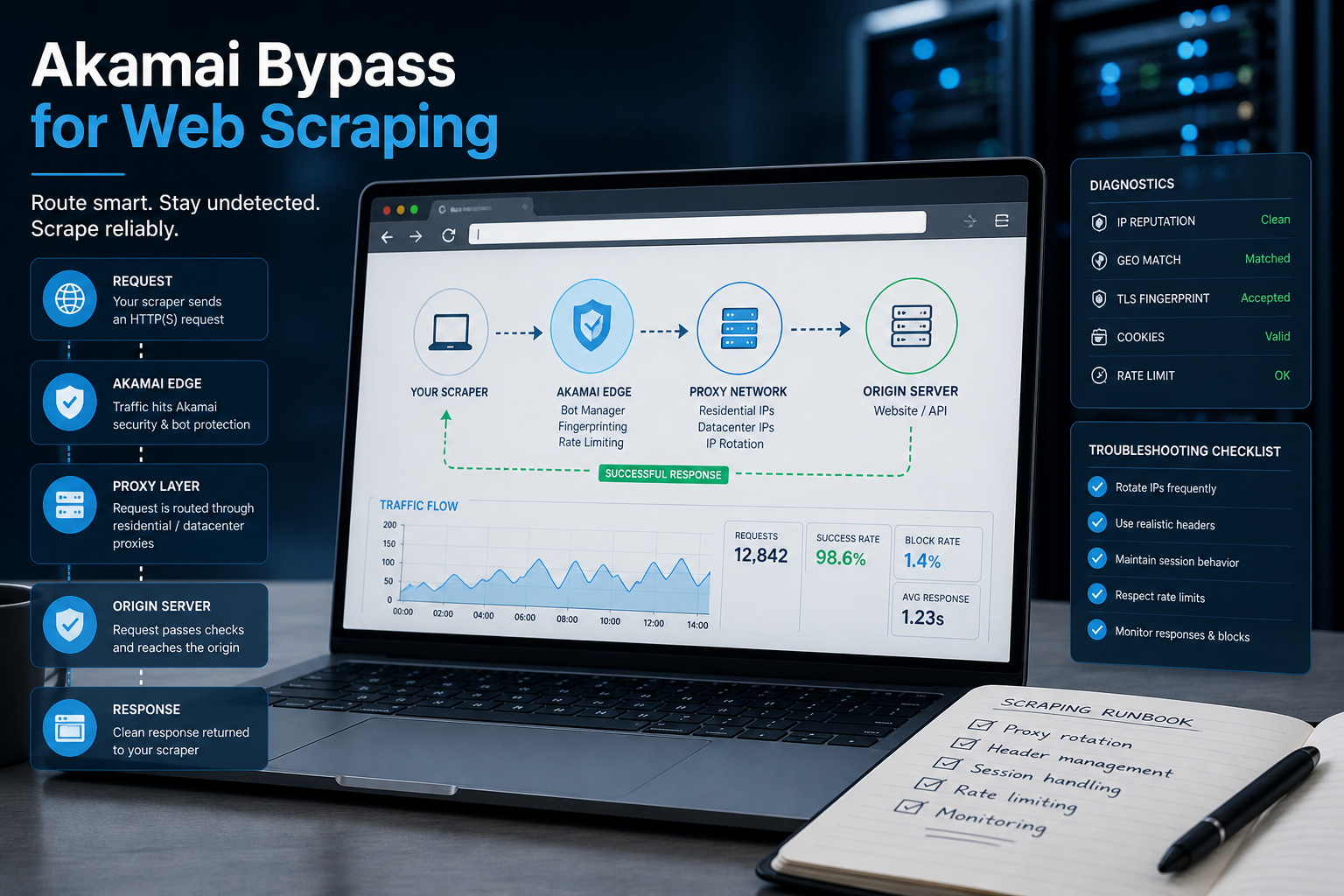
Akamai Bypass for Web Scraping
Akamai Bypass for Web Scraping
View Details
Browser Security Settings Most Users Never Touch
Stop leaving your personal data wide open. We reveal the crucial security toggles buried in your browser that instantly lock down your passwords and hide your daily web traffic.
View Details
Stop Saving Passwords in Your Browser
Letting Chrome or Safari remember your passwords feels incredibly convenient, but it is a massive security risk. Discover the hidden dangers of browser autofill and exactly what you should be using instead.
View Details
Should You Pay for a Browser? The Case For and Against
Are you currently paying for your free browser with your personal data? Discover if upgrading to a paid tool like Brave Origin is the ultimate privacy hack or just a complete waste of your cash.
View Details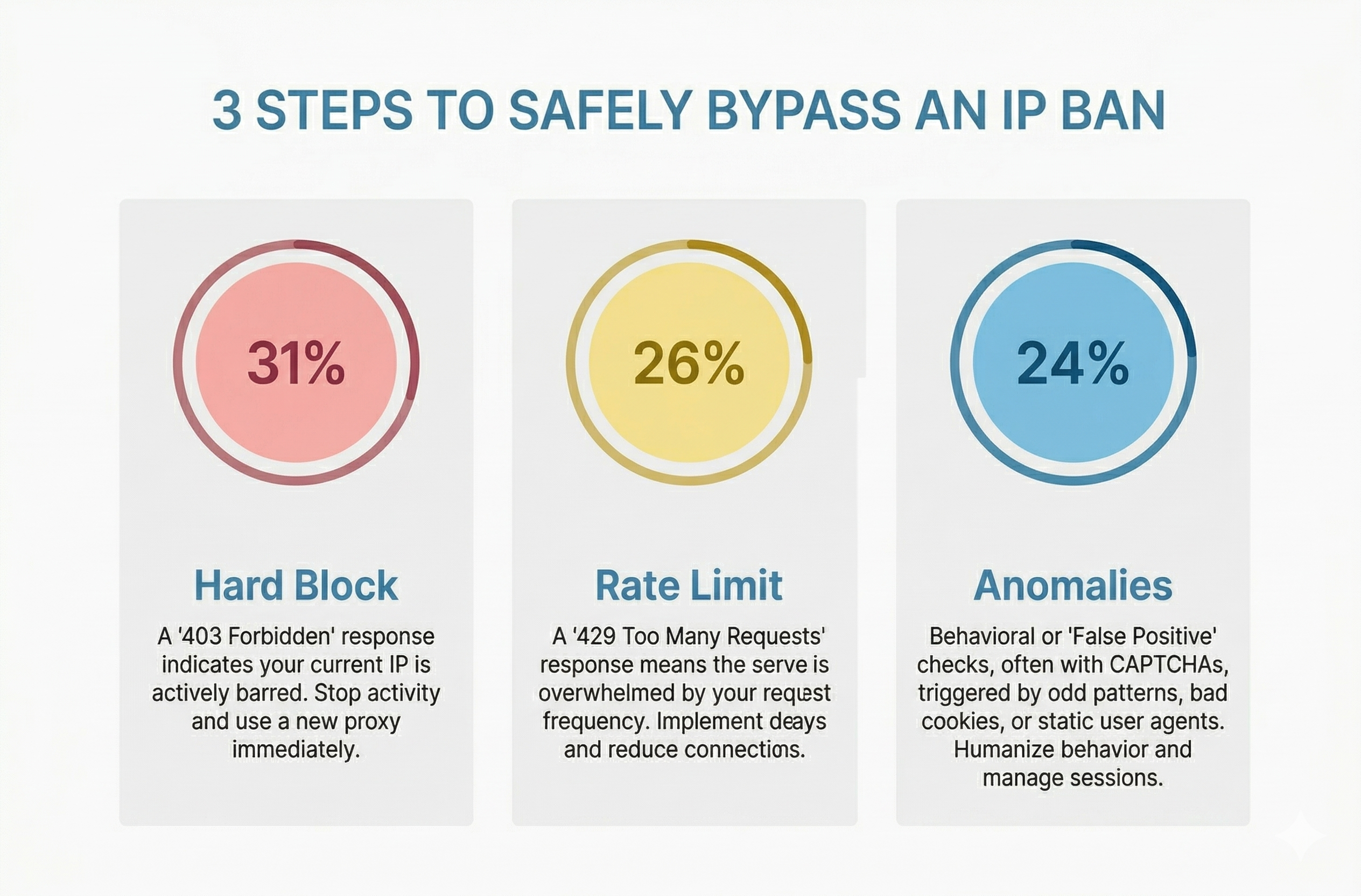
How to Bypass an IP Ban Safely by Diagnosing 403s, 429s, and False Positives
Diagnose 403s, 429s, and false positives quickly. Use this technical checklist to recover network access, reduce blocks, and scale data pipelines safely.
View Details