
IP Address Tracking: Separating Fact from Fiction
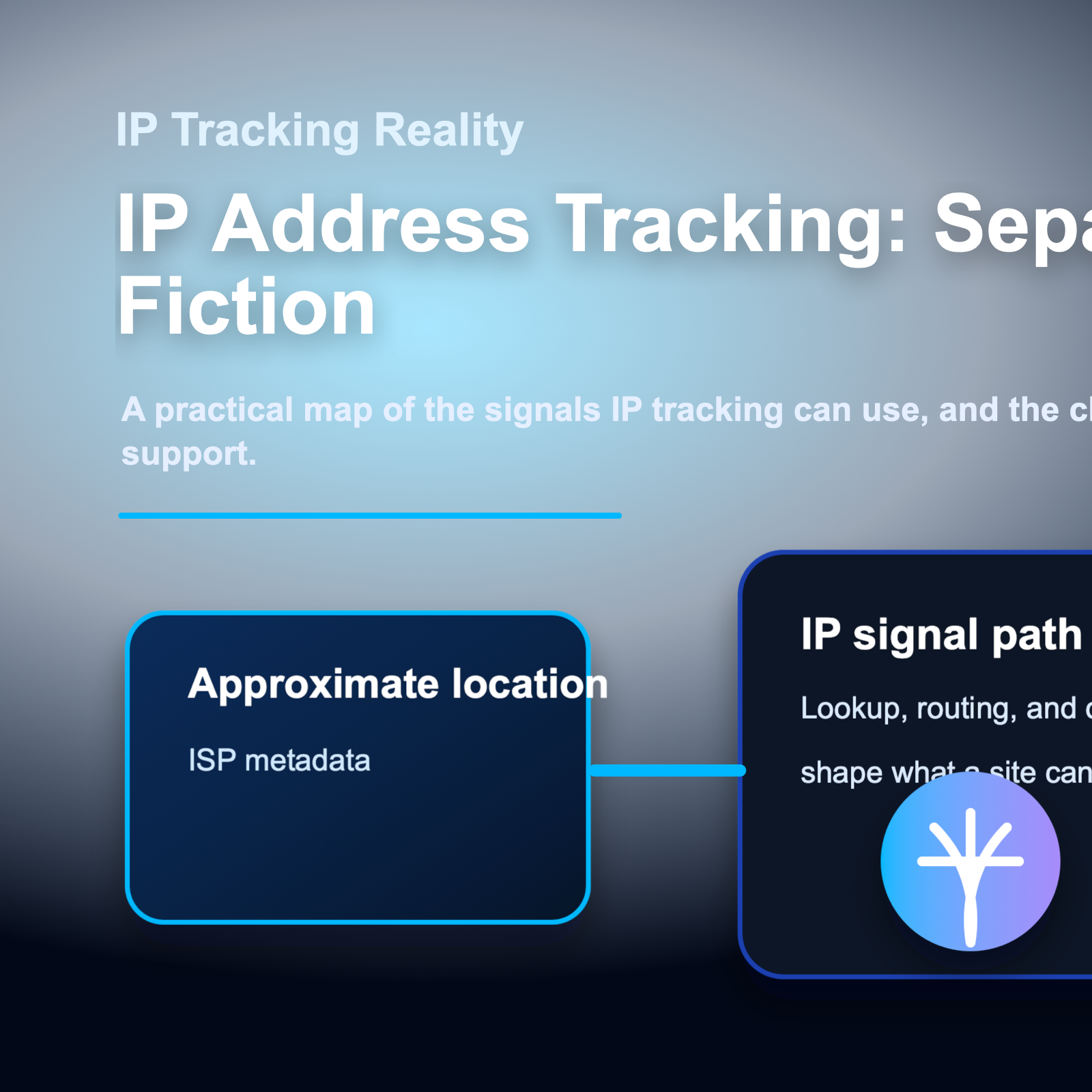
What can someone actually do with your IP address? Let's separate myths from reality.
For teams comparing privacy, geo-testing, and data collection workflows, the practical question is not only what an IP address reveals. It is also how clean routing, trusted proxy infrastructure, session control, and compliance practices shape the final result.
For official technical background, see IANA number resources, ARIN IPv4 resources, RFC 791 Internet Protocol, MDN X-Forwarded-For reference.
Confusion about what IP addresses reveal leads to both false security and unnecessary panic. Online forums overflow with warnings that someone can find your home address from your IP, while others dismiss IP tracking as completely harmless. The truth sits somewhere between these extremes.
This article provides a clear breakdown of actual IP tracking capabilities. You'll learn what information an IP address genuinely reveals, what it cannot show, and which risks deserve your attention versus which are overblown.
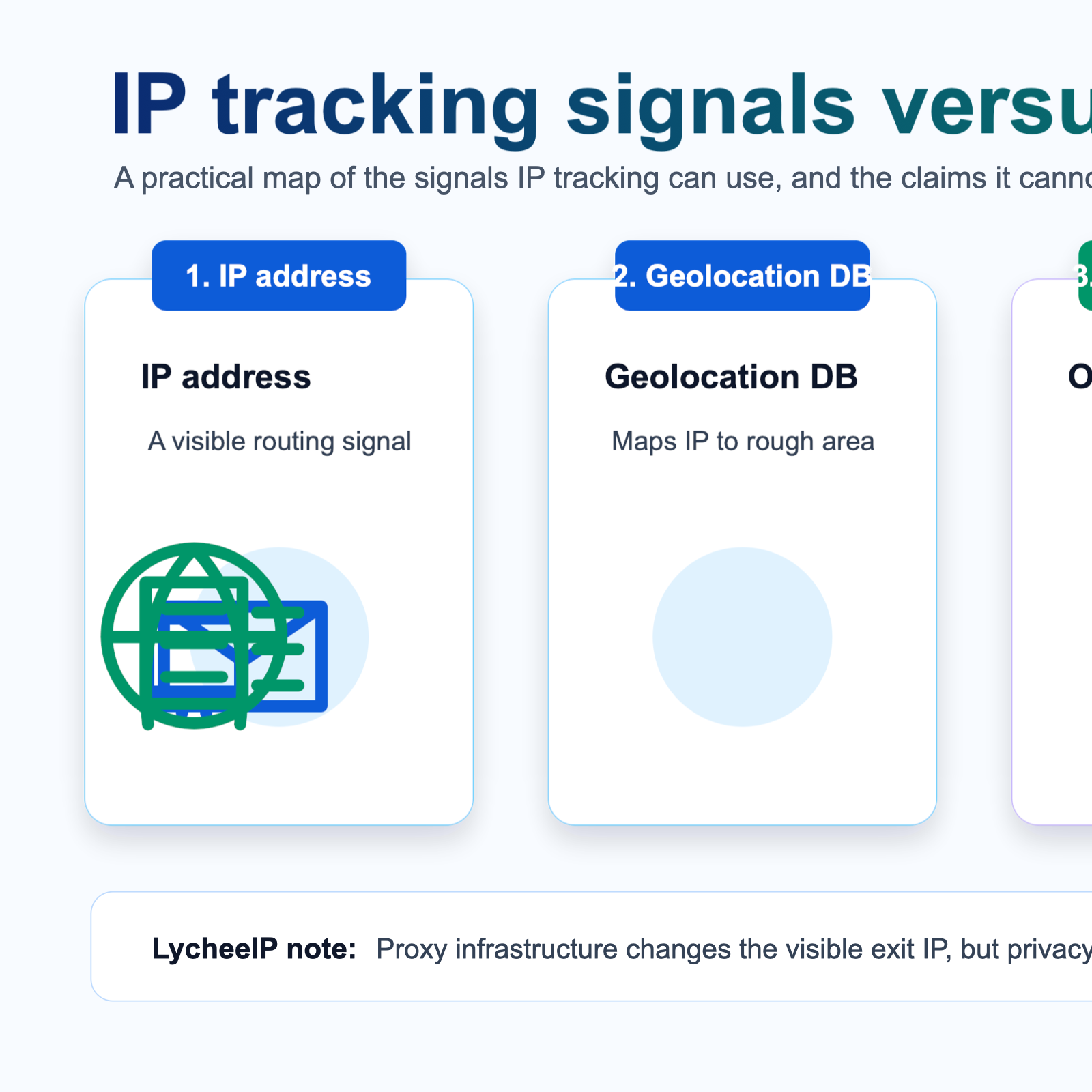
Should You Be Scared If Someone Has Your IP Address?
General location awareness: Websites and services know your approximate city and region. This enables targeted advertising, content restrictions, and price discrimination.
ISP identification: Knowing your ISP can help attackers craft more convincing phishing attempts that reference your provider.
Network-level attacks: If someone targets your IP with a DDoS attack, your internet connection becomes unusable until your IP changes or the attack stops. This particularly affects gamers and streamers whose IPs may be exposed through voice chat or gaming platforms.
Persistent tracking: Websites can use your IP as one signal among many for device fingerprinting and cross-site tracking, though this works better when combined with other data points.
Legal exposure in P2P networks: In torrent swarms, your IP is visible to all participants. Copyright holders can log IPs downloading protected content and request ISP customer information through legal channels.
Compromised services linking IPs to accounts: If a website with your personal information suffers a data breach, attackers might correlate IP addresses in server logs with exposed account details.
Overblown Fears
Immediate physical danger: The idea that someone will show up at your door after seeing your IP is not realistic without additional information sources or illegal access to ISP records.
Instant identity theft: Your IP address alone contains no financial information, passwords, or identity details needed for account takeovers.
Computer hacking from IP exposure: Simply knowing someone's IP does not provide access to their computer. Successful attacks require vulnerabilities in exposed services or user actions like downloading malware.
Permanent tracking: Most residential IPs change periodically. Even if someone logs your IP today, it may belong to a different customer next week.
Context Matters
The actual risk level depends on your threat model:
Average users: IP exposure presents minimal direct risk. Focus on stronger passwords, two-factor authentication, and avoiding phishing instead.
Public figures and content creators: Higher risk of targeted harassment, DDoS attacks, or doxxing attempts that combine your IP location with other public information.
Businesses and organizations: IP addresses can reveal company infrastructure, locations, and potentially expose internal systems if not properly segmented.
Activists and journalists in hostile regions: IP-based surveillance combined with government access to ISP records creates serious risks. Using Tor or trusted VPN services becomes essential.
Researchers and data collectors: When conducting large-scale web scraping or public data collection, using appropriate proxy infrastructure helps maintain consistent access and avoid IP-based blocks.
Practical Risk Mitigation
If IP exposure concerns you:
Use VPN services: Routes your traffic through different IP addresses, masking your real location and ISP.
Deploy proxy infrastructure: For business workflows like web scraping, geo-testing, or ad verification, proxy services provide controlled IP rotation and geographic distribution.
Enable firewall protection: Blocks unsolicited incoming connections to your network.
Avoid clicking suspicious links: Many IP logging scams rely on tricking users into visiting attacker-controlled sites.
Use Tor for anonymity: When genuine anonymity is required, Tor provides stronger protection than commercial VPNs.
Separate personal and business networks: Don't run sensitive business operations from the same IP addresses used for personal browsing.
LycheeIP and IP Infrastructure Control
For teams working with web scraping, public data collection, geo-testing, or automation workflows, understanding IP exposure takes on additional dimensions. When your operations depend on consistent access to target websites across different regions, managing your IP footprint becomes a technical requirement rather than just a privacy concern.
Proxy infrastructure providers like LycheeIP offer solutions for workflows that require:
Geographic distribution: Access content and services from specific countries or cities for localization testing, price monitoring, or market research.
IP rotation: Prevent rate limiting and access blocks during large-scale public data collection by distributing requests across multiple IP addresses.
Residential IP addresses: Blend automated traffic with normal user patterns when conducting e-commerce research, SERP monitoring, or ad verification.
Session persistence: Maintain consistent IP addresses during multi-step workflows like account testing or checkout processes.
Developer-controlled routing: Programmatically select IP locations and rotation patterns based on specific project requirements.
When evaluating proxy infrastructure for these workflows, consider factors like IP pool diversity, geographic coverage, connection reliability, and whether the provider offers datacenter, residential, or static residential proxy options depending on your use case.
Remember that using proxies for web scraping or automation carries responsibility. Always respect website terms of service, review robots.txt guidance where applicable, implement appropriate rate limiting to avoid overloading target servers, and ensure your data collection serves legitimate business or research purposes.
Common Mistakes and Considerations
Misunderstanding Proxy Detection
Many websites and services actively detect and block traffic from known datacenter IP ranges. Using low-quality proxy services can result in worse access than using your real IP. When selecting proxy infrastructure, verify that providers offer appropriate IP types for your use case.
Overestimating VPN Anonymity
VPN services hide your IP from websites, but the VPN provider itself can see your real IP and your traffic. Choose providers with verified no-logs policies if privacy is critical. For true anonymity, Tor provides stronger guarantees than commercial VPNs.
Neglecting Application-Level Tracking
Changing your IP does nothing to prevent tracking through cookies, browser fingerprinting, or logged-in accounts. Comprehensive privacy requires addressing multiple tracking vectors simultaneously.
Poor Operational Security
If you use a VPN or proxy but then log into accounts with personal information, you've linked your real identity to that IP address anyway. Maintain consistent operational security across your entire workflow.
Ignoring Legal Requirements
Some activities remain illegal regardless of whether you use proxies or VPNs. Hiding your IP does not provide legal protection for unauthorized access, copyright infringement, or other violations.
Assuming All IPs Behave Identically
Residential IPs from major ISPs typically receive better treatment than datacenter IPs. Mobile IPs behave differently than broadband IPs. Static IPs enable certain workflows that rotating IPs cannot support. Understanding these differences helps you choose appropriate infrastructure.
Conclusion
IP address tracking capabilities exist in a middle ground between complete transparency and total mystery. While someone cannot show up at your door armed with only your IP address, that IP does reveal your approximate location, ISP, and network characteristics.
The real risks center on targeted attacks (like DDoS), correlation with other data sources, legal processes that compel ISPs to reveal customer information, and the accumulation of location and behavior data by websites and advertisers. The imagined risks of instant identity theft or home address lookup are technically unfounded without additional access or information.
For most users, IP exposure represents one piece of the broader privacy and security puzzle. Focus your efforts on strong authentication, avoiding phishing, using encryption, and understanding which services actually collect your personal information beyond just your IP.
For businesses, developers, and researchers working with web scraping, automation, or geo-distributed workflows, IP management becomes a technical requirement. Choose proxy infrastructure that matches your specific use case, implement responsible data collection practices, and maintain proper operational security throughout your workflows.
Understanding what IP addresses actually reveal helps you make informed decisions about when IP protection matters and when other security measures deserve higher priority.
Frequently Asked Questions
Can someone find my home address from my IP address?
No. IP geolocation databases only show approximate locations (typically city-level), not street addresses. Only your ISP knows which customer uses which IP at any given time, and they require legal authorization to share that information. General IP lookups cannot reveal your physical home address.
What happens if someone gets my IP address?
They can see your approximate city, your ISP name, and potentially launch denial-of-service attacks against your connection. They cannot access your computer, see your browsing history, or find your personal information without additional vulnerabilities or data sources. For most users, IP exposure alone creates minimal direct risk.
Should I hide my IP address with a VPN?
It depends on your threat model. VPNs provide privacy from websites and ISPs, help bypass geographic restrictions, and protect against some network-level attacks. However, average users often benefit more from focusing on strong passwords, two-factor authentication, and avoiding phishing. Use a VPN if you need location privacy, work on public Wi-Fi frequently, or face targeted threats.
Can websites track me across different sessions using my IP address?
Partially. Websites can use IP addresses as one signal for tracking, but this becomes less reliable as IPs change and multiple users share IPs. More effective tracking comes from cookies, browser fingerprinting, and logged-in accounts. Changing your IP alone does not prevent most web tracking.
How accurate is IP geolocation?
Country-level geolocation is highly accurate (95%+ for most addresses). City-level accuracy drops to 50-75% and usually places you within a 25-50 mile radius. Postal code and street-level geolocation from IP alone is unreliable. Mobile and rural IPs show significantly lower accuracy than urban residential broadband.
Do I need proxies for web scraping?
For large-scale web scraping or public data collection, proxies help distribute requests across multiple IPs to avoid rate limiting and access blocks. Small-scale scraping of a few pages might work from your regular IP, but serious data collection workflows benefit from proper proxy infrastructure with appropriate rotation and geographic distribution.
Can my ISP see everything I do online?
Your ISP can see which websites you visit (domain names) unless you use encrypted DNS and HTTPS. They can see connection timing and data volumes. They cannot see specific pages, login credentials, or content when you use HTTPS encryption, which covers most major websites today. VPNs hide your traffic from your ISP by encrypting everything to the VPN server.
What is the difference between residential and datacenter proxies?
residential proxies use IP addresses assigned by ISPs to real residential customers, making them appear as normal home internet connections. Datacenter proxies come from hosting providers and are easier to detect and block. Residential proxies typically work better for accessing consumer websites, while datacenter proxies offer faster speeds for infrastructure testing.
How often does my IP address change?
This depends on your ISP and connection type. Most residential ISPs use dynamic IP assignment, changing your IP when your modem reboots or after a lease period (hours to weeks). Some business connections and fiber services provide static IPs that rarely change. Mobile IPs often change more frequently as you move between cell towers.
Is it illegal to hide my IP address?
Using VPNs, proxies, or Tor is legal in most countries. However, some nations restrict or ban VPN usage, and using these tools to commit illegal activities does not provide legal protection. The tools themselves are legitimate technologies used for privacy, security, testing, and business workflows. Always ensure your activities comply with applicable laws regardless of which IP address you use.
Related LycheeIP Guides and Resources

Recommended Articles

AI Search API for AI Agents: How to Ground LLMs With Live Search Data
An AI search API gives an application or agent programmatic access to current search results. Its most useful role is discovery: the agent can find candidate sources, identify fresh information, and decide what to retrieve next instead of relying only on model memory.
View Details
AI Web Scraping with Browser Agents: Architecture, Extraction, and Data Validation
AI web scraping uses AI to help discover, navigate, interpret, or extract information from websites. Browser agents are one implementation option when page interaction, rendering, or layout variation makes a simple scraper too brittle, but the agent should not become the entire data pipeline.
View Details
AI Browser Automation: Browser Agents vs Playwright vs Selenium
A browser agent interprets a goal and decides what browser action to take next. Playwright and Selenium can execute explicit, testable browser logic defined by developers. In 2026, however, Playwright also provides official MCP and agent-oriented workflows, so Playwright is no longer just the deterministic alternative to agentic automation. It can also serve as the browser-control layer inside an agent system.
View Details
Agentic Browser Security: Prompt Injection, Permissions, and Safe Deployment
That combination creates risks that are different from ordinary browsing and traditional automation. The most important is indirect prompt injection, where hostile instructions hidden in web content attempt to redirect the agent away from the user's goal. Google describes indirect prompt injection as a primary new threat for agentic browsing and has introduced layered defenses that include origin constraints, independent action checks, threat detection, and user confirmation for sensitive actions. Google's Chrome security architecture is a useful reference for how browser-agent defenses are evolving.
View Details
How to Give AI Agents Reliable Real-Time Web Data
A production-ready solution therefore needs more than a web scraper. It needs a web data layer that connects acquisition, validation, storage, retrieval, security, and observability. This guide explains how to design that layer.
View Details