
Breaking Out of Cybersecurity Tutorial Mode
Breaking Out of Cybersecurity Tutorial Mode
Stop watching tutorials and start breaking things.
You've bookmarked 47 YouTube playlists, completed three Udemy courses, and can recite the OSI model in your sleep. Yet when faced with an actual vulnerable machine, you freeze. This is tutorial hell, the comfortable prison where consumption masquerades as learning and passive watching replaces active doing.
Use LycheeIP for labs
The False Confidence Trap
Passive learning creates a dangerous illusion. When you watch someone exploit a buffer overflow or enumerate a network, your brain records this as understanding. You nod along, thinking "I get it." But recognition isn't recall, and recall isn't execution.
The problem compounds because tutorials are designed for clarity. Every step works perfectly. Dependencies are pre-installed. Errors never occur. This sterile environment bears no resemblance to real-world scenarios where configurations break, exploits fail, and documentation lies.
Research in learning science confirms what practitioners know: you retain about 10% of what you watch versus 75% of what you practice. That 7x difference isn't marginal, it's the gap between hobbyist and professional.
Building Through Breaking
Real competence comes from struggling with actual systems. Here's your escape plan:
Start with Capture The Flag (CTF) platforms. Sites like HackTheBox, TryHackMe, and OverTheWire throw you into scenarios where tutorials don't hold your hand. You'll fail. Repeatedly. This failure is the curriculum. Each stuck point forces you to read documentation, analyze error messages, and develop problem-solving instincts that no video can teach.
Deploy vulnerable VMs locally. Download DVWA, WebGoat, or Metasploitable and break them systematically. The key word is systematically, document every attempt, successful or not. Your notes become your personalized playbook, infinitely more valuable than someone else's tutorial.
Build your own tools. Want to learn port scanning? Don't just use Nmap, write a basic scanner in Python. It'll be terrible. It'll barely work. But you'll understand sockets, protocols, and timeouts at a depth impossible through observation alone.
Contribute to open-source security projects. Even fixing documentation or reproducing bugs puts you in real codebases, reading production security implementations rather than sanitized examples.
The pattern across all these: you must produce output, not just consume input. A GitHub repo with failed exploits documented teaches more than a certificate of course completion.
Use LycheeIP for labs
The 80/20 Practice Framework
Here's your weekly structure to escape tutorial mode:
Monday-Friday (80% doing): Spend 2 hours daily on active practice. Pick one CTF challenge. Work on it until solved or completely stuck. When stuck, research only what's needed to get unstuck, then immediately apply it. No rabbit holes into tangentially related tutorials.
Weekend (20% learning): Use 2-3 hours to watch tutorials or read documentation, but with a critical difference, you're researching solutions to problems you've already encountered. Context-driven learning sticks because your brain has a framework to attach new information to.
Daily accountability: Post what you worked on publicly. A tweet, blog post, or Discord message forcing you to articulate what you tried and what failed. This isn't about building an audience, it's about creating external commitment that prevents you from slipping back into passive consumption.
Weekly review: Every Sunday, assess honestly: Did you create anything? Can you demonstrate a skill you couldn't last week? If the answer is no, your ratio is wrong.
Measuring Real Progress
The tutorial trap feels productive because progress bars move and modules get checked off. Real learning has messier metrics:
- Can you exploit this vulnerability without following a guide?
- Can you explain your methodology to someone else?
- When something breaks, can you debug it independently?
- Do you have artifacts (scripts, writeups, tools) proving you can do things?
If your learning exists only in your head or in completed course dashboards, it's not real. Knowledge must be externalized through projects, documentation, and artifacts.
Strategic Infrastructure: How LycheeIP Fits Your Cybersecurity Lab
An anti-detect browser or a local VM can only take you so far. To simulate modern penetration testing and red teaming, you need to manage your network fingerprint. LycheeIP provides the high-fidelity proxy infrastructure required to test how security systems respond to various network conditions.
1. Simulating Global Adversary Tactics
- Residential IP Authenticity: Professional threat actors rarely attack from their home IP. LycheeIP offers millions of ethically sourced residential proxies that appear as genuine home users. This allows you to test if your target’s security controls (like WAFs or Geo-fencing) can distinguish between a "real" user and a sophisticated attack.
- Granular Geo-Targeting: Practice "geographical pivoting" by routing your traffic through 200+ regions. If you are testing a defense against credential stuffing, LycheeIP lets you simulate an attack originating from the exact region where your "target" users live.
2. Testing Under Persistent Conditions (Static vs. Dynamic)
- Static Residential (ISP) Proxies: Best for simulating long-dwell threats. If your lab project involves maintaining a persistent "backdoor" or a long-term C2 (Command & Control) channel, LycheeIP’s static IPs provide a fixed, stable identity that won't cycle mid-session.
- Dynamic Rotation for Bulk Testing: For tasks like automated vulnerability scanning or directory busting, use LycheeIP’s dynamic residential pool. With unlimited concurrency and AI-filtered clean IPs, you can scale your scans without hitting the rate limits that usually stop a single-IP hobbyist lab.
3. Developer-First Integration for Lab Automation
- API-Driven Infrastructure: Professional labs shouldn't be manual. LycheeIP provides a near real-time API and web dashboard, allowing you to programmatically rotate IPs or monitor traffic statistics directly within your custom Python scanners or automated exploit frameworks.
- Protocol Versatility: Whether your lab tool uses HTTP/HTTPS or SOCKS5, LycheeIP integrates seamlessly. This is critical when you move beyond web apps to testing protocols like SSH, FTP, or custom TCP/UDP services.
4. High-Fidelity Performance and Stability
- Purity & Cooling Protocols: Every IP in LycheeIP’s pool undergoes a 6-month cooling period before reuse. This ensures your lab results aren't skewed by "burnt" IPs that were blacklisted by previous users, providing a clean baseline for your security research.
- High Uptime (99.8%): Cybersecurity labs are frustrating enough when your exploit fails; you shouldn't have to worry about your network failing too. LycheeIP’s operator-level infrastructure ensures your connections remain stable during complex, multi-stage attacks.
Your Next Move
Close this article. Open HackTheBox or TryHackMe. Pick the easiest beginner machine. Start it. Don't watch a walkthrough first. Struggle for at least 30 minutes before seeking help. Document everything you try.
That single session, messy, frustrating, incomplete, will teach you more than your last five tutorials combined. Tutorial mode is comfortable because it's consequence-free. But cybersecurity isn't learned in comfort. It's learned in the gap between "this should work" and "why the hell isn't this working."
The professionals you admire didn't watch their way to competence. They broke things, fixed things, and built things. Your path is the same. Stop watching. Start doing.
Use LycheeIP for labs
Frequently Asked Questions
Q: How do I know if I'm stuck in tutorial hell?
A: If you've spent more time watching courses than working on actual projects, or if you can't complete a basic CTF challenge without following a walkthrough, you're likely stuck. The key indicator: you have certificates but no portfolio of things you've built or broken.
Q: What if I get stuck on a CTF challenge and can't solve it?
A: Getting stuck is part of the process. Try for at least 30-60 minutes using your own problem-solving skills. Then, instead of watching a full walkthrough, search for specific hints about the one thing blocking you. After solving it (or reading a solution), rebuild the attack from scratch without the guide to prove you understood it.
Q: Should I completely stop watching tutorials?
A: No, but reverse the order. Use the 80/20 rule: spend 80% of your time doing hands-on practice and 20% watching tutorials or reading documentation. More importantly, watch tutorials as targeted research for specific problems you've encountered, not as your primary learning method.
Q: What's the best beginner project to start building real skills?
A: Start with TryHackMe's beginner-friendly rooms or HackTheBox's 'Starting Point' machines. These are designed for newcomers but still require active problem-solving. Alternatively, set up a local vulnerable VM like DVWA and try to exploit it without following guides. Document every attempt in a personal blog or GitHub repo.
Q: How long does it take to break out of tutorial mode?
A: Most people notice a shift within 2-4 weeks of consistent hands-on practice. The key is committing to daily active work rather than passive consumption. Once you solve your first challenge independently, you'll experience the confidence difference between watching and doing, which usually motivates continued progress.

Recommended Articles
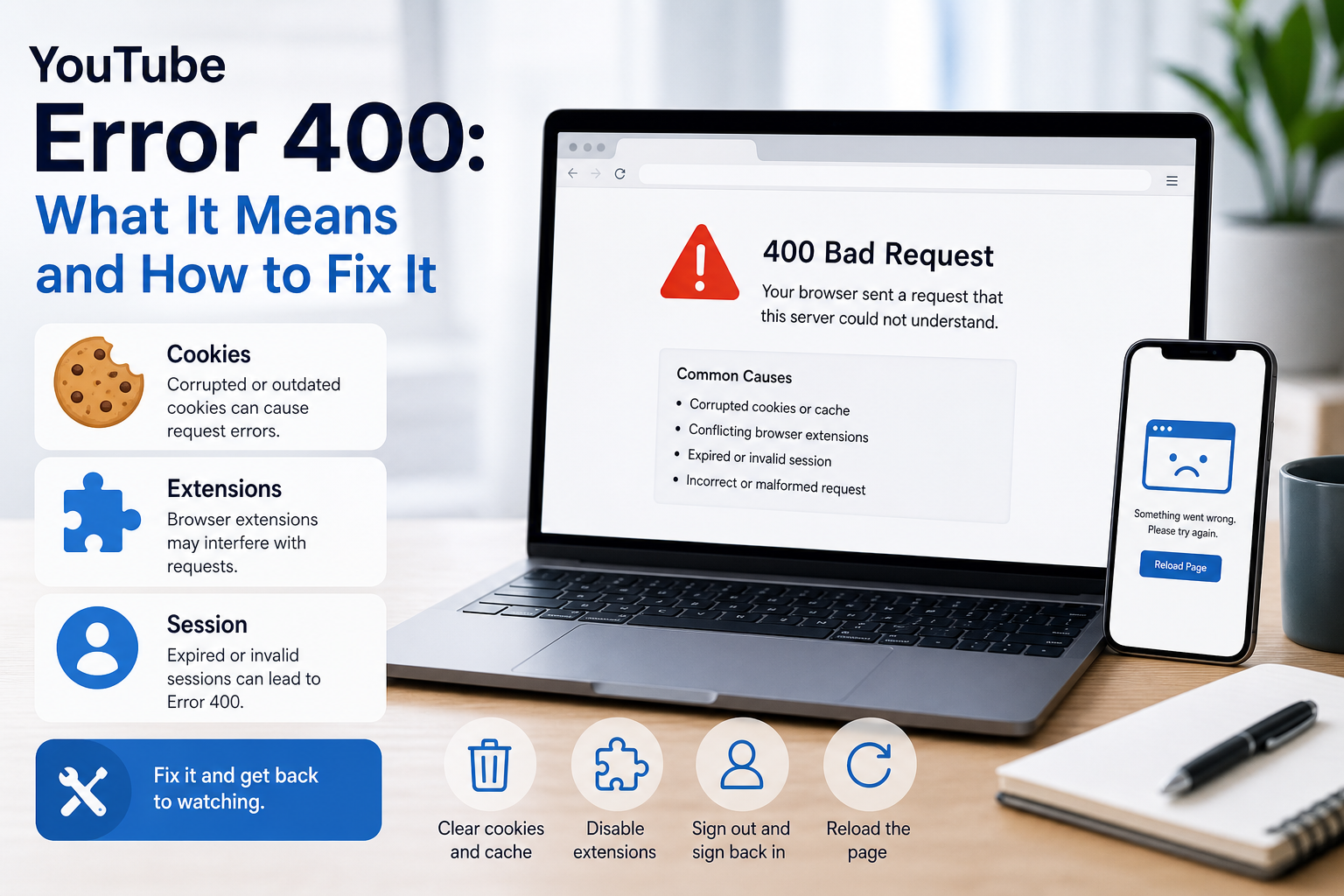
YouTube Error 400: What It Means and How to Fix It
In HTTP terminology, a 400 Bad Request is a client-error response. MDN explains that servers commonly return 400 when they consider the request malformed, incorrectly framed, or deceptively routed. The important troubleshooting clue is that repeating the exact same request without changing anything is expected to fail again.
View Details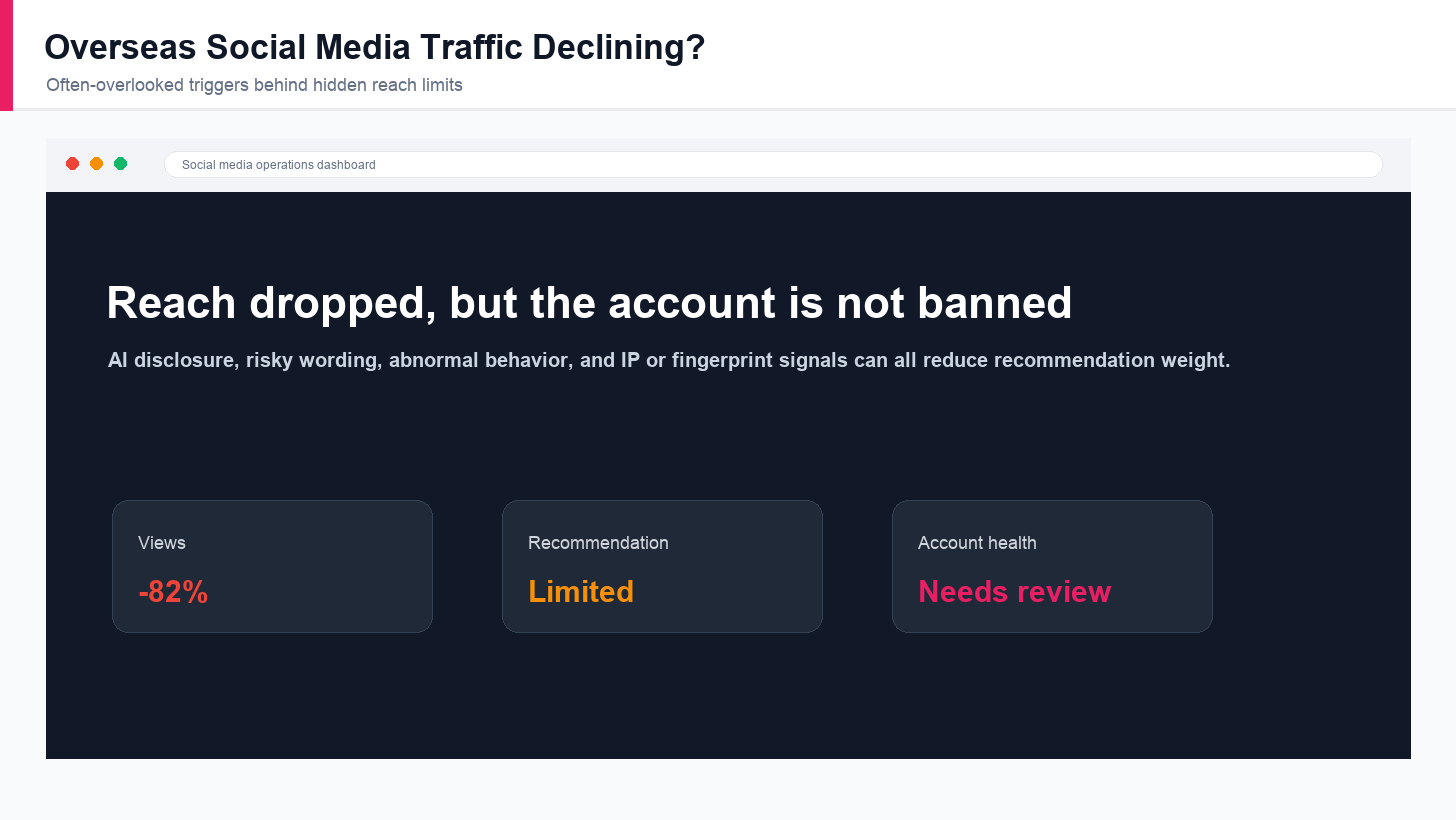
Overseas Social Media Traffic Declining? These Reach-Limiting Triggers Are Often Overlooked
A practical guide to overlooked overseas social media reach drops, covering AI content disclosure, risky wording, abnormal account behavior, hidden reach-limiting signals, and account environment checks.
View Details
How to Add a Server IP in Minecraft Step by Step
Learn exactly where to enter a Minecraft server IP in Java, Bedrock, and Pocket Edition, plus how to fix common connection errors, ports, and edition mismatches.
View Details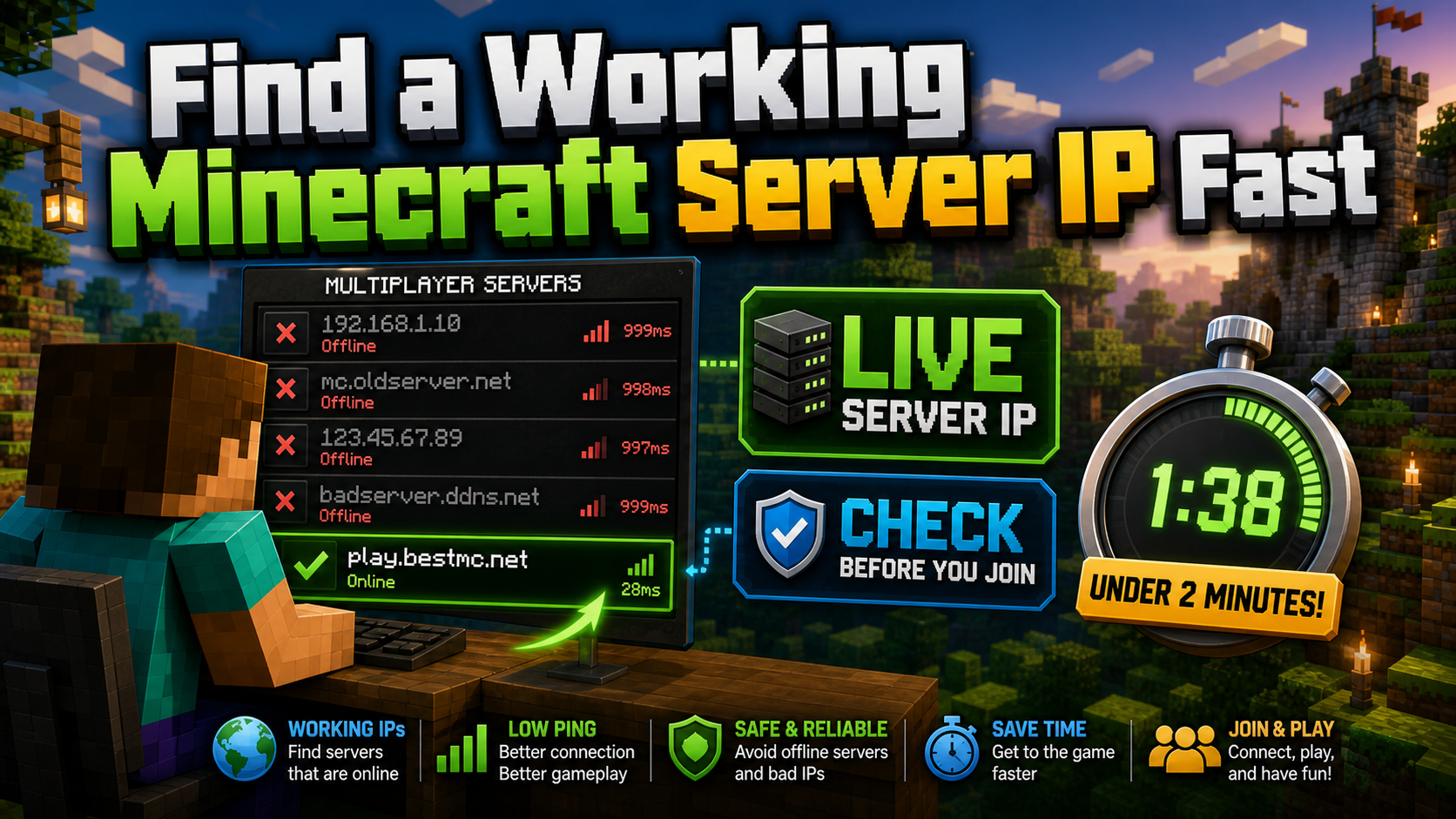
How to Find a Working Minecraft Server IP Fast
Stop wasting time on dead Minecraft server IPs. Learn how to verify live servers quickly, read status icons, check ports, and source updated server addresses.
View Details
Best 24/7 Online Minecraft Server IPs — No Downtime
Find reliable 24/7 Minecraft server IPs for Java and Bedrock, plus uptime checks, port basics, ping guidance, crossplay notes, and network stability tips.
View Details