
How Domestic Users Can Download and Register TikTok (International Version of Douyin)
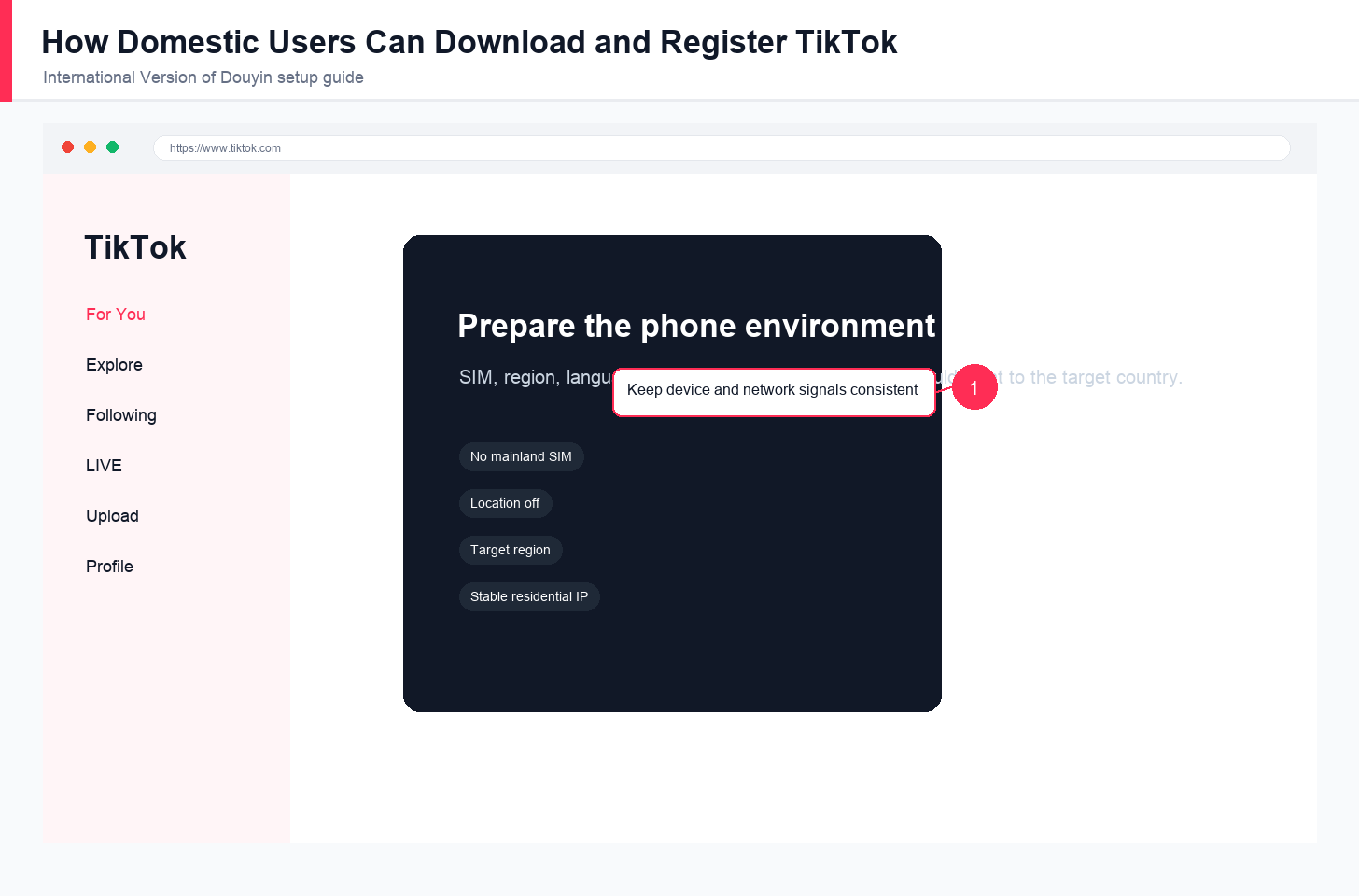
Downloading and registering TikTok successfully depends on preparing a consistent phone environment, using official app sources, registering with suitable account information, and keeping the network IP aligned with the target region.
TikTok remains a high-traffic global platform for content, culture, cross-border commerce, market research, and brand expansion. For users in regions where TikTok is not directly available, the key is to understand why direct access fails and then configure the phone environment carefully.
Why It Cannot Be Downloaded Directly
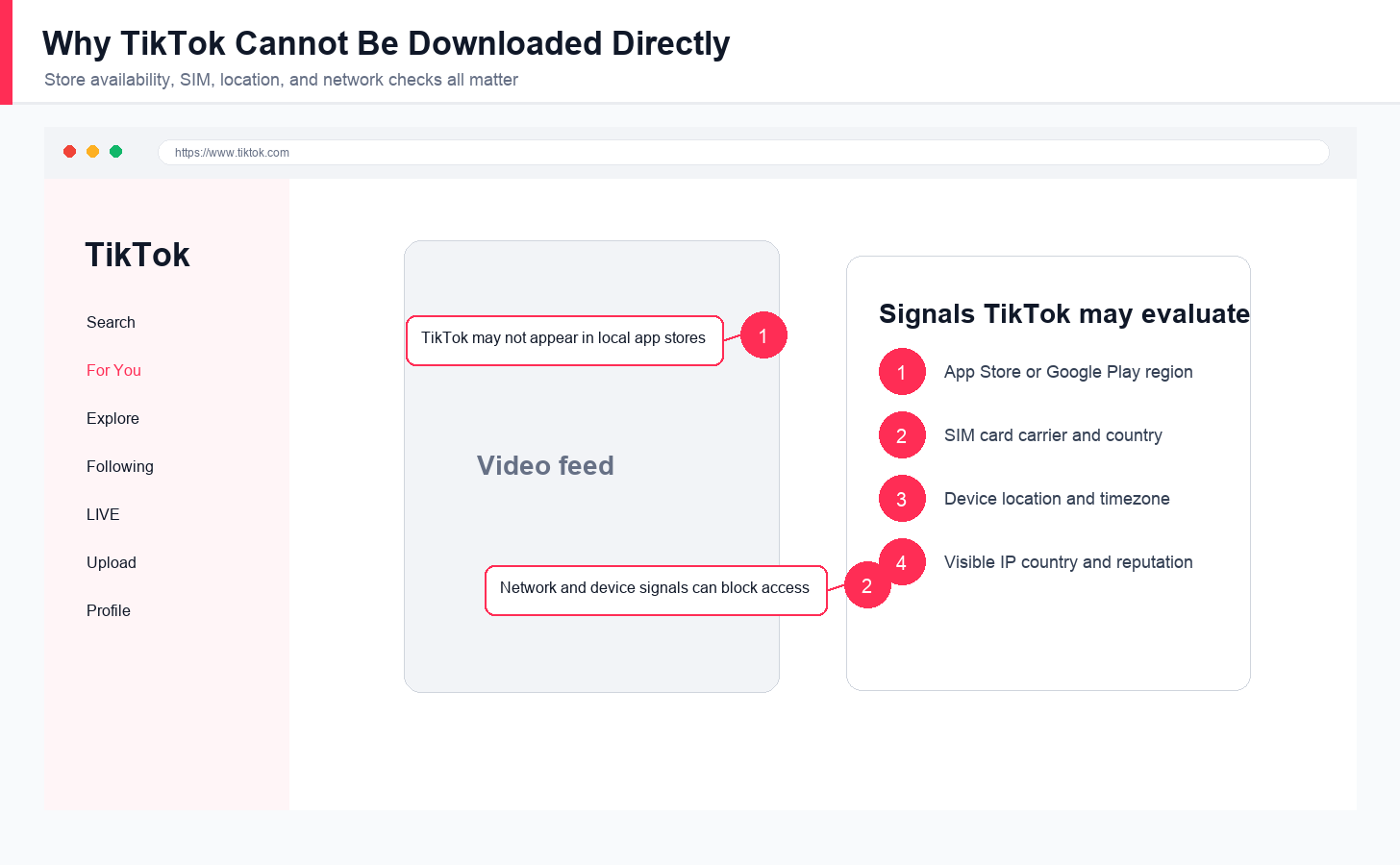
TikTok is not listed in some local app stores because of policy, data, and content-review differences. On the technical side, the app may check SIM card carrier, geographic location, app-store region, and network signals. Even if the app is installed through another route, direct access may still fail when these signals point to a restricted region.
Environment Configuration Is Key
Before downloading TikTok, create a phone environment that consistently points outside the restricted region. Remove or avoid using a mainland SIM card, turn off Location Services, and set the phone language, region, and timezone to the target country such as the United States or Japan. Some strict workflows recommend a factory reset to remove old local traces, but that should only be done on a dedicated work phone after backing up important data.
Android users should also make sure the device supports Google services. A device with at least 3GB RAM and Android 6.0 or above is a safer baseline. Avoid devices or ROMs with poor Google framework compatibility.
Full Guide for iPhone and Android
For iPhone, prepare a non-mainland Apple ID such as a US or Japan Apple ID. After logging in to the App Store with that Apple ID, search for TikTok and download it as you would any normal app.
For Android, install Google Services Framework, Google Play Services, and Google Play Store first. Then search for TikTok in Google Play and install it from that official source. This is safer than downloading random APK files from unverified websites.
Complete the Final Step
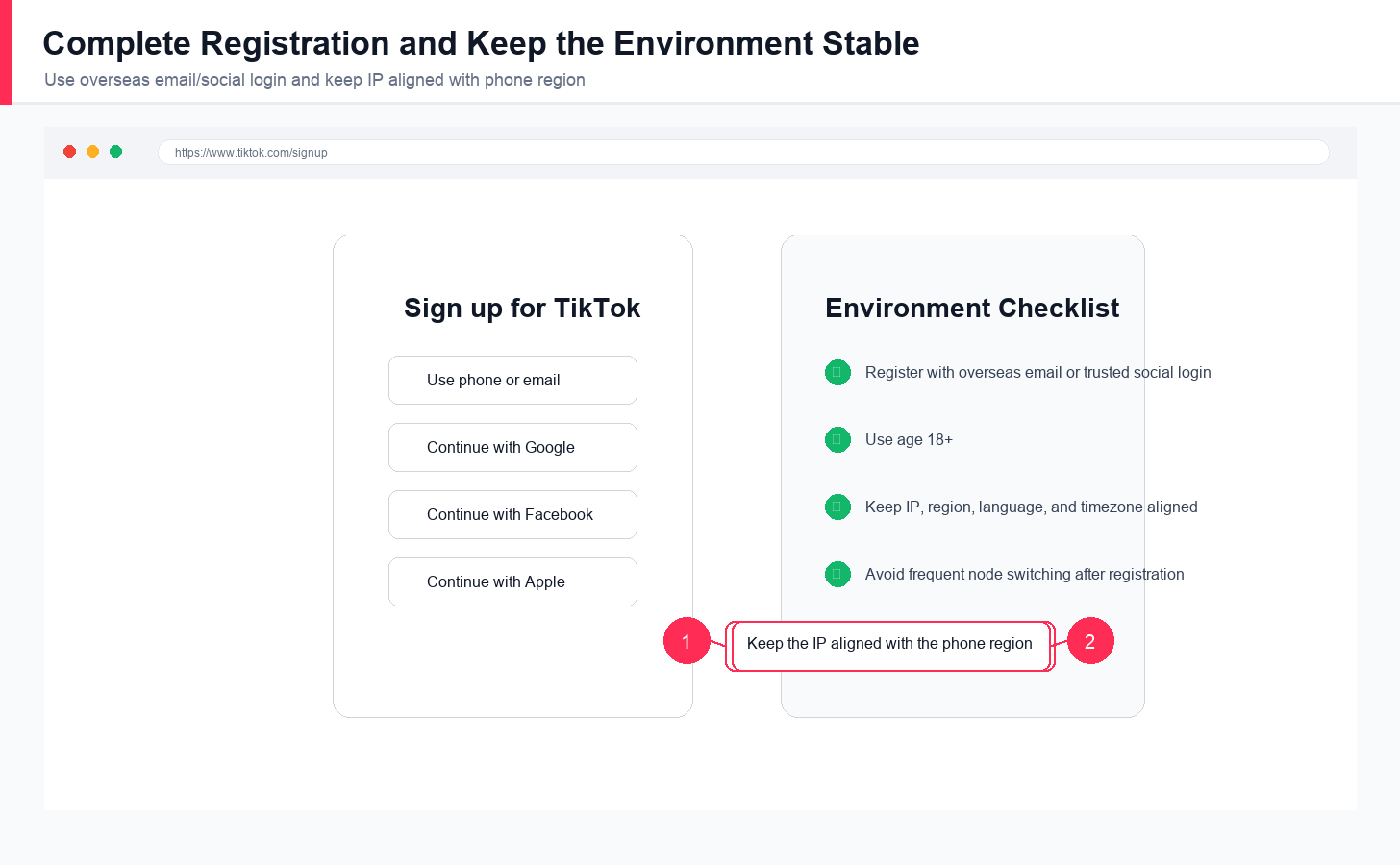
After installation, open TikTok and register. TikTok supports several registration methods. Overseas email such as Gmail or Outlook, or trusted third-party social accounts such as Facebook or Google, are usually preferable. You can review TikTok’s own entry point at tiktok.com/signup, although app-based registration is usually the normal mobile workflow. Mainland phone-number registration has a lower success rate and may cause later account issues. When entering age, use an age over 18.
Key Reminders and Compliance Advice
Downloading and registering is only the first step. Stable use depends on a continuous, compliant cross-border network environment. The IP address should match the phone settings and target region, and nodes should not be switched frequently.
For higher-requirement workflows such as cross-border ecommerce, content analysis, or market research, a clean and stable residential proxy IP from LycheeIP Static Residential Proxies can help keep the network environment consistent. The proxy country, phone region, language, timezone, and account market should point in the same direction. After setup, an IP lookup site such as ipinfo.io can help confirm the visible IP region.
Always follow platform rules and applicable laws. Use a dedicated work phone for TikTok rather than mixing the environment with daily social, banking, or personal apps. Clear cache periodically and keep the environment clean. After account login, account warming also matters. Read LycheeIP guides on account management and proxy stability before scaling operations.
Explore LycheeIP Residential Proxies
Frequently Asked Questions
Can I register TikTok with a mainland phone number?
It is not recommended. Overseas email or trusted social login usually creates fewer environment and verification conflicts.
Do I need a dedicated phone?
A dedicated work phone is strongly recommended because it keeps TikTok separated from personal apps, local SIM signals, and unrelated account data.
Why should IP, region, language, and timezone match?
Consistent signals make the account environment cleaner. If the IP points to one country while device settings point elsewhere, the environment may look unstable.
Related LycheeIP Articles
Related LycheeIP articles: residential proxies, anonymous proxy servers, mobile proxies, Apple proxy setup, MoreLogin proxy setup, AdsPower proxy setup, Instagram proxy management, mobile and residential proxy use cases, private proxy guide, public versus private IP guide.

Recommended Articles

AI Search API for AI Agents: How to Ground LLMs With Live Search Data
An AI search API gives an application or agent programmatic access to current search results. Its most useful role is discovery: the agent can find candidate sources, identify fresh information, and decide what to retrieve next instead of relying only on model memory.
View Details
AI Web Scraping with Browser Agents: Architecture, Extraction, and Data Validation
AI web scraping uses AI to help discover, navigate, interpret, or extract information from websites. Browser agents are one implementation option when page interaction, rendering, or layout variation makes a simple scraper too brittle, but the agent should not become the entire data pipeline.
View Details
AI Browser Automation: Browser Agents vs Playwright vs Selenium
A browser agent interprets a goal and decides what browser action to take next. Playwright and Selenium can execute explicit, testable browser logic defined by developers. In 2026, however, Playwright also provides official MCP and agent-oriented workflows, so Playwright is no longer just the deterministic alternative to agentic automation. It can also serve as the browser-control layer inside an agent system.
View Details
Agentic Browser Security: Prompt Injection, Permissions, and Safe Deployment
That combination creates risks that are different from ordinary browsing and traditional automation. The most important is indirect prompt injection, where hostile instructions hidden in web content attempt to redirect the agent away from the user's goal. Google describes indirect prompt injection as a primary new threat for agentic browsing and has introduced layered defenses that include origin constraints, independent action checks, threat detection, and user confirmation for sensitive actions. Google's Chrome security architecture is a useful reference for how browser-agent defenses are evolving.
View Details
How to Give AI Agents Reliable Real-Time Web Data
A production-ready solution therefore needs more than a web scraper. It needs a web data layer that connects acquisition, validation, storage, retrieval, security, and observability. This guide explains how to design that layer.
View Details