
Does Discord Have IP Bans or Just Server Bans?
Does Discord Have IP Bans or Just Server Bans?
Many users ask: does Discord have IP bans or just server bans? The short answer is yes, Discord uses both. However, they function very differently and have separate implications for users and server moderators. A discord server ban targets your specific account, while an IP ban targets the network address you are connecting from.
Understanding the distinction is crucial whether you are a user trying to figure out why you lost access or a server administrator trying to manage your community effectively. This article breaks down the technical differences, explains the unreliability of IP-based bans, and clarifies how to identify which ban you are dealing with. We will also cover the common query of how to bypass ip ban discord server from a technical perspective and discuss effective moderation strategies, including how to IP ban on Discord mobile.
What Is a Discord Server Ban?
A discord server ban blocks your specific user account from accessing a single Discord server. This is the most common type of ban on the platform and is controlled entirely by the administrators and moderators of that specific server, not by Discord staff.
How Do Discord Server Bans Work?
Understanding how do discord server bans work is simple: when a moderator bans you, your unique Discord user ID is added to that server's "ban list." The server's settings then check this list every time a user tries to join or view the server. If your user ID is on the list, the server refuses your connection. This action is specific to your account. You can still log in to Discord, access all other servers, and send direct messages. The question of does Discord have IP bans or just server bans often starts here, as users find they are only blocked from one place.
What Are the Immediate Effects of a Server Ban?
The immediate effect of a discord server ban is your removal from the server's member list. You will no longer see the server in your server list, and any attempt to rejoin using an invite link will result in an error message (often "Unable to Accept Invite"). Moderators also typically have the option to delete your recent message history from the server's channels at the time of the ban.
What Is a Discord IP Ban?
A Discord IP ban blocks a specific Internet Protocol (IP) address, or a range of addresses, from connecting to a server or, in rare cases, the entire platform. This is the other half of the does Discord have IP bans or just server bans equation. This ban targets your network's "digital address," not just your account.
Use LycheeIP's reliable proxy pools
How Does an IP Ban Work Technically?
Every device connected to the internet has an IP address, which it uses to send and receive data. When a server moderator issues a ban, Discord's system records both the user account ID and the IP address that account last used to connect.
If a discord server ban includes an IP ban, the server will block:
- The User Account: The primary ban, as described above.
- The IP Address: Any new account attempting to join from that same IP address will also be blocked.
This is an attempt to prevent ban evasion, where a user simply creates a new account to rejoin and continue disruptive behavior.
What Is the Difference Between Server and Platform IP Bans?
It is vital to distinguish between the two scopes of IP bans.
- Server-Level IP Ban: This is applied by server moderators. It only blocks your IP from their specific server. This is the most common type of IP ban.
- Platform-Level IP Ban: This is applied by Discord's central Trust & Safety team for severe violations of the Terms of Service (e.g., illegal activities, large-scale spam operations). This ban can block your IP from accessing any part of the Discord service. These are rare and difficult to appeal.
How Can You Tell Which Ban Type You Received?
You can identify your ban type by observing the symptoms, such as whether you are blocked from one server or the entire service, and if a new account on the same network is also blocked. Knowing this helps you understand why you were blocked and what your next steps are.
Key Symptoms of Each Ban
- Standard Discord Server Ban: You are kicked from one server. You can still use Discord and join other servers. If you create a new account on the same network, you can successfully rejoin the server you were banned from (though this may violate that server's rules).
- Discord Server Ban + IP Ban: You are kicked from one server. When you create a new account on the same network (same Wi-Fi), you are still unable to join that specific server. However, if you switch networks (e.g., from Wi-Fi to mobile data) and try with a new account, you can join. This confirms your IP was the problem.
- Platform Ban: You cannot log in to Discord at all. Your account may be disabled, and you may receive an email from Discord. Any attempt to create a new account from the same network or with the same phone number may be instantly flagged or blocked.
When users ask does Discord have IP bans or just server bans, they are often trying to diagnose one of these three scenarios.
A Quick Comparison: Ban Type vs. Symptoms
This table summarizes the key differences.
| Symptom | Likely Ban Type | How to Confirm |
| Cannot join one server with your account. Can use Discord and join other servers. | Standard Discord Server Ban (Account-based) | Try joining the same server with a new account from the same IP. If it works, it was just an account ban. |
| Cannot join one server with your account OR a new account from the same network. | Discord Server Ban + IP Ban | Try joining the server from a different network (e.g., mobile data). If you can, your IP is blocked. |
| Cannot log in to Discord at all. Account seems disabled. | Platform Ban (Account + possible IP flag) | Check your email for a notice from Discord Trust & Safety. |
Understanding how do discord server bans work in this context shows that moderators often apply both account and IP bans simultaneously by default.
Why Are Discord IP Bans Often Unreliable?
Discord IP bans are often unreliable because many users have dynamic IPs that change, or they share IPs with innocent users on networks like college dorms, offices, or public Wi-Fi. This creates two major problems: false positives (banning the wrong people) and false negatives (the ban being easy to circumvent).
The Problem with Dynamic and Shared IPs
Many Internet Service Providers (ISPs) assign dynamic IPs. This means your IP address can change every time you restart your router or even periodically. A moderator might ban an IP, but the offending user could get a new one minutes later, rendering the ban useless. Worse, that banned IP eventually gets recycled and assigned to a completely new, innocent user who then finds they are banned from a server they have never visited.
Shared IPs are also a major issue. A single IP address can be shared by hundreds of users in a university dorm, a library, or an office. Banning that one IP address for one bad actor means blocking all other innocent users on that same network.
How a Discord IP Ban VPN or Proxy Bypasses the Block
This brings us to the common question of how to bypass ip ban discord server. The technical reason IP bans fail is that an IP address is not a permanent identifier. A user can easily change their apparent IP address using a few common tools:
- Discord IP Ban VPN: A Virtual Private Network (VPN) routes your traffic through a server in another location, masking your real IP with the VPN server's IP. A user banned on IP 123.45.67.89 can connect to a discord ip ban vpn and appear to be on IP 98.76.54.32, completely bypassing the block.
- Proxies: A proxy server acts as an intermediary for your connection. This is the core technology that infrastructure providers like LycheeIP manage. While our services are designed for legitimate developer workloads—like web scraping, ad verification, and market research—the underlying principle is the same. By routing a request through a proxy, the destination server (like Discord) sees the proxy's IP, not the user's original IP.
- Mobile Networks: Simply switching from Wi-Fi to a 4G or 5G mobile data connection will almost always assign you a new, different IP address.
This is why relying solely on IP bans is a flawed security model. Network identity is flexible and easily managed with the right tools.
Users often search for a "discord ip ban bug," but this term typically does not refer to a single software glitch. Instead, "discord ip ban bug" describes the unintended consequences and unreliability of the IP ban system itself.
The discord ip ban bug can refer to:
- Innocent Users Banned: You are assigned a dynamic IP that was previously banned, and you get blocked.
- Collateral Damage: You are on a shared network (like a university) where someone else got banned, and now the entire campus IP range is blocked.
- Ineffective Bans: A moderator bans a user, only to have them return minutes later using a discord ip ban vpn, making the ban system feel buggy and broken.
This discord ip ban bug highlights the fundamental challenge of using IPs for identification.
Use LycheeIP's reliable proxy pools
How Can You Address a Discord Ban?
You can address a ban by either submitting a legitimate appeal to the server moderators or, for platform bans, to Discord's Trust & Safety team. The method of how to bypass ip ban discord server is a technical workaround, not an appeal, and carries its own risks.
Legitimate Appeal Routes for Server and Platform Bans
This is the recommended and only officially supported method.
- For a Discord Server Ban: You must contact the server's moderators directly. This is often the hardest part, as you can no longer message them on the server. You may need to find a server-related website, subreddit, or ask a mutual friend to contact them on your behalf. Be polite and state your case clearly. Since moderators control how do discord server bans work, they are the only ones who can undo it.
- For a Platform Ban: You must file an appeal with Discord's Trust & Safety team through their official support portal.
What Are the Technical Methods to Bypass IP Ban Discord Server Blocks?
While we do not endorse violating Discord's Terms of Service, understanding the technical answer to "how to bypass ip ban discord server" is straightforward. Because these bans are tied to your IP, changing your IP is the mechanism for circumvention.
Warning: Ban evasion is almost always against Discord's ToS and the specific server's rules. Attempting to bypass a ban can lead to a much stricter platform-level ban.
The technical methods include:
- Restarting Your Router: If your ISP uses dynamic IPs, this can sometimes assign you a new one.
- Using a Mobile Network: Switching from Wi-Fi to mobile data.
- Using a Discord IP Ban VPN: This is the most common method. A discord ip ban vpn masks your IP, making you appear as a new user.
- Using a Proxy: A proxy, such as a residential proxy, routes your connection through a different IP address, effectively bypassing the server's IP block.
Again, these methods require you to create a new account as well, as your original account is still banned. This discussion of does Discord have IP bans or just server bans highlights that to be effective, moderators must ban both.
How Can Server Owners Enforce Bans Effectively?
Server owners can enforce bans effectively by using a combination of account bans, IP bans, and server verification settings, which can be managed from both desktop and mobile.
How to IP Ban on Discord Mobile and Desktop
Many administrators wonder how to IP ban on Discord mobile. The good news is that Discord's default ban function typically includes an IP ban by default.
The process for how to IP ban on Discord mobile and desktop is nearly identical:
- Tap (on mobile) or right-click (on desktop) the user's name.
- Select the "Ban" option from the menu.
- A dialog box will appear. Here you can select a reason for the ban and, crucially, choose whether to delete their recent message history (e.g., "last 24 hours").
- When you confirm the ban, Discord logs both the account ID and the last known IP address for the server's ban list.
You do not need to find a special "IP Ban" button. The standard ban function handles both. This simplicity is why many moderators don't even realize they are issuing IP bans. Following the steps for how to IP ban on Discord mobile is a core moderation action.
Best Practices for Fair and Effective Moderation
Relying only on bans is inefficient. A robust moderation strategy combines tools:
- Set Verification Levels: In Server Settings > Safety Setup, set a verification level. Requiring users to have a verified email or phone number on their account creates a significant barrier for trolls who mass-create new accounts.
- Use Moderation Bots: Bots like MEE6 or Dyno can automate moderation, filter spam, and log user joins and leaves, helping you spot ban evaders.
- Have Clear Rules: A clear, visible rules channel ensures users know the expectations.
- Understand the Discord IP Ban Bug: Be aware of the collateral damage of IP bans. If a user from a university or public IP address claims they are an innocent victim, they may be telling the truth. Consider this when reviewing appeals.
- Document Bans: Keep a private log for moderators explaining why a user was banned. This helps maintain consistency and makes appeals easier to judge.
Knowing how do discord server bans work is only half the battle; good preventative settings are more effective.
What Should You Do Next?
Your next step depends on your role: banned users should identify their ban type and appeal, while moderators should review their server's security settings.
We have established the answer to does Discord have IP bans or just server bans: it uses both, often simultaneously at the server level.
- If you are a user: Diagnose your ban type using the table above. The only recommended path forward is a polite, direct appeal to the server moderators or Discord Trust & Safety.
- If you are a moderator: Re-evaluate your reliance on IP bans. Implement stronger verification levels and use moderation bots to prevent bad actors from entering in the first place. This is more effective than trying to manually ban evasive users.
- If you are a developer or data engineer: This entire scenario underscores a core concept of internet infrastructure: IP addresses are unreliable identifiers. For mission-critical applications like data collection, ad verification, or platform testing, managing a clean, stable pool of IPs is essential.
Comparison/Table (if used):
Table: Ban Type vs. Symptoms
| Symptom | Likely Ban Type | How to Confirm |
| Cannot join one server with your account. Can use Discord and join other servers. | Standard Discord Server Ban (Account-based) | Try joining the same server with a new account from the same IP. If it works, it was just an account ban. |
| Cannot join one server with your account OR a new account from the same network. | Discord Server Ban + IP Ban | Try joining the server from a different network (e.g., mobile data). If you can, your IP is blocked. |
| Cannot log in to Discord at all. Account seems disabled. | Platform Ban (Account + possible IP flag) | Check your email for a notice from Discord Trust & Safety. |
Use LycheeIP's reliable proxy pools
Frequently Asked Questions:
- Does Discord have IP bans or just server bans?
Discord has both. A discord server ban blocks a specific account from one server. An IP ban, which is often applied with a server ban, blocks the user's network address to prevent them from rejoining with a new account. - How do I know if I received an IP ban from a Discord server?
The easiest way to check is to create a new, separate Discord account and try to join the same server from the same network (e.g., your home Wi-Fi). If you are still blocked, the server has likely IP-banned you. - What is the discord ip ban bug people talk about?
This term usually refers to the "collateral damage" of IP bans, not a specific software error. Because many users share IPs (like in a dorm) or have dynamic IPs that get recycled, innocent users can get banned by mistake. This makes the ban system seem buggy. - Can I use a discord ip ban vpn to get unbanned?
A VPN will not get your original account unbanned. That account ban is permanent until a moderator revokes it. A VPN or proxy only changes your IP, which is a technical method to bypass the IP block if you were to create a new account. This is known as ban evasion and typically violates Discord's Terms of Service. - How do server moderators issue an IP ban?
Moderators do this using the standard "Ban" function. When a mod bans a user (from desktop or by following the steps for how to IP ban on Discord mobile), Discord's system automatically logs that user's last known IP address and blocks it from the server along with the account. - How do I appeal a discord server ban?
You must find a way to contact the server's moderators or administrators directly. This cannot be done through Discord's official support. You may need to find a server website, a related social media page, or ask a mutual friend on the server to pass on your message.

Recommended Articles
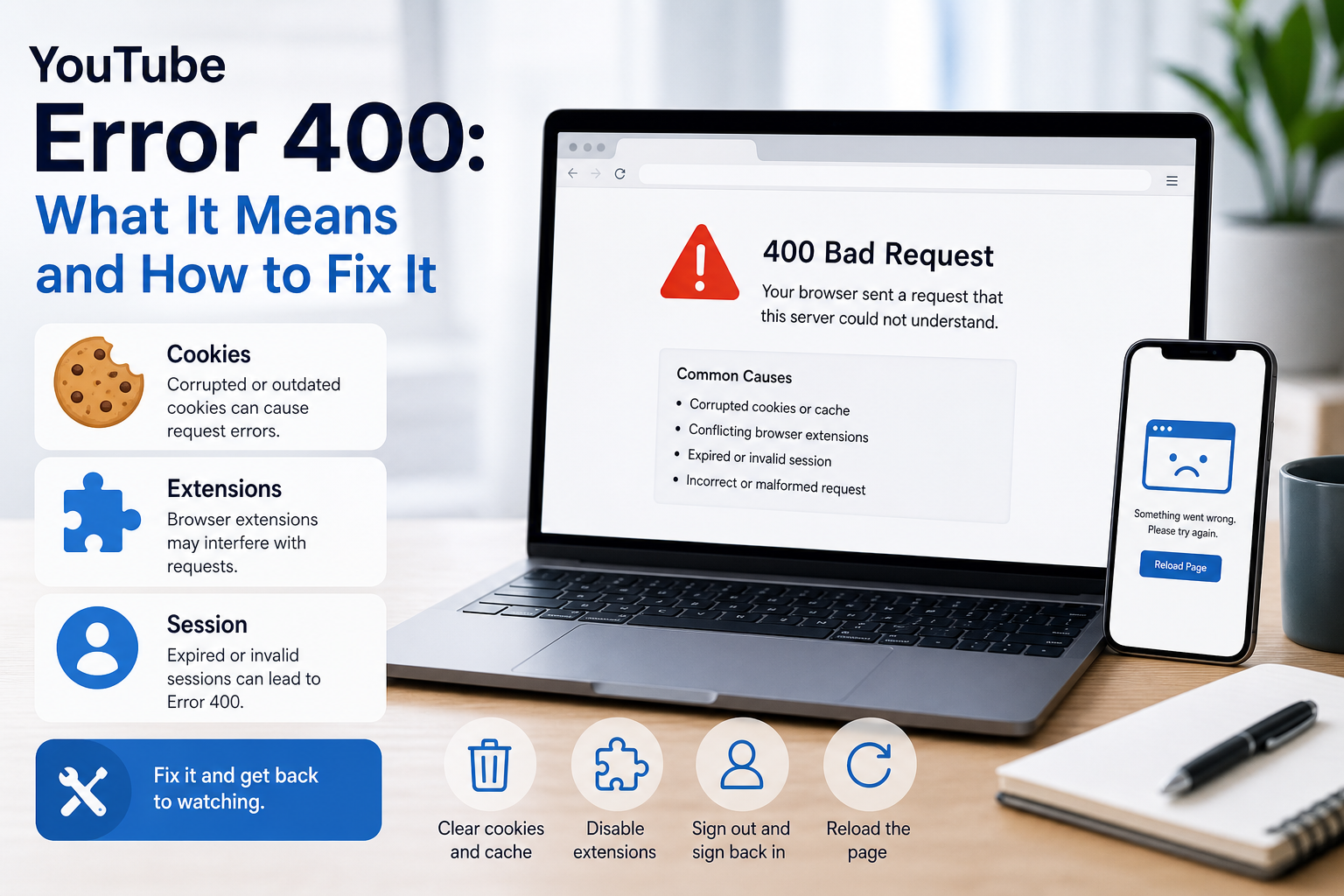
YouTube Error 400: What It Means and How to Fix It
In HTTP terminology, a 400 Bad Request is a client-error response. MDN explains that servers commonly return 400 when they consider the request malformed, incorrectly framed, or deceptively routed. The important troubleshooting clue is that repeating the exact same request without changing anything is expected to fail again.
View Details
Overseas Social Media Traffic Declining? These Reach-Limiting Triggers Are Often Overlooked
A practical guide to overlooked overseas social media reach drops, covering AI content disclosure, risky wording, abnormal account behavior, hidden reach-limiting signals, and account environment checks.
View Details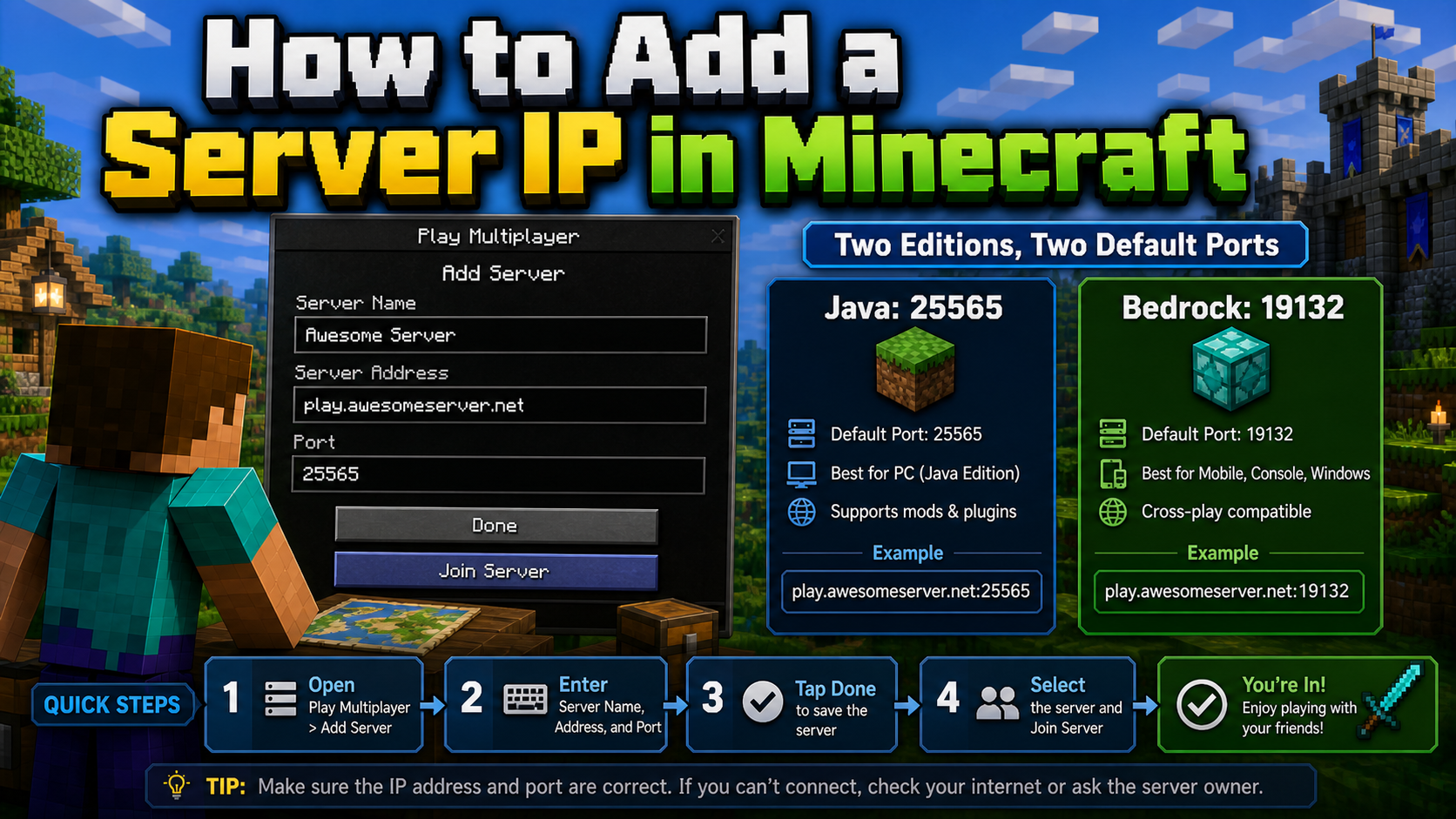
How to Add a Server IP in Minecraft Step by Step
Learn exactly where to enter a Minecraft server IP in Java, Bedrock, and Pocket Edition, plus how to fix common connection errors, ports, and edition mismatches.
View Details
How to Find a Working Minecraft Server IP Fast
Stop wasting time on dead Minecraft server IPs. Learn how to verify live servers quickly, read status icons, check ports, and source updated server addresses.
View Details
Best 24/7 Online Minecraft Server IPs — No Downtime
Find reliable 24/7 Minecraft server IPs for Java and Bedrock, plus uptime checks, port basics, ping guidance, crossplay notes, and network stability tips.
View Details