
Proxy SwitchyOmega Setup: MV3, Firefox, and Top Alternatives
Proxy SwitchyOmega Setup: MV3, Firefox, and Top Alternatives
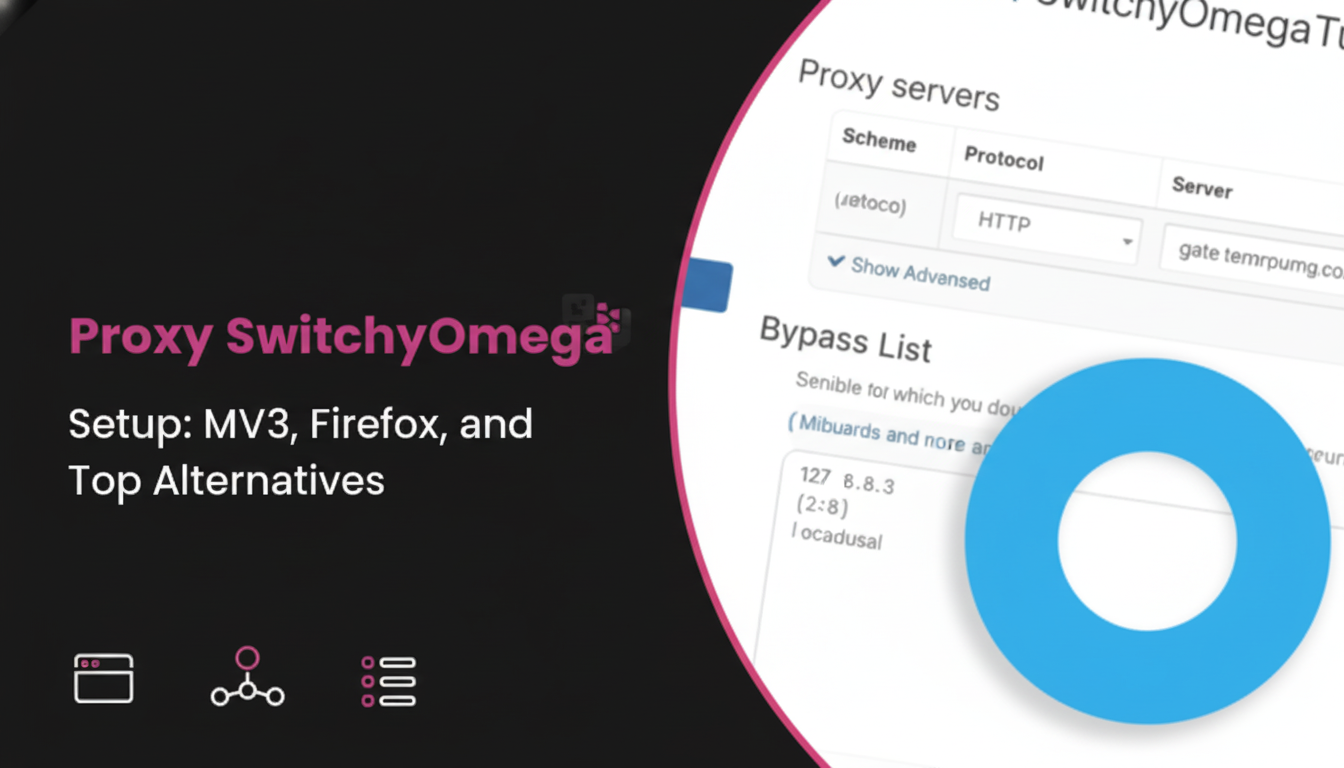
Proxy SwitchyOmega is a popular browser extension, or proxy manager, that simplifies the process of routing your internet traffic through different proxy servers. For developers, data engineers, and growth teams, it's a valuable tool for testing geolocations, managing multiple accounts, or accessing data without revealing a static IP address.
However, recent changes to Chrome's extension platform (Manifest V3) have caused confusion. Many users are now searching for a stable proxy switchyomega mv3 version, a reliable proxy switchyomega alternative, or clear setup instructions for Firefox. This article covers everything you need to know to manage your proxy settings effectively in 2025.
Integrate clean residential proxies with LycheeIP
What is Proxy SwitchyOmega and Why Do People Use It?
Proxy SwitchyOmega is a browser tool that lets you create and swap between different proxy connection profiles with a single click. People use it because it eliminates the need to manually dig into your operating system's network settings every time you need to change your proxy server.
Its main benefits are convenience and control. You can have profiles for:
- Direct Connection: Your normal internet.
- Work Proxy: A specific proxy server required by your company.
- Testing Proxy: A profile pointing to residential proxies in Germany.
- Scraping Proxy: A profile using rotating dedicated datacenter proxies.
Being able to switch between these instantly makes tasks like web scraping, ad verification, and QA testing much more efficient.
How Does a Proxy Manager Differ from a Proxy Server?
It's a simple but crucial distinction:
- A Proxy Server is the actual intermediary server (the service) that processes your requests and masks your real IP address. You get these from a provider like LycheeIP.
- A Proxy Manager (like SwitchyOmega) is just the user interface (the tool) inside your browser that tells it which proxy server to use at any given time.
You cannot use a proxy manager without having access to a proxy server first.
What Changed with Manifest V3 for Proxy Extensions?
Manifest V3 (MV3) is Google's new API standard for Chrome extensions, which changes how they handle network requests, background processes, and permissions. This update, aimed at improving security and performance, broke many older extensions, including the original Proxy SwitchyOmega.
This forced developers to find a proxy switchyomega mv3-compatible solution or move to a different proxy manager. The transition has been a major topic for developers relying on browser automation and proxy control.
Does the Original SwitchyOmega Still Work?
No, the original SwitchyOmega project by 'FelisCatus' on GitHub is officially marked as "no longer maintained." Using this outdated version on modern Chrome browsers will lead to failures, especially as Google finalizes its MV2 deprecation.
Which proxy switchyomega mv3 Forks Are Reliable?
Several proxy switchyomega mv3 forks and replacements have appeared on the Chrome Web Store to fill the gap. When searching the Chrome Web Store for proxy switchyomega, you'll likely see a few options.
Look for versions that:
- Explicitly state "MV3" or "Manifest V3" in their description.
- Show a recent "Updated" date.
- Have a significant number of active users and positive recent reviews.
These maintained forks aim to replicate the original SwitchyOmega functionality while complying with the new proxy switchyomega mv3 requirements.
Integrate clean residential proxies with LycheeIP
How Do You Install the Proxy SwitchyOmega Chrome Extension?
You can install a proxy switchyomega mv3 version directly from the Chrome Web Store.
- Open the Chrome Web Store and search for "Proxy SwitchyOmega".
- Choose a well-reviewed, recently updated version (like "Proxy SwitchyOmega 3" or similar forks).
- Click "Add to Chrome" and confirm the permissions.
- Once installed, the extension icon will appear in your toolbar. Click it and select "Options."
- This is where you'll create profiles to add your proxy server details.
This process is the standard for any proxy switchyomega chrome extension.
How Do You Prevent Conflicts with Other Proxy Tools?
You should only run one proxy manager extension at a time. If you have another proxy switchyomega chrome extension, a VPN extension, or a different proxy manager (like FoxyProxy) active, they will fight for control of the browser's proxy settings.
If your connection isn't working, the first step is to disable all other proxy-related extensions to ensure your chosen SwitchyOmega tool has exclusive control.
How Do You Set Up Profiles for HTTP(S) and SOCKS5 Proxy Servers?
You can set up profiles in the SwitchyOmega "Options" page by creating a "New profile."
- Name the profile (e.g., "US Residential" or "Datacenter-SOCKS5").
- Select "Proxy Profile" as the type.
- Choose your protocol from the dropdown (e.g., HTTP, HTTPS, or SOCKS5).
- Enter the Server and Port of your proxy server. (e.g., proxy.lycheeip.com and 8000).
- If your proxy requires a username and password (which all good ones do), click the "Authentication" lock icon and enter your credentials.
Repeat this process for all your different proxy endpoints, such as your residential proxies and dedicated datacenter proxies.
Which Proxy Format is Best: host:port or user:pass@host:port?
Always use the dedicated host:port and authentication fields provided by the proxy manager UI.
While some providers give you a single string like user:pass@host:port, pasting this directly into the "Server" field can be insecure and is often unsupported. The Proxy SwitchyOmega UI is designed to securely store your credentials separately from the host and port, which is the best practice.
How Do Auto Switch Rules and PAC Logic Work?
Auto Switch rules let you automatically use a specific proxy profile based on the website you're visiting. This is SwitchyOmega's most powerful feature.
For example, you can set a rule that says:
- Condition: Host wildcard = *.google.com
- Action: Use "Direct Connection" (no proxy).
- Condition: Host wildcard = *.competitor-site.com
- Action: Use "US Residential" profile.
This saves you from manually switching profiles and ensures you only use your paid residential proxies or dedicated datacenter proxies on the domains that require them, saving bandwidth and costs.
Integrate clean residential proxies with LycheeIP
How Do You Configure or Disable Proxies in Firefox?
You can configure proxy settings directly within Firefox without any extensions.
- Open the Firefox menu and go to Settings.
- In the "General" panel, scroll all the way down to the Network Settings section and click "Settings..."
- Here, you have several options:
- No proxy: This disables all proxies and is the fastest way to turn them off.
- Auto-detect proxy settings: Usually for corporate networks.
- Use system proxy settings: Firefox will copy the proxy settings from your OS.
- Manual proxy configuration: You can enter your proxy server host:port directly here.
Many users looking for firefox proxy switchyomega functionality find these built-in settings sufficient.
The "No proxy" option is located inside Settings > General > Network Settings > Settings.... Selecting this and clicking "OK" is the definitive way to disable any proxy that might be "stuck" in Firefox. If you're looking for a firefox proxy switchyomega equivalent, a proxy manager extension is still recommended.
Which Browser is Better for Proxy Management: Chrome or Firefox?
It depends on your needs: Chrome is better if you are already invested in the Proxy SwitchyOmega workflow and are willing to use a proxy switchyomega mv3 fork. Firefox is often considered more stable for proxy management, as its add-on ecosystem was less affected by MV3, and it has powerful, long-standing alternatives.
Many developers use Firefox for manual proxy work specifically because its native proxy controls are so clear and accessible. Users seeking firefox proxy switchyomega features often just use FoxyProxy, which is a popular proxy manager on Firefox.
When Should You Use the System Proxy Instead?
You should use the system proxy when you need applications outside your browser to use the proxy server.
A browser proxy manager like SwitchyOmega only affects traffic from that browser. If you need your command-line tools (like cURL), Python scripts, or other desktop apps to route through a proxy, you must configure it at the system level (in Windows Settings or macOS Network Preferences).
What is a Good Proxy SwitchyOmega Alternative?
The best and most popular Proxy SwitchyOmega alternative is FoxyProxy. It is actively maintained, available for both Chrome and Firefox, and offers nearly identical functionality, including rule-based switching, profiles, and support for all proxy protocols.
If you are frustrated with finding a stable proxy switchyomega mv3 build, switching to FoxyProxy is a common and highly-recommended solution. It is a fantastic proxy switchyomega alternative.
How Does FoxyProxy Compare to SwitchyOmega?
FoxyProxy is a direct competitor and a very strong proxy switchyomega alternative.
- Browser Support: FoxyProxy has stable, popular versions for both Chrome and Firefox. This is a major win for users looking for a firefox proxy switchyomega solution.
- Maintenance: It is actively developed and maintained, with a clear history of updates.
- Features: It matches SwitchyOmega on rule-based switching, profile management, and ease of use.
For teams that work across both Chrome and Firefox, FoxyProxy is often the superior proxy switchyomega alternative because it provides a consistent experience.
When is a Vendor-Specific Proxy Manager Enough?
A vendor-specific proxy manager (an extension provided by your proxy seller) is enough when you only use one provider and only need simple on/off functionality.
However, these tools are often basic. They typically don't support third-party proxies or advanced routing rules.
At LycheeIP, we focus on providing robust, developer-first API access. While a simple proxy manager is fine for quick tests, most data engineers and growth teams integrate our residential proxies or dedicated datacenter proxies directly into their scripts or tools (like SwitchyOmega or FoxyProxy) for the greatest control and scalability.
Integrate clean residential proxies with LycheeIP
Which Proxy Type Should You Use?
Choosing the right proxy server type is more important than the proxy manager you use. Your choice depends entirely on your task.
| Proxy Type | IP Source | Performance | Cost | Best Use Case |
| Residential Proxies | Real user ISP devices | Variable speed, high success | Higher | Web scraping, ad verification, social media, sneaker bots. |
| Dedicated Datacenter Proxies | Servers in a data center | Very fast, stable IP address | Lower | Server monitoring, high-speed data access, managing known accounts. |
You would configure residential proxies in one SwitchyOmega profile (likely rotating) and dedicated datacenter proxies in another (likely static).
Does Incognito Mode Actually Hide Your IP Address?
No, Incognito mode (or Private Browsing in Firefox) does not hide your IP address.
This is a common misconception. Incognito mode only does three things:
- Deletes your browsing history when you close the window.
- Clears cookies and site data from that session.
- Forgets form data you entered.
Your school, employer, ISP, and the websites you visit can still see your real IP address. To hide your IP address, you must use a proxy server or a VPN.
When Do You Need a VPN Instead of a Proxy?
You need a VPN for system-wide encryption and privacy; you need a proxy server for routing and IP address flexibility.
- VPN (Virtual Private Network): Encrypts all internet traffic from your entire device (all apps, not just the browser) and routes it through a single server. It's best for general privacy and security.
- Proxy Server: Does not (usually) encrypt traffic. It's designed to change your IP address and location for specific applications or tasks, like scraping data with a script or testing a website from another country using a proxy manager.
Why Isn’t My Proxy SwitchyOmega Working and How Can I Fix It?
Your Proxy SwitchyOmega setup is most likely failing due to one of three common issues:
- Incorrect Credentials: You entered the wrong username, password, host, or port. Double-check your proxy server details.
- Extension Conflicts: You have another proxy manager or VPN extension active. Disable all other proxy-related extensions in Chrome.
- Using an MV2 Version: You are using an old, unmaintained proxy switchyomega chrome extension that is not proxy switchyomega mv3 compatible. You must install a new version from the Chrome Web Store.
To fix it, first confirm your credentials are correct. Second, disable all other proxy extensions. Third, if it still fails, uninstall your current proxy switchyomega and find a new proxy switchyomega mv3 version on the Chrome Web Store. If problems persist, consider a proxy switchyomega alternative like FoxyProxy.
Integrate clean residential proxies with LycheeIP
Frequently Asked Questions:
1. How do I set up a proxy in Proxy SwitchyOmega?
In the extension's "Options," create a "New profile." Select your protocol (HTTP/SOCKS5), enter the proxy server host and port, and add your username/password under the "Authentication" icon.
2. Is Proxy SwitchyOmega safe to use?
The open-source SwitchyOmega code is generally considered safe. However, because the original is unmaintained, you must be careful when choosing a new proxy switchyomega mv3 fork from the Chrome Web Store. Always check the developer, reviews, and permissions before installing.
3. What's the difference between Proxy SwitchyOmega and a VPN?
Proxy SwitchyOmega is a proxy manager that only routes your browser traffic through a proxy server for IP address switching. A VPN encrypts all traffic from your entire computer for privacy and security.
4. Can I use Proxy SwitchyOmega on Firefox?
The original Proxy SwitchyOmega is not available for Firefox. Users looking for firefox proxy switchyomega functionality should use a popular proxy manager alternative like FoxyProxy, which is fully supported on Firefox, or use the built-in Firefox Network Settings.
5. Why does Proxy SwitchyOmega need to be proxy switchyomega mv3?
proxy switchyomega mv3 refers to Manifest V3, Google's new standard for Chrome extensions. Older extensions (MV2) are being phased out. Any proxy switchyomega chrome extension must be updated to the new MV3 standard to function correctly in modern Chrome browsers.
6. What kind of proxy server works with SwitchyOmega?
SwitchyOmega and its alternatives work with most proxy protocols, including HTTP, HTTPS, and SOCKS5. This means you can use them with high-quality residential proxies, dedicated datacenter proxies, or any other proxy server you have credentials for.

Recommended Articles

Best Real Estate Scrapers in 2026
Best Real Estate Scrapers in 2026
View Details
How to Choose a Web Crawler: A Technical Decision Framework
The wrong way to choose a web crawler is to begin with a list of products. The right starting point is the system you need to build. Before comparing tools, define:
View Details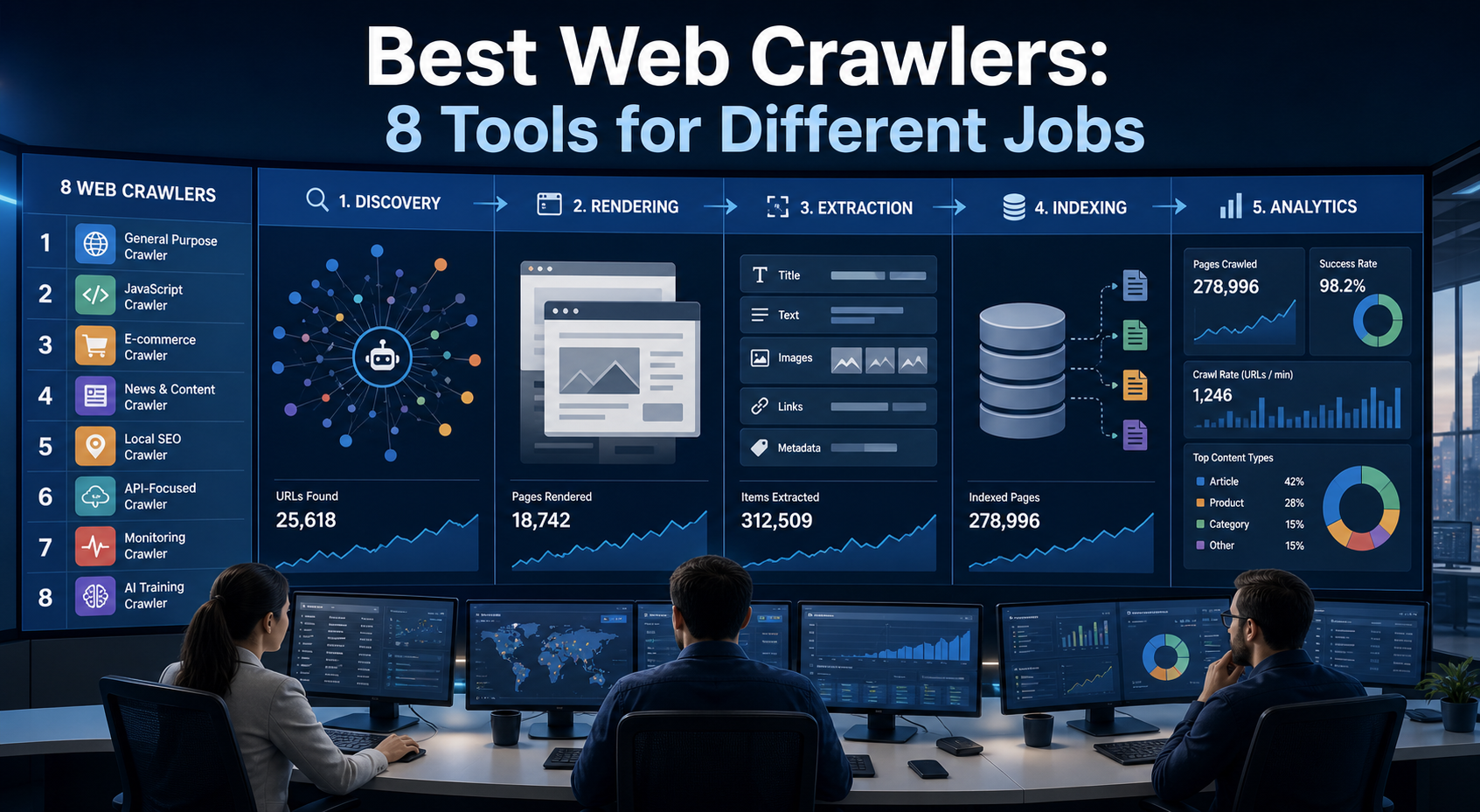
Best Web Crawlers: 8 Tools for Different Jobs
There is no single best web crawler for every project. A technical SEO audit, an AI knowledge pipeline, an internet archive, and a distributed search index may all involve crawling URLs, but they require different capabilities. The most useful way to compare web crawler tools is therefore to ask what job each one was designed to perform. This guide evaluates eight strong options across:
View Details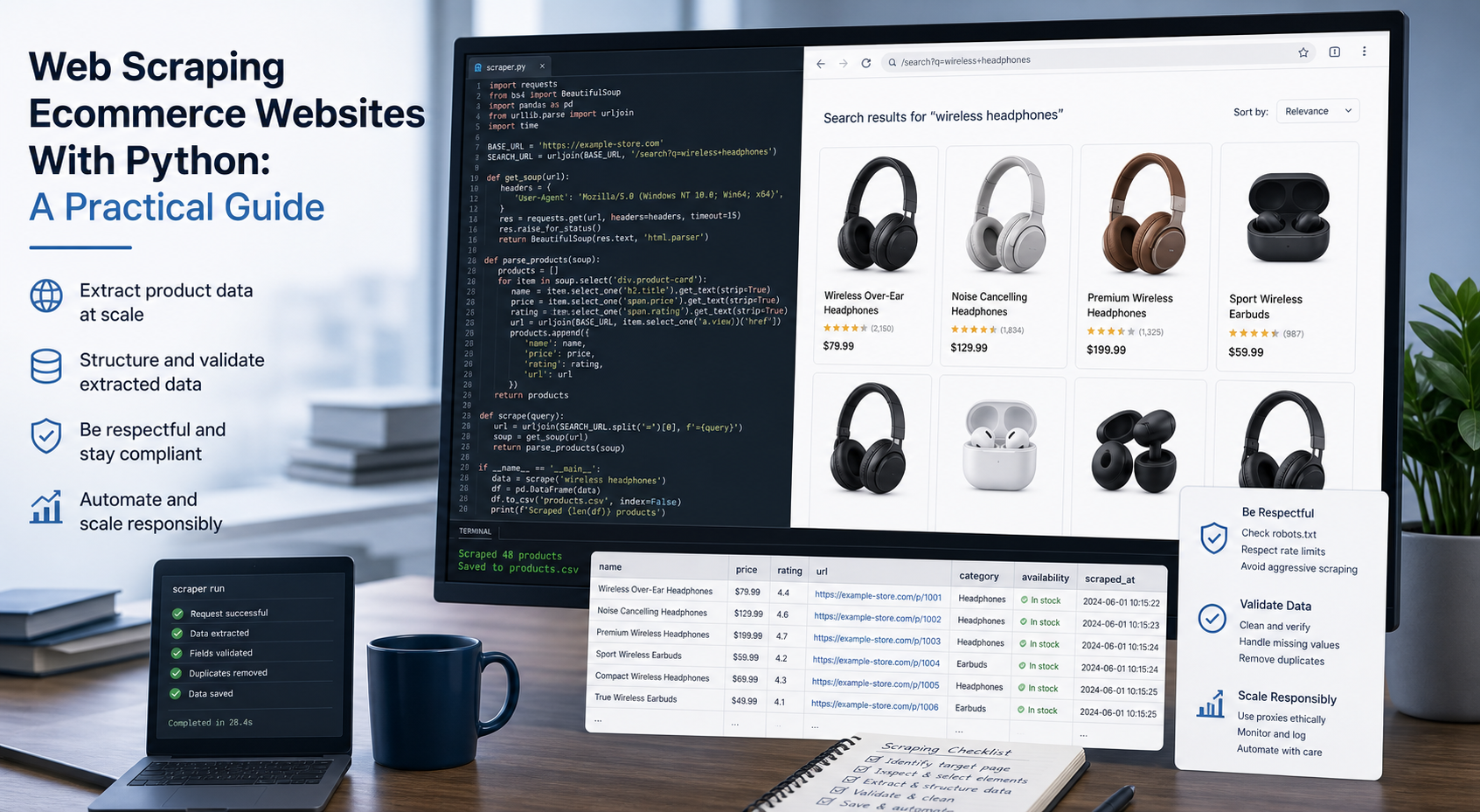
Web Scraping Ecommerce Websites With Python: A Practical Guide
Recommended meta title: Web Scraping Ecommerce Websites With Python: Guide Recommended meta description: Learn how to scrape ecommerce websites with Python using Requests, Beautiful Soup, Playwright, and Scrapy, with validation and scaling guidance. URL slug: /web-scraping-ecommerce-websites-python/
View Details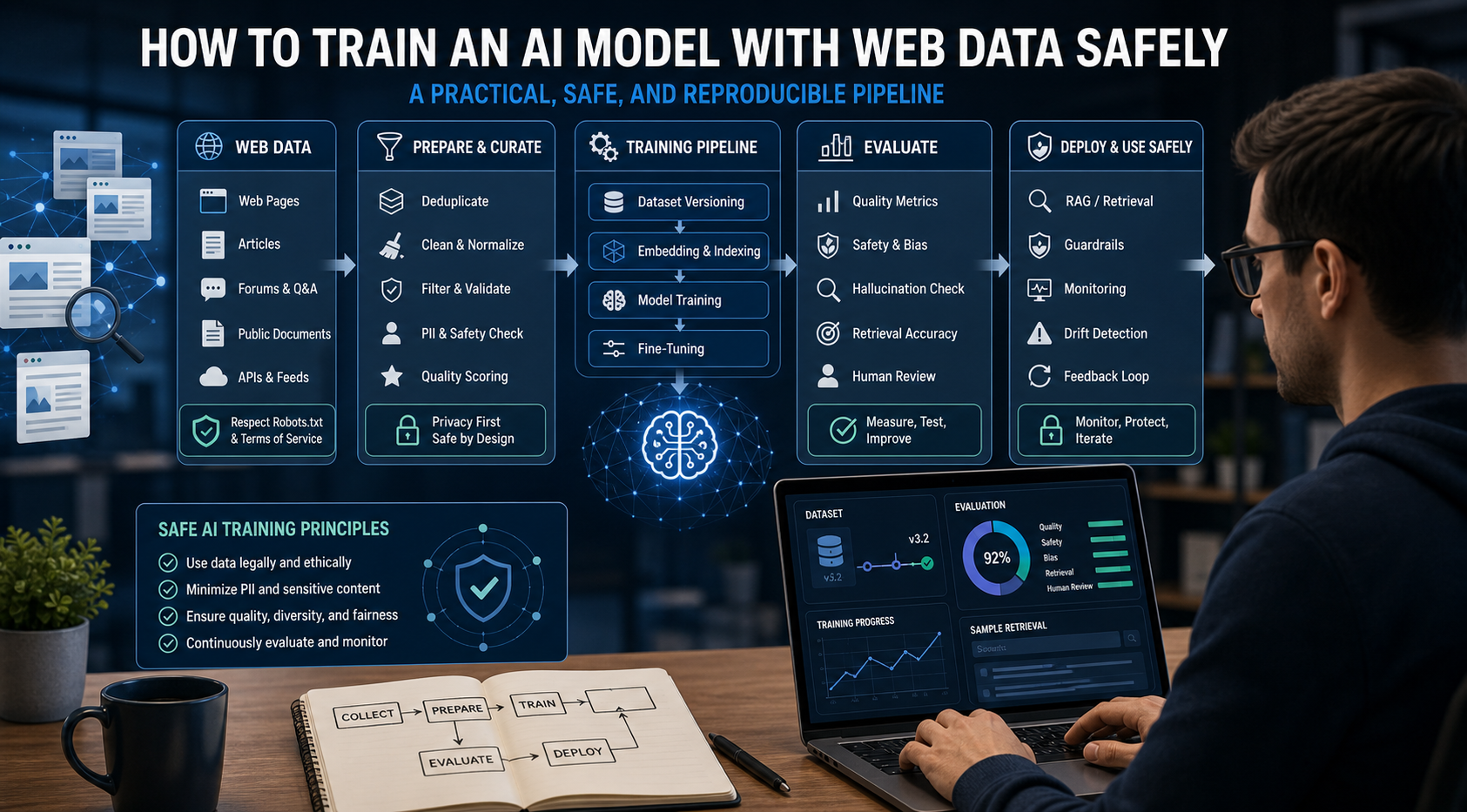
How to Train an AI Model With Web Data Safely
To train an AI model with web data, start by deciding whether you actually need training. Then collect representative sources, preserve provenance, remove duplicates and low-quality content, create leakage-resistant splits, build a baseline, fine-tune or train the appropriate model, and evaluate on real held-out examples before deployment.
View Details