
AdsPower: Download, Setup & The Best Proxies
AdsPower: Setup, Proxies & Best Practices [2025]
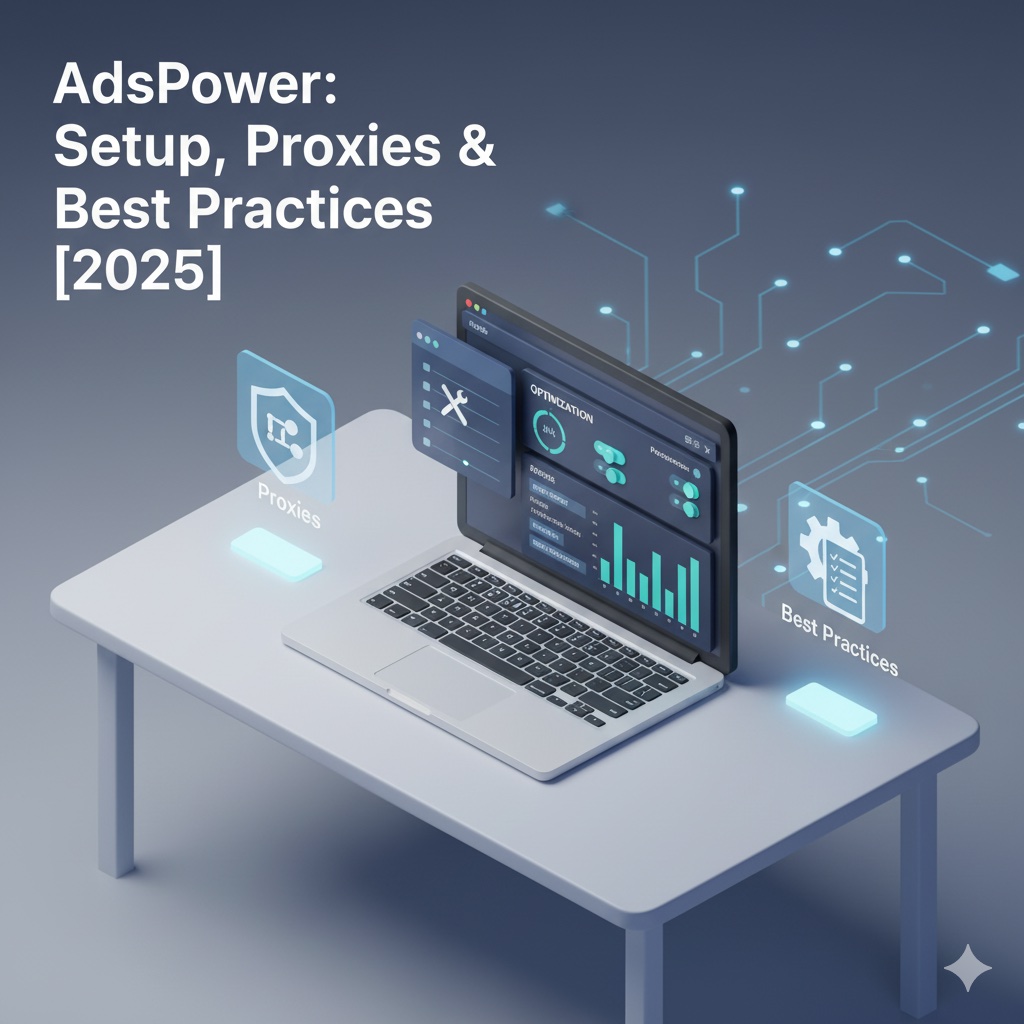
When managing multiple online accounts, a tool like AdsPower is an essential part of the modern workflow. As a leading anti-detect browser, it allows you to operate numerous identities from a single machine. However, the success of any multi-profile browser depends entirely on the quality of the proxies connected to it.
What is AdsPower and Who Should Use It?
AdsPower is a leading multi-profile anti-detect browser that helps teams manage multiple online identities securely. It works by creating completely isolated browser environments, each with its own unique digital fingerprint (e.g., browser type, screen resolution, fonts). This prevents websites from linking your accounts together.
This platform is an excellent fit for your team if:
- You manage multiple e-commerce, social media, or advertising accounts that must never be linked.
- You need a shared workspace with role-based permissions and audit trails for your team.
- You want to automate repetitive tasks using either a no-code recorder or a developer API.
- You plan to scale your operations and need to manage hundreds or thousands of browser profiles over time.
How Do You Download and Log In to AdsPower Safely?
You download AdsPower exclusively from its official website and always log in with multi-factor authentication (MFA) enabled. Your security starts with a clean installation and secure login practices.
Follow this quick safety checklist:
- Download the installer only from the official AdsPower vendor website.
- Install the application with administrator rights.
- Immediately enable MFA on your account and set up a recovery method.
- Before adding proxies, create a "clean" baseline profile template that you can clone for future use.
How Do You Use AdsPower?
Step 1: Download and Install Securely
First, always download the AdsPower application directly from its official website. Avoid third-party mirrors or download sites, as they can pose a security risk. Once installed, create your account and immediately enable Multi-Factor Authentication (MFA) to protect it.
Step 2: Create a New Browser Profile
Next, from the AdsPower dashboard, you will create your first profile. Think of a profile as a completely separate virtual browser, with its own unique cookies, cache, and digital fingerprint.
- Click the "New Profile" button.
- Give it a descriptive name that helps you stay organized (e.g., US-ISP-Account-01).
- Configure the basic settings like the operating system and browser version you want to emulate.
Step 3: Configure Your LycheeIP Proxy
This is the most critical step for ensuring your profile's anonymity and stability. In the profile settings, you will find the proxy section.
- Select your proxy Type (e.g., HTTP or SOCKS5).
- Enter your LycheeIP proxy credentials in the required format, which is typically host:port:username:password.
- You can get these credentials directly from your LycheeIP dashboard.
- Click the "Check Proxy" button within AdsPower to verify that the connection is successful.
Step 4: Run a Leak Test (Do Not Skip This Step)
Crucially, before you log into any accounts, you must run a leak test. A leak test verifies that the only IP address visible to websites is your proxy's IP.
- Open the new profile you just created.
- Navigate to a trusted IP-checking website like ipinfo.io.
- Confirm that the IP address displayed belongs to your LycheeIP proxy.
- Run a WebRTC and DNS leak test using a site like browserleaks.com to ensure no part of your real identity is leaking through.
Step 5: Launch and Use Your Profile
Once you have confirmed there are no leaks, your AdsPower profile is ready to use. You can now log into your accounts, browse, and perform your tasks, confident that your activity is isolated and protected by your LycheeIP proxy.
By following this expert workflow, you ensure that every AdsPower profile you create has a clean, secure, and reliable foundation, which is the key to successful long-term account management.
Get Your LycheeIP Proxies Now
Why Does AdsPower Pricing Vary and Which Plan Fits Your Team?
AdsPower pricing varies based on the number of browser profiles and team seats you need. The plans are designed to scale with your business, from solo users to large agencies.
When calculating the total cost of ownership (TCO), our experts advise factoring in not just the AdsPower subscription but also the essential cost of high-quality proxies, as they are a critical component of your setup.
| Scenario | Recommended Plan Shape | Why It Fits |
| Solo User or Tester | A low-tier plan with a small number of profiles. | Allows you to prove out your workflow without overpaying. |
| Small Team (2–5 people) | A mid-tier plan with team seat controls. | Provides role-based access and allows for sharing of profiles and assets. |
| Agency or Large Team (6+) | A higher-tier plan with bulk profile options. | Built for scale with the cloning, audit logs, and automation features large teams need. |
Why Does Your AdsPower Setup Depend on High-Quality Proxies?
Your AdsPower setup depends on high-quality proxies because the proxy's IP address is the foundation of each profile's unique identity. A browser fingerprint can be perfect, but if the IP address is from a low-quality, blacklisted, or easily identifiable source (like a data center), the entire profile will be flagged by sophisticated websites.
This is why pairing AdsPower with a premium proxy provider like LycheeIP is non-negotiable for any serious project.
| Proxy Type | Strengths | Typical Use with AdsPower |
| Datacenter | High speed, low cost, easy to rotate. | Bulk tasks, initial account warm-ups, and QA on less sensitive websites. |
| Residential | Higher trust, diverse IP pool from real ISPs. | Managing high-value accounts on consumer-facing platforms like social media or e-commerce sites. |
| Mobile | Highest level of trust, dynamic IPs from mobile carriers. | Operating on extra-sensitive platforms or apps that prioritize mobile users. |
Explore Our Proxy Plans for AdsPower
How Do You Set Up LycheeIP Proxies in AdsPower?
You set up LycheeIP proxies in AdsPower by creating a new profile, entering your proxy credentials, and running a leak test before use. This process ensures each of your AdsPower profiles has a clean, unique, and secure identity.
Follow these practical steps:
- Create a New Profile: In your AdsPower dashboard, click to create a new browser profile and give it a clear name (e.g., US-Residential-Profile-01).
- Enter Your LycheeIP Credentials: In the proxy settings, select the protocol (HTTP or SOCKS5) and enter your LycheeIP proxy credentials in the format: host:port:username:password.
- Run a Leak Test: Before you log into any accounts, use the profile to visit a site like ipinfo.io. Verify that the IP address shown is your proxy's IP. Crucially, run a WebRTC and DNS leak test to ensure your real IP is not being exposed.
- Save the Profile: Once it passes all leak tests, save the profile. It is now ready for use.
At LycheeIP, we provide the foundational proxy infrastructure that powers thousands of AdsPower users. In this expert guide, we will walk you through everything you need to know about setting up AdsPower for success, from downloading it safely to integrating the high-quality proxies required to keep your accounts secure.
Which Automation Options in AdsPower Work Best?
You can use the built-in RPA recorder in AdsPower for no-code automation and its Local API for more complex, custom scripts.
- The RPA Recorder is excellent for automating simple, repetitive sequences like logging in, clicking buttons, and filling out forms.
- The Local API is for developers who need to integrate AdsPower into a larger workflow, handle complex logic, and manage errors programmatically.
Which AdsPower Alternatives Should You Compare?
You should compare AdsPower with other leading anti-detect browsers like GoLogin, Multilogin, and Dolphin Anty to evaluate their fingerprinting controls and team features. While AdsPower is a top-tier choice, the "best" browser often comes down to your specific workflow and user interface preference.
| Tool | Onboarding Speed | Automation Depth | Team Controls |
| AdsPower | Moderate | High (RPA + API) | Strong |
| GoLogin | Fast | Medium | Medium |
| Multilogin | Moderate | Medium | Strong |
| Dolphin Anty | Fast | Medium | Medium |
Why Should You Maintain Your AdsPower Environment?
You should maintain your AdsPower environment by performing quarterly audits to reduce security risks and ensure your accounts remain healthy. Good digital hygiene is essential for long-term success.
Our recommended quarterly mini-audit:
- Remove any unused or old profiles and team seats.
- Reinstall only the most trusted and essential browser extensions.
- Change your proxy passwords and rotate your proxy pools.
- Export and review the activity logs for any suspicious behavior.
Get started with LycheeIP now
Frequently Asked Questions (FAQ)
Is it safe to download AdsPower from a third-party site?
No. You should only ever install AdsPower from its official website. Always keep MFA enabled on your account for maximum security.
How do I connect my LycheeIP proxies to AdsPower quickly?
You can connect them by opening a profile's proxy tab, pasting your LycheeIP datacenter or residential proxy credentials, and running a connection test.
Which proxy type should I start with in AdsPower?
Our experts recommend you start with datacenter proxies for their speed and predictability during initial testing and account warm-ups. You should then move to residential or mobile proxies for more sensitive, long-term operations.
Can I automate account warm-ups without coding in AdsPower?
Yes. You can use the built-in RPA (Robotic Process Automation) recorder in AdsPower to schedule simple, repetitive routines. For more complex logic, you can then graduate to using the Local API.

Recommended Articles
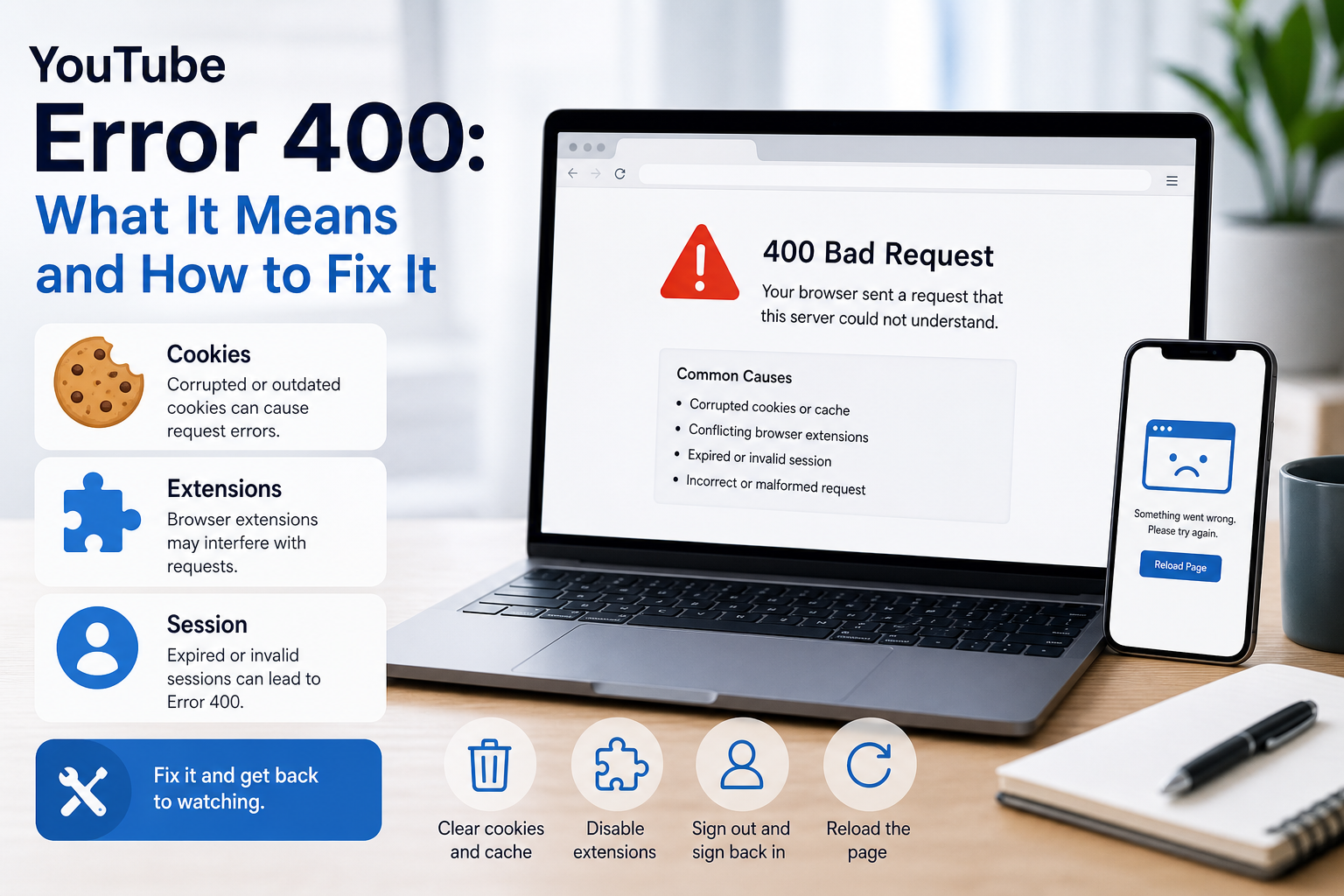
YouTube Error 400: What It Means and How to Fix It
In HTTP terminology, a 400 Bad Request is a client-error response. MDN explains that servers commonly return 400 when they consider the request malformed, incorrectly framed, or deceptively routed. The important troubleshooting clue is that repeating the exact same request without changing anything is expected to fail again.
View Details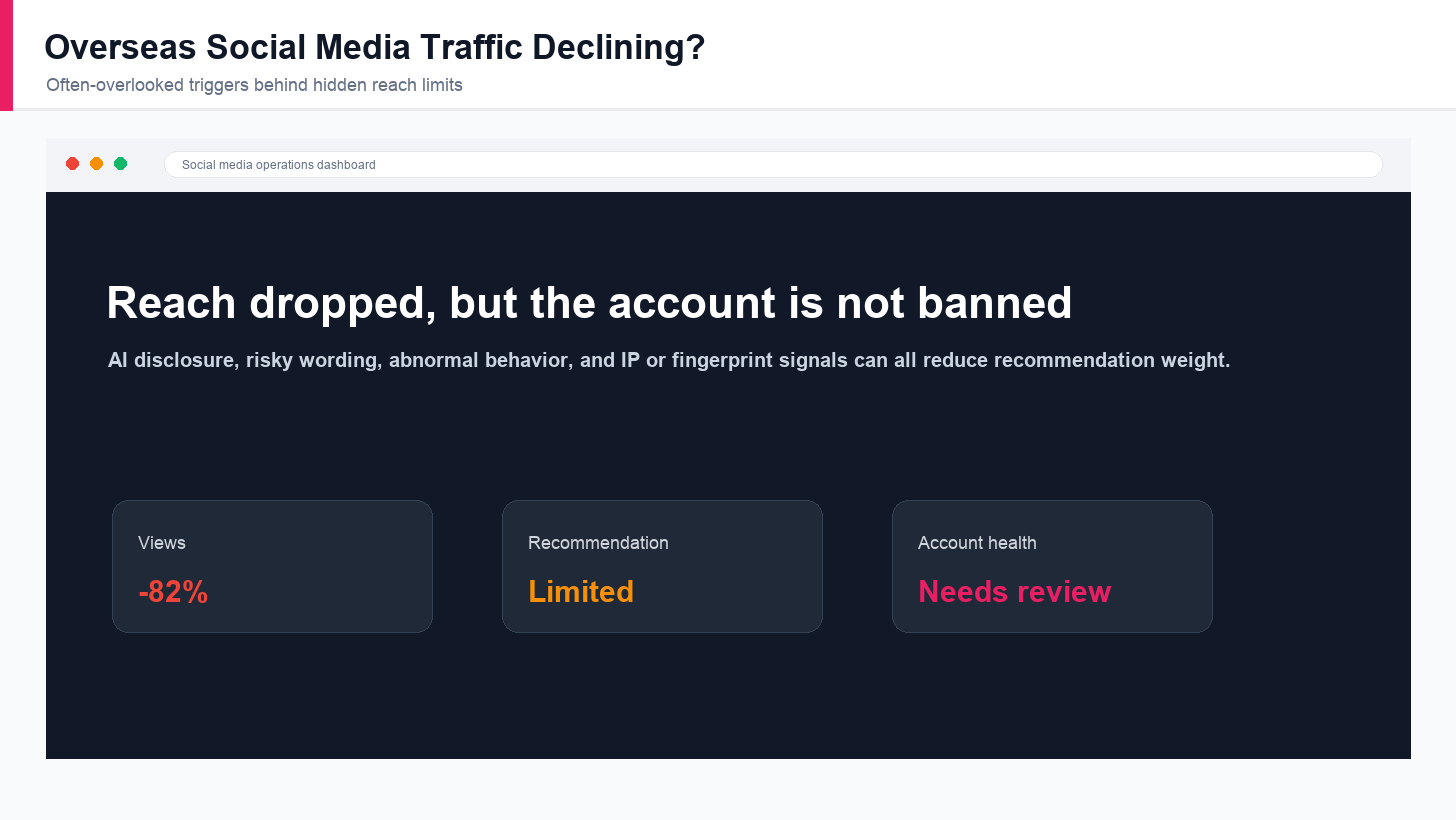
Overseas Social Media Traffic Declining? These Reach-Limiting Triggers Are Often Overlooked
A practical guide to overlooked overseas social media reach drops, covering AI content disclosure, risky wording, abnormal account behavior, hidden reach-limiting signals, and account environment checks.
View Details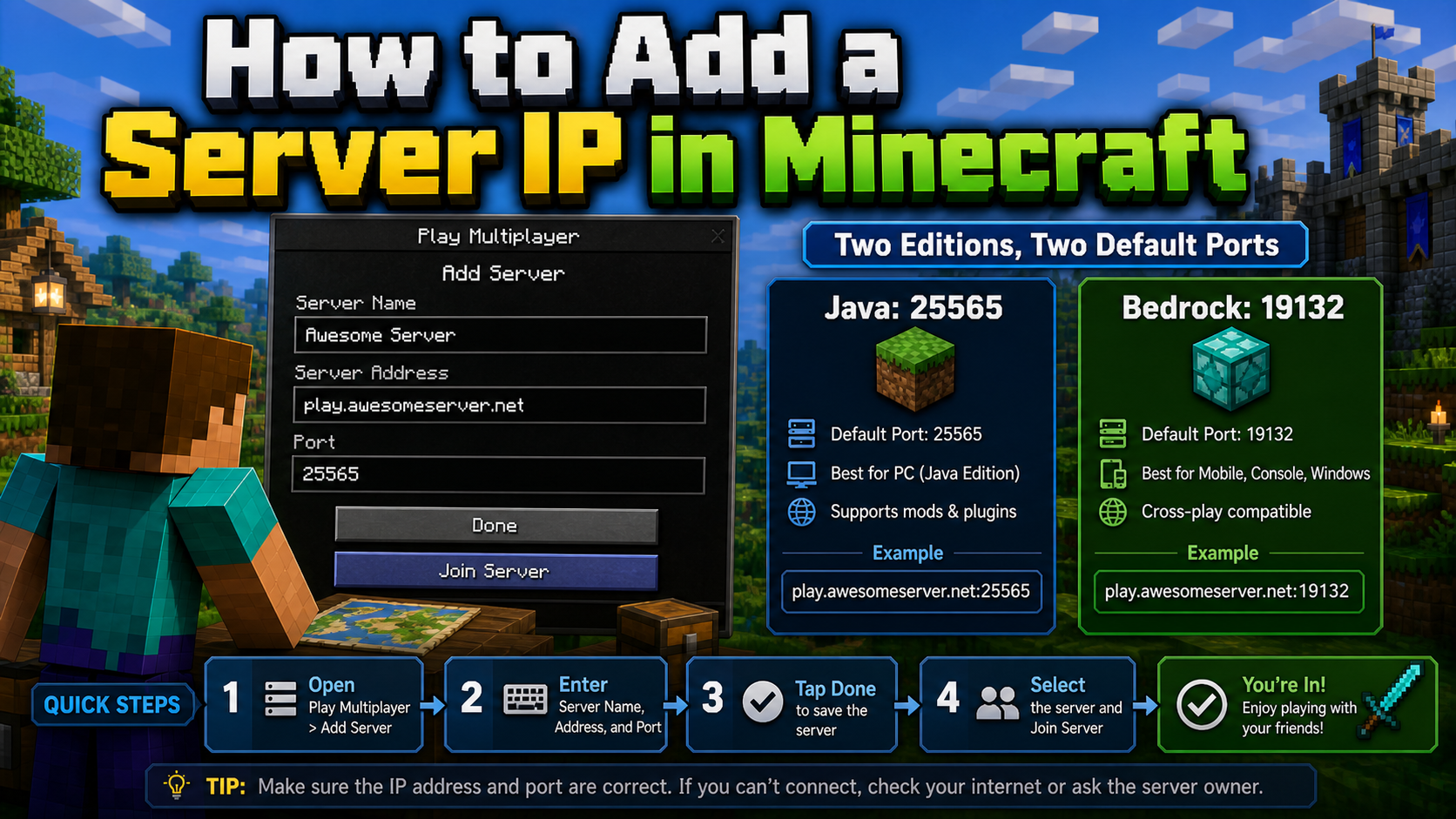
How to Add a Server IP in Minecraft Step by Step
Learn exactly where to enter a Minecraft server IP in Java, Bedrock, and Pocket Edition, plus how to fix common connection errors, ports, and edition mismatches.
View Details
How to Find a Working Minecraft Server IP Fast
Stop wasting time on dead Minecraft server IPs. Learn how to verify live servers quickly, read status icons, check ports, and source updated server addresses.
View Details
Best 24/7 Online Minecraft Server IPs — No Downtime
Find reliable 24/7 Minecraft server IPs for Java and Bedrock, plus uptime checks, port basics, ping guidance, crossplay notes, and network stability tips.
View Details