
YouTube Proxy: How to Pick a YouTube Proxy Server, Unblock YouTube Responsibly, and Avoid Risk
YouTube Proxy: How to Pick a YouTube Proxy Server, Unblock YouTube Responsibly, and Avoid Risk
A YouTube proxy is a server that acts as an intermediary between your device and YouTube, allowing you to access the platform while masking your true IP address. Users often turn to YouTube proxies to access content that is unavailable in their region, for privacy reasons, or to conduct market research. However, it is essential to use a YouTube proxy server responsibly and understand the technical and compliance risks involved.
This article provides a detailed look at the world of YouTube proxies. We will explain how they work, compare the different types available, and offer a clear-eyed view of free vs paid proxies. Our goal is to equip you with the knowledge to unblock YouTube safely and effectively, while respecting the platform's rules.
What is a YouTube proxy and how does a YouTube proxy server work?
A YouTube proxy works by forwarding your requests for video content to YouTube's servers and then relaying the response back to you. When you connect to a YouTube proxy server, your browser sends its request to the proxy instead of directly to YouTube. The proxy then makes the request to YouTube on your behalf, and YouTube sees the proxy's IP address, not yours.
What does “intermediary” mean in streaming requests?
In this context, an intermediary is a middleman that sits in the path of your network connection. For video streaming, this means the proxy is handling the request to start the video and then passing the stream of data from YouTube's servers back to your device.
How does HTTPS and SNI affect YouTube proxies?
Modern web traffic, including YouTube's, is encrypted using HTTPS. This means a YouTube proxy server cannot see the content of the video stream itself. However, it can still see some metadata, like the domain you are connecting to (youtube.com), through a mechanism called Server Name Indication (SNI). This is important to understand because even with encryption, the proxy and the destination server know which site you are visiting.
Test LycheeIP's reliable proxy network
Why would you use a YouTube proxy instead of a VPN?
You would use a proxy when you want to route traffic for a specific application, like a single web browser, while a VPN is better for encrypting and routing all the traffic from your entire device. The choice between them depends on your specific goal.
When does a VPN beat a proxy for YouTube?
A VPN is generally a better choice for overall privacy and security, especially on public Wi-Fi. Because a VPN encrypts everything, it provides a more comprehensive layer of protection. For a consumer who simply wants to unblock YouTube content while traveling, a reputable VPN is often the simpler and safer option.
What about split-tunneling for work devices?
A proxy can be useful for tasks like split-tunneling, where you might want to send your YouTube traffic through an American YouTube proxy for testing purposes, while keeping your work-related applications connected directly to your local network.
Which types of YouTube proxies exist and what are the trade-offs?
There are several types of YouTube proxies, each with its own advantages and disadvantages in terms of speed, cost, and reliability.
Residential vs datacenter vs mobile vs ISP
- Residential Proxies: These use IP addresses from real home internet connections, making them highly trusted and difficult to block. They are excellent for geo-targeting, such as using an American YouTube proxy to see US-specific content.
- Datacenter Proxies: These are fast and affordable but are easier for platforms like YouTube to detect and block because their IPs come from commercial data centers.
- Mobile Proxies: These use IPs from mobile carriers and offer the highest level of trust but are also the most expensive.
- ISP Proxies: These are static IPs from internet service providers, offering a good balance of speed and trust.
Sticky vs rotating sessions for YouTube
- Sticky Sessions: A sticky session keeps the same IP address for an extended period. This is the best choice for watching videos, as a changing IP can interrupt the stream.
- Rotating Sessions: A rotating proxy changes your IP with every request. This is not ideal for streaming but can be useful for certain data collection tasks.
| Proxy Type | Best For | Potential Downsides |
| Residential | Geo-targeting, reliable access | Higher cost, variable speeds |
| Datacenter | Speed and affordability | Higher chance of being blocked |
| Mobile | Highest trust level | Most expensive |
| ISP/Static | Stable, long viewing sessions | Limited geographic availability |
Test LycheeIP's reliable proxy network
Which YouTube proxy sites are credible in 2025?
Credible YouTube proxy sites are typically established, paid providers that are transparent about their services and policies. It is important to be cautious of random, free web-based proxies, as their safety and reliability are often questionable.
What to check: regions, logging, SLAs, refunds
When evaluating YouTube proxy sites, look for these signs of a reputable service:
- Clear Policies: A public privacy policy that explains their data logging practices.
- Geographic Coverage: A large and diverse network of servers, allowing you to choose an American YouTube proxy or one from another specific country.
- Performance Guarantees: Service Level Agreements (SLAs) for uptime and speed.
- Customer Support: Responsive and helpful support.
- Fair Billing: A clear pricing model and a reasonable refund policy.
Why free lists change often
Free proxy lists are notoriously unreliable. The IPs on these lists are often overloaded, slow, and quickly blacklisted by services like YouTube. This is why the lists of working free vs paid proxies are constantly changing.
How do you configure a YouTube proxy server safely?
You configure a YouTube proxy server at the browser or operating system level, but it is crucial to test it thoroughly before relying on it for sensitive tasks.
Browser-level vs system-level
For most users, configuring the proxy in your web browser's settings is the safest approach. This ensures that only your browser's traffic is sent through the YouTube proxy server, leaving your other applications unaffected. System-level configuration will route all your computer's traffic through the proxy, which is generally not necessary for simply watching videos.
Testing: bitrate, startup delay, dropped frames
Once configured, you should test the performance of your YouTube proxy.
- Startup Delay: How long does it take for a video to start playing?
- Bitrate: Can you stream in high definition (1080p or higher) without the quality dropping?
- Buffering: Does the video frequently pause to buffer?
A good YouTube proxy server should provide a smooth viewing experience with minimal interruptions.
Test LycheeIP's reliable proxy network
What do the rules say about unblocking YouTube and bypassing YouTube blocks?
YouTube's Terms of Service have strict rules about how you can access their content, and it is important to respect them. The goal should be to use a proxy for legitimate reasons, not to bypass YouTube blocks in a way that violates platform policy.
What do YouTube’s Terms forbid?
YouTube's terms explicitly forbid accessing content using any automated means (like bots or scrapers) without prior permission. Attempting to circumvent their geographic restrictions or other access controls can also be considered a violation.
What is Restricted Mode and age-restricted playback?
Restricted Mode is a feature often used by schools and libraries to filter out mature content. Age restrictions are applied by YouTube to videos that are not suitable for all audiences. A YouTube proxy cannot and should not be used to bypass YouTube blocks related to these safety features.
Which metrics matter in free vs paid proxies for YouTube?
When comparing free vs paid proxies for YouTube, performance and reliability are the most important metrics. While "free" is tempting, the poor experience it offers often makes it a false economy.
Latency, throughput, jitter, and IP reputation
- Latency and Throughput: A paid service will almost always offer lower latency and higher throughput, which are essential for smooth HD video streaming.
- IP Reputation: Free vs paid proxies have vastly different IP reputations. Free IPs are often blacklisted, leading to more CAPTCHAs and blocks.
How to avoid surprises on billing
With paid YouTube proxies, especially residential ones, you are often billed based on bandwidth usage. Be mindful of your data consumption to avoid unexpected charges. A developer-first provider like LycheeIP offers clear, transparent pricing, so you always know what you will pay. This is a key advantage over providers with complex billing structures.
Which risks come with YouTube proxies and how do you reduce them?
The main risks of using a YouTube proxy are related to privacy, security, and potential account issues if you violate platform terms.
Privacy, malware, and account flags
Many free YouTube proxy sites are not secure. They may log your activity, inject ads into your browsing session, or even distribute malware. Using a disreputable service can put your data and your device at risk.
Safer alternatives before you proxy
Before turning to a proxy, consider safer alternatives. A reputable VPN is often a better choice for a consumer who simply wants to unblock YouTube. For developers, using the official YouTube Data API is the only sanctioned method for programmatic access.
Test LycheeIP's reliable proxy network
Frequently Asked Questions:
1. What is a YouTube proxy used for?
A YouTube proxy is primarily used to access videos that are geographically restricted or to watch YouTube from a network that blocks the site. It works by routing your connection through a different IP address.
2. Is it safe to use free YouTube proxy sites?
It is generally not safe. Free YouTube proxy sites often have serious privacy and security risks. For a safer experience, it is better to use a reputable paid service or a VPN.
3. What is the difference between free vs paid proxies for streaming?
In the free vs paid proxies comparison, paid services offer significantly better speed, reliability, and security, which are all essential for a good video streaming experience. Free proxies are often too slow for HD video.
4. How can I get an American YouTube proxy?
You can get an American YouTube proxy by subscribing to a proxy service that has servers located in the United States. You can then select a US server to make it appear as if you are browsing from that country.
5. Can a YouTube proxy server bypass age restrictions?
No, a YouTube proxy server cannot bypass YouTube blocks related to age restrictions. These videos require you to be signed in to an account that is verified to be of a certain age, a process that is independent of your IP address.
6. Is using a YouTube proxy to unblock YouTube allowed?
Using a proxy to unblock YouTube can be against the platform's Terms of Service, especially if you are circumventing geographic restrictions. It is important to use these tools responsibly and for legitimate reasons, like testing.

Recommended Articles
Best Real Estate Scrapers in 2026
Best Real Estate Scrapers in 2026
View Details
How to Choose a Web Crawler: A Technical Decision Framework
The wrong way to choose a web crawler is to begin with a list of products. The right starting point is the system you need to build. Before comparing tools, define:
View Details
Best Web Crawlers: 8 Tools for Different Jobs
There is no single best web crawler for every project. A technical SEO audit, an AI knowledge pipeline, an internet archive, and a distributed search index may all involve crawling URLs, but they require different capabilities. The most useful way to compare web crawler tools is therefore to ask what job each one was designed to perform. This guide evaluates eight strong options across:
View Details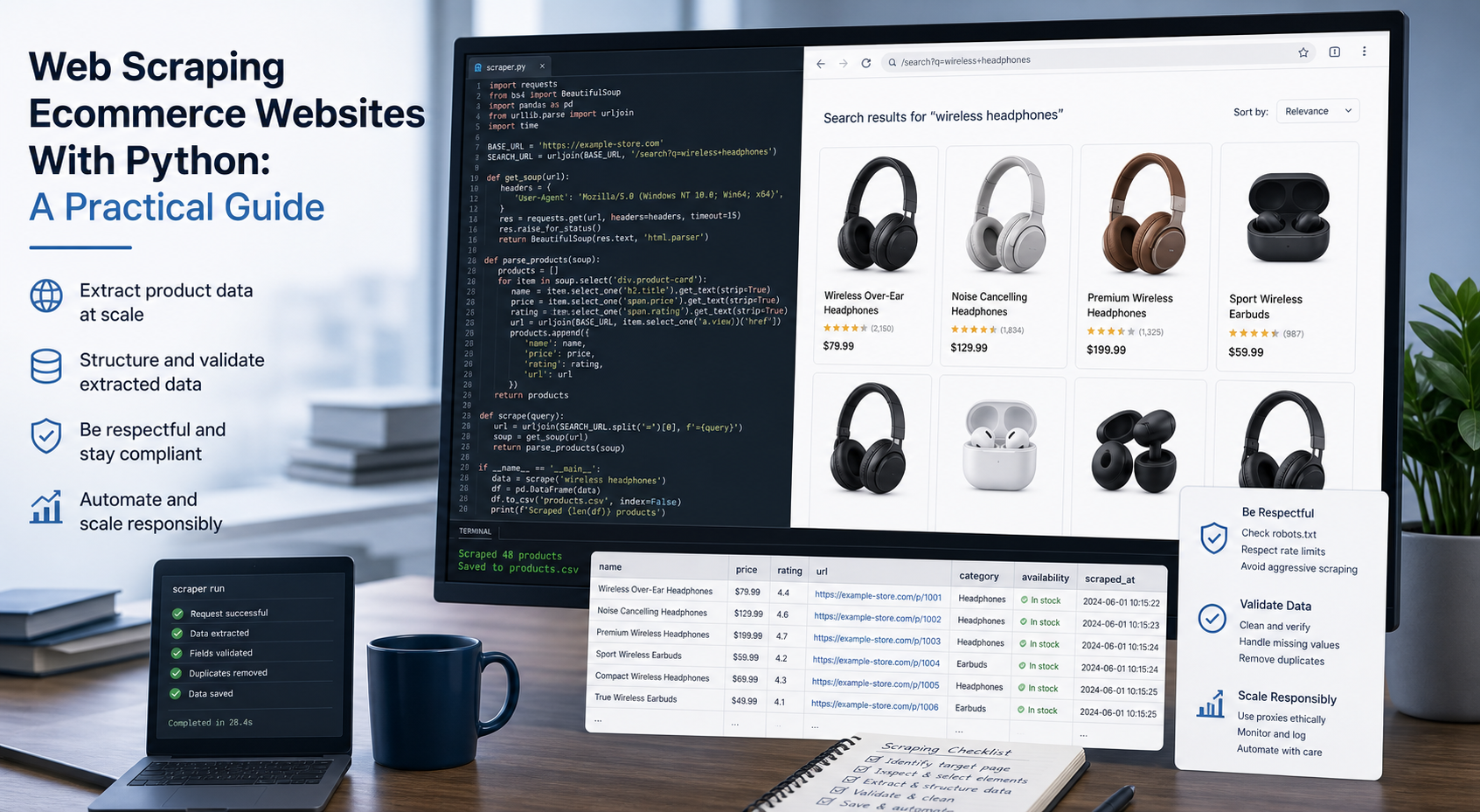
Web Scraping Ecommerce Websites With Python: A Practical Guide
Recommended meta title: Web Scraping Ecommerce Websites With Python: Guide Recommended meta description: Learn how to scrape ecommerce websites with Python using Requests, Beautiful Soup, Playwright, and Scrapy, with validation and scaling guidance. URL slug: /web-scraping-ecommerce-websites-python/
View Details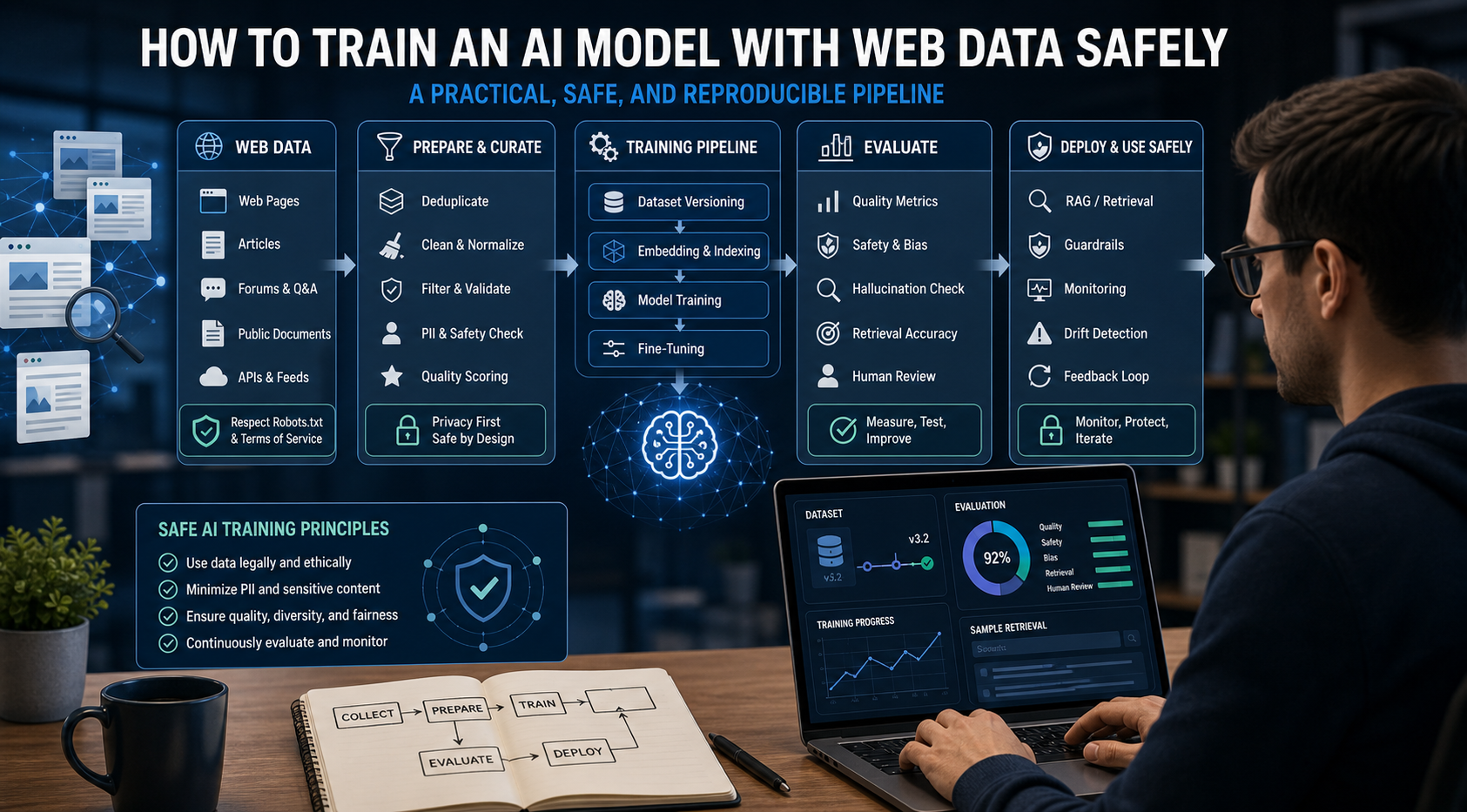
How to Train an AI Model With Web Data Safely
To train an AI model with web data, start by deciding whether you actually need training. Then collect representative sources, preserve provenance, remove duplicates and low-quality content, create leakage-resistant splits, build a baseline, fine-tune or train the appropriate model, and evaluate on real held-out examples before deployment.
View Details