
eBay API: The Practical Path to OAuth, Python Integration, Rate Limits, and Apify
eBay API: The Practical Path to OAuth, Python Integration, Rate Limits, and Apify
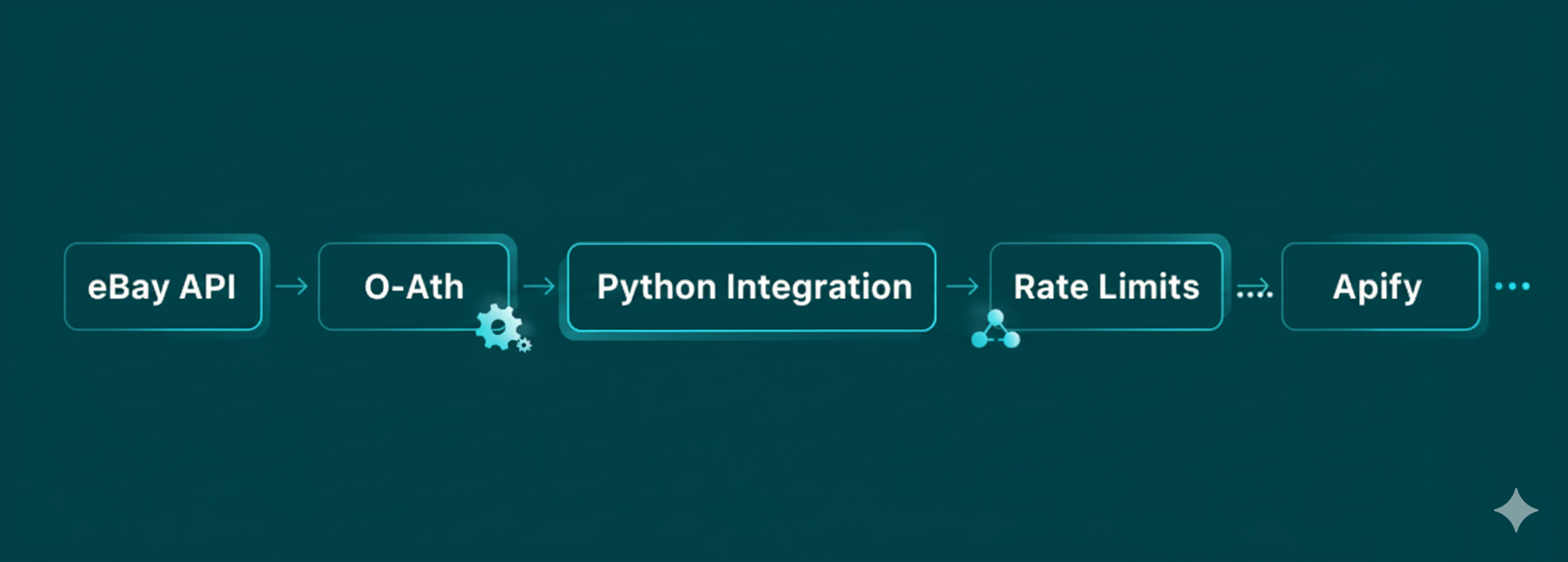
The eBay API provides a powerful and structured way for developers to access eBay's vast marketplace data. For data engineers and growth teams, it is the official channel for searching listings, retrieving detailed product information, and building automated workflows for buying or selling. The journey to using the eBay API begins with the api ebay developer program and moves through authentication before you can write a single line of code.
This article provides a practical path for developers. We will cover how to get started with keys and OAuth, how to choose the right API for your project, and how to integrate the eBay API using Python. We will also explore rate limit management and how complementary tools like Apify can be used responsibly.
Test your project with LycheeIP's proxy network
What is the eBay API and where do you start?
You start using the eBay API by registering with the eBay Developers Program to get your application keys and configure OAuth 2.0 for authentication. This program is the central hub for any api ebay developer, providing the credentials and documentation needed to interact with the platform programmatically.
Accounts, keys, Sandbox vs Production
Your first step is to create a developer account. Once registered, you will generate two sets of application keys (Client ID and Client Secret): one for the Sandbox (testing) environment and one for Production (live). The Sandbox is a safe, isolated environment where you can test your integration without affecting real listings or user data.
OAuth tokens, scopes, and sign-in flow
The eBay API uses the OAuth 2.0 protocol to authorize requests. This is a standard, secure method that allows your application to access data on behalf of a user without handling their password directly. You will need to configure your redirect URL (known as a RuName) and select the appropriate scopes, which define the permissions your application is requesting.
Which eBay API fits your use case?
You should choose the Buy APIs for accessing public product data and the Sell APIs for managing your own listings and orders. eBay categorizes its modern RESTful APIs based on these two primary use cases, making it easy to find the right tool for the job.
Browse API for product search and item details
The Buy APIs, particularly the Browse API, are the workhorses for most data collection tasks. This is the primary ebay data api for accessing public listing information. It allows you to:
- Search for items using keywords, categories, or product identifiers (GTIN/ePID).
- Retrieve detailed information about a specific item.
- Filter results based on price, buying options, and item location.
This API is ideal for market research, price monitoring, and any application that needs to find and analyze products on the marketplace.
Legacy Finding/Trading APIs vs modern REST
You may encounter older, non-RESTful APIs like the Finding API or Trading API. While they are still functional and supported by some community libraries, eBay's modern REST APIs are the recommended choice for all new projects. They are easier to use, better documented, and the focus of future development.
Test your project with LycheeIP's proxy network.
How do you integrate the eBay API in Python?
You can integrate the eBay API using either direct HTTP requests with a library like requests or by using a community-built eBay API Python client. For modern REST APIs, a direct approach is often cleaner and gives you more control.
Using a direct requests approach with OAuth
Making direct calls with Python's requests library is straightforward. You will need to manage your OAuth access token and include it in the authorization header of each request.
Here is a basic example of how to search for items using the Browse API:
Python
import requests
import os
# Use the production or sandbox endpoint as needed
EBAY_API_ENDPOINT = "https://api.ebay.com/buy/browse/v1/item_summary/search"
# Your OAuth access token should be stored securely, e.g., as an environment variable
ACCESS_TOKEN = os.getenv("EBAY_OAUTH_TOKEN")
def search_ebay(query, limit=10):
headers = {
"Authorization": f"Bearer {ACCESS_TOKEN}",
"X-EBAY-C-MARKETPLACE-ID": "EBAY_US" # Specify the eBay marketplace
}
params = {
"q": query,
"limit": limit
}
try:
response = requests.get(EBAY_API_ENDPOINT, headers=headers, params=params, timeout=15)
response.raise_for_status() # Raise an exception for bad status codes
return response.json()
except requests.exceptions.RequestException as e:
print(f"An error occurred: {e}")
return None
# Example usage
search_results = search_ebay("wireless headphones")
if search_results:
print(f"Found {search_results.get('total', 0)} items.")
This demonstrates a clean way to integrate the eBay API for a common task.
Using an eBay API Python client (pros and cons)
Several community-developed libraries, often referred to as an eBay API Python client, exist to simplify the integration process. The most well-known is ebay-sdk-python.
- Pros: An eBay API Python client can handle the complexities of authentication and request formatting for you, especially for the older APIs.
- Cons: These are not official libraries, so they may not be up-to-date with the latest REST API features. For the modern APIs, direct requests are often just as easy.
How do you monitor rate limits and avoid throttling?
You monitor rate limits by programmatically calling the Analytics API to check your remaining quota and implementing a backoff strategy when you receive a 429 error. The eBay API imposes limits on the number of calls you can make in a given time period to ensure platform stability.
App-level vs user-level rate-limit endpoints
The Analytics API provides endpoints to check your limits at both the application level (getRateLimits) and the per-user level (getUserRateLimits). Monitoring these is essential for any application that will make a high volume of calls to the ebay data api.
Backoff, retries, and observability
A robust application should be built to handle rate limiting gracefully.
- Exponential Backoff: When you receive a 429 "Too Many Requests" error, wait before retrying, and increase the wait time after each subsequent failure.
- Logging: Log all API calls and their outcomes, paying special attention to rate limit warnings.
- Monitoring: Use a dashboard to visualize your API usage against your quota to anticipate potential issues.
Why might you combine Apify with the eBay API?
You might combine Apify with the eBay API to scrape public data from pages that are not covered by the official ebay data api, or to quickly prototype a data collection workflow. Apify is a web scraping and automation platform that provides pre-built tools, called actors.
Using an Apify API token to run eBay items scrapers
With an Apify API token, you can programmatically run an ebay items scraper actor from your own application. This can be useful for gathering data from user review pages or other content that is not available through the structured eBay API.
Here is a conceptual Python example using an Apify API token:
Python
from apify_client import ApifyClient
# Your Apify API token, stored securely
APIFY_TOKEN = os.getenv("APIFY_API_TOKEN")
client = ApifyClient(APIFY_TOKEN)
# Run a pre-built actor for scraping eBay listings
actor_run = client.actor("some_user/ebay-scraper").call(
run_input={"searchKeywords": "vintage camera"}
)
# Fetch the results from the actor's dataset
for item in client.dataset(actor_run["defaultDatasetId"]).iterate_items():
print(item)
When an ebay data api call is better than scraping
Using the official ebay data api is always the better choice when it provides the data you need. It is more reliable, more stable, and fully compliant with eBay's policies. An ebay items scraper should only be used as a fallback for public data that is not available through the official channels.
Test your project with LycheeIP's proxy network.
Which filters improve your eBay items scraper accuracy?
You improve the accuracy of any ebay items scraper or API-based search by using the powerful filters available in the Browse API. These filters allow you to narrow down the results to find exactly what you are looking for.
buyingOptions, aspects, GTIN/ePID, category
- buyingOptions: Filter for FIXED_PRICE or AUCTION.
- Aspect Filters: Filter based on product attributes like brand, color, or size.
- Product Identifiers: Use a GTIN or ePID to find all listings for a specific product.
- Category ID: Limit your search to a specific eBay category.
Field filters and marketplace notes
You can also use the fieldgroups parameter to request a more comprehensive data view. Always specify the target marketplace using the X-EBAY-C-MARKETPLACE-ID header to ensure you get relevant results.
When should you use proxies and how do you stay compliant?
You should only use proxies for permitted, large-scale collection of public data that is not available via the official eBay API, while always adhering to eBay's policies and robots.txt file. The official API is the primary, sanctioned method for data access.
Residential vs datacenter considerations
If you have a legitimate need to scrape public pages at scale, the type of proxy you use matters. Residential proxies use IP addresses from real home internet connections, which appear more organic. Datacenter proxies are faster and cheaper but easier to detect. A provider like LycheeIP offers clean, ethically sourced IP pools and simple, lightweight controls for managing your connections. This developer-first approach allows you to focus on your data collection logic without wrestling with a complex "unlocker" application. The goal when using LycheeIP or any proxy is to enable compliant data gathering, not to bypass rules.
Respecting eBay terms and robots
Compliance is non-negotiable. Always prioritize the official eBay API. If you must scrape, do so at a respectful rate, clearly identify your bot in the User-Agent, and never attempt to access private or copyrighted information.
Test your project with LycheeIP's proxy network.
Frequently Asked Questions:
1. What is the first step to using the eBay API?
The first step is to register for an account with the eBay Developers Program. This will allow you to generate the application keys (Client ID and Secret) that you need to authenticate your requests to the eBay API.
2. What is the best eBay API for searching for products?
The best ebay data api for product search is the Browse API, which is part of the modern set of Buy APIs. It provides robust search and filtering capabilities for accessing public listing information.
3. Can I integrate the eBay API with Python?
Yes, you can easily integrate the eBay API with Python. You can make direct HTTP requests using the requests library or use a community-developed eBay API Python client like ebay-sdk-python, which is particularly useful for older APIs.
4. How do I get an Apify API token?
You can get an Apify API token by signing up for an account on the Apify platform. The token will be available in your account settings and allows you to programmatically control actors, such as an ebay items scraper.
5. Should I use an ebay items scraper or the official API?
You should always prefer the official eBay API. It is more stable, reliable, and compliant. An ebay items scraper should only be considered for accessing public data that is not available through the official ebay data api.
6. What is the role of an api ebay developer?
An api ebay developer is anyone who builds applications or integrations using eBay's public APIs. This can range from individual sellers automating their inventory to large e-commerce platforms integrating eBay's marketplace data.

Recommended Articles

SERP API Troubleshooting: Fix Empty, Wrong, or Inconsistent Search Results
SERP API failures are not limited to obvious HTTP errors. A request can return successfully and still produce empty, incomplete, geographically wrong, duplicated, or misinterpreted search data. Production troubleshooting therefore has to separate transport problems from provider processing, SERP differences, and downstream parsing errors.
View Details
SERP API Python: How to Build a Reliable Search Data Pipeline
This guide shows a provider-neutral workflow for building that pipeline. It does not rank SERP API vendors. Instead, it focuses on the implementation choices that make a Python integration easier to operate, test, and migrate.
View Details
SERP Scraping API: How to Choose the Right Provider
Recommended Meta Description: Compare SERP scraping APIs by data coverage, localization, reliability, workflow fit, and cost structure, then choose and validate the right provider.
View Details
Free Web Proxy vs VPN vs Rotating Proxy: Which Should You Use?
Compare free web proxies, VPNs, rotating proxies, static proxies, and datacenter proxies by scope, encryption, IP control, automation, streaming, and account workflows.
View Details
BlockAway Not Working? Fix Common Proxy, Video, and Access Problems
Troubleshoot BlockAway when pages are blocked, YouTube fails, JavaScript breaks, speed drops, sessions expire, or mobile access behaves differently.
View Details