
Unblocked Browser: How To Use These Tools Safely in 2025
Unblocked Browser: How To Use These Tools Safely in 2025
If you search for an unblocked browser today, the results are a chaotic mix of sketchy proxy sites, sophisticated privacy tools, and cloud-based streaming services. An unblocked browser is often seen as the "magic key" to open restricted content, whether you are a student trying to access a game, a traveler bypassing geo-blocks, or a data engineer ensuring your scraper doesn’t get banned.
However, not every unblocked web browser is built the same. Some protect your data, while others actively harvest it.
In this article, we will unpack the mechanics of these tools, explain the difference between a consumer-grade unblock website browser and professional infrastructure, and identify the safest options for 2025. We will also cover when it is better to simply adjust your settings rather than reaching for external tools.
Use LycheeIP to test rotating proxies
What is an unblocked browser and why do people use it?
An unblocked browser is a specialized browser configuration or web-based tool designed to access websites that are restricted by local networks, ISPs, or geo-filters.
While a standard browser communicates directly with the website you want to visit, an unblocked internet browser routes that communication through an intermediary. This effectively hides the destination from your local network administrator and hides your identity from the destination website.
People typically seek out an unblocked browser for school or work when firewalls prevent access to social media, video streaming, or even necessary research materials. Others look for an unblocked search browser to conduct market research without skewing results based on their location. Specific gaming queries, such as finding "no room in hell on browser unblocked," highlight the demand for browser-based entertainment that bypasses installation restrictions.
What makes an unblocked web browser different from a normal browser?
A standard browser (like Chrome, Safari, or Edge) respects the rules of the network it is connected to. If the network sends a "Reset" packet when you try to visit a blocked domain, the standard browser stops loading.
An unblocked web browser differs because it shifts the request point.
- Standard: Your Device $\rightarrow$ Network Firewall $\rightarrow$ Blocked Site (Fails).
- Unblocked: Your Device $\rightarrow$ Network Firewall $\rightarrow$ Allowed Proxy/Intermediary $\rightarrow$ Blocked Site (Succeeds).
Because the firewall only sees traffic going to the "Allowed Proxy," it lets the data pass. This is the fundamental principle behind every unblock website browser tool.
What are common use cases for an unblocked browser for school, work, and home?
The use cases for an unblocked internet browser vary wildly based on user intent:
- Educational Access: Students often use an unblocked browser for school to bypass strict filters that accidentally block legitimate research sites like Wikipedia or YouTube documentaries.
- Gaming: A massive volume of users looks for browser games unblocked to play lightweight titles during downtime. This includes specific searches for retro or ported games like no room in hell on browser unblocked.
- Market Research: Data analysts use an unblocked search browser to see how search results appear in different countries (SERP analysis).
- QA Testing: Developers use these tools to verify that their applications load correctly for users in restrictive regions.
How does an unblocked browser actually work behind the scenes?
An unblocked browser works by decoupling your local machine from the target server, usually through a proxy or a virtual machine.
How do proxy browser unblocked tools route your traffic?
A proxy browser unblocked tool acts as a middleman. When you type a URL into an unblock proxy web browser, the following steps occur:
- Request: Your browser sends the URL to the proxy server, not the destination.
- Fetch: The proxy server, located in a data center or residential network, makes the request to the destination site.
- Render/Relay: The proxy receives the HTML, CSS, and JavaScript. It often rewrites links within that code so they also point back to the proxy (a process called URL rewriting).
- Display: The proxy sends the modified content back to your proxy browser unblocked interface.
This method is lightweight but can break complex websites that rely on heavy JavaScript or secure logins.
What is a virtual browser online free unblocked and how is it streamed?
A virtual browser online free unblocked operates differently. Instead of just forwarding code, a server in the cloud runs a full desktop browser (like a remote headless Chrome instance).
The server renders the website visually and sends a video stream of the page to your device. When you click, your mouse coordinates are sent to the cloud server. This is highly secure because no code from the blocked website ever executes on your device. It effectively turns your unblocked web browser into a movie player, bypassing almost all local content filters.
Use LycheeIP to test rotating proxies
Which main types of unblocked browser should you know in 2025?
The market for the best unblocked browser 2025 has segmented into casual tools, privacy tools, and developer infrastructure.
What are VPN and privacy-focused browsers?
Browsers like Brave, Opera, or Tor serve as a local unblocked browser option. They encrypt your traffic at the system or application level.
- VPN Browsers: These create an encrypted tunnel. To the network admin, all your traffic looks like gibberish sent to a VPN server.
- Tor Browser Unblocked: The Tor browser unblocked method routes traffic through three random volunteer nodes (Entry, Middle, Exit). It provides extreme anonymity but is often too slow for streaming or gaming.
What are proxy sites, unblock websites proxy browser tools, and Tor browser unblocked options?
Web-based proxies are the most common unblocked browser for school solution because they require no installation. You simply visit the unblock websites proxy browser, type your destination, and go.
However, these are often short-lived. Network administrators quickly identify and blacklist popular unblock website browser domains. Furthermore, free proxy browser unblocked sites frequently inject ads or track user data to cover server costs.
What are anti-detect and fingerprint browsers used by data engineers?
For professionals, "unblocked" means "undetected." Anti-detect browsers (like Adspower, Dolphin, or customized Puppeteer scripts) allow engineers to create multiple profiles. Each profile appears as a distinct user with a unique digital fingerprint.
When paired with high-quality infrastructure like LycheeIP’s residential proxies, these become the ultimate unblocked web browser. They don't just bypass firewalls; they bypass anti-bot detection systems on the target websites. This is crucial for data collection, ad verification, and managing social accounts without getting blocked.
Why is safety, logging, and legality so important with unblocked browsers?
Using an unblocked browser shifts your trust from your ISP to the tool provider. This carries significant risk.
How can you verify who operates an unblocked internet browser site?
Many free unblock proxy web browser sites are run by anonymous operators. Before typing credentials into an unblocked search browser, ask:
- Who owns the IP? Is the traffic routing through a legitimate data center or a compromised device?
- Is HTTPS preserved? Some unblock websites proxy browser tools strip SSL encryption to inspect your traffic, leaving your passwords visible in plain text to the proxy owner.
- What is the revenue model? If the virtual browser online free unblocked tool has no ads and no subscription, they may be selling your browsing history.
What are the consequences of trying to circumvent network filters or AUPs?
Circumvention policies vary. Using a proxy browser unblocked to bypass censorship in highly restrictive regimes can have legal consequences. In corporate or educational settings, using an unblocked browser for school or work usually violates the Acceptable Use Policy (AUP).
Risks include:
- Academic penalties for students caught using browser games unblocked sites during class.
- Security breaches if an employee uses an unblocked internet browser that introduces malware into the corporate intranet.
- Data leakage if proprietary data is passed through an untrusted unblock proxy web browser.
When is it better to unblock your browser settings instead of using an unblocked browser?
Sometimes, a site isn't blocked by the network, it's blocked by your own browser configuration. In these cases, you don't need an unblocked web browser; you need to fix your local settings.
How do you unblock browser cookies and pop-ups safely?
If a site fails to load login forms or external tools, searching for "how to unblock website browser" might lead you to these fixes:
- Cookies: Some sites require third-party cookies to function. Banning them makes the site appear broken.
- Pop-ups: Banking sites often use pop-ups for authentication.
- JavaScript: Aggressive privacy extensions can block essential scripts.
Before hunting for the best unblocked browser 2025, check your address bar for a "blocked" icon and whitelist the site.
How can you troubleshoot a blocked web browser before using proxies?
Perform a "control test." Try to access the URL on your mobile phone (using cellular data, not Wi-Fi).
- If it works on phone data but not Wi-Fi: The network is blocking it. You might need an unblocked browser.
- If it fails on phone data too: The site is likely down or the link is incorrect. No unblock websites proxy browser will fix a broken link.
Use LycheeIP to test rotating proxies
Which features should data engineers look for in the best unblocked browser 2025?
For developers and growth teams, an unblocked browser is a workspace. Reliability and hygiene are paramount.
How should teams think about proxy management, automation, and compliance?
Teams shouldn't rely on a virtual browser online free unblocked tool. They need infrastructure.
- Clean IP Pools: Using a flagged IP results in immediate blocks. LycheeIP provides ethical, clean residential IPs that make your unblocked web browser setup look like a genuine user.
- Rotation: An unblock proxy web browser for scraping needs to rotate IPs automatically to avoid rate limits.
- API Access: Can you control the browser programmatically?
Which checks reduce risk when using unblock proxy web browser tools at work?
If you must use an unblock proxy web browser for professional tasks (e.g., viewing a competitor's site from a different geo-location):
- Never log in. Use the unblocked browser strictly for "read-only" tasks.
- Use a sandbox. Run the browser in an isolated container.
- Select paid vendors. Paid tools have a business model that doesn't rely on selling your data.
What is the best unblocked browser for different scenarios in 2025?
There is no single best unblocked browser 2025; the right tool depends on the job.
Which tools suit students, travelers, and everyday users?
- Travelers: A paid VPN with a standard browser is usually safer than a proxy browser unblocked site.
- Students: For quick research, legitimate unblock websites proxy browser portals (like the Internet Archive’s Wayback Machine) can grant access to cached versions of blocked sites.
- Gamers: For browser games unblocked (like no room in hell on browser unblocked), look for reputable cloud gaming platforms rather than obscure proxy sites that may host malware.
Which tools suit data engineers, growth teams, and QA testers?
Professionals need control. The ideal setup is usually a custom "browser" environment:
- Headless Chrome/Firefox: Managed via libraries like Puppeteer or Playwright.
- Proxy Network: Routing traffic through LycheeIP to ensure the unblocked internet browser session appears legitimate.
- Anti-Detect Software: Tools like Multilogin or GoLogin for managing fingerprints.
This combination offers the reliability of an unblocked search browser with enterprise-grade security.
Comparison table of key unblocked browser types
| Type | Best For | Privacy Level | Speed | Cost |
| Web Proxy Site | Quick, one-off access | Low (Operator sees all) | Slow | Free |
| VPN Browser | Streaming, Traveling | High (If reputable) | Fast | Paid |
| Tor Browser | Extreme Anonymity | Very High | Very Slow | Free |
| Virtual/Cloud Browser | Malware Isolation | High | Medium (Video lag) | Freemium |
| Anti-Detect + Proxy | Data Scraping, QA | High (Customizable) | Fast | Paid |
How can you choose and use an unblocked browser responsibly?
Whether you are looking for an unblocked browser for school or configuring a scraping bot, responsibility matters.
What simple decision checklist can you follow?
Before using any unblock website browser tool, run this checklist:
- Is the URL necessary? Can I find the information on an allowed site?
- Is the tool transparent? Do I know who runs this unblock proxy web browser?
- Is the connection encrypted? Does the URL bar show HTTPS?
- Am I logging in? If yes, do not use a free proxy browser unblocked site.
- Is this compliant? Am I violating the Terms of Service of the target site?
By adhering to these rules, you can utilize unblocked web browser technology without compromising your security or professional integrity.
An unblocked browser is a powerful tool for bypassing censorship, testing applications, and gathering data. From a simple unblock websites proxy browser used to read news, to a complex tor browser unblocked setup for privacy, the options in 2025 are vast.
However, the mechanism that unblocks content, routing traffic through a third party, is the same mechanism that introduces risk. For developers and businesses, the smartest path to an unblocked internet browser experience is building on trusted infrastructure. By using reliable proxies and proper configuration, you ensure that "unblocked" doesn't mean "unsecured."
Use LycheeIP to test rotating proxies
Frequently Asked Questions:
1. What is the difference between a VPN and an unblocked browser?
A VPN encrypts all internet traffic leaving your device, "unblocking" every app. An unblocked browser (or unblock website browser) usually only proxies traffic inside that specific browser window. While a VPN is generally more secure, an unblocked web browser is often faster to set up for a single task.
2. Is it illegal to use an unblocked browser for school?
It is rarely "illegal" in a criminal sense to use an unblocked browser for school to play games, but it almost certainly violates the school's Acceptable Use Policy. This can lead to detention, loss of computer privileges, or suspension. Always check the rules before searching for browser games unblocked.
3. Can an unblock proxy web browser steal my passwords?
Yes. If you use a malicious or insecure unblock proxy web browser, the owner of the proxy can intercept the data you send, including usernames and passwords (especially if the site doesn't use HTTPS). Never log into personal accounts using a free proxy browser unblocked site.
4. Why do some unblocked browser sites stop working?
Network administrators actively hunt for unblocked internet browser domains and add them to blacklists. A site that works today as an unblocked search browser may be blocked tomorrow. This is why professional teams use rotating residential proxies rather than static proxy sites.
5. What is a "virtual browser online free unblocked" tool?
This is a specific type of unblocked browser where the browsing actually happens on a remote server, and the visual display is streamed to you like a video. It is very safe against viruses because the malicious code executes on the remote server, not your device.
6. How do I find the best unblocked browser 2025 for data scraping?
For data scraping, do not use consumer browsers. The best unblocked browser 2025 for data is a headless browser (like Puppeteer) connected to a premium proxy network like LycheeIP. This allows you to rotate IPs and headers to remain unblocked by anti-bot systems.

Recommended Articles
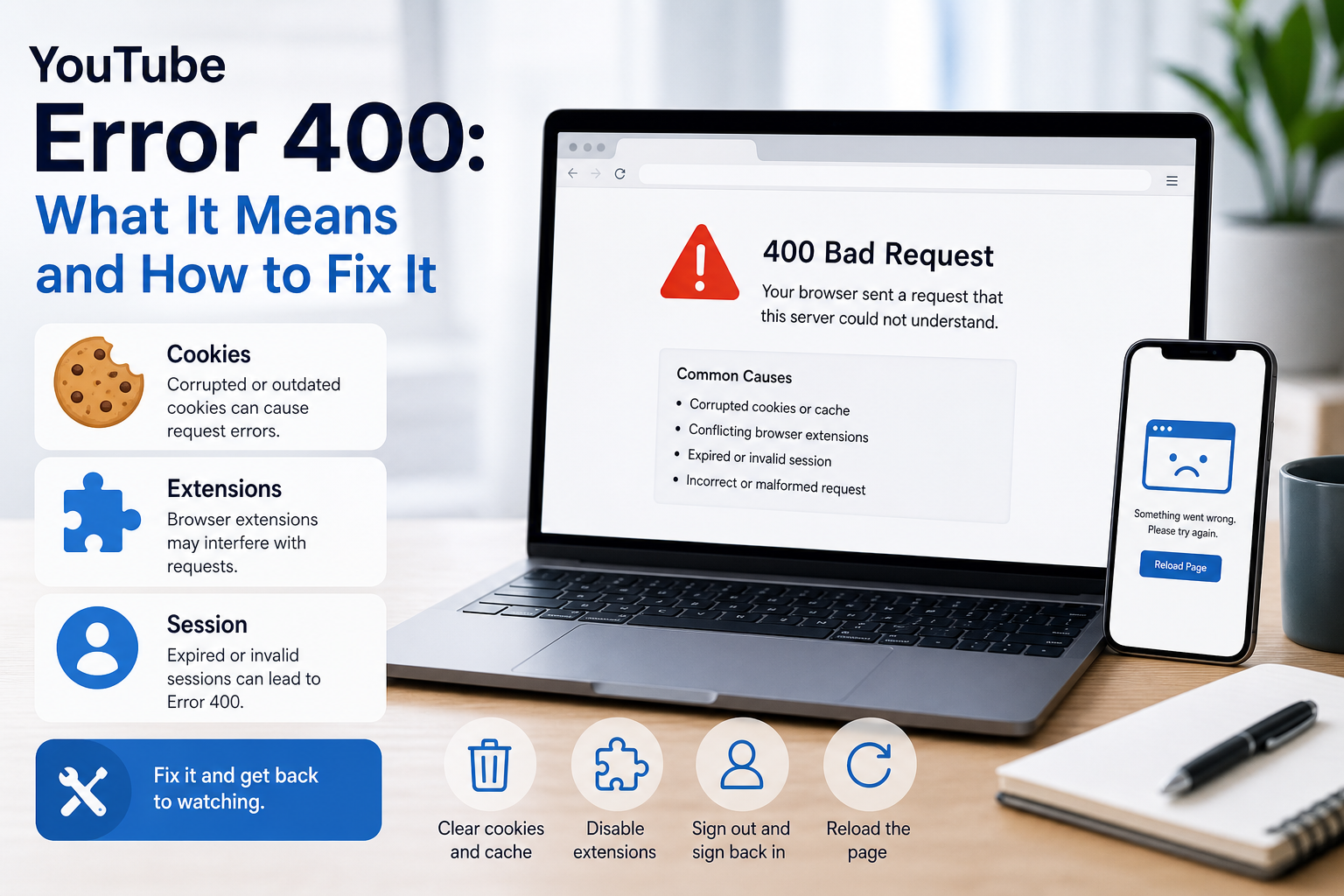
YouTube Error 400: What It Means and How to Fix It
In HTTP terminology, a 400 Bad Request is a client-error response. MDN explains that servers commonly return 400 when they consider the request malformed, incorrectly framed, or deceptively routed. The important troubleshooting clue is that repeating the exact same request without changing anything is expected to fail again.
View Details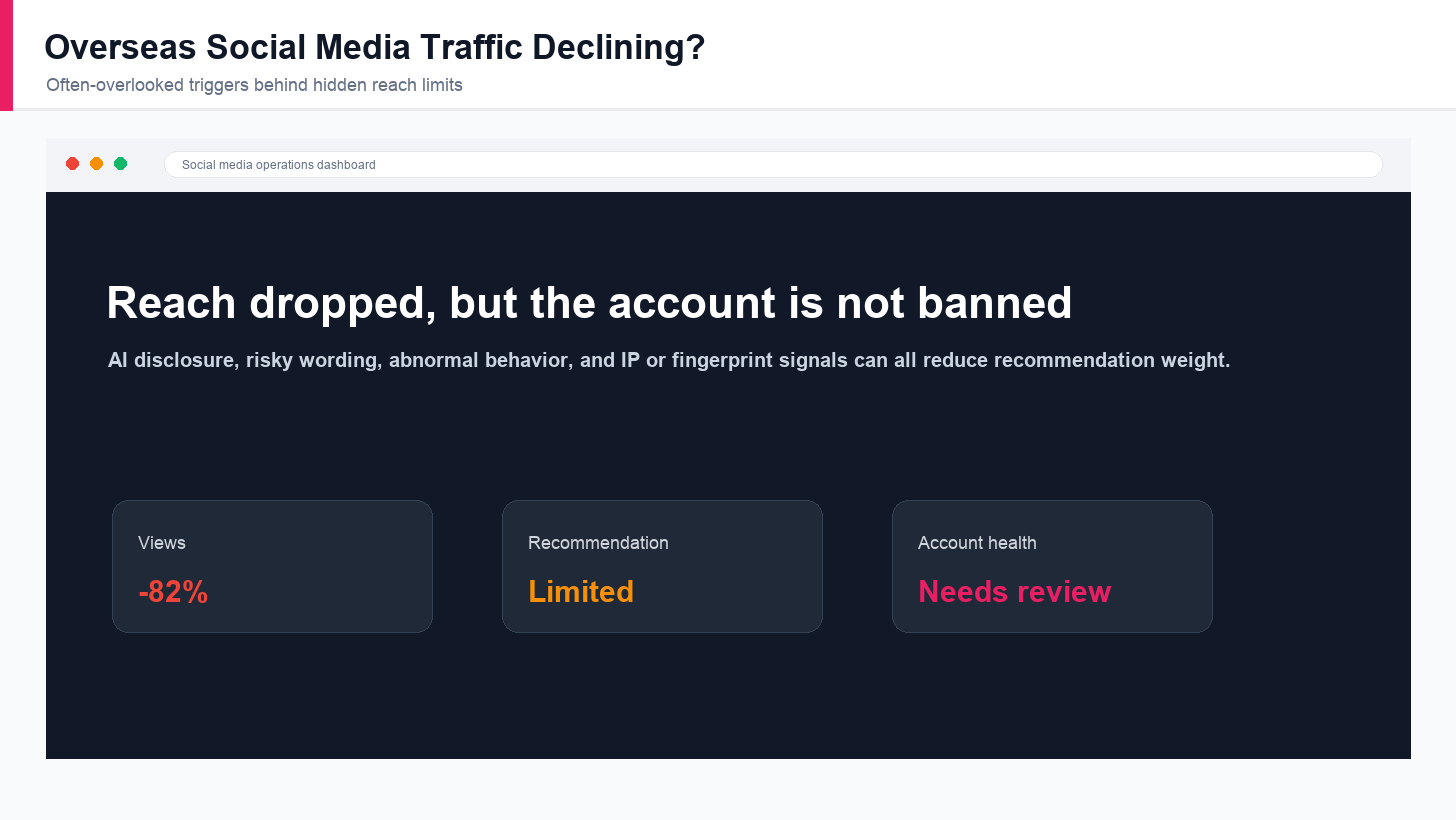
Overseas Social Media Traffic Declining? These Reach-Limiting Triggers Are Often Overlooked
A practical guide to overlooked overseas social media reach drops, covering AI content disclosure, risky wording, abnormal account behavior, hidden reach-limiting signals, and account environment checks.
View Details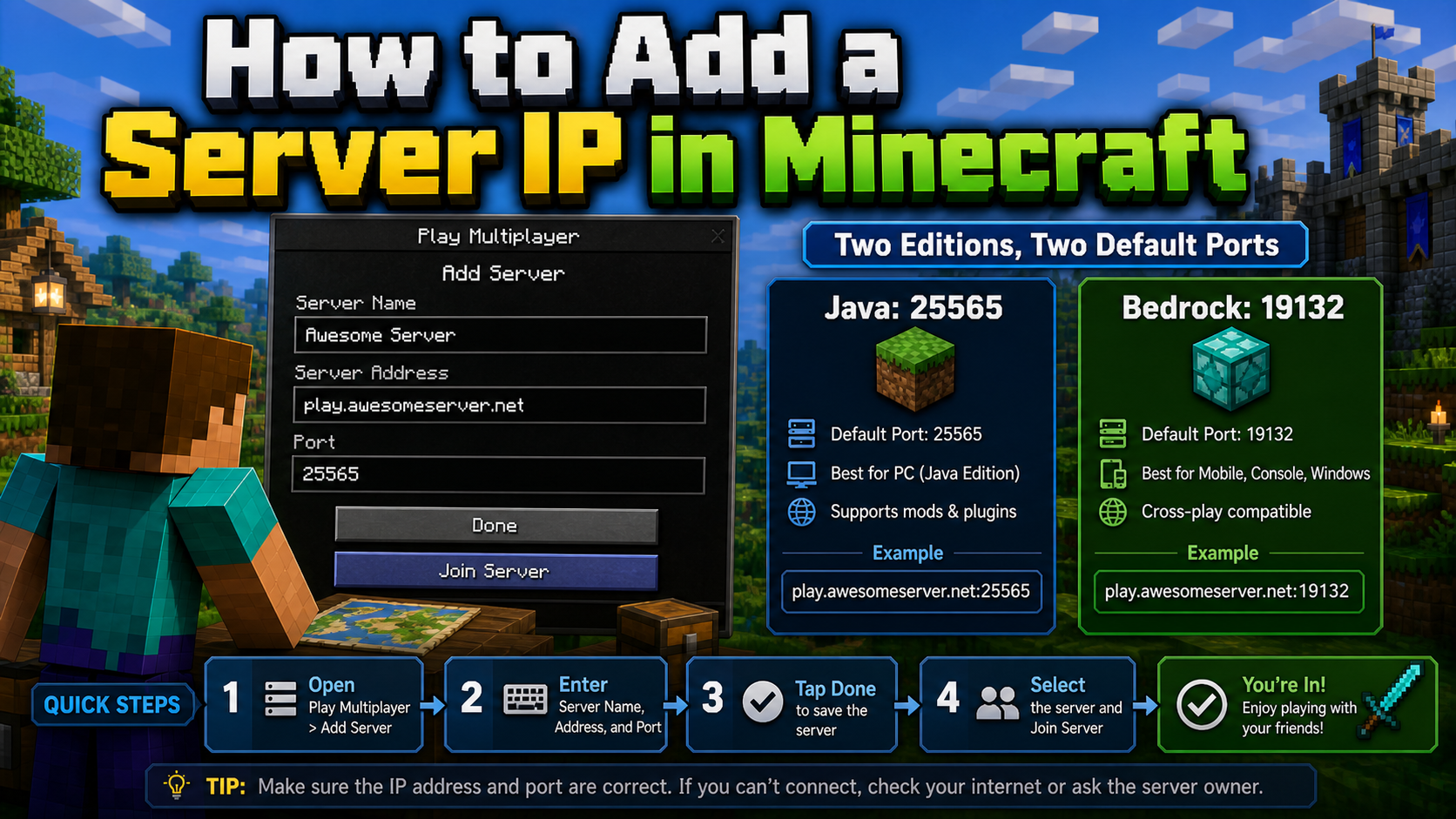
How to Add a Server IP in Minecraft Step by Step
Learn exactly where to enter a Minecraft server IP in Java, Bedrock, and Pocket Edition, plus how to fix common connection errors, ports, and edition mismatches.
View Details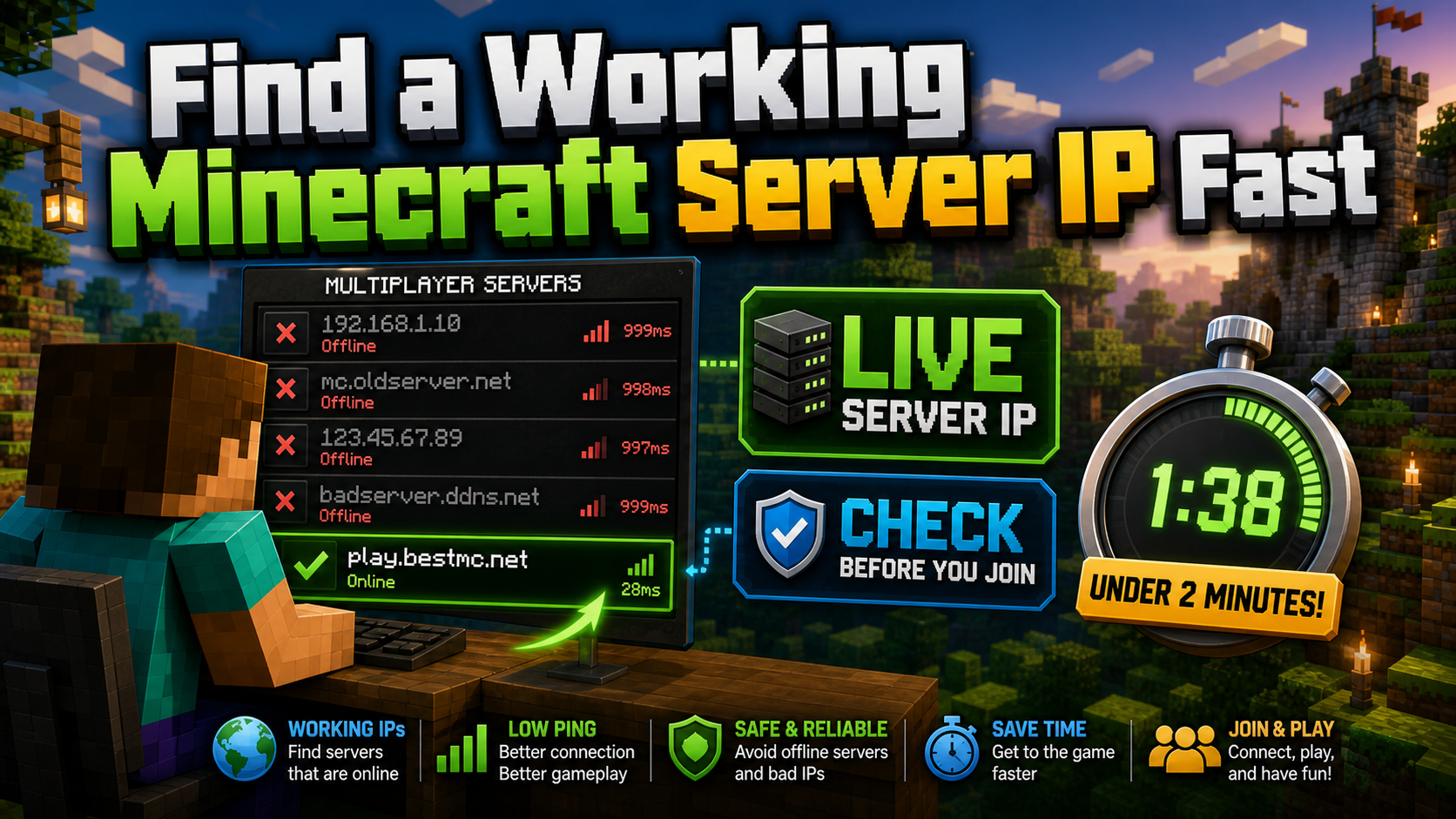
How to Find a Working Minecraft Server IP Fast
Stop wasting time on dead Minecraft server IPs. Learn how to verify live servers quickly, read status icons, check ports, and source updated server addresses.
View Details
Best 24/7 Online Minecraft Server IPs — No Downtime
Find reliable 24/7 Minecraft server IPs for Java and Bedrock, plus uptime checks, port basics, ping guidance, crossplay notes, and network stability tips.
View Details