
How to Use GOOGLEFINANCE in Python: 3 Practical Paths That Actually Work
How to Use GOOGLEFINANCE in Python: 3 Practical Paths That Actually Work
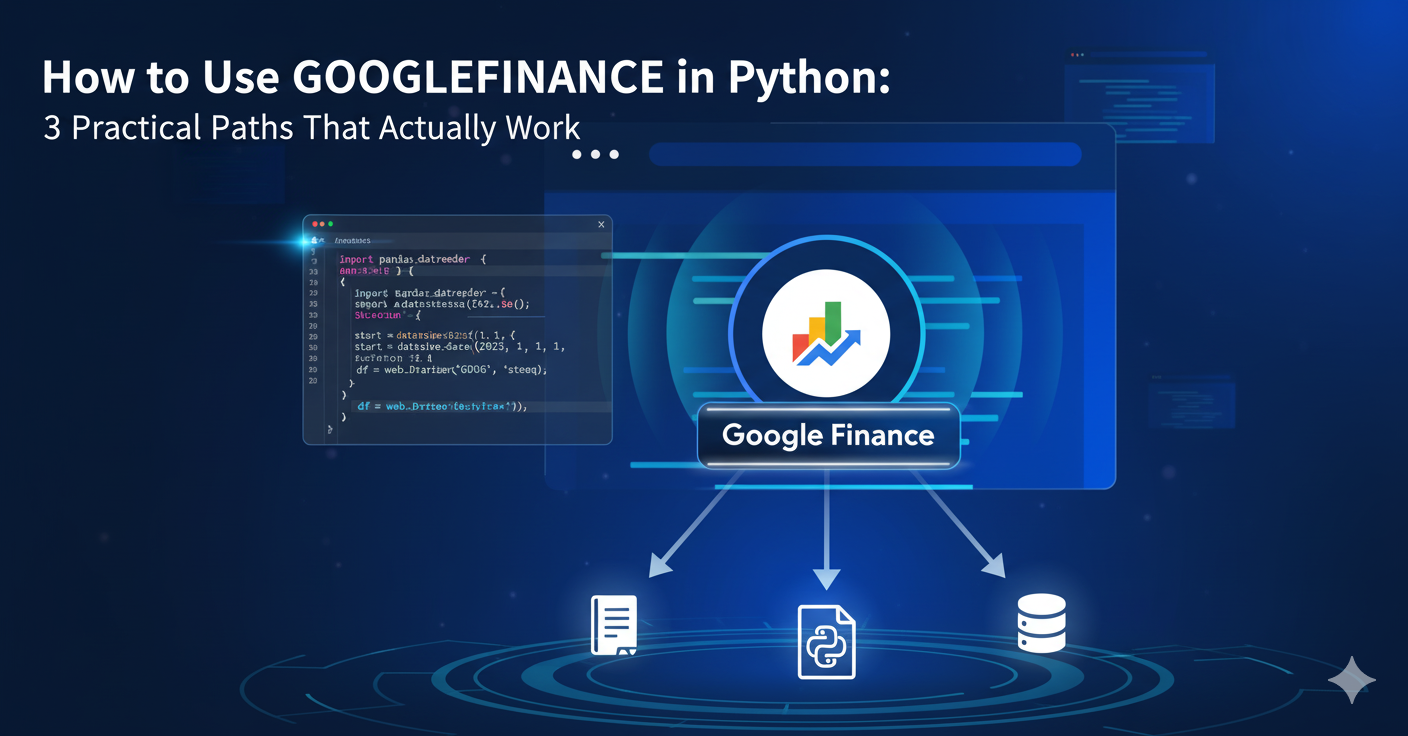
Learning how to use GOOGLEFINANCE in Python is a common goal for developers, data analysts, and growth teams looking to access market data. However, this task is often confusing because a direct, public "Google Finance API Python" solution no longer exists. Google deprecated its official finance API years ago, leaving developers to find creative, practical workarounds.
Today, getting google finance data into a Python script relies on three distinct methods:
- Bridging Google Sheets: Using the GOOGLEFINANCE function in a Sheet and reading that Sheet with Python.
- Direct Web Scraping: Using libraries like BeautifulSoup4 to parse the Google Finance website's HTML.
- Using Alternatives: Opting for third-party libraries like yfinance or paid market data APIs.
This article provides a practical, technical breakdown of all three methods, helping you choose the right one for your project's reliability and scale.
Try LycheeIP's residential proxies for scraping
It means using one of three workarounds to get financial data, as Google no longer provides a public, developer-focused API for this purpose.
Many developers search for a "Google Finance API Python" library, expecting an official, installable package. Unfortunately, this does not exist. The original Google Finance API was shut down, and Google has not replaced it. Any "API" solution you find is either unofficial, a wrapper for another service, or uses one of the workaround methods described here. Understanding this from the start saves you time and focuses your efforts on solutions that actually work.
What Are Your Three Practical Options?
- Sheets Bridge (Reliable, Low-Volume): This is the most robust and "Google-approved" method. You use the powerful GOOGLEFINANCE function within a Google Sheet to pull data, then authorize a Python script to read that data from the Sheet. It's stable but indirect.
- Direct Scraping (Brittle, High-Maintenance): This involves writing a Python script with tools like BeautifulSoup4 to download and parse the live Google Finance webpage. This is the most fragile method, as Google can change its site layout at any time, breaking your scraper.
- Alternative APIs (Stable, Scalable): This method bypasses Google Finance entirely. You use a different data source, like Yahoo Finance (via the yfinance library) or a professional paid API, which is built for high-volume, programmatic access.
How Can You Use Google Sheets as a Bridge for google finance data?
You use the built-in GOOGLEFINANCE function inside a Sheet and then authorize a Python script using the gspread library and a service account credentials JSON file to read the cell values.
Step 1: Using the GOOGLEFINANCE Function
First, open a new Google Sheet. In any cell, you can use the GOOGLEFINANCE function to pull data. This function runs on Google's servers and is very powerful.
- For current price: =GOOGLEFINANCE("NASDAQ:AAPL", "price")
- For historical data: =GOOGLEFINANCE("NASDAQ:GOOG", "price", "1/1/2024", "10/22/2025", "DAILY")
- For currency (FX): =GOOGLEFINANCE("CURRENCY:USDNGN")
Step 2: How to Set Up a service account credentials json
To allow a Python script to access your Sheet without you manually logging in, you must use a service account.
- Go to the Google Cloud Console and create a new project.
- Enable the Google Drive API and Google Sheets API for that project.
- Go to "Credentials" and create a new Service Account.
- Give the service account a name and skip the optional roles for now.
- Once created, select the service account, go to the "Keys" tab, and click "Add Key" -> "Create new key".
- Choose JSON as the key type. This will download your service account credentials JSON file (e.g., my-project-12345.json). Guard this file like a password.
- Open the service account credentials JSON file and find the client_email address.
- Go back to your Google Sheet and click the "Share" button. Paste the client_email address and give it "Viewer" or "Editor" permissions, just like you would for a person.
This service account credentials JSON file is the key that proves to Google your script has permission to access the Sheet.
Step 3: Reading Sheet Data in Python with gspread
Now, you can use the gspread and google-auth libraries in Python to access the data.
Python
# Install required libraries:
# pip install gspread google-auth
import gspread
from google.oauth2.service_account import Credentials
# Define the scopes. Readonly is safer if you only need to read.
SCOPES = [
'https://www.googleapis.com/auth/spreadsheets.readonly',
'https://www.googleapis.com/auth/drive.readonly'
]
# Use the path to your downloaded service account credentials json
SERVICE_ACCOUNT_FILE = 'path/to/your-service-account-credentials.json'
# Authenticate
creds = Credentials.from_service_account_file(
SERVICE_ACCOUNT_FILE, scopes=SCOPES
)
client = gspread.authorize(creds)
# Open the Google Sheet (by its name or URL)
try:
sheet = client.open("My Finance Data").sheet1
# Get the value from cell A2
aapl_price = sheet.acell('A2').value
print(f"Current AAPL Price: {aapl_price}")
# Get all values as a list of lists
all_data = sheet.get_all_records()
print(all_data)
except gspread.exceptions.SpreadsheetNotFound:
print("Error: Spreadsheet not found. Did you share it with the service account email?")
except Exception as e:
print(f"An error occurred: {e}")
This "Sheets Bridge" is the most robust approach for any googlefinance python task.
- Stability: It uses two official Google products: the GOOGLEFINANCE function and the Sheets API. It will not break overnight.
- Simplicity: You avoid parsing HTML or dealing with anti-bot measures.
- Legitimacy: You are not scraping; you are using a documented API, which is always the preferred method.
The only downside is that it's not real-time (the GOOGLEFINANCE function has a slight delay) and it's not suited for high-frequency trading.
Try LycheeIP's residential proxies for scraping
How Do You Scrape Google Finance with BeautifulSoup4?
You use the requests library to download the page's raw HTML and then use the BeautifulSoup4 library to parse that HTML and find the specific data elements you need, like the price or price change.
Setting Up requests and BeautifulSoup4
This method attempts to mimic a web browser, but only fetches the raw HTML source. It cannot run JavaScript.
Python
# Install required libraries:
# pip install requests beautifulsoup4
import requests
from bs4 import BeautifulSoup
# The URL for the Apple stock page
URL = "https://www.google.com/finance/quote/AAPL:NASDAQ"
# Set a User-Agent header to mimic a real browser
HEADERS = {
'User-Agent': 'Mozilla/5.0 (Windows NT 10.0; Win64; x64) AppleWebKit/537.36 (KHTML, like Gecko) Chrome/108.0.0.0 Safari/537.36'
}
try:
# Make the HTTP request
response = requests.get(URL, headers=HEADERS, timeout=10)
response.raise_for_status() # Raise an error for bad status codes
# Parse the HTML content with BeautifulSoup4
soup = BeautifulSoup(response.text, 'html.parser')
# Example: Find the main price element
# NOTE: This selector (YMlKec) is an example and WILL change.
price_element = soup.find('div', class_='YMlKec')
if price_element:
print(f"Price: {price_element.text}")
else:
print("Price element not found. The page layout may have changed.")
except requests.exceptions.RequestException as e:
print(f"HTTP Request failed: {e}")
Finding Selectors for Price and Price Change
To find elements like price or price change, you must:
- Open the Google Finance page in your browser (e.g., Chrome).
- Right-click the price and select "Inspect".
- The developer tools will open, highlighting the HTML element.
- Look for a unique class (like YMlKec) or data-attribute that you can use to select the element with BeautifulSoup4.
You would repeat this process to find the element for the daily price change, which is often in a separate div or span.
Why This BeautifulSoup4 Method Is Unreliable
This BeautifulSoup4 approach is extremely brittle and not recommended for serious projects.
- Selector Changes: Google can (and does) change its website's HTML layout and class names at any time without warning. A change from class="YMlKec" to class="PriceBox" will break your scraper instantly.
- Dynamic Content: If the price or price change data is loaded by JavaScript after the initial page load, requests and BeautifulSoup4 will not see it. They only get the static HTML.
- Blocking: Google's servers can easily detect rapid, automated requests from a single IP address (your server). This will lead to CAPTCHAs, 429 (Too Many Requests) errors, or outright IP bans.
Try LycheeIP's residential proxies for scraping
Why Is Scraping google finance data So Difficult?
Scraping google finance data is hard because pages use dynamic JavaScript to load content, and Google employs sophisticated anti-bot measures designed to block automated scrapers.
Dynamic Content and JavaScript Rendering
Modern web pages, especially from Google, are not static. They load a minimal HTML skeleton and then use JavaScript to fetch and display data, including the latest price and price change figures. The requests library doesn't run JavaScript. It only downloads the initial skeleton, which often lacks the data you need. While BeautifulSoup4 is a great parser, it can't parse data that isn't there.
Anti-Bot Measures, IP Blocking, and Rate Limits
Google is a world leader in bot detection. If your script makes too many requests from one IP address, it will be flagged. This results in:
- IP Blocks: Your server's IP is denied access.
- CAPTCHAs: You are served a "prove you're human" page, which your requests script cannot solve.
- Misinformation: You might be served stale, incorrect, or empty data.
How Residential Proxies for Scraping Provide a Solution
This is where residential proxies for scraping become essential. A proxy acts as an intermediary for your requests.
- Datacenter Proxies: These are from a server farm. Google can easily identify and block entire ranges of datacenter IPs.
- Residential Proxies: These are real IP addresses from actual Internet Service Providers (ISPs), assigned to real homes.
When you use high-quality residential proxies for scraping, each request you make to Google Finance can come from a different, legitimate-looking IP address. This makes your scraper appear as many different real users, making it much harder to detect and block.
How Do You Use Proxies for googlefinance python Scraping?
You integrate a proxy provider's credentials into your requests call, often using a SOCKS5 proxy python configuration or a standard HTTP proxy setup.
Using a SOCKS5 proxy python Setup in requests
Many proxy providers offer access via HTTP or SOCKS protocols. If you need a SOCKS5 proxy python integration (for example, for specific tunneling needs), you must install an extra requests dependency.
Python
# Install the SOCKS proxy support for requests
# pip install "requests[socks]"
import requests
from bs4 import BeautifulSoup
# --- LycheeIP Example Credentials ---
# (Replace with your actual proxy credentials)
PROXY_HOST = 'gw.lycheeip.io'
PROXY_PORT = '10000' # Example port
PROXY_USER = 'your-username'
PROXY_PASS = 'your-password'
# Format for SOCKS5 proxy python integration
proxy_url = f"socks5h://{PROXY_USER}:{PROXY_PASS}@{PROXY_HOST}:{PROXY_PORT}"
# This is the dictionary requests understands
proxies = {
'http': proxy_url,
'https' : proxy_url
}
URL = "https://www.google.com/finance/quote/AAPL:NASDAQ"
HEADERS = {
'User-Agent': 'Mozilla/5.0 (Windows NT 10.0; Win64; x64) AppleWebKit/537.36 (KHTML, like Gecko) Chrome/108.0.0.0 Safari/537.36'
}
try:
# The 'proxies' argument tells requests to route the call
response = requests.get(URL, headers=HEADERS, proxies=proxies, timeout=20)
response.raise_for_status()
print(f"Request successful via proxy. Status: {response.status_code}")
# You can now parse with BeautifulSoup4 as before
soup = BeautifulSoup(response.text, 'html.parser')
# ... your parsing logic ...
except requests.exceptions.RequestException as e:
print(f"Request via SOCKS5 proxy python setup failed: {e}")
This code shows a basic SOCKS5 proxy python setup for a googlefinance python scraper.
The Role of Rotating IPs
A single static proxy IP will eventually be blocked, just like your server's IP. The real power comes from rotating proxies. A rotating proxy endpoint (like the one in the example) automatically assigns a new residential IP to each request (or every few requests). This makes your scraping pattern look organic and human, dramatically increasing the success rate of your googlefinance python scraper.
Why Developer-First Residential Proxies for Scraping Matter
When scraping sensitive targets like Google, the quality of your proxies is paramount. Many providers resell overused IPs or have complex "unlocker" tools that add overhead.
At LycheeIP, we focus on a developer-first approach:
- Clean Pools: We provide access to high-quality, clean residential proxies for scraping, reducing the chance of encountering IPs that are already flagged.
- Simple Integration: We believe you should control your stack. We provide simple, high-uptime proxy endpoints (both HTTP and SOCKS5 proxy python compatible) that integrate directly into your code without complex middleware.
- Transparent Pricing: You get clear, predictable pricing for the data you use.
Using reliable residential proxies for scraping is the only way to make a BeautifulSoup4 solution even remotely viable for any task beyond a simple test.
Try LycheeIP's residential proxies for scraping
The most popular alternatives are dedicated Python libraries like yfinance that wrap other free data sources, or paid, professional market data APIs.
Using yfinance as a Free and Popular Alternative
The yfinance library is an open-source tool that fetches data from Yahoo Finance, which is generally more scraper-friendly than Google. It's not an official API, but it's widely used and actively maintained.
Python
# Install the library
# pip install yfinance
import yfinance as yf
try:
# Create a Ticker object
aapl = yf.Ticker("AAPL")
# Get historical market data
hist_data = aapl.history(period="1mo")
print("--- Historical Data (Tail) ---")
print(hist_data.tail())
# Get current info (price, etc.)
info = aapl.info
print(f"\n--- Current Info ---")
print(f"Market Price: {info.get('currentPrice')}")
print(f"Previous Close: {info.get('previousClose')}")
# Calculate price change
price = info.get('currentPrice')
prev_close = info.get('previousClose')
if price and prev_close:
price_delta = price - prev_close
price_pct = (price_delta / prev_close) * 100
print(f"Price Change: {price_delta:.2f} ({price_pct:.2f}%)")
except Exception as e:
print(f"yfinance call failed: {e}")
For many googlefinance python use cases, yfinance is a simpler, more stable, and more powerful free alternative to scraping Google.
When to Choose Paid, Professional Market Data APIs
If you are building a commercial application, a trading bot, or any system where data accuracy and uptime are critical, you should use a paid API. Services like Alpha Vantage, IEX Cloud, or Polygon.io are built for this.
- Reliability: They guarantee uptime with an SLA.
- Support: You get customer support if something breaks.
- Legality: You are legally licensed to use the data.
- Deeper Data: They offer far more than just price, including fundamentals, options, and more.
How Do You Correctly Calculate and Verify Price Change Data?
You correctly calculate price change by subtracting the previous day's closing price from the current price, then dividing that result by the previous close to get the percentage.
The Formulas: Intraday vs. Prior Close Price Change
It's crucial to know which price change you're calculating.
- Absolute Change: Current Price - Previous Close Price
- Percentage Change: (Absolute Change / Previous Close Price) * 100
When you scrape google finance data, the page often shows the "intraday" price change (change since the market opened) and the "after-hours" price change. Be sure your calculation (using "Previous Close") matches the figure you are trying to replicate.
Verifying Your Scraped google finance data
Never trust scraped data blindly. If your BeautifulSoup4 scraper gives you a price of $150.00 and a price change of +$2.00, cross-reference this with a reliable source (like yfinance or a brokerage account). It's possible your scraper picked up the wrong HTML element (e.g., the "open" price instead of the "current" price), leading to an incorrect price change calculation.
Which Method for google finance data Is Right for Your Project?
The right method depends entirely on your project's need for reliability, scale, and maintenance budget.
Comparison Table: Sheets vs. Scraping vs. API
Use this table to decide which approach to how to use GOOGLEFINANCE in Python fits your goals.
| Method | Best For... | Reliability | Maintenance | Key Requirement |
| Sheets Bridge | Small projects, reports, dashboards | High | Very Low | Google Account, service account credentials json |
| BeautifulSoup4 (No Proxy) | Learning, personal scripts, tests | Very Low | Very High | BeautifulSoup4, requests |
| BeautifulSoup4 + Proxies | Custom data points not in APIs | Medium | High | BeautifulSoup4, Residential Proxies for Scraping |
| yfinance Library | Most free projects, research | High | Very Low | yfinance library |
| Paid Data API | Commercial apps, trading, all serious projects | Very High | Very Low | Paid subscription |
Comparison/Table
Comparison Table: Sheets vs. Scraping vs. API
| Method | Best For... | Reliability | Maintenance | Key Requirement |
| :--- | :--- | :--- | :--- | :--- |
| Sheets Bridge | Small projects, reports, dashboards | High | Very Low | Google Account, service account credentials json |
| BeautifulSoup4 (No Proxy) | Learning, personal scripts, tests | Very Low | Very High | BeautifulSoup4, requests |
| BeautifulSoup4 + Proxies | Custom data points not in APIs | Medium | High | BeautifulSoup4, Residential Proxies for Scraping |
| yfinance Library | Most free projects, research | High | Very Low | yfinance library |
| Paid Data API | Commercial apps, trading, all serious projects | Very High | Very Low | Paid subscription |
Try LycheeIP's residential proxies for scraping
Frequently Asked Questions:
1. What is the best way to get Google Finance data in Python?
The most reliable method is to use the GOOGLEFINANCE function in a Google Sheet and read that Sheet using Python, gspread, and a service account credentials JSON file for authentication. For most other cases, the yfinance library is the best free alternative.
2. Why is there no official Google Finance API for Python?
Google deprecated its original finance API years ago and has not released a public replacement. The GOOGLEFINANCE function inside Google Sheets is the only officially supported way to access their data programmatically, albeit indirectly.
3. When should I use BeautifulSoup4 for google finance data?
You should only use BeautifulSoup4 as a last resort, specifically if you need a data point that is visible on the webpage but not available in the Sheets function or any alternative API. Be prepared for high maintenance and use residential proxies for scraping to avoid blocks.
4. How does a SOCKS5 proxy python setup help with scraping?
A SOCKS5 proxy python setup (or a standard HTTP proxy) routes your scraping requests through a different IP address. When using rotating residential proxies for scraping, this makes it appear as if your requests are coming from many different real users, which helps bypass anti-bot systems that block single-IP traffic.
5. How do I get a service account credentials json file?
You get a service account credentials JSON file from the Google Cloud Console. You must create a project, enable the Google Sheets and Drive APIs, create a new "Service Account" under "Credentials," and then generate a new JSON key for that account.
6. Can I get real-time price change data with these methods?
The Google Sheets GOOGLEFINANCE function can have a delay of up to 20 minutes. yfinance data is also delayed. Direct scraping with BeautifulSoup4 gets the data on the page, but it may also be delayed. For true real-time data, you must use a paid, professional market data API.

Recommended Articles
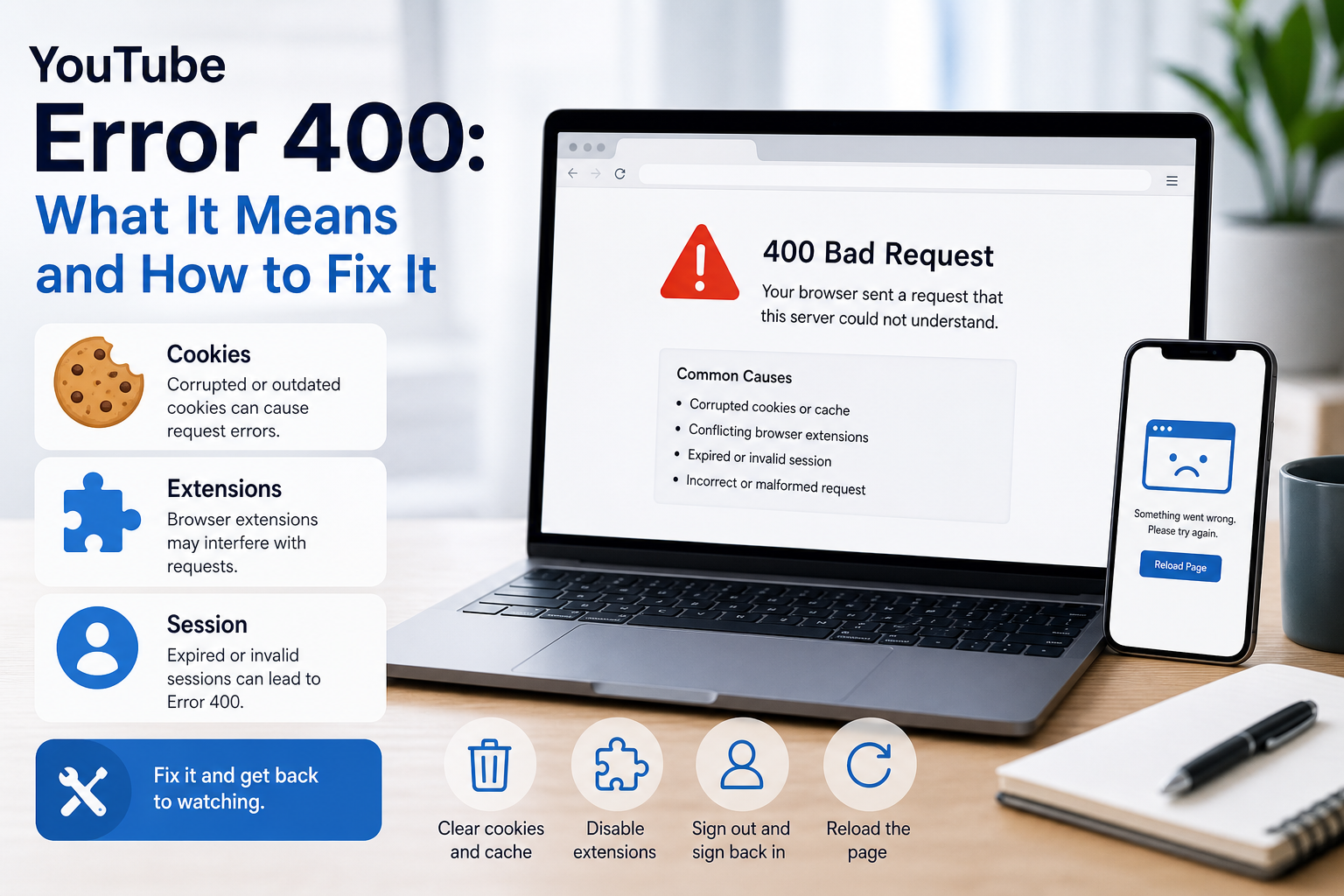
YouTube Error 400: What It Means and How to Fix It
In HTTP terminology, a 400 Bad Request is a client-error response. MDN explains that servers commonly return 400 when they consider the request malformed, incorrectly framed, or deceptively routed. The important troubleshooting clue is that repeating the exact same request without changing anything is expected to fail again.
View Details
Overseas Social Media Traffic Declining? These Reach-Limiting Triggers Are Often Overlooked
A practical guide to overlooked overseas social media reach drops, covering AI content disclosure, risky wording, abnormal account behavior, hidden reach-limiting signals, and account environment checks.
View Details
How to Add a Server IP in Minecraft Step by Step
Learn exactly where to enter a Minecraft server IP in Java, Bedrock, and Pocket Edition, plus how to fix common connection errors, ports, and edition mismatches.
View Details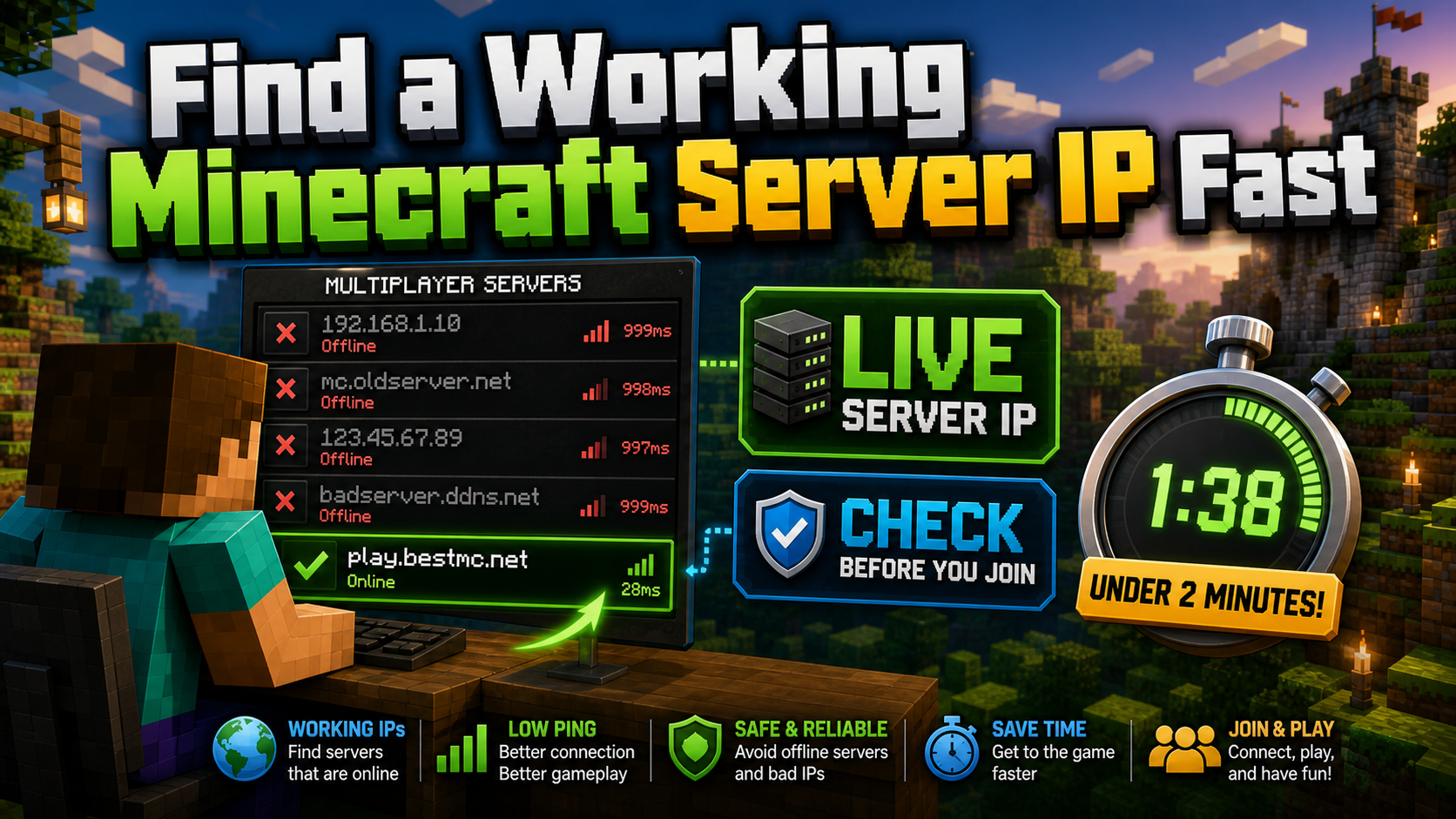
How to Find a Working Minecraft Server IP Fast
Stop wasting time on dead Minecraft server IPs. Learn how to verify live servers quickly, read status icons, check ports, and source updated server addresses.
View Details
Best 24/7 Online Minecraft Server IPs — No Downtime
Find reliable 24/7 Minecraft server IPs for Java and Bedrock, plus uptime checks, port basics, ping guidance, crossplay notes, and network stability tips.
View Details