
How to Unblock Websites Safely in 2025: 10 Practical Methods
How to Unblock Websites Safely in 2025: 10 Practical Methods
What does it actually mean to unblock a website?
To unblock a website means to bypass the technical restrictions placed by a network, device, or service provider that prevent a page from loading. When you attempt to access a URL, several checkpoints verify if your request is authorized; a "block" can occur at any one of these stages.
Understanding the specific layer where the block exists is crucial because the method you use to how to unblock websites depends entirely on the barrier you face. Generally, these barriers fall into three distinct categories.
What kinds of blocks stop you from reaching a site?
Blocks usually manifest as error messages like "403 Forbidden," "This site can't be reached," or a custom splash screen from an IT administrator. While the result is the same—you cannot view the content—the underlying technology varies.
- DNS Filtering: Your request to resolve a domain name is intercepted and denied.
- IP Blocking: The specific IP address of the website is blacklisted on your network.
- Deep Packet Inspection (DPI): Advanced firewalls analyze the actual data packets and block traffic based on the content type or protocol.
How do network, device, and content filters differ?
Network-level blocks are implemented by ISPs or local administrators (like a school Wi-Fi) and affect everyone on that connection. Device-level blocks reside on the hardware itself, often through software that enforces content and privacy restrictions. Finally, content-level blocks originate from the website itself, often denying access based on the user's geographic location (geo-blocking). Identifying the source is the first step when learning how to unblock websites.
Use LycheeIP to test rotating proxies
Why are websites blocked at school, work, and home?
Websites are blocked primarily to maintain productivity, preserve network bandwidth, comply with local laws, or enforce safety standards. Administrators balance access against security risks, which leads to restricted browsing environments.
What policies do schools and employers enforce?
Schools and companies often restrict streaming services, social media, and gaming sites to minimize distractions and prevent network congestion. When you try to unblock websites on school computer labs or corporate laptops, you are fighting against Acceptable Use Policies (AUP). These policies are designed to protect the institution from liability and malware, which is why site settings on these devices are often locked down by IT departments.
How do geo-restrictions and internet censorship work?
Governments and content providers use internet censorship and geo-fencing to control information flow. Streaming services restrict content to specific regions due to copyright licensing. More severely, authoritarian regimes use internet censorship to block news outlets and communication platforms. In these cases, users often look for ways to unblock websites on Google or social media platforms to regain access to free information.
How do parental controls and screen time limits block sites?
On home networks, parents utilize router filters and screen time limits to manage digital wellbeing. These tools often integrate with content and privacy restrictions on operating systems to filter out adult content or gambling sites. If you are trying to unblock websites on phone devices subject to screen time limits, the block is tied to the user account rather than the network itself.
How can you unblock websites safely with a VPN?
You can unblock websites safely with a VPN by creating an encrypted tunnel that hides your IP address and spoofs your location. This is the most robust method because it handles traffic for the entire device, not just the browser.
How does a VPN route and encrypt your traffic?
A Virtual Private Network (VPN) encapsulates your data packets in encryption protocols (like WireGuard or OpenVPN). It routes this data to a remote server before it hits the public internet. The website sees the VPN server's IP address, not yours. This allows you to bypass internet censorship and local network filters simultaneously.
Which VPN features matter most for unblocking websites?
To effectively how to unblock websites securely, look for these features:
- Obfuscation: Disguises VPN traffic as regular HTTPS traffic to bypass strict firewalls.
- Kill Switch: Cuts internet access if the VPN drops, preventing data leaks.
- No-Logs Policy: Ensures your browsing history isn't stored.
- DNS Leak Protection: Ensures your DNS requests don't bypass the VPN tunnel.
When should you avoid using a VPN on managed devices?
You should avoid installing VPN software if you are trying to unblock websites on school computer systems or work devices that you do not own. Managed devices often have software scanners that flag unauthorized installations. In strict environments, attempting to install a VPN can lead to disciplinary action.
Use LycheeIP to test rotating proxies
How can you use proxies, Smart DNS, and Tor Browser to unblock websites?
You can use proxies, Smart DNS, and the Tor Browser as alternatives to VPNs, depending on whether you need speed, privacy, or specific location spoofing.
What is the difference between a web proxy and a full proxy service?
A web proxy is typically a browser-based bar where you paste a URL to open blocked sites without a vpn. It is simple but often slow and insecure.
In contrast, professional proxy services (like those provided by LycheeIP) offer residential, mobile, and datacenter IPs. While typically used by developers for web scraping and data collection, high-quality residential proxies mimic real user connections perfectly. This makes them highly effective for tasks requiring a unblock website browser experience that looks indistinguishable from organic traffic.
- Web Proxy: Good for one-time access to a static page.
- Residential Proxy: Ideal for developers needing to test geo-targeted content or scrape data without getting blocked.
How does Smart DNS help you unblock streaming libraries?
Smart DNS services reroute only the data related to your geographic location, leaving the rest of your traffic alone. This method is faster than a VPN because it doesn't encrypt data, making it excellent for streaming but poor for bypassing internet censorship or protecting privacy.
When is Tor Browser appropriate and what are its limits?
The Tor Browser routes traffic through a randomized network of volunteer nodes. It is the gold standard for anonymity and bypassing heavy internet censorship. However, because your data jumps through multiple relays, the Tor Browser is significantly slower than standard browsing and isn't suitable for streaming.
What browser and DNS tweaks can unblock websites without a VPN?
You can often open blocked sites without a vpn by modifying site settings, changing DNS resolvers, or using browser extensions. These are "client-side" fixes that work when the block is not deeply enforced by the network.
How can browser site settings and permissions block pages?
Sometimes a site isn't blocked by the network, but by your browser's security settings. You can fix this by checking your site settings.
- Click the lock icon in the address bar.
- Select "Site Settings" or "Permissions."
- Ensure JavaScript, Images, and Pop-ups aren't universally blocked.
Adjusting these site settings is a common fix when you need to unblock websites on Google Chrome that appear broken rather than banned.
How can you change your DNS server to a public resolver safely?
ISPs often use their own DNS servers to block domains. You can bypass this by switching to a public DNS.
- Google Public DNS: 8.8.8.8 | 8.8.4.4
- Cloudflare: 1.1.1.1
Changing this setting allows you to unblock website browser requests that are being filtered at the DNS lookup stage.
How do Google cache, Translate, and URL tricks sometimes help?
If you need to open blocked sites without a vpn quickly:
- Google Cache: Search for the page on Google, click the three dots next to the result, and select "Cached."
- Google Translate: Paste the blocked URL into Google Translate. The translated version often loads via Google's servers, bypassing local filters.
- HTTP vs HTTPS: Sometimes typing https:// manually can bypass filters that only block the HTTP version.
Use LycheeIP to test rotating proxies
How do you unblock websites on Windows, Mac, and school computers responsibly?
You should approach unblocking differently depending on whether you own the device. To unblock websites on Windows or Mac personal computers is generally safe, but school computers require caution.
What can you change on Windows and Mac devices you own?
On personal devices, you have full admin rights.
- Windows: Go to Control Panel > Network and Internet > Network and Sharing Center to change DNS settings. Check the "Hosts" file to ensure no accidental blocks exist.
- Mac: System Settings > Network > Advanced allowing you to add proxies or change DNS.
These methods help you unblock websites on Windows and Mac that might be restricted by default ISP settings.
Why are school computers and work laptops different?
When you try to unblock websites on school computer hardware, you are dealing with "managed" devices. These have administrative locks that prevent you from changing DNS, installing Tor Browser, or adding VPNs. Bypassing these locks often requires hacking techniques that violate computer misuse laws.
What ethical checklist should you run through first?
Before attempting to unblock websites on school computer or work devices:
- Is the content essential for your work/studies?
- Does accessing it violate the Acceptable Use Policy?
- Are you risking malware infection on a shared network?
If the answer to #2 or #3 is yes, do not proceed.
How do you unblock websites on your phone on Android and iOS?
To unblock websites on phone devices effectively, you must navigate mobile OS constraints and carrier restrictions.
How can mobile VPN apps and browser extensions help?
Mobile VPN apps are the easiest way to unblock websites on phone connections. They encrypt cellular and Wi-Fi data. Alternatively, browsers like Opera have built-in free VPNs that can unblock website browser traffic specifically, without routing your entire phone's data.
How do you reset Chrome and Safari site settings?
If a specific site won't load:
- Android: Chrome > Settings > Site settings > All sites. Clear data for the specific domain.
- iOS: Settings > Safari > Advanced > Website Data.
Clearing these helps if corrupt cookies or restrictive site settings are the culprit.
How do content and privacy restrictions or screen time limits apply?
iOS and Android have built-in content and privacy restrictions.
- iOS Screen Time: Parents can blacklist websites.
- Android Digital Wellbeing: Can set timers on apps and sites.
You cannot technically "bypass" screen time limits or content and privacy restrictions without the passcode. The only legitimate method to unblock websites on phone devices locked this way is to request the owner (parent/admin) to adjust the settings.
Which privacy and security risks come with unblocking websites?
While you learn how to unblock websites, you must be aware that bypassing filters increases exposure to threats.
Why are “free” VPNs and random proxies risky?
Free VPNs often monetize by selling user data or injecting ads. Similarly, public proxies can monitor your traffic. For developers or privacy-conscious users, relying on transparent, paid infrastructure (like LycheeIP for proxies or reputable VPNs) is safer than risking data theft to open blocked sites without a vpn for free.
How can malware, phishing, and fake unblocker tools hurt you?
Many tools claiming to help you unblock websites on Windows or school computers are actually malware droppers. They may install keyloggers or turn your device into a botnet node.
What best practices keep you safer while you unblock websites?
- Never login to sensitive accounts (banking, email) via a free web proxy.
- Use HTTPS-only mode in your browser.
- Keep your antivirus updated if you are testing methods to unblock websites on Windows.
Is it legal to unblock websites with VPNs and proxies?
It is generally legal to use tools to how to unblock websites, but the act of accessing certain content may be illegal.
What is usually allowed under local law?
In most democratic countries, using a VPN, Tor Browser, or changing DNS to bypass internet censorship or access open web content is perfectly legal.
When can unblocking websites still break rules or contracts?
- Copyright: Unblocking pirated content is illegal.
- Contracts: Bypassing paywalls or violating Terms of Service (ToS) can lead to account bans.
- Employment/School: Using tools to unblock websites on school computer networks likely violates the contract you signed, leading to expulsion or termination, even if not criminal.
How should you choose the best method to unblock websites?
Choosing the right method depends on your goal: are you a developer testing a localized site, or a student trying to watch a video?
What quick decision table can you follow by scenario?
| Scenario | Recommended Method | Why? |
| Browsing at a Cafe | VPN | Encrypts data on public Wi-Fi. |
| Data Scraping | LycheeIP / Resi Proxies | High trust, clean IPs, avoids blocking. |
| School Computer | Google Translate / Cache | No installation required. |
| Heavy Censorship | Tor Browser | Maximum anonymity. |
| Streaming Video | Smart DNS | Speed without encryption overhead. |
| Corrupt Page Load | Reset Site Settings | Fixes local browser errors. |
What simple step-by-step plan should you use next?
- Check the Block: Is it the network, the device, or the site?
- Try Light Fixes: Clear cache, check site settings, or switch DNS.
- Escalate if Needed: If internet censorship is the cause, switch to a VPN or Tor Browser.
- Stay Compliant: If you are trying to unblock websites on school computer, stop and evaluate the risk.
Use LycheeIP to test rotating proxies
Frequently Asked Questions:
1. Can I unblock websites on a school computer without a VPN?
Yes, you can sometimes open blocked sites without a vpn on school computers by using web-based tools. Google Translate, the Internet Archive (Wayback Machine), or viewing the cached version of a site via Google Search can allow you to read content without installing software. However, these methods often fail for video or interactive sites.
2. Does using the Tor Browser guarantee I can unblock any website?
While the Tor Browser is powerful against internet censorship, it does not guarantee access to every site. Many websites automatically block traffic coming from known Tor exit nodes to prevent spam. Additionally, Tor is significantly slower than a standard browser, making it poor for streaming media.
3. How do I get around screen time limits to unblock websites on my phone?
You cannot easily bypass screen time limits or content and privacy restrictions on iOS or Android without the passcode. These are system-level blocks. Changing the time on your device sometimes works on older versions, but modern updates have patched this. The only reliable way to unblock websites on phone devices with these restrictions is to ask the administrator to whitelist the specific site.
4. Is it safe to use free web proxies to unblock websites on Windows?
It is generally risky. While they can help you unblock websites on Windows quickly, free proxies often lack encryption (HTTPS) between the proxy and the target site. The proxy owner can see the data you transmit. For secure browsing, a reputable VPN or a premium proxy service like LycheeIP is recommended over free alternatives.
5. Why do I still get "Access Denied" even after using a VPN?
If you still cannot how to unblock websites with a VPN, the site might be using advanced detection to block known VPN IP addresses. Alternatively, your browser's site settings or cookies might be leaking your real location. Try clearing your cookies, switching to a different VPN server, or using a specialized "obfuscated" server.
6. How can I check if my browser site settings are blocking a page?
To check if site settings are the culprit, look for an icon (often a shield or lock) in your browser's address bar. Click it to view permissions. If permissions like JavaScript or Images are set to "Block," the site will not load correctly. Resetting these to "Allow" or "Default" is a quick way to unblock website browser errors.

Recommended Articles
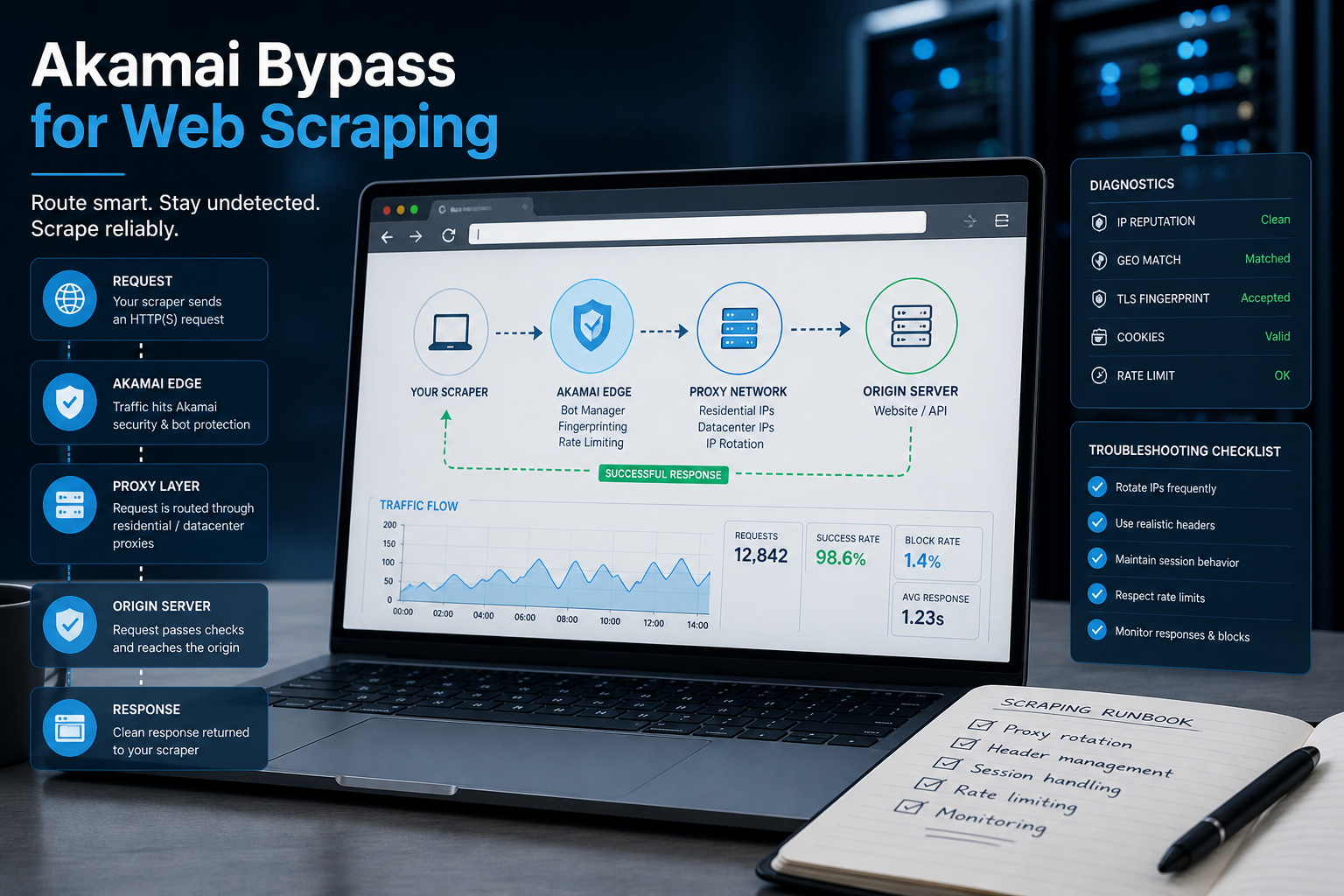
Akamai Bypass for Web Scraping
Akamai Bypass for Web Scraping
View Details
Browser Security Settings Most Users Never Touch
Stop leaving your personal data wide open. We reveal the crucial security toggles buried in your browser that instantly lock down your passwords and hide your daily web traffic.
View Details
Stop Saving Passwords in Your Browser
Letting Chrome or Safari remember your passwords feels incredibly convenient, but it is a massive security risk. Discover the hidden dangers of browser autofill and exactly what you should be using instead.
View Details
Should You Pay for a Browser? The Case For and Against
Are you currently paying for your free browser with your personal data? Discover if upgrading to a paid tool like Brave Origin is the ultimate privacy hack or just a complete waste of your cash.
View Details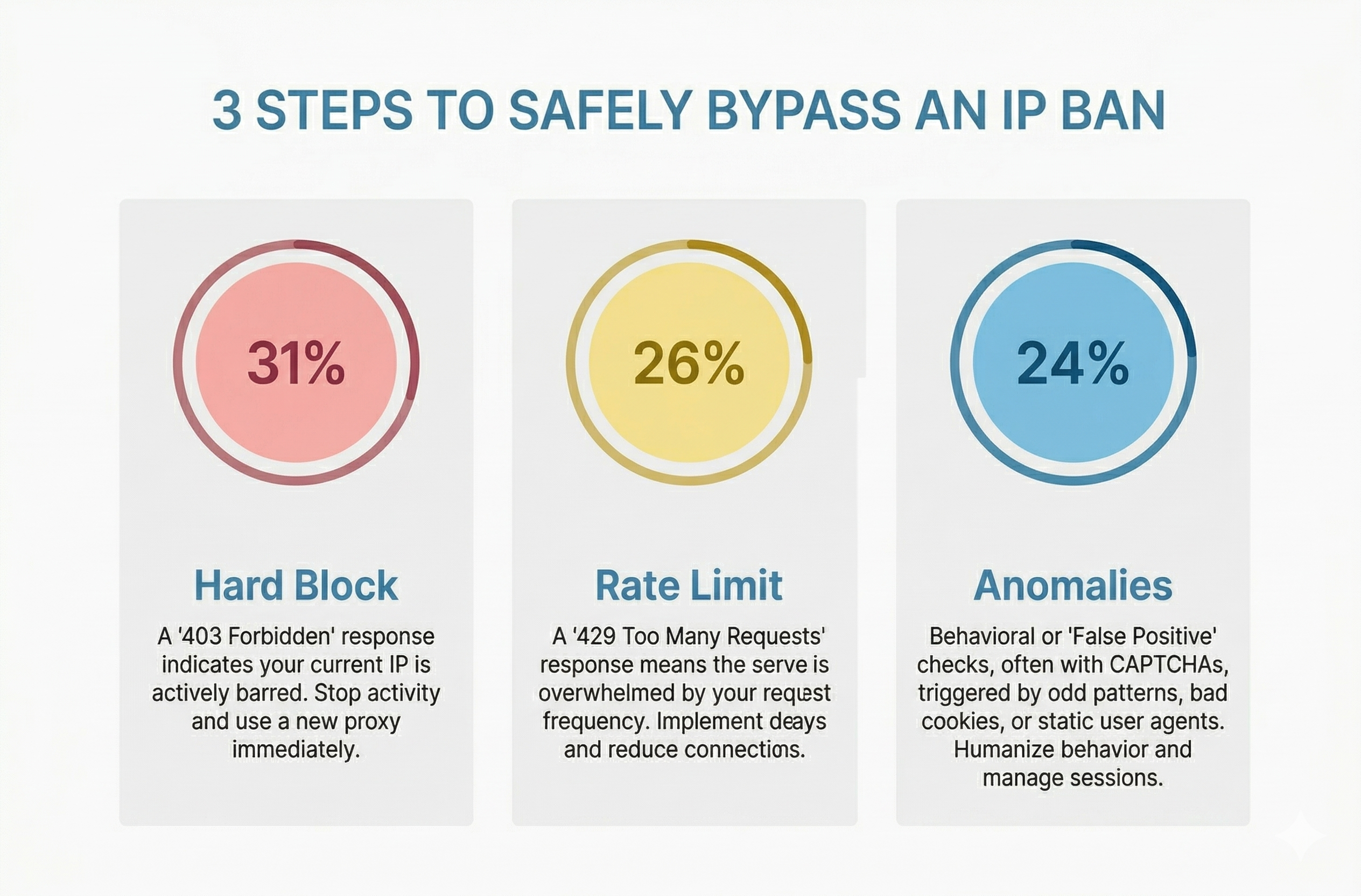
How to Bypass an IP Ban Safely by Diagnosing 403s, 429s, and False Positives
Diagnose 403s, 429s, and false positives quickly. Use this technical checklist to recover network access, reduce blocks, and scale data pipelines safely.
View Details