
What does “Session Expired” mean on Facebook and Messenger?
Troubleshooting Facebook “Session Expired”: Regaining Access Without Losing Work
If you’ve ever been kicked back to a login prompt mid-scroll or mid-script, you’ve met Facebook’s “Session Expired.” Below is a practical, developer-friendly walkthrough: what it means, why it happens, complete fixes for iOS/Android/web, how to prevent it, and safer patterns for scraping or multi-account operations.
Test LycheeIP’s rotating residential and sticky ISP options
What does “Session Expired” mean on Facebook or Messenger?
A session is a time-bounded login state tied to tokens and cookies. When tokens go invalid or policies require you to re-authenticate, Facebook ends the session and asks you to sign in again. This protects accounts and helps platforms manage resources, especially on mobile.
Which issues commonly trigger the error?
- Idle timeout or token mismatch after long inactivity or background app kills.
- Manual or automatic cache/cookie clearing by you, an app cleaner, or the OS.
- Security or account changes such as password resets, 2FA changes, device/location shifts.
- Outdated app or browser that mishandles cookies or session refresh.
- Interfering browser extensions that rewrite headers, block cookies, or modify scripts.
- Platform-side incidents that momentarily break login services; check Meta’s status first.
How do you fix “Session Expired” on iPhone (iOS)?
iOS steps: offload vs delete
- Re-login cleanly. Fully close Facebook/Messenger, reopen, and sign in again.
- Update the app. App Store → search Facebook or Messenger → Update.
- Clear the Facebook in-app browser data if links open inside the app: Facebook app → Menu → Settings & privacy → Settings → Browser → Clear (clears cookies/cache for the app’s internal browser).
- Offload the app to refresh the binary while keeping documents & data: Settings → General → iPhone Storage → Facebook/Messenger → Offload App → Reinstall. This is often enough without a full data wipe.
- If issues persist, delete and reinstall the app: Settings → General → iPhone Storage → Facebook → Delete App, then reinstall from the App Store. Back up credentials first.
- Extra hygiene: enable Automatic Updates, ensure Date & Time → Set Automatically is on, and keep iOS reasonably up to date.
How do you fix “Session Expired” on Android?
Android steps: clear cache vs clear storage
- Re-login cleanly. Force-close the app → reopen → sign in.
- Update the app in Google Play → Manage apps & device → Updates available.
- Clear app cache (non-destructive): Settings → Apps → Facebook/Messenger → Storage & cache → Clear cache.
- If needed, Clear storage to reset the app completely (this logs you out and wipes app data): Settings → Apps → Facebook/Messenger → Storage & cache → Clear storage.
- Browser cache/cookies if using m.facebook.com: Chrome Menu → Settings → Privacy & security → Clear browsing data. Pick Cookies + Cached images and files.
- Extra hygiene: keep Android System WebView and Chrome updated; check Battery optimization and Background data so the app isn’t aggressively killed.
Test LycheeIP’s rotating residential and sticky ISP options
How do you fix it in a desktop browser?
Browser steps: cookies vs cache vs site data
- Hard refresh & re-login.
- Clear Facebook cookies only first to avoid nuking everything. In Chrome you can also fully clear: Menu → Settings → Privacy & security → Clear browsing data → choose time range → clear Cookies and Cached images/files.
- Disable conflicting extensions temporarily (ad blockers, privacy rewriters, automation helpers).
- Update the browser to the latest stable build and test in an incognito/private window.
- If you suspect account sprawl, review Where you’re logged in from Facebook’s Accounts Center and sign out of unknown sessions. UI may require login to view official instructions; third-party guides mirror the steps.
How do outages or service incidents play into this?
Sometimes it’s not you. Before deep debugging, check Meta Status → Facebook Login to confirm there’s no ongoing incident affecting authentication. If there’s a partial outage, your only fix is to wait for service restoration.
How should teams scraping or managing multiple accounts reduce session breaks?
Safe proxy patterns for automation
- Use clean, ethically sourced pools and rotate IPs to avoid piling all requests on one identity.
- Sticky sessions for authenticated flows; rotating residential for distributed, non-sessioned fetches.
- Dual authentication & IP allow-listing on your proxy account for least-privilege access.
- Segment credentials per project and separate cookie jars to isolate risk.
- Monitor success codes, TTFB, and block rates; adjust rotation or pools when signals degrade.
Test LycheeIP’s rotating residential and sticky ISP options
Which security and account-health practices prevent repeat errors?
- Enable 2FA and use a strong, unique password.
- Review “Where you’re logged in” and sign out of unrecognized devices. Official instructions may require login; see general guidance mirrored in trusted tutorials. Business Insider
- Reduce extension clutter and audit permissions quarterly.
- Keep apps, OS, browsers updated to avoid session-handling bugs.
- Check Meta Status first when many users report issues simultaneously. metastatus.com
What if none of these steps work?
- Reset your password and re-authenticate across devices.
- Remove/reinstall the app (iOS/Android) or create a fresh browser profile to rule out profile corruption.
- Check account security alerts in Facebook settings and resolve them.
- Escalate through Facebook Help resources if you suspect a lock or enforcement on the account.
Quick troubleshooting matrix (copy-ready)
| Scenario | Fast check | Next step |
|---|---|---|
| Kicked out after long idle | Re-login | Update app/browser; clear site cookies |
| Happens only on iPhone | Clear in-app browser data | Offload → reinstall app Facebook+1 |
| Happens only on Android | Clear app cache | Clear storage → reinstall app Google Help |
| Only in desktop browser | Clear Facebook cookies | Disable extensions → try incognito Google Help |
| Many users at once | Check Meta Status | Wait for incident resolution metastatus.com |
| Multi-account scraping breaks | Use rotating residential | Separate cookie jars; sticky sessions where needed |
Test LycheeIP’s rotating residential and sticky ISP options
Frequently Asked Questions:
1. Is “Session Expired” a security risk by itself?
Not by itself. It’s usually a protective timeout or token refresh. If it repeats, update your app/browser, clear the relevant cache or cookies, and review login locations. Check Meta Status during suspected incidents. metastatus.com
2. What’s the safest way to clear things on iOS without losing data?
Use Offload App to refresh the binary while preserving documents & data. If problems persist, delete and reinstall. Apple Support
3. What’s the difference between clearing cache and clearing storage on Android?
Clear cache removes temporary files and is safe to try first. Clear storage resets the app, logs you out, and wipes app data. Google Help
4. How do I clear only Facebook’s data in Chrome instead of everything?
Use Settings → Privacy & security → Clear browsing data and target Cookies plus Cached images/files. You can also clear data for a single site via Site settings. Google Help
5. Could an outage cause “Session Expired”?
Yes. Authentication or login-related incidents can log people out. Confirm live issues via Meta Status → Facebook Login. metastatus.com
6. Do proxies stop session expiry completely?
No. Proxies don’t prevent timeouts, but clean pools and correct rotation reduce blocks when scraping or distributing tasks. Use sticky sessions where continuity is required, and keep everything policy-compliant.

Recommended Articles
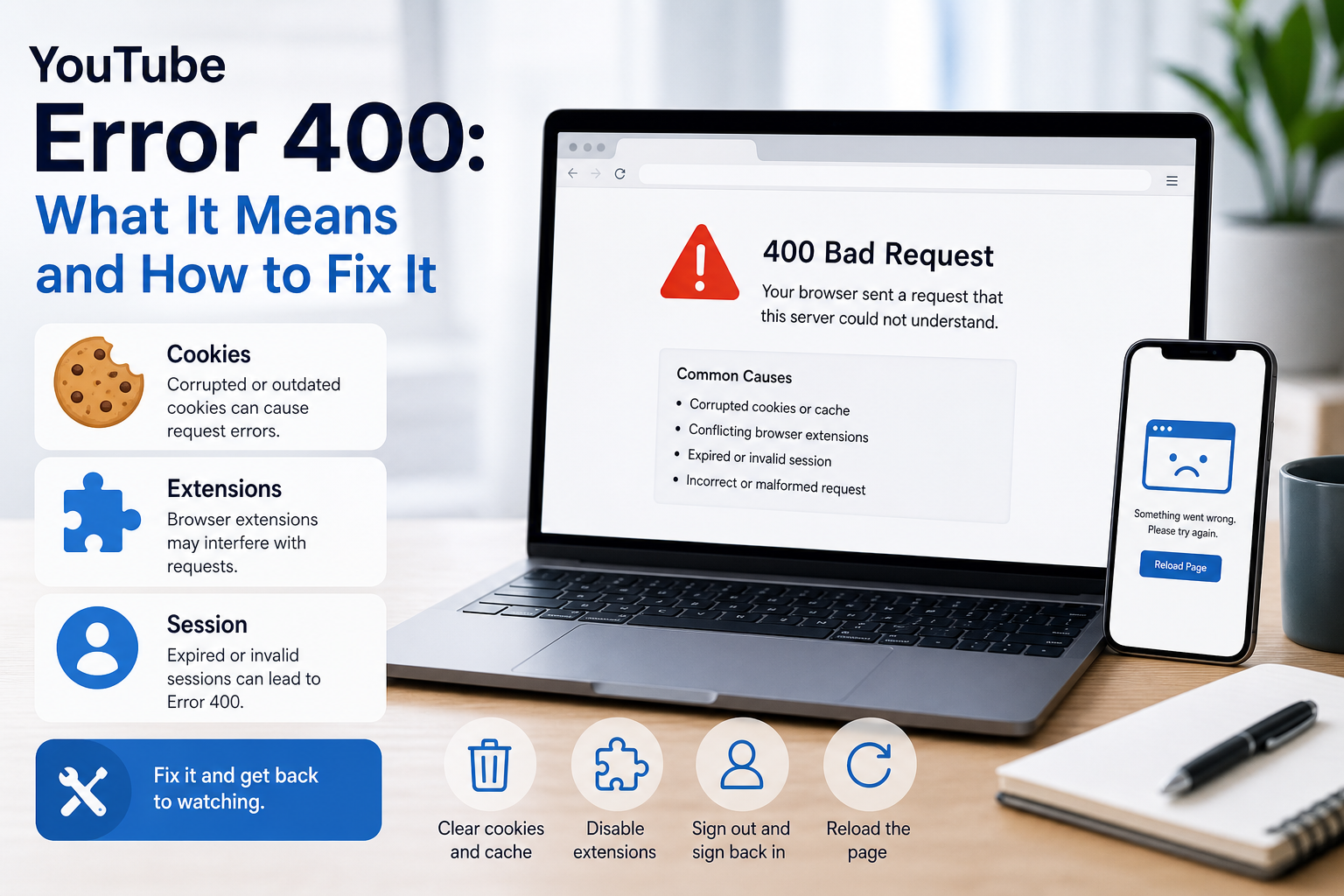
YouTube Error 400: What It Means and How to Fix It
In HTTP terminology, a 400 Bad Request is a client-error response. MDN explains that servers commonly return 400 when they consider the request malformed, incorrectly framed, or deceptively routed. The important troubleshooting clue is that repeating the exact same request without changing anything is expected to fail again.
View Details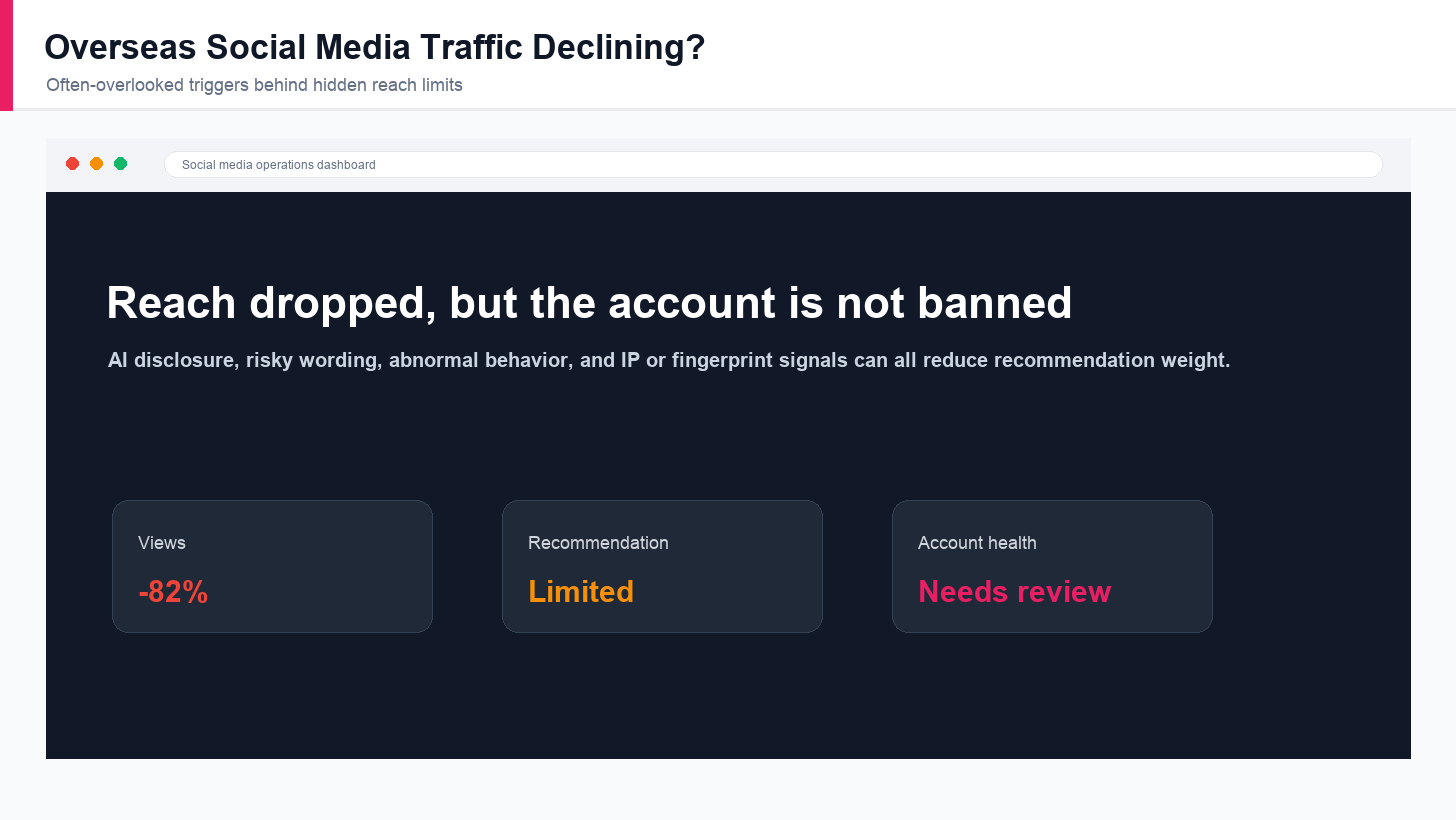
Overseas Social Media Traffic Declining? These Reach-Limiting Triggers Are Often Overlooked
A practical guide to overlooked overseas social media reach drops, covering AI content disclosure, risky wording, abnormal account behavior, hidden reach-limiting signals, and account environment checks.
View Details
How to Add a Server IP in Minecraft Step by Step
Learn exactly where to enter a Minecraft server IP in Java, Bedrock, and Pocket Edition, plus how to fix common connection errors, ports, and edition mismatches.
View Details
How to Find a Working Minecraft Server IP Fast
Stop wasting time on dead Minecraft server IPs. Learn how to verify live servers quickly, read status icons, check ports, and source updated server addresses.
View Details
Best 24/7 Online Minecraft Server IPs — No Downtime
Find reliable 24/7 Minecraft server IPs for Java and Bedrock, plus uptime checks, port basics, ping guidance, crossplay notes, and network stability tips.
View Details