
Cloudflare Pay Per Crawl: How to Charge AI Crawlers Without Breaking SEO
Cloudflare Pay Per Crawl: How to Charge AI Crawlers Without Breaking SEO
For years, the internet operated on an implicit agreement: crawlers take your content to index it, and in return, they send you traffic. Generative AI has broken that contract. AI bots now scrape content to train models or provide direct answers, often sending zero traffic back to the source.
Cloudflare Pay Per Crawl is the infrastructure response to this shift. It allows site owners to move beyond simple blocking and treat content as an asset to be licensed.
This guide covers how to implement a crawling policy that protects your resources, monetizes high-value data, and ensures you don't accidentally disappear from Google Search in the process.
Validate crawls with LycheeIP
What is Cloudflare Pay Per Crawl?
Cloudflare Pay Per Crawl is a mechanism within Cloudflare’s bot management suite that allows site owners to charge specific automated agents (AI model crawlers) for access to content.
Unlike a standard paywall, which targets human users via JavaScript or login forms, Pay Per Crawl operates at the edge. It negotiates access based on the crawler's identity (User-Agent, ASN, and verification status).
How it differs from legacy tools:
- vs. robots.txt: robots.txt is a polite request ("Please don't come in"). Pay Per Crawl is a toll booth with a bouncer.
- vs. Standard WAF: A WAF usually blocks threats (DDoS, SQLi). Pay Per Crawl monetizes non-malicious but resource-intensive traffic.
Before flipping switches, you need a governance strategy. Turning this on indiscriminately can kill your SEO. We use the Crawl Access Triad to categorize traffic.
The Decision Matrix
Use this table to audit your current bot traffic and decide the correct action.
| Crawler Category | Examples | Intent | Action | Why? |
| Discovery Bots | Googlebot, Bingbot | Indexing for search traffic. | Allow (Free) | Blocking these destroys your organic SEO. |
| Value Extractors | GPTBot, CCBot, Anthropic | Training AI models; summarizing content. | Charge | They gain value from your data; you gain no traffic. |
| Aggressive Scrapers | Unknown UAs, excessive requests | Copying content, price scraping, DDoS. | Block | High resource cost, zero value, security risk. |
| Partner Tools | Ahrefs, SEMrush | SEO auditing, backlink tracking. | Allow/Rate Limit | Useful for ecosystem data, but can be heavy. |
Implementation: Setting Up Your Bot Policy
To implement Cloudflare Pay Per Crawl effectively, treat it as an engineering deployment, not a simple setting change.
Step 1: Audit & Identify
Check your Cloudflare Security > Bots analytics. Look for high-volume activity from "verified bots" that are not search engines.
- Note: If you see terabytes of transfer to ClaudeBot or GPTBot, you have a candidate for monetization.
Never rely solely on the User-Agent string. Any script kiddie can send a header saying User-Agent: Googlebot.
Cloudflare handles this via Verified Bot status, which checks the IP source against known ranges (e.g., Google's ASN). Ensure your rules target Verified Bot = True AND the specific bot category.
Step 3: Segmentation & Pricing
You likely don't want to charge for your "About Us" page. You do want to charge for your proprietary data sets or original reporting.
Recommended Configuration:
- Free Tier: Homepage, sitemaps, robots.txt, legal pages.
- Paid Tier: Deep content, archives, API endpoints, high-value data tables.
Validate crawls with LycheeIP
How to Test and Validate Your Crawl Rules (Using LycheeIP)
Once you configure a rule to "Charge" or "Block," how do you know it’s working correctly for the rest of the world? You cannot test this from your own office IP (which is likely allowlisted).
You need to simulate external bot traffic to verify your WAF rules are triggering correctly without generating false positives.
Testing Workflow:
- Configure the Rule: Set a "Block" or "Challenge" rule for a specific User-Agent (e.g., curl/7.68.0) on a specific path.
- Route Through Proxy: Use a residential proxy to send a request matching that User-Agent.
- Analyze Response: Did you get a 402 (Payment Required), 403 (Forbidden), or 200 (OK)?
Why LycheeIP Fits Here
When testing sophisticated bot management rules, the quality of the IP matters. Cloudflare can distinguish between a cheap datacenter IP and a genuine residential connection.
- Realism: LycheeIP’s dynamic residential proxies provide IPs from real ISPs, ensuring your test request looks like a legitimate user or sophisticated crawler, not a server-farm bot.
- Geo-Compliance: If your Pay Per Crawl rules vary by region (e.g., charging EU bots but blocking APAC bots), you can use LycheeIP’s 200+ region coverage to validate geo-specific enforcement.
- Stability: With 99.98% network availability, you can run automated regression tests on your WAF rules whenever you deploy code changes.
Protecting SEO: Don’t Block the Wrong Bots
The biggest risk with Pay Per Crawl is misclassification. If you accidentally put Googlebot behind a paywall, your site will be de-indexed.
Safety Checklist:
- Explicit Allowlist: Create a WAF rule with the highest priority: If Verified Bot AND (Google OR Bing) THEN Skip/Allow.
- Monitor "Challenge" Solve Rates: If you see a spike in legitimate users facing challenges, your bot sensitivity is too high.
- robots.txt Consistency: Ensure your Cloudflare rules match your robots.txt. If robots.txt says "Allow" but Cloudflare says "Pay," the crawler will likely treat it as a server error or a soft 404.
Validate crawls with LycheeIP
Troubleshooting Common Pay Per Crawl Failures
When things go wrong, they usually fall into one of three buckets.
| Symptom | Likely Cause | Fix |
| Legitimate users blocked | "Super Bot Fight Mode" set too aggressive. | Review the IP reputation of blocked users; switch from "Block" to "Managed Challenge." |
| AI Bots bypassing paywall | Spoofed User-Agents or unverified bots. | Add a rule to block requests from Data Center ASNs that claim to be residential browsers. |
| SEO rankings drop | Googlebot is being challenged/charged. | Check your WAF event log filtering by ASN 15169 (Google). Ensure "Skip" action is top priority. |
| Revenue/Stats are zero | Misconfigured endpoint or bot ignoring 402. | Verify the crawler actually supports the payment protocol; otherwise, fallback to "Block." |
Assumptions & Limitations
While Cloudflare Pay Per Crawl is powerful, it is not a magic wand.
- Adoption is Early: Not all AI companies currently support the friction of micropayments for crawling. Many will simply skip your site if they encounter a 402 error.
- Cat and Mouse: Scrapers constantly evolve. A "Verified Bot" today might be spoofed tomorrow, though Cloudflare updates this dynamically.
- Content Value: This strategy works best for sites with unique, high-value data. If your content is generic, AI bots will simply scrape a competitor who gives it away for free.
Conclusion
The era of unrestricted, free scraping is ending. Cloudflare Pay Per Crawl offers a way to regain control, transforming bandwidth costs into a potential revenue stream. However, success requires a "developer mindset": rigorous testing, careful segmentation, and constant monitoring.
Start small. Identify your most valuable paths, verify your bot traffic, and ensure your defense rules are actually working.
Troubleshooting & Comparison Tables
Decision Tool: The WAF Action Guide
| Traffic Type | Recommended Action | Risk Level |
| Verified Search Engines | Skip / Allow | Critical: Must allow for SEO. |
| Verified AI Crawlers | Pay Per Crawl / Block | Medium: Business decision based on value. |
| Unverified Bots | Managed Challenge | Low: Filters out dumb scripts. |
| High-Risk ASNs | Block | Low: Usually abusive scraping farms. |
Validate crawls with LycheeIP
Frequently Asked Questions:
1. Does Cloudflare Pay Per Crawl affect my Google rankings?
It can if configured incorrectly. You must ensure that search engine crawlers (Googlebot, Bingbot, DuckDuckGo) are explicitly exempted from payment rules. Always verify your rules using a tool like Google Search Console's URL Inspection tool after implementation.
2. How much can I charge AI crawlers?
Rates vary based on the agreement, but generally, this is a volume game. You aren't charging per page view like a subscription; you are charging for data access tokens or API usage. Cloudflare helps facilitate the handshake, but the market value depends on your data's uniqueness.
3. What happens if a bot refuses to pay?
If a crawler encounters a paywall (usually a 402 Payment Required status) and is not configured to pay, it will simply stop crawling that resource. Effectively, the "Charge" rule becomes a "Block" rule for non-paying bots.
4. Can I use LycheeIP to block bots?
No, LycheeIP is a proxy provider, not a firewall. You use LycheeIP to test your firewall. By routing traffic through LycheeIP's residential network, you can simulate how your site appears to external users and crawlers to ensure your blocking rules are working as intended.
5. Is this different from "Super Bot Fight Mode"?
Yes. Super Bot Fight Mode is a blunt instrument (mostly Allow vs. Block/Challenge). Pay Per Crawl is a granular negotiation layer that introduces a financial transaction as a condition for access.
6. Do all AI companies pay for crawling?
No. Currently, only major players with specific agreements or respectful crawling protocols will engage with payment headers. "Rogue" scrapers will try to bypass them, which is where standard WAF blocking comes in.

Recommended Articles

Best Real Estate Scrapers in 2026
Best Real Estate Scrapers in 2026
View Details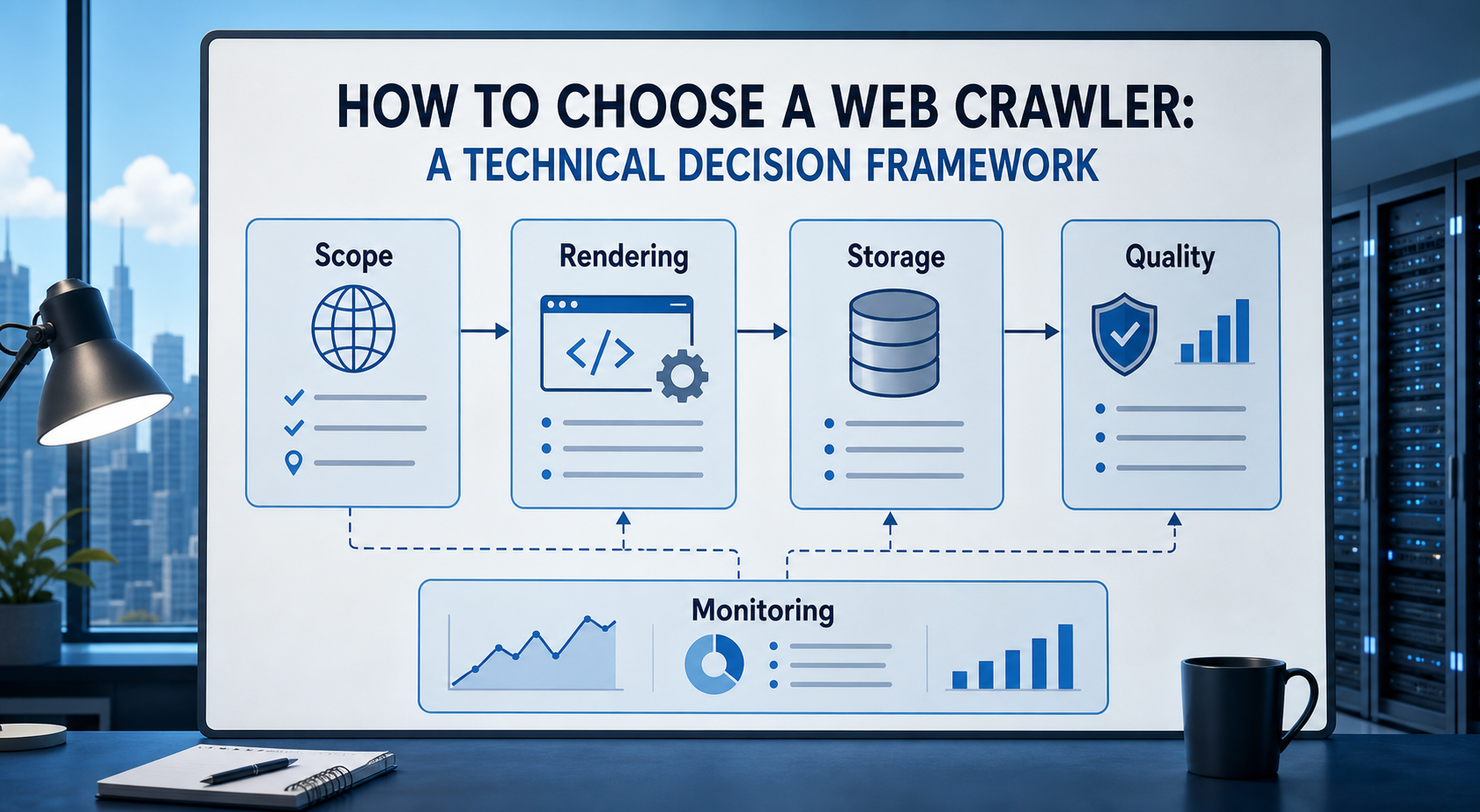
How to Choose a Web Crawler: A Technical Decision Framework
The wrong way to choose a web crawler is to begin with a list of products. The right starting point is the system you need to build. Before comparing tools, define:
View Details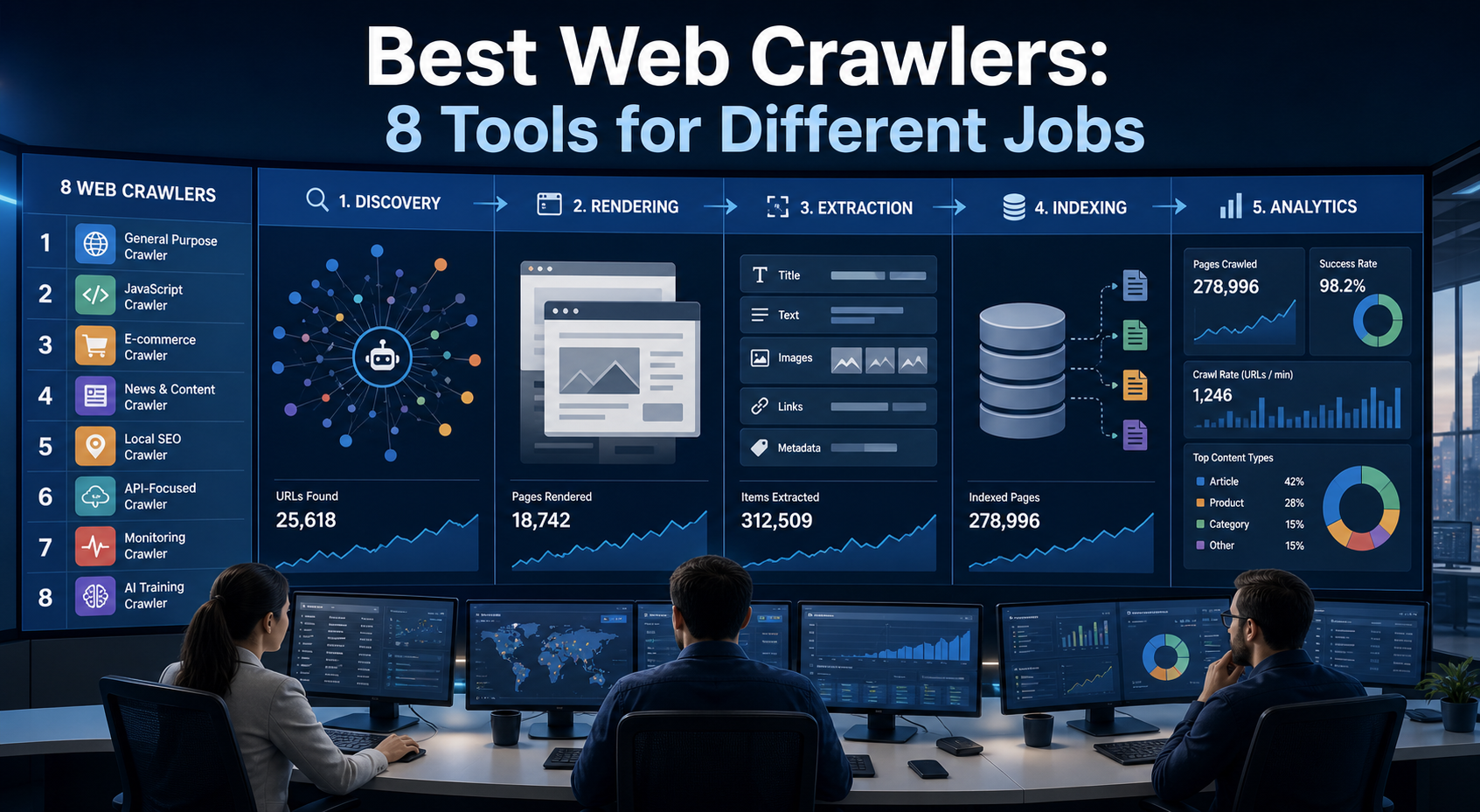
Best Web Crawlers: 8 Tools for Different Jobs
There is no single best web crawler for every project. A technical SEO audit, an AI knowledge pipeline, an internet archive, and a distributed search index may all involve crawling URLs, but they require different capabilities. The most useful way to compare web crawler tools is therefore to ask what job each one was designed to perform. This guide evaluates eight strong options across:
View Details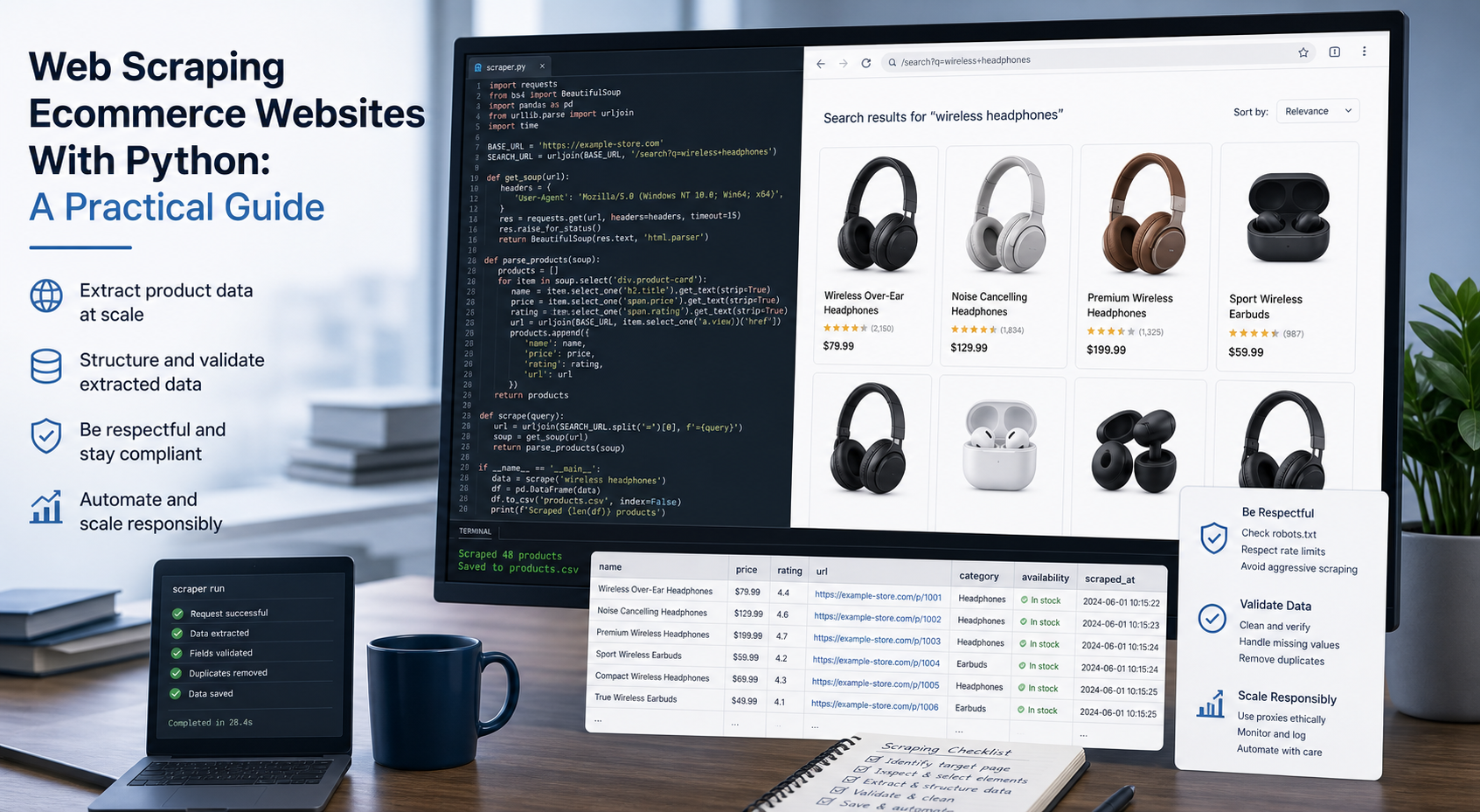
Web Scraping Ecommerce Websites With Python: A Practical Guide
Recommended meta title: Web Scraping Ecommerce Websites With Python: Guide Recommended meta description: Learn how to scrape ecommerce websites with Python using Requests, Beautiful Soup, Playwright, and Scrapy, with validation and scaling guidance. URL slug: /web-scraping-ecommerce-websites-python/
View Details
How to Train an AI Model With Web Data Safely
To train an AI model with web data, start by deciding whether you actually need training. Then collect representative sources, preserve provenance, remove duplicates and low-quality content, create leakage-resistant splits, build a baseline, fine-tune or train the appropriate model, and evaluate on real held-out examples before deployment.
View Details