
TikTok Shop shipping requirements in the US (plus USPS labels in-app workflow)
TikTok Shop shipping requirements in the US (plus USPS labels in-app workflow)
If you are searching for TikTok Shop shipping requirements, you likely want one thing: to ship orders correctly, avoid label rejections, and keep your shop metrics healthy.
Whether you are a solo seller, a multi-account agency, or a data engineer scraping logistics benchmarks, understanding the strict operational rules is critical.
What you’ll get in this guide:
- A minimum US shipping compliance checklist you can follow today.
- A decision tool to choose the right shipping method (Seller Shipping vs. TikTok Shipping).
- A breakdown of the USPS in-app label workflow.
- A troubleshooting table for the most common shipping rejections.
Use LycheeIP’s residential proxies to scale
What are TikTok Shop shipping requirements in the US in plain English?
You must ship within the required timelines, provide valid tracking, use compliant labels and packaging, and handle returns while keeping fulfillment metrics in good standing.
Here is the minimum compliance checklist to treat as non-negotiable operations:
- Dispatch on time: Assign tracking and move the order forward within the dispatch window (SLA) for that order type.
- Tracking must be valid: The carrier and service must match the real label on the package, and carrier scans must progress normally.
- Labels must be clean: Correct recipient details, order identifiers, and return addresses must be clear, with no conflicting barcodes.
- Packaging must protect the product: Damage and missing-item claims often trace back to weak packing choices and poor sealing.
- Returns must be operable: You need a valid US return address and a consistent inspection routine.
- Restricted items require documentation: Hazardous goods (batteries, liquids) need Safety Data Sheets (SDS) or may be blocked entirely.
A helpful mindset: TikTok Shop shipping requirements are less about "what carrier you prefer" and more about "can you repeatedly meet dispatch, tracking, and delivery expectations with zero error."
Which shipping method should you choose for TikTok Shop orders?
Choose the method that best fits your volume, carrier needs, and ability to meet dispatch and tracking rules consistently.
Shipping Method Fit Matrix
| Option | Best for | Risk points | What you must get right |
| TikTok Shipping (Platform Labels) | Sellers who want the platform to auto-handle tracking updates and dispute evidence. | Label rejection if inputs are wrong; forced workflow changes (e.g., USPS in-app). | Warehouse addresses, package dimensions, clean handoff. |
| Seller Shipping (Your Own Labels) | Teams with mature shipping ops, multi-carrier tooling (ShipStation, etc.), or specific negotiated rates. | Invalid tracking rate, late dispatch, mismatched service levels. | Tracking QA, scan timing, upload accuracy. |
| Fulfillment by TikTok (FBT) | High volume sellers seeking "Prime-like" badges and speed. | Inventory control, inbound shipment compliance. | Stock levels, inbound labeling, SOP ownership. |
| 3PL (Third-Party Logistics) | Scaling brands that need predictable pick/pack/ship outside of FBT. | Responsibility gaps between you and the 3PL. | Clear SLAs, scan compliance, ownership of tracking errors. |
Fast rule: If your shop is suffering from "Invalid Tracking Rate" or "Late Dispatch," move toward Platform Labels to reduce manual entry errors.
How do USPS labels in-app change your workflow?
If TikTok Shop shipping requirements mandate USPS labels be created inside the platform (common for many US sellers), you need to route label purchase and scanning steps through that specific workflow.
This matters because many sellers run a "single label system" across channels (Shopify, Amazon, and social commerce). If you try to force an external USPS label when the platform expects an in-app generation, you risk label rejection or tracking that fails to sync.
The USPS-In-App Compliance Ladder:
- Address Verification: Confirm your ship-from and return addresses are validated before you scale volume.
- Template Coverage: Ensure every state you intend to serve is actively selected in your template.
- Label Discipline: Create labels only when you are ready to hand off packages. Creating labels days in advance hurts your "Time to Scan" metrics.
- Scan Integrity: Ensure carrier acceptance scans happen within 24 hours of marking "Shipped."
Use LycheeIP’s residential proxies to scale
What is the dispatch SLA and what does “ready to ship” actually mean?
The dispatch SLA is the maximum time allowed to assign valid tracking and move the order into the "Shipped" status.
Operationally, dispatch is not "we printed a label." Dispatch is "the order has valid tracking and is in a state that signals shipment is underway."
Dispatch protection tips:
- Avoid "Fake" Mark-as-Shipped: Do not mark orders ready if you cannot hand them off within the SLA window. Long gaps between label creation and acceptance scans trigger fraud algorithms.
- Build a Daily Cutoff: If you ship late in the day (e.g., 5 PM), ensure the carrier scans the package that same evening. If they scan it the next morning, you lose 12+ hours of SLA time.
- Set Realistic Handling Times: Configure your handling time based on your average performance, not your best day.
How do you add tracking correctly and what makes tracking “valid”?
Tracking is "valid" when it matches the carrier, service, and package label, and shows real scan progress.
Tracking Validity Checklist:
- The tracking ID belongs to the carrier you selected in the dropdown.
- The shipping service (e.g., Ground vs. Express) matches the label.
- The tracking ID is attached to the correct order (crucial for split shipments).
- The carrier acceptance scan occurs shortly after handoff.
- Status updates progress normally (no "stuck" packages for 5+ days).
How do you create shipping templates that do not block checkout?
You must build templates by warehouse, regions served, and service speed (Standard/Express). A broken template is the #1 reason for "Item cannot be delivered to this location" errors at checkout.
Template QA Routine (5 Minutes):
- Pick five random states across the US and confirm they are enabled.
- Confirm your default warehouse address is accurate.
- Verify you can operationally support the promised delivery speeds (e.g., don't promise 2-day delivery to Hawaii if shipping Ground from New York).
How LycheeIP Fits: Regional Verification
For technical teams and agencies managing multiple accounts, verifying shipping logic can be difficult from a single location.
- Regional Testing: Use LycheeIP’s Dynamic Residential Proxies (200+ regions) to view your shop as a buyer in California, Texas, or New York.
- Validation: Confirm that specific shipping templates trigger correctly and that items are not falsely marked "undeliverable" in key markets.
- Competitive Data: Data engineers use these stable, ethically sourced IPs to scrape competitor shipping speeds and delivery promises across different US zones without getting blocked.
Use LycheeIP’s residential proxies to scale
What packaging and label rules cause the most avoidable disputes?
Most disputes regarding TikTok Shop shipping requirements stem from weak protection, confusing labels, or "delivered but missing" claims.
Packaging Essentials:
- Minimize Air: Use a carton that fits the product snugly. Loose items break.
- Seal Tight: Use "H-tape" sealing for heavier boxes to prevent opening in transit.
- Label Clarity: Cover any old barcodes on reused boxes. Conflicting barcodes confuse automated sorters and delay delivery.
What are the returns and refunds requirements you must operationalize?
You need a valid US return address, a consistent inspection process, and timely responses to avoid "auto-approvals."
A Simple Returns SOP:
- Monitor the Address: Ensure your return address in Seller Center is current. If it's wrong, the buyer keeps the item and the refund.
- Inspect in 24 Hours: When a return arrives, inspect it within one business day.
- Document Everything: Take photos of the returned item's condition immediately.
- Respond Fast: Approve or reject the refund within the platform's timeline. Silence is interpreted as acceptance of the buyer's claim.
Which products get restricted because of shipping safety rules?
Products with hazardous, regulated, or battery-related constraints often require documentation (SDS) or are blocked from standard shipping methods.
Pre-listing Compliance:
- Batteries: Lithium-ion batteries often require specific warning labels and cannot fly on passenger aircraft (Ground only).
- Liquids/Aerosols: Require tight sealing and specific carrier declarations.
- Sharp Objects: Must be double-wrapped or boxed to prevent puncturing the outer mailer.
Operational Rule: If you cannot produce the required Safety Data Sheet (SDS) instantly, do not list that SKU.
Which seller performance metrics are most impacted by shipping?
Your ability to meet TikTok Shop shipping requirements directly feeds into four core metrics. Failing these leads to shop deactivation.
| Metric | What drives it down | Prevention Habit |
| Valid Tracking Rate | Manual entry typos, wrong carrier selection. | Use platform labels or automated API integrations; never type manually. |
| Late Dispatch Rate | Understaffed warehouse, label printed too late. | Implement a strict 2 PM cutoff for same-day processing. |
| On-Time Delivery Rate | Slow carrier handoffs, choosing "Economy" for "Standard" orders. | Upgrade shipping services for distant zones; hand off to carrier daily. |
| Seller-Fault Cancellation | Overselling inventory, lost stock. | Sync inventory across channels every 15 minutes; reserve safety stock. |
Why do labels get rejected and how do you fix it fast?
Rejections usually come from address issues, package size mismatches, or carrier API failures.
Troubleshooting Table:
| Symptom | Likely Cause | Fast Fix |
| Label Rejected | Buyer address format issue (too long, invalid char). | Edit the address to standard USPS format and recreate the label. |
| Label Rejected | Package weight/dim mismatch. | Update package details in the order to match reality, then retry. |
| Tracking Invalid | Wrong carrier/service selected in dropdown. | Edit shipment details to match the actual label used. |
| "Ready to Ship" but no movement | Missed carrier scan. | Contact carrier for an ad-hoc scan or drop off at the counter to force a receipt scan. |
When should you use a 3PL and how do you onboard without breaking SLAs?
Use a 3PL (Third-Party Logistics) when your order volume exceeds your team's ability to pack boxes by 4 PM, but you aren't ready for FBT.
- [ ] Can you forecast weekly order volume?
- [ ] Do you have accurate dimensions/weights for every SKU?
- [ ] Do you have a documented "Returns Routing" plan?
- [ ] Can you define who pays for shipping errors (SLA breaches)?
Warning: When onboarding a 3PL, you must integrate their Warehouse Management System (WMS) with TikTok Shop carefully. Ensure their "Ship Confirmation" signal sends the tracking number back to TikTok immediately.
What assumptions and limitations should you keep in mind?
Policies, thresholds, and carrier rules change frequently. Treat this guide as an operational baseline, not legal advice.
Assumptions & Limitations:
- Seller Type Variance: Requirements may differ for cross-border sellers vs. domestic US sellers.
- Carrier Flux: USPS, UPS, and FedEx adjust their APIs and service levels; what works today may require an update tomorrow.
- Platform Updates: TikTok Shop frequently updates dispatch SLAs. Always verify the current numbers in your Seller Center "Policy Center."
Use LycheeIP’s residential proxies to scale
Frequently Asked Questions:
1. How does TikTok Shop shipping work for sellers in the US?
Sellers must fulfill orders through an approved workflow (either Platform Shipping or Seller Shipping). You configure warehouse addresses and templates, then print labels that meet strict time-to-ship SLAs.
2. What are the key TikTok Shop shipping requirements I must follow?
You must dispatch orders within the SLA window (usually 1-3 days depending on handling time), provide valid tracking numbers that scan correctly, and ensure packaging prevents damage.
3. What is TikTok Shop’s dispatch SLA?
The dispatch SLA is the deadline to move an order to "Shipped" status with valid tracking. It is typically 1 to 3 business days, but check your specific Seller Center dashboard as it varies by category and seller performance.
4. Do all TikTok Shop orders require tracking numbers?
Yes. To meet TikTok Shop shipping requirements, every order needs a valid tracking number that can be verified by the platform's connected carriers. Untracked orders damage your Valid Tracking Rate.
5. Why is my TikTok Shop shipping label rejected?
Rejections often occur due to invalid buyer addresses (e.g., too many characters), mismatching package weights, or temporary carrier API errors. Verify the address and package details, then retry.
6. Can I use my own FedEx/UPS account?
Yes, if you select "Seller Shipping." However, you are responsible for uploading valid tracking numbers immediately. If you use "TikTok Shipping," you must use the labels the platform generates.
7. How do I reduce shipping-related returns?
Improve packaging quality to prevent damage, and ensure your product description matches the physical item exactly to avoid "Item not as described" returns.

Recommended Articles
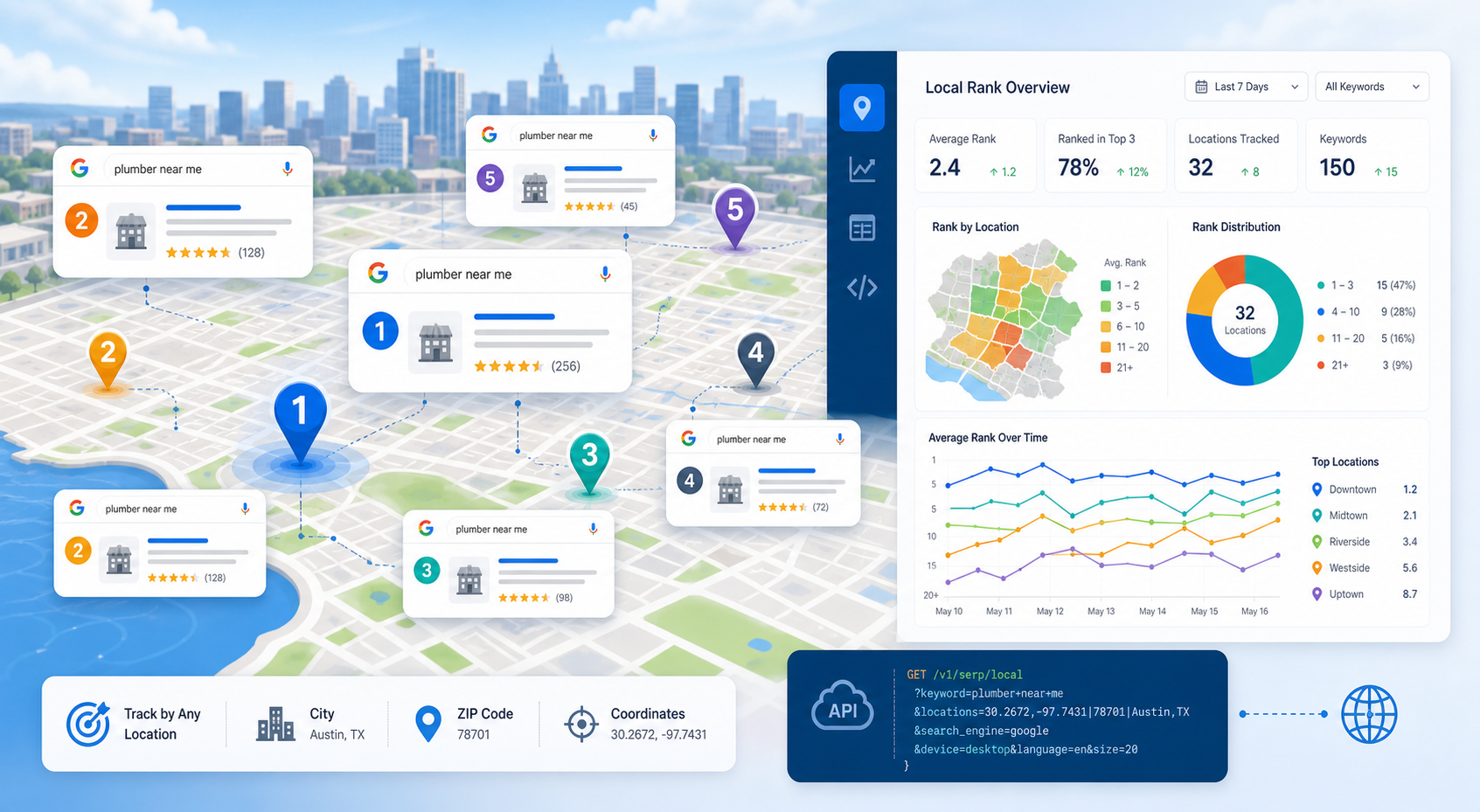
SERP Tracking API: How to Track Local Google Rankings by Location
A SERP tracking API collects search-result positions on a repeatable schedule so SEO teams can measure visibility over time. For local SEO, the useful question is not simply “What rank are we?” It is “What rank are we from this location, on this device, for this result type, at this time?”
View Details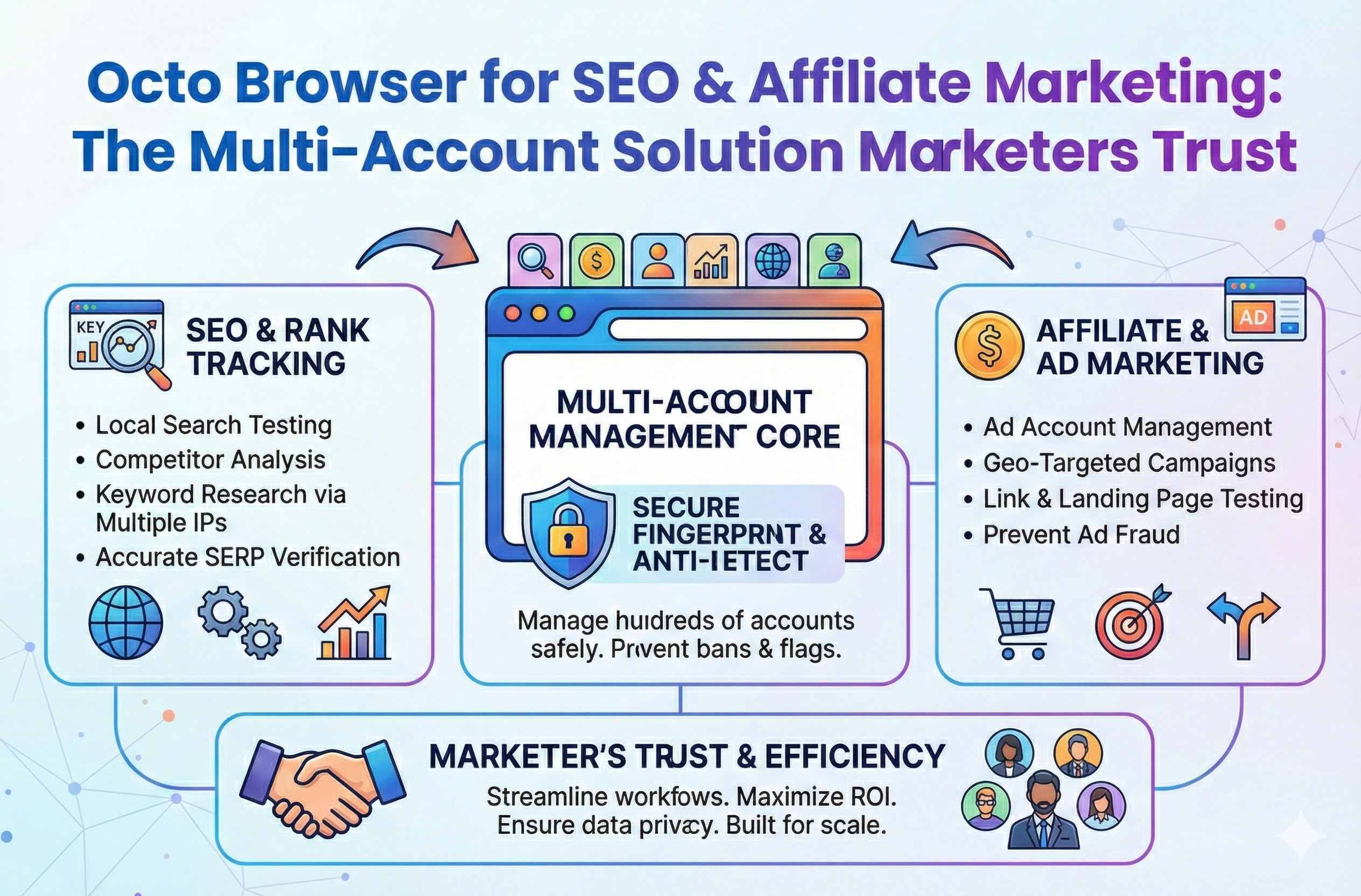
Octo Browser for SEO & Affiliate Marketing: The Multi-Account Solution Marketers Trust
Stop losing your hard earned revenue to sudden account suspensions. Discover how to completely isolate your outreach profiles and scale your campaigns without ever triggering a security flag.
View Details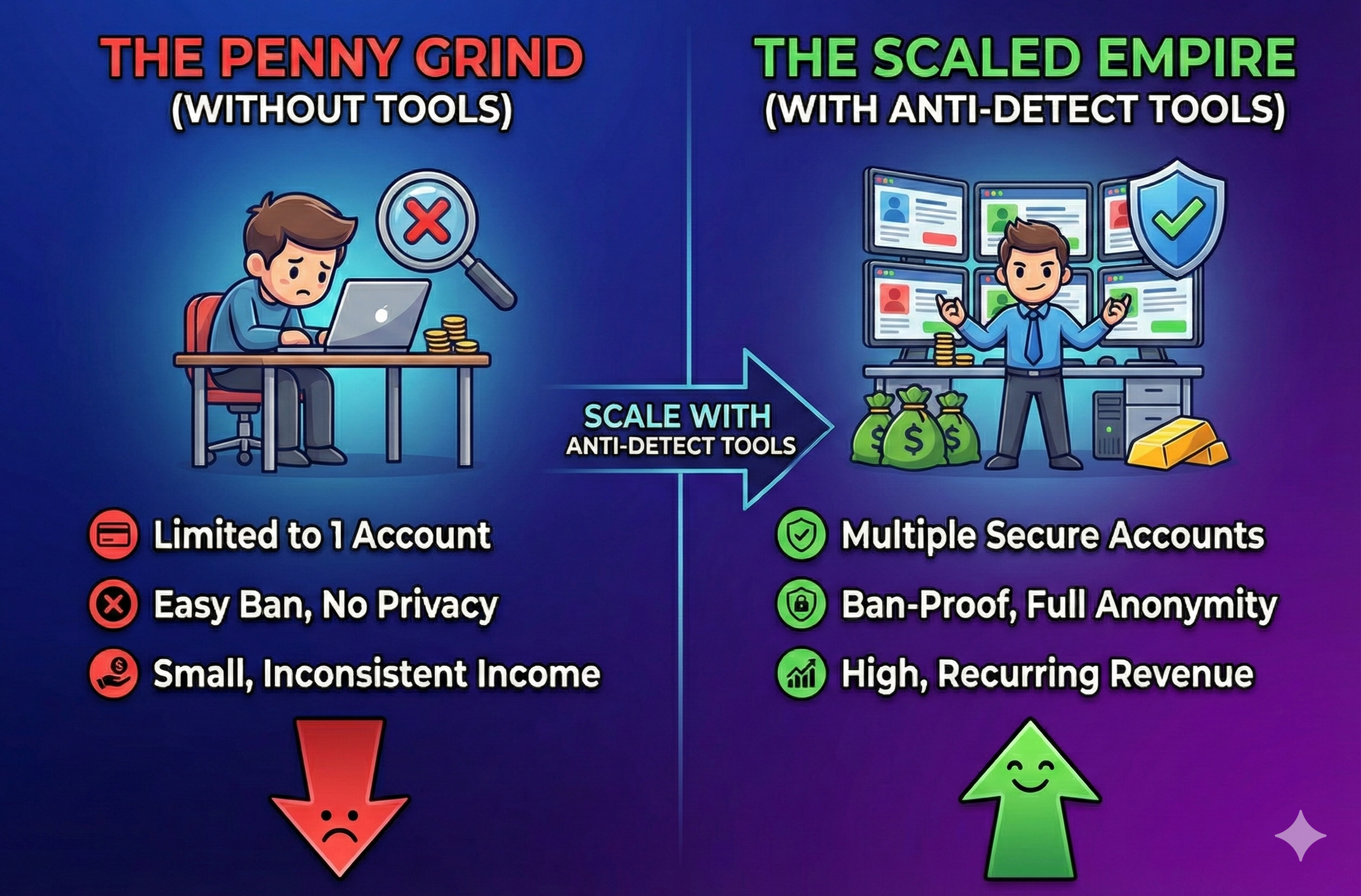
Stop Earning Pennies: Scale with Anti-Detect Tools
Stop letting the fear of account bans limit your business growth. Discover how modern antidetect browsers and clean proxies keep your digital identities isolated so your team can scale securely.
View Details
Google Account Verification Issues: Safe Troubleshooting Guide
If Google asks for verification, use the on-screen challenge or official account-recovery process from a familiar device and stable network. Do not try to bypass verification with purchased accounts, disposable phone numbers, anti-detect tools, or repeated proxy rotation. Those tactics can increase risk signals, violate policy, and make recovery harder.
View Details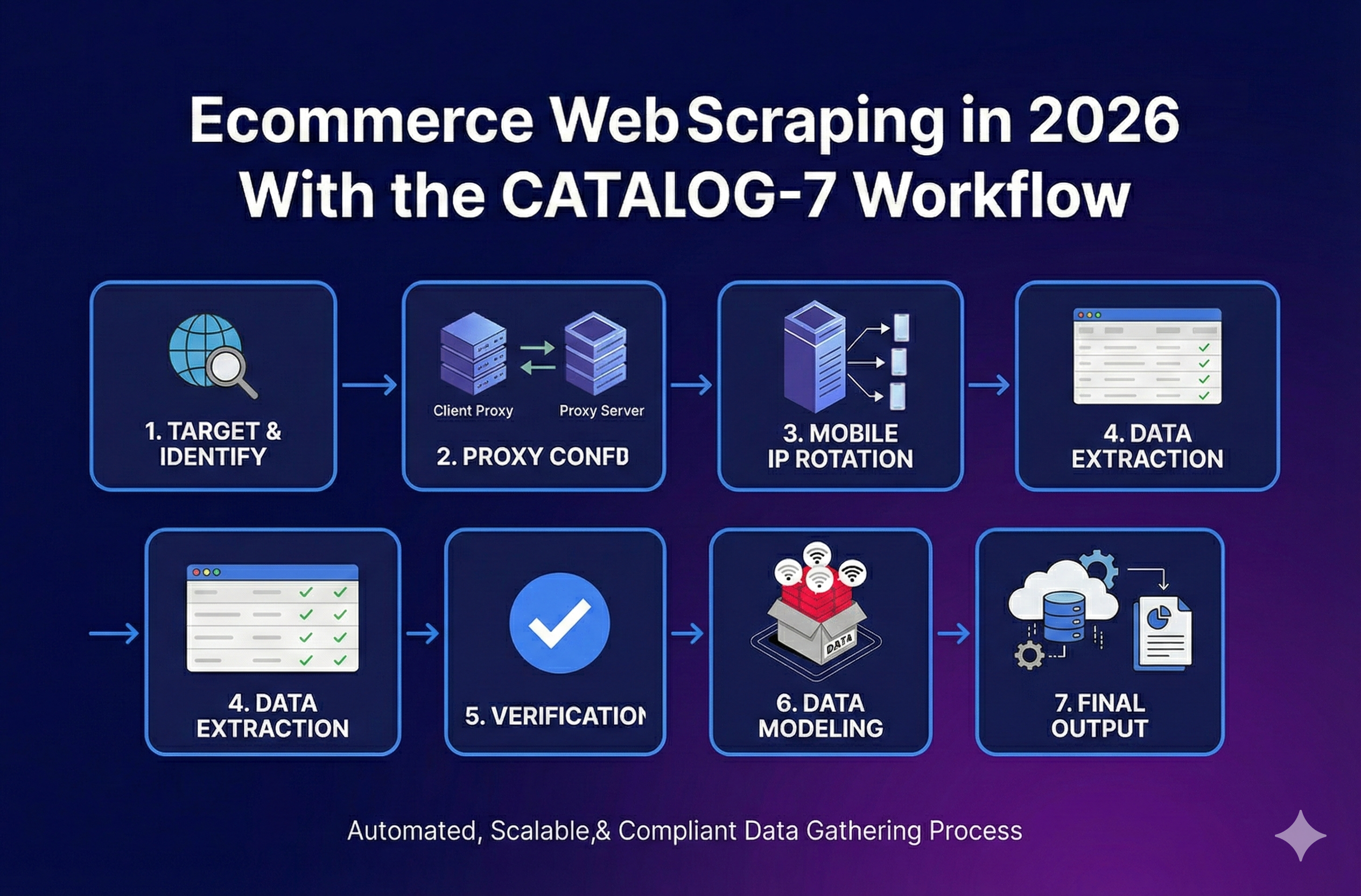
Ecommerce Web Scraping in 2026 With the CATALOG-7 Workflow
Stop broken feeds. Get a reliable ecommerce web scraping workflow, a Python stack picker, and a troubleshooting guide to handle variants and blocks.
View Details