
Proxy Video: A Practical Look at Unblocking and Streaming
Proxy Video: A Practical Look at Unblocking and Streaming
The term proxy video can be confusing, as it refers to two completely different concepts. For a video editor, it's a technical workflow. But for most users, data engineers, and growth teams, "proxy video" refers to using a network proxy server to access, stream, or collect data from video content online.
This article clarifies both meanings, with a practical focus on the network definition. We will explore how a proxy video solution works, the significant risks of a free video proxy server, and the professional use cases for accessing video data at scale.
The term "proxy video" has two completely different meanings: one for network engineers and consumers (a proxy for video streaming) and one for professional video editors (a low-resolution file).
Definition 1: The Network Proxy (To video proxy unblocked content)
This is the most common use of the term and the focus of this article. A network proxy for video is an intermediary server that routes your internet connection. When you try to watch a video, your request goes to the proxy server first, which then forwards it to the video host.
The host server sees the proxy's IP address, not yours. This is the technology that powers:
- Video proxy unblocked solutions for bypassing geo-restrictions.
- Proxy websites for videos that let you paste a URL to watch a blocked stream.
- Free VPN proxy video apps that claim to secure your streaming.
- Professional data collection from video platforms.
Definition 2: The Editing Proxy (A low-resolution file)
In professional video editing software like Adobe Premiere Pro or DaVinci Resolve, a "proxy video" file is a small, low-resolution copy of a massive original file (e.g., 4K or 8K RAW footage). Editors use these lightweight "proxy" files to edit smoothly on less powerful computers. When they export the final video, the software automatically swaps the proxies back out for the high-quality originals.
For the rest of this article, when we say proxy video, we will be referring to the network definition: using a proxy server to stream or access video content.
How does a network proxy let you stream video?
A network proxy streams video by routing your internet request through an intermediary server, which masks your real IP address and physical location. This simple rerouting process is what enables you to bypass most content blocks.
The technical process of IP masking
When you use a proxy, your connection path changes:
- Without a Proxy: Your Device $\rightarrow$ Video Website
- With a Proxy: Your Device $\rightarrow$ Proxy Server $\rightarrow$ Video Website
The video website's server receives the request from the proxy server. If the proxy server is in a country where the video is available, the website grants access. The proxy then forwards the video stream back to you. This is the fundamental mechanism of any video proxy unblocked tool.
Bypassing geo-restrictions and network filters
This IP-masking technique is effective for two types of blocks:
- Geo-Restrictions: A streaming service blocks your country. By using a proxy in an approved country, you appear to be a local user.
- Network Filters: Your school or office network blocks access to streaming sites. A proxy (or a free vpn proxy video service) encrypts your request, making it unreadable to the local firewall, which often lets the traffic pass. This is a common use for a proxy web browser video setup.
Try LycheeIP’s simple proxy API
What are the different types of video proxies?
The main types of video proxies are dedicated proxy servers, free vpn proxy video services, and proxy websites for videos, each with major differences in performance and security.
Proxy Servers (Datacenter/Residential)
These are the core infrastructure.
- Datacenter Proxies: IPs from a data center. They are fast and cheap but easily detected and often blocked by major streaming platforms.
- Residential Proxies: IPs from real user devices. These are far more reliable for unblocking video content because they look like legitimate, organic traffic.
Free VPN proxy video services
A VPN (Virtual Private Network) is similar to a proxy but typically routes all of your device's traffic through its server, not just your browser. A free vpn proxy video service is specifically marketed for streaming but comes with all the risks of free tools, including data logging and severe speed throttling.
Proxy websites for videos
These are the simplest tools. You visit one of these proxy websites for videos, paste the URL of the video you want to watch, and it streams the content within its own web page. While easy, they are often slow, covered in ads, and may not work with complex, login-required streaming platforms.
What are the risks of using a free video proxy server?
The risks of using a free video proxy server are severe, ranging from a poor user experience with constant buffering to critical security breaches.
Performance issues: Buffering and lag
A free video proxy server is free because its resources (bandwidth) are shared among thousands of users. When you try to stream a proxy video, you are competing for that bandwidth, leading to:
- Constant buffering and stuttering.
- Low-resolution (480p or lower) streams.
- Connection drops and a frustrating proxy video experience.
Security risks: Data logging and malware
This is the most significant danger. Free proxy providers must pay for their servers somehow. They often do this by:
- Logging Your Data: They record every site you visit and sell this data to advertisers.
- Injecting Ads: They modify web pages to inject their own pop-up ads, some of which may be malicious.
- Stealing Information: The most malicious proxy websites for videos are "honeypots" designed to steal your login credentials when you try to access a platform through them.
Why a free vpn proxy video isn't truly free
The "free" model is a business model. You are paying with your data, your security, and your time. For casual use, the risk might seem low, but for any business or developer, using a free video proxy server or free vpn proxy video service for any task is an unacceptable security risk.
How do you change proxy settings for video?
You can change proxy settings for video at the operating system level, which affects all applications, or at the application level, like in your browser or code.
System-wide settings (how to change proxy for video files)
When users ask how to change proxy for video files, they usually mean setting a system-wide proxy. This forces all network traffic, including video players and web browsers, to use the proxy.
- On Windows: Go to Settings > Network & Internet > Proxy. You can enter the proxy server's IP and port under "Manual proxy setup."
- On macOS: Go to System Settings > Network > select your Wi-Fi or Ethernet > Details > Proxies. Here you can add proxy details.
Learning how to change proxy for video files at the OS level is a broad-stroke solution that can be useful, but also may slow down other non-video applications.
In-browser settings (for a proxy web browser video)
A more common method is to set up a proxy web browser video configuration. You can do this by installing a browser extension (a "proxy switcher") or by configuring the browser's built-in network settings. This only affects the traffic from that specific browser, leaving the rest of your system untouched. This is a popular way to manage a proxy web browser video setup.
For developers: Integrating proxies via API
For data engineers and developers, manually changing settings is not an option. The professional method is to integrate the proxy directly into the code. This is how data collection scripts work.
Instead of a system setting, you make your request (e.g., with cURL or a Python library) and specify the proxy credentials for that single request.
Example (cURL):
Bash
# Request video data through a proxy
curl -x "http://proxy.example.com:8080" "http://target.video.site/video-data"
This is the developer-first approach: granular control without system-wide changes.
Try LycheeIP’s simple proxy API
Why do developers and businesses use a proxy video infrastructure?
Businesses use a proxy video infrastructure primarily for verifying geo-targeted video advertisements and for collecting publicly available data from video platforms.
Use Case: Verifying geo-targeted video ads
A growth team at a global company needs to ensure their new video ad is running correctly in different countries. They can't fly to Tokyo to check. Instead, they use a proxy server with a Japanese IP address. This allows them to load the website as if they were a local user and verify that the correct video ad is displayed.
Use Case: Scraping video metadata and public sentiment
Data engineers are often tasked with collecting public data from video platforms—such as view counts, likes, and user comments—for sentiment analysis or competitor research. Attempting to scrape thousands of video pages from a single IP will get that IP banned. They use a large pool of rotating residential proxies to make each request from a unique IP, simulating real user traffic and avoiding blocks.
How LycheeIP's residential proxies provide reliable access
For these professional use cases, a free video proxy server is not an option. It would be instantly blocked and is far too slow. A developer-first provider like LycheeIP offers a simple API to access a large pool of clean, high-speed residential proxies. This infrastructure is essential for reliable, large-scale data collection from video platforms, ensuring high success rates and clean data.
Can you use Cloudflare proxy for video streaming?
Yes, you can use Cloudflare proxy for video streaming, but its primary function is for content delivery (as a CDN), which is the opposite of how a user unblocking proxy works.
Differentiating CDN from a user proxy
- User Proxy (like LycheeIP): Used by the consumer to mask their IP and pull content from a server.
- CDN (like Cloudflare): Used by the website owner to push their content closer to the consumer.
How Cloudflare's CDN caches video
When a website owner uses Cloudflare proxy for video streaming, they are enabling Cloudflare's Content Delivery Network. Cloudflare copies the video file and stores it on its servers around the world. When a user in London plays the video, they stream it from Cloudflare's London server, not the original server in Los Angeles. This reduces latency and buffering for the end-user. This is why Cloudflare proxy for video streaming is a performance tool for site owners.
Cloudflare proxy for video streaming vs. unblocking
If a website uses Cloudflare proxy for video streaming (as a CDN), it doesn't help you bypass their geo-blocks. The geo-block rule is also enforced at the Cloudflare level. To bypass it, you still need a user-side proxy video solution (like a residential proxy) to make your request appear from an allowed country.
Does a video proxy unblocked solution affect streaming quality?
Yes, a video proxy unblocked solution almost always affects streaming quality because it adds an extra "hop" for your data, which increases latency and can create a bottleneck.
The impact of proxy server location and latency
Latency is the time it takes for data to travel. Think of it as a delay.
- Without a Proxy: Your request goes directly to the video server (e.g., 50ms delay).
- With a Proxy: Your request goes to the proxy, which then goes to the server (e.g., 80ms delay + 70ms delay = 150ms delay).
This extra delay, or latency, can cause the initial video load to take longer. If the proxy server is physically far from you, the delay will be even worse.
Bandwidth and throttling
The speed of your stream is determined by bandwidth. A high-quality paid proxy has a high-bandwidth connection, so the impact on speed is minimal. A free video proxy server has very low, shared bandwidth. This creates a bottleneck, and the server cannot send you the video data fast enough, resulting in constant, frustrating buffering.
A network proxy is a server that handles your live internet traffic to unblock content, while a "proxy video" file is a low-resolution copy of a video used to make editing faster.
Comparison Table: Network Proxy vs. Editing Proxy
| Feature | Network Proxy (for proxy video streaming) | Editing Proxy (a proxy video file) |
| Purpose | Anonymity, security, unblocking content. | Speed up the video editing process. |
| What it is | An intermediary server (hardware/software). | A low-resolution video file (e.g., .mp4). |
| How it works | Reroutes your live internet traffic. (Cite: IETF RFC 9110 on HTTP) | Temporarily replaces a 4K/8K file in software. |
| Common Terms | video proxy unblocked, free vpn proxy video | Premiere Pro, DaVinci Resolve, "offline editing" |
| Example | Using a proxy to watch a geo-blocked stream. | Editing with a 720p file instead of the 8K original. (Cite: Adobe Help) |
Try LycheeIP’s simple proxy API
Frequently Asked Questions:
1. What is the best proxy video solution for streaming?
The best proxy video solution for streaming is a paid, high-speed residential proxy. Unlike a free video proxy server, it uses a legitimate IP address that is less likely to be blocked by streaming platforms and has the necessary bandwidth to prevent buffering.
2. How do proxy websites for videos work?
Proxy websites for videos are simple web applications. You paste the URL of the video you want to watch, and the proxy site's server fetches the video and displays it inside your browser. They are a type of web proxy, but often unreliable for complex streaming sites.
3. Is using a free vpn proxy video service safe?
It is generally not safe. "Free" VPNs and proxies often make money by logging your browsing activity, selling your data to advertisers, or even injecting malware. For streaming, they are also typically too slow and result in poor video quality.
4. Can I get a video proxy unblocked solution for my school?
Yes, a proxy can bypass network filters at a school or office. A proxy web browser video extension or a VPN can encrypt your traffic, hiding it from the local firewall. However, be aware of your institution's acceptable use policy.
5. How do I change proxy for video files on my computer?
You can't change a proxy for an individual file. You change the proxy settings for an application (like your web browser) or for your entire operating system. This is done in the Network settings of Windows or macOS, and it will route all future video streaming requests through that proxy.
6. Does Cloudflare proxy for video streaming help me unblock videos?
No. Cloudflare proxy for video streaming refers to its CDN service, which is used by website owners to make their videos load faster for all users. It does not help you, the user, bypass geo-blocks.

Recommended Articles
Best Real Estate Scrapers in 2026
Best Real Estate Scrapers in 2026
View Details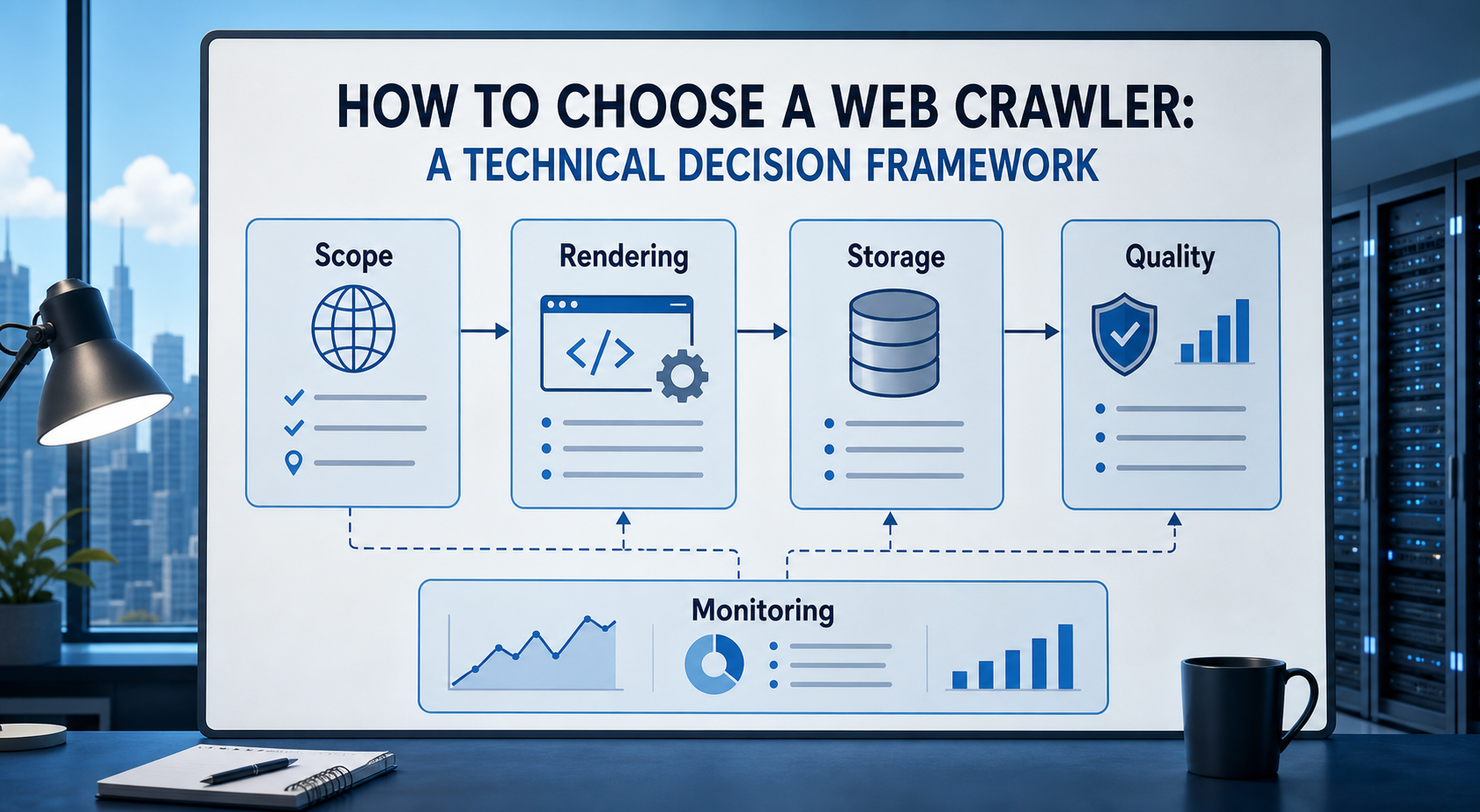
How to Choose a Web Crawler: A Technical Decision Framework
The wrong way to choose a web crawler is to begin with a list of products. The right starting point is the system you need to build. Before comparing tools, define:
View Details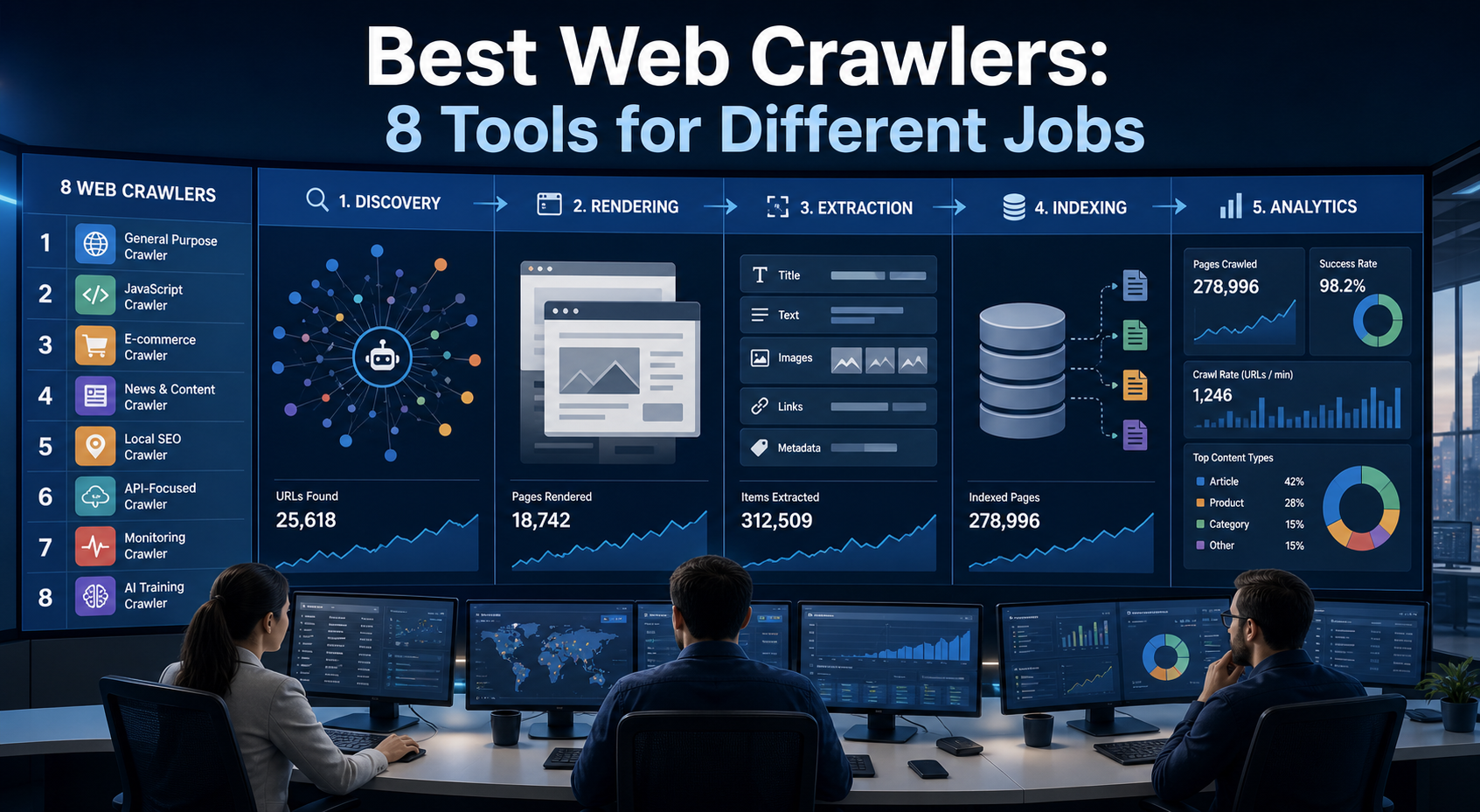
Best Web Crawlers: 8 Tools for Different Jobs
There is no single best web crawler for every project. A technical SEO audit, an AI knowledge pipeline, an internet archive, and a distributed search index may all involve crawling URLs, but they require different capabilities. The most useful way to compare web crawler tools is therefore to ask what job each one was designed to perform. This guide evaluates eight strong options across:
View Details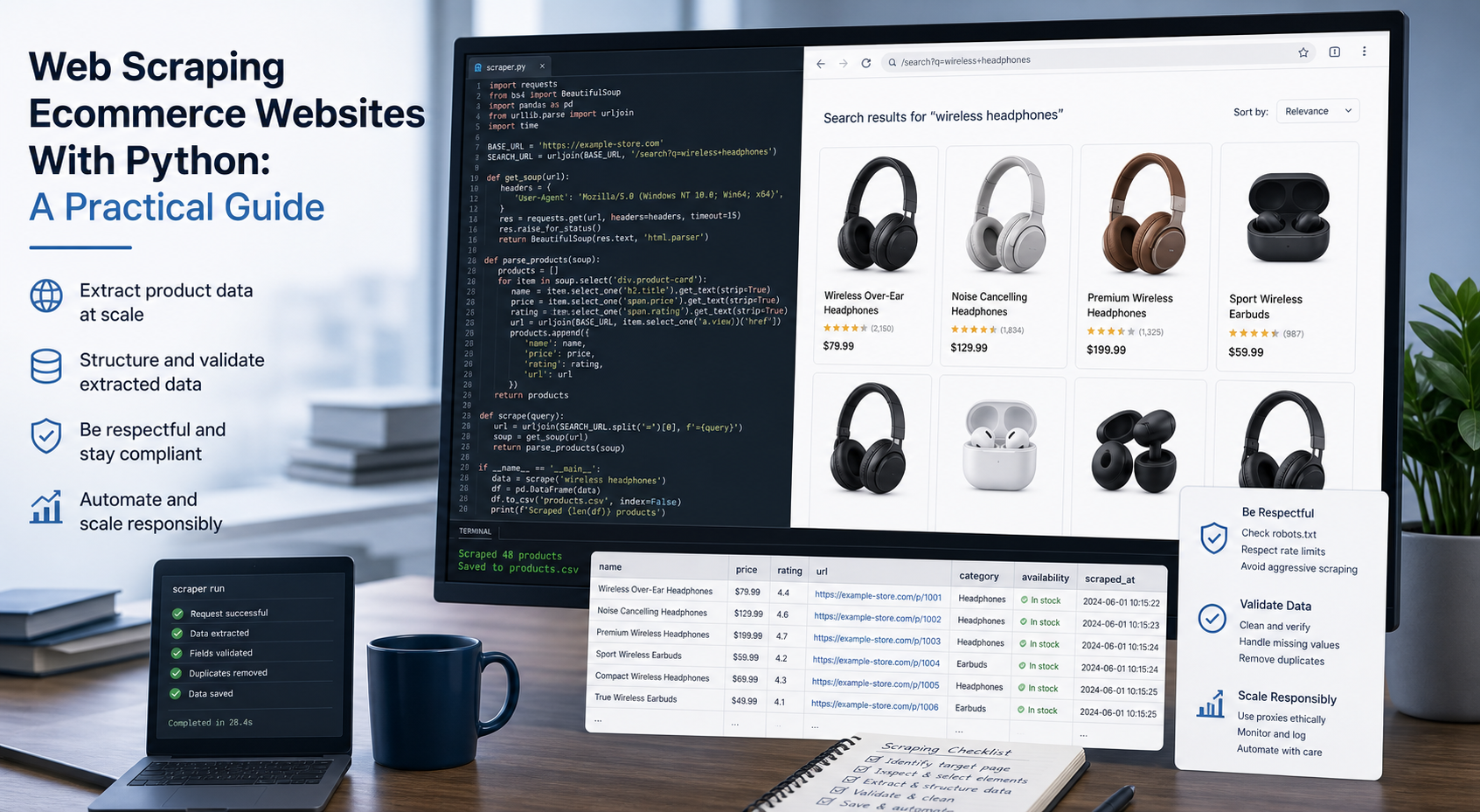
Web Scraping Ecommerce Websites With Python: A Practical Guide
Recommended meta title: Web Scraping Ecommerce Websites With Python: Guide Recommended meta description: Learn how to scrape ecommerce websites with Python using Requests, Beautiful Soup, Playwright, and Scrapy, with validation and scaling guidance. URL slug: /web-scraping-ecommerce-websites-python/
View Details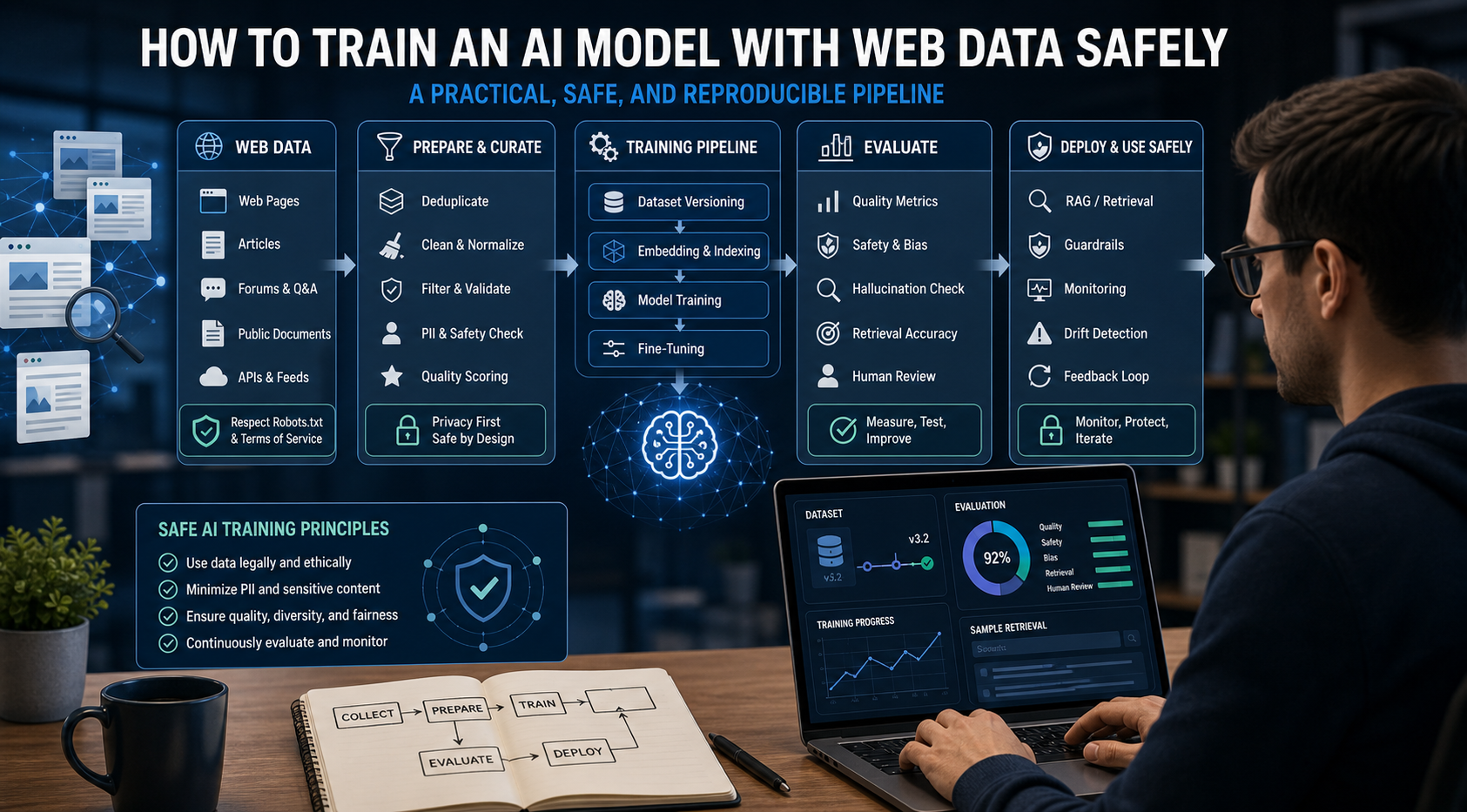
How to Train an AI Model With Web Data Safely
To train an AI model with web data, start by deciding whether you actually need training. Then collect representative sources, preserve provenance, remove duplicates and low-quality content, create leakage-resistant splits, build a baseline, fine-tune or train the appropriate model, and evaluate on real held-out examples before deployment.
View Details