
Social Media Management in 2026: Workflows, Tools, and Risk Control
Social Media Management in 2026: Workflows, Tools, and Risk Control
Social media management is the operating system you use to plan, publish, engage, and measure content across platforms. In 2026, it is no longer just about creativity. It is about building a workflow that protects your account integrity while delivering consistent results in a crowded feed.
Whether you are a solo founder, a data engineer scraping trends, or an agency ops manager, you need a system that produces evidence rather than just noise.
After reading this guide, you will have:
- A weekly operating framework for consistent publishing.
- A decision matrix for choosing between DIY, agencies, or tools.
- A "restriction-resistant" protocol to protect ad accounts.
- Troubleshooting steps for shadowbans and reach drops.
Start a free trial with LycheeIP
What is social media management efficiently defined?
Social media management is the ongoing process of managing your brand's presence on platforms like LinkedIn, X, Instagram, and TikTok. It differs from a one-off marketing campaign because it focuses on the lifecycle of your audience relationship.
Think of it as a loop. You turn business goals into content, platforms turn that content into data, and you use that data to refine the next week's plan. If any part of that loop breaks, due to bad tools, poor creative, or account bans, growth stops.
What does a social media manager do day-to-day?
A social media manager bridges the gap between high-level strategy and daily execution. The role has evolved from simple posting to a mix of creative direction and risk management.
The core daily routine includes:
- Planning: Prioritizing which platforms get resources based on ROI.
- Creation: Drafting briefs, managing assets, and writing copy.
- Scheduling: ensuring posts go live at optimal times with correct metadata.
- Listening: Monitoring sentiment, comments, and competitor moves.
- Reporting: translating "likes" into business insights for stakeholders.
- Risk Ops: If managing paid ads or multiple accounts, checking access health and policy compliance daily.
Why does a strict management system matter in 2026?
Random acts of content rarely work anymore. Algorithms favor consistency, and platforms have become stricter regarding account integrity.
A defined system helps you:
- Protect assets: Reduce the risk of getting your ad account restricted due to unusual activity or policy flags.
- Scale output: Publish more content without burning out your team.
- Prove value: Move from "we got some views" to "we drove X qualified leads."
Which management model fits your team best?
The right model depends on your volume, your risk tolerance, and how fast you need to move. Do not hire an agency if you need 24-hour turnaround, and do not DIY if you need complex ad compliance.
Decision Matrix: Choosing Your Model
| Model | Best For | Trade-offs | Ideal Stack |
| DIY / Founder | Early-stage startups, personal brands. | High time cost, inconsistent reporting. | Native apps + Spreadsheets. |
| In-House Team | Growth-stage brands requiring fast feedback loops. | Higher fixed payroll costs. | Scheduling tools + Project management software. |
| Agency | Scaling volume or needing specialized creative skills. | Slower approval loops, less context. | Shared calendar + Approval portals. |
| Tool-Led / Automation | High-volume ops, scraping teams, multi-account management. | Requires technical setup to avoid detection/bans. | API-based tools + Residential Proxies + Headless browsers. |
Start a free trial with LycheeIP
How do you set goals and guardrails before posting?
Before opening a scheduler, define what you are trying to achieve and what you will not do. We recommend the CLEAR Loop framework.
- Clarify: Pick one measurable goal per platform (e.g., LinkedIn for leads, Instagram for retention).
- List: Define the audience and the offer.
- Establish: Set 3–5 recurring "content lanes" or themes.
- Add Guardrails: strict rules on brand voice and "do not post" topics to prevent PR issues.
- Review: Check metrics weekly to prune what does not work.
How do you build a content calendar that stays realistic?
A rigid calendar often fails because trends change quickly. A realistic calendar balances planned "evergreen" content with flexible slots for timely updates.
The 70/30 Rule:
Plan 70% of your content (educational, product features) two weeks in advance. Leave 30% of your slots open for community responses or trending news.
Simple Weekly Template:
- Monday: Educational (Video/Carousel) - Goal: Saves
- Tuesday: Social Proof (Case Study/Review) - Goal: Trust
- Wednesday: Community (Poll/Question) - Goal: Engagement
- Thursday: Product (Demo/Feature) - Goal: Clicks
- Friday: Flexible Slot (Trend/Meme/Culture) - Goal: Reach
Which social media management tools should you consider?
Select tools based on your workflow, not just feature lists. If you manage extensive data scraping or multi-account setups, your "tool" definition must include infrastructure.
- Scheduling: Buffer, Hootsuite, or Sprout Social for standard publishing.
- Creation: Canva or Figma for visual assets.
- Analytics: Native platform insights or specialized dashboards like Looker Studio.
- Infrastructure: For teams managing hundreds of accounts or scraping social data, you need robust proxy management to prevent IP bans.
Start a free trial with LycheeIP
How do you measure performance without getting lost in metrics?
Avoid reporting on everything. Focus on "Input vs. Outcome." Use frameworks like the Sprout Social Metrics Map to distinguish vanity metrics from business levers.
KPI Mapping Table:
| Business Goal | Primary Metric (Outcome) | Supporting Metric (Input) |
| Brand Awareness | Reach / Impressions | Posting Frequency |
| Engagement | Comments / Shares | Content Format Types |
| Lead Gen | CTR / Conversions | Call-to-Action Clarity |
| Customer Support | Response Time | Inbox Volume |
If a metric does not help you make a decision, do not put it in the report.
How do you use AI tools for social media safely?
AI is powerful for drafting but dangerous for compliance. Platforms can penalize low-quality, spammy AI content.
The Safe AI Workflow:
- Ideation: Use AI to brainstorm 20 hook variations for one video.
- Repurposing: Use AI to turn a blog post into a LinkedIn thread.
- Governance: Always have a human verify claims. AI hallucinations can lead to policy violations and ad account bans.
How do you prevent ad account restrictions and bans?
For paid social and multi-account operations, keeping your account "green" is your most important job. Platforms use sophisticated fingerprinting to detect suspicious behavior.
The SAFE Protocol for Access Hygiene:
- Stable Access: Do not log into the same ad account from five different countries in one hour. This triggers immediate fraud checks.
- Asset Hygiene: regularly delete unused pixels, catalogs, and pages.
- Funnel Compliance: Ensure your ad copy matches the landing page promise. Misleading claims are the #1 cause of restrictions.
- Evidence: Document every change you make. If you are banned, you need to know exactly what edit caused it to appeal effectively.
What should you do if your reach drops or accounts get restricted?
A sudden drop in reach (often called a shadowban) or a formal restriction requires a calm, diagnostic approach.
Troubleshooting: Diagnosis & Fix
| Symptom | Likely Cause | Immediate Fix |
| Views drop 90% overnight | Content flag or "Shadowban." | Stop posting for 48 hours. Remove recent risky posts. Check "Account Status" in settings. |
| Ad Account Restricted | Unusual activity or policy violation. | Do not create a new account immediately. Appeal via the official support inbox. Check your IP consistency. |
| Engagement down, Reach stable | Content fatigue. | Your audience is bored. Change your hooks or visuals. |
| Cannot comment/like | Action block (spam filter). | You exceeded hourly limits. Pause all automation tools for 24-72 hours. |
When should you run geo testing and how does LycheeIP fit?
If you manage global social accounts or run ads in multiple countries, you must verify that your content displays correctly in each region. Simply changing your browser language is not enough; platforms serve content based on IP location.
Why you need Geo Testing:
- Ad Verification: Ensure your ads appear on the right placements and are not appearing next to unsafe content.
- Localization QA: Check if currency, language, and cultural references render correctly for local users.
- Competitor Research: See what ads competitors are running in specific target regions without alerting them.
How LycheeIP Fits the Workflow
LycheeIP provides the infrastructure needed for accurate, compliant geo-testing.
- Global Coverage: With dynamic residential proxies covering 200+ regions, you can simulate a real user in Tokyo, London, or New York instantly.
- Clean IPs: Because LycheeIP resources are ethically sourced and go through a cooling period of more than six months, you reduce the risk of your testing accounts getting flagged for using "spammy" datacenter IPs.
- Sticky Sessions: You can maintain the same IP for a session, allowing you to complete a full user journey (click ad -> land on page -> checkout) to verify the entire funnel.
What are common mistakes when scaling operations?
As you grow from one account to ten, or from organic to paid, avoid these pitfalls:
- Ignoring Platform Nuance: Posting the exact same creative on LinkedIn and TikTok.
- Poor Access Control: Giving "Admin" access to everyone. Use "Analyst" or "Editor" roles to limit damage risk.
- Relying on "Free" Proxies: If you use free or low-quality proxies for automation or scraping, you will likely lose your accounts. Quality infrastructure is an insurance policy for your data.
Start a free trial with LycheeIP
Frequently Asked Questions:
1. What is the most important skill for social media management?
Adaptability. Algorithms and trends change weekly. The ability to analyze data and pivot your strategy is more valuable than just being good at graphic design.
2. How many times a week should I post?
Consistency beats volume. It is better to post three times a week without fail than to post five times one week and zero the next. For most brands, 3–4 high-quality posts per week is the sweet spot.
3. Can using social media management tools get me banned?
Legitimate scheduling tools (Buffer, Sprout) use official APIs and are safe. However, using unauthorized automation tools (bots) or scraping data without proper proxy management can lead to IP bans or account restrictions.
4. What is the difference between a residential and datacenter proxy for social media?
A datacenter proxy is fast but easily detected as a "server." A residential proxy looks like a real home user (WiFi/ISP). For sensitive tasks like managing ad accounts or creating accounts, residential proxies are much safer.
5. How do I recover a restricted ad account?
First, check your "Account Quality" dashboard to see the specific reason. Remove the flagged content. Then, submit a review request through the platform. Do not try to circumvent the ban by making a new account immediately, as this will flag your device and IP.
6. Why is my organic reach dropping in 2026?
Platforms are prioritizing "retention" (how long people watch). If your content does not hold attention, reach drops. It might also be a signal that your IP or account has a low trust score due to previous spammy behavior.

Recommended Articles
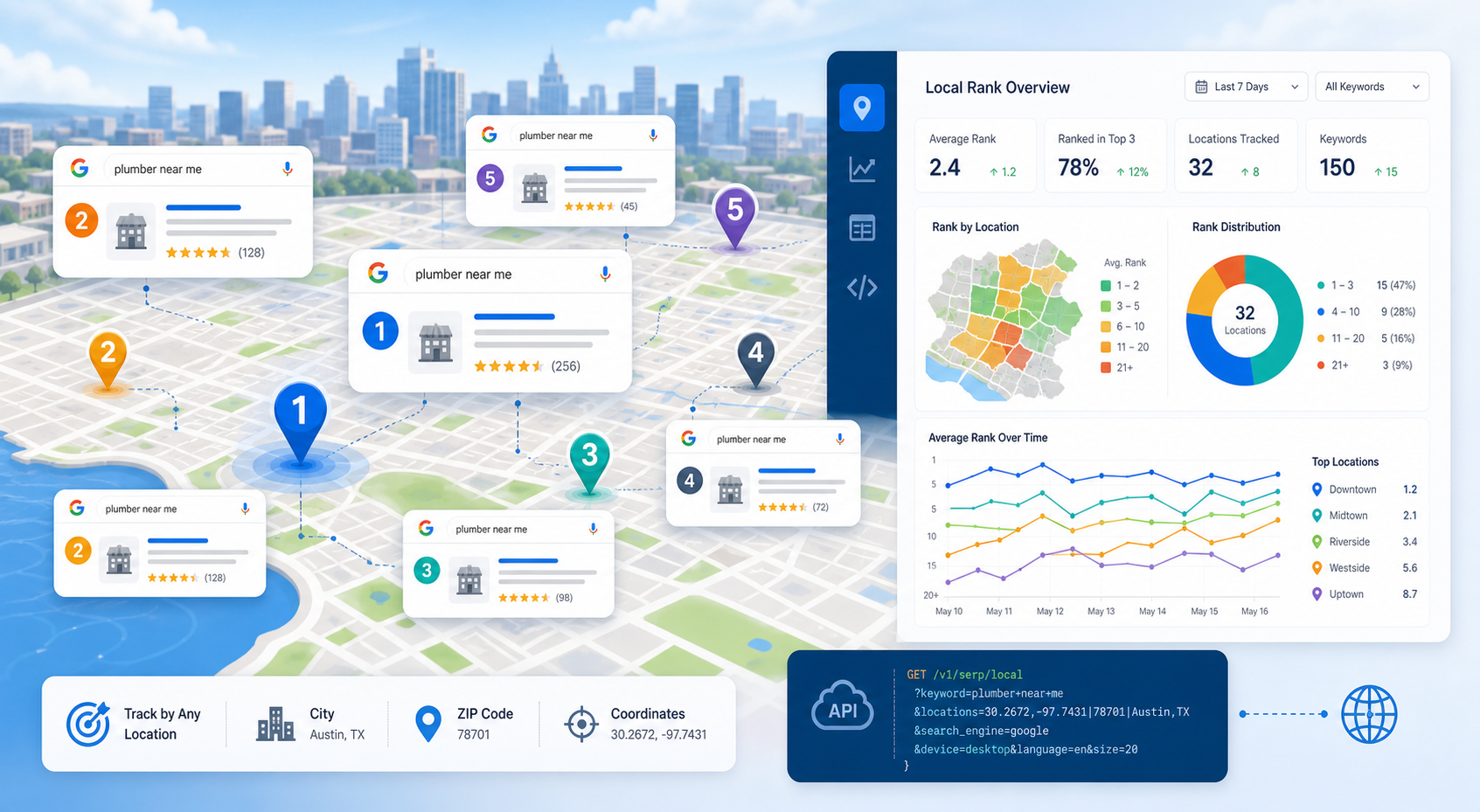
SERP Tracking API: How to Track Local Google Rankings by Location
A SERP tracking API collects search-result positions on a repeatable schedule so SEO teams can measure visibility over time. For local SEO, the useful question is not simply “What rank are we?” It is “What rank are we from this location, on this device, for this result type, at this time?”
View Details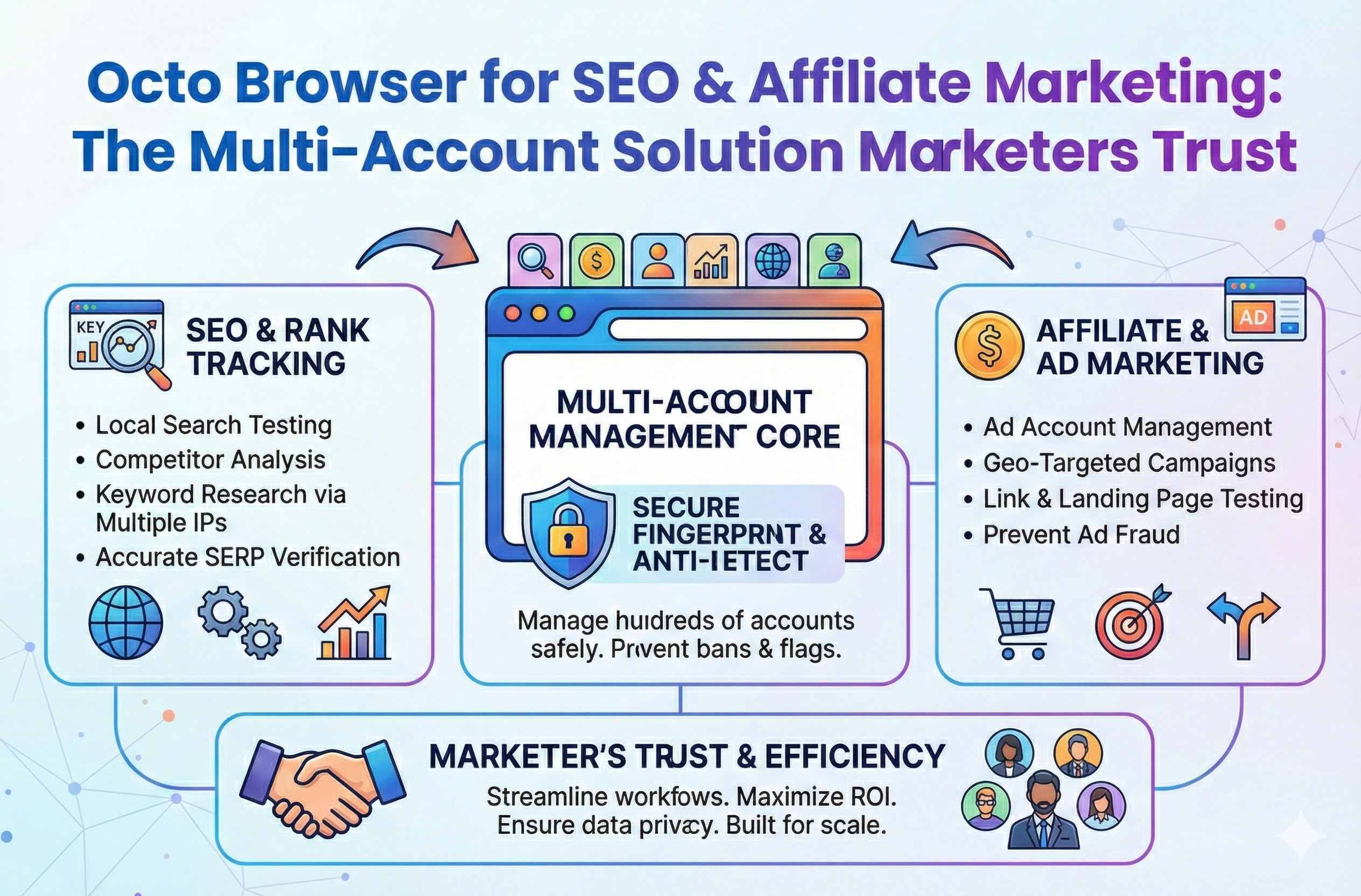
Octo Browser for SEO & Affiliate Marketing: The Multi-Account Solution Marketers Trust
Stop losing your hard earned revenue to sudden account suspensions. Discover how to completely isolate your outreach profiles and scale your campaigns without ever triggering a security flag.
View Details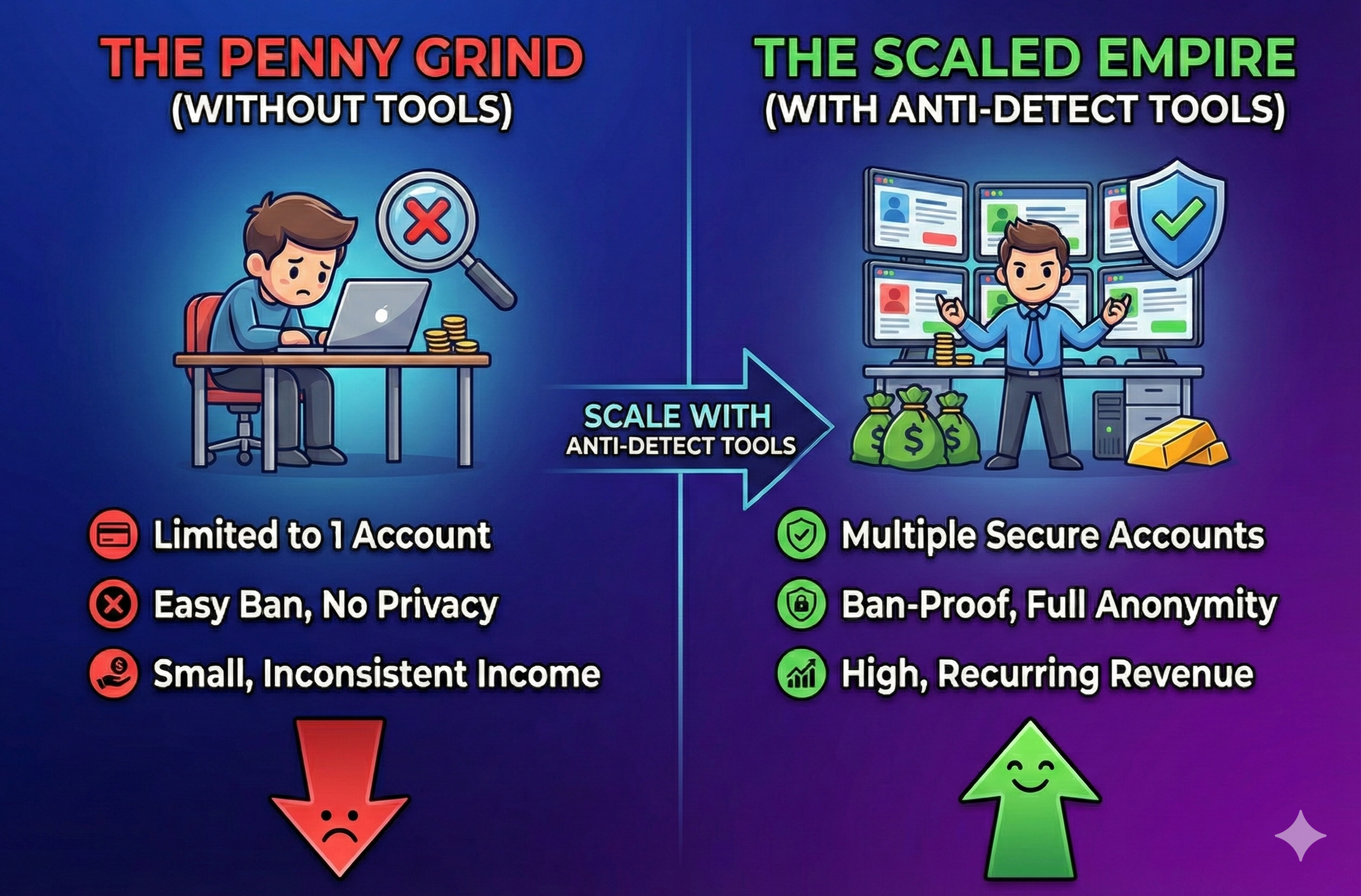
Stop Earning Pennies: Scale with Anti-Detect Tools
Stop letting the fear of account bans limit your business growth. Discover how modern antidetect browsers and clean proxies keep your digital identities isolated so your team can scale securely.
View Details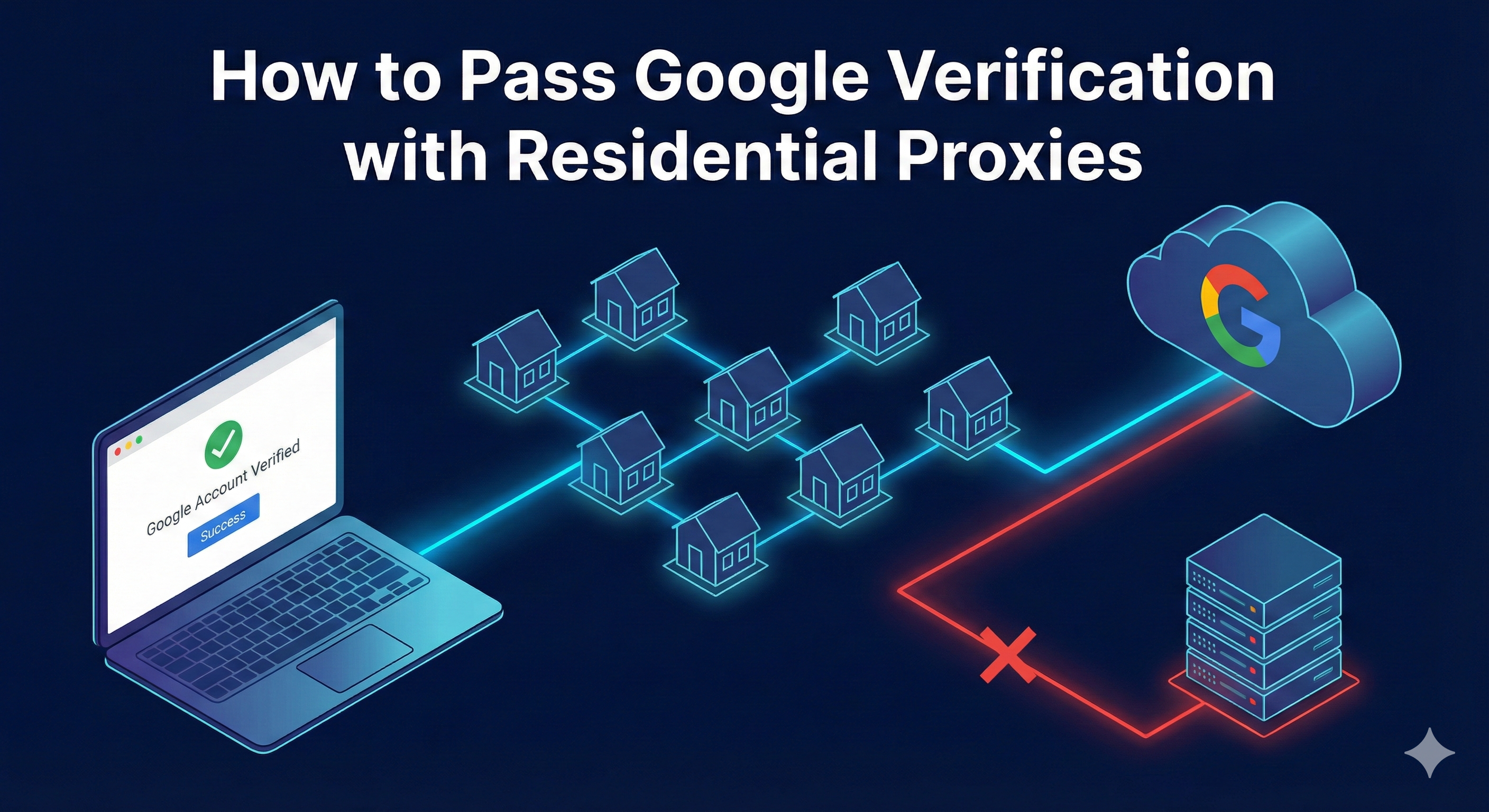
Google Account Verification Issues: Safe Troubleshooting Guide
If Google asks for verification, use the on-screen challenge or official account-recovery process from a familiar device and stable network. Do not try to bypass verification with purchased accounts, disposable phone numbers, anti-detect tools, or repeated proxy rotation. Those tactics can increase risk signals, violate policy, and make recovery harder.
View Details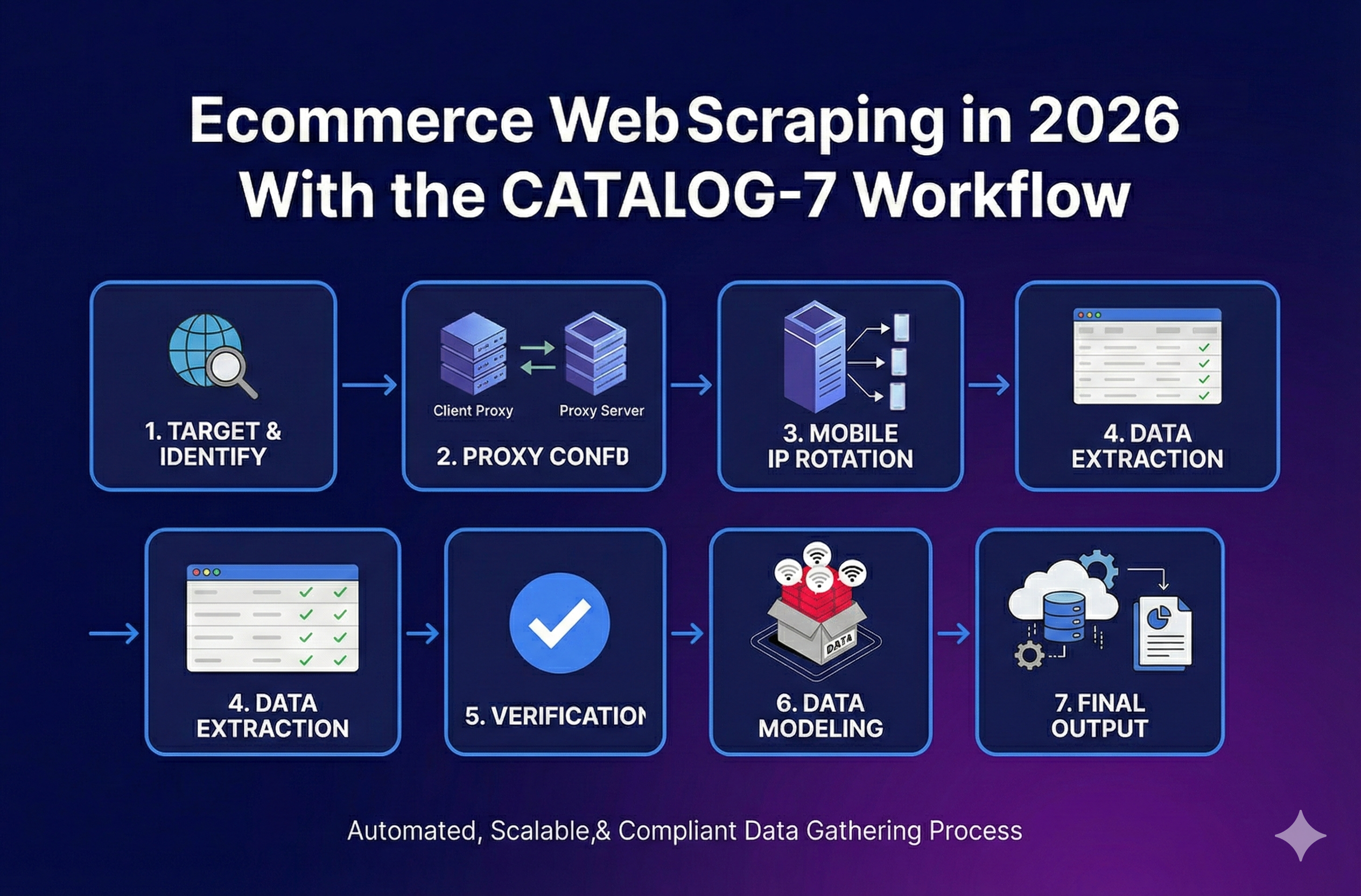
Ecommerce Web Scraping in 2026 With the CATALOG-7 Workflow
Stop broken feeds. Get a reliable ecommerce web scraping workflow, a Python stack picker, and a troubleshooting guide to handle variants and blocks.
View Details