
LinkedIn Scraping: Practical Risks, Rules, and a Safer n8n Workflow
LinkedIn Scraping: Practical Risks, Rules, and a Safer n8n Workflow
Data engineers and growth teams often view LinkedIn as the ultimate database for B2B intelligence. However, LinkedIn scraping is one of the most complex challenges in web data collection. It sits at the intersection of strict platform policies, aggressive anti-bot technology, and evolving legal standards.
If you approach LinkedIn scraping as a simple script, you will likely face IP bans, cease-and-desist letters, or unstable data pipelines.
This guide breaks down the reality of extracting data from LinkedIn, helps you decide if it’s the right approach for your use case, and outlines how to orchestrate a safer, governed workflow using n8n.
Get started with LycheeIP today
What is LinkedIn scraping and why is it controversial?
LinkedIn scraping is the automated process of using software to extract data—such as profiles, job postings, or company details—from LinkedIn’s web pages.
Teams typically attempt this for:
- Talent Intelligence: Mapping candidate pools and salary ranges.
- Sales Enrichment: Updating CRM data with current job titles.
- Market Research: Aggregating company growth metrics.
The controversy arises because LinkedIn views this data as its proprietary asset and user trust as its currency. While some data is publicly visible (viewable without logging in), automating the collection of that data at scale often triggers LinkedIn’s defenses.
Is LinkedIn scraping allowed? (The Legal & Policy Reality)
Before writing a single line of code, you must understand the distinction between "technically possible" and "permitted."
1. The Platform Policy (Terms of Service)
LinkedIn’s position is absolute. Their User Agreement explicitly prohibits the use of "bots or other automated methods to access the Services, add or download contacts, send or redirect messages." If you use automation while logged into a personal account, you risk a permanent ban.
2. The Legal Landscape (USA Context)
In the United States, the legality of LinkedIn scraping is nuanced and fact-dependent. The landmark case hiQ Labs, Inc. v. LinkedIn Corp. suggested that scraping publicly accessible data (data that requires no login to view) might not violate the Computer Fraud and Abuse Act (CFAA).
However, this does not give you a free pass.
- Contract Law: If you are logged in, you have agreed to Terms of Service. Violating them can lead to breach-of-contract claims.
- Copyright & Trespass: Platforms may pursue other legal avenues to stop unauthorized automated access.
Note: This article is for informational purposes only and does not constitute legal advice. Always consult with counsel regarding your specific data collection strategy.
Why is scraping LinkedIn technically difficult?
LinkedIn employs a multi-layered security architecture designed to distinguish human users from automated scripts.
- Authentication Walls: Most valuable data (full profiles, deep search results) is gated behind a login.
- Behavioral Tracking: LinkedIn monitors mouse movements, scroll speeds, and click patterns. Non-human behavior triggers flags.
- Request Fingerprinting: They analyze TLS handshakes, HTTP headers, and browser consistency.
- Aggressive Rate Limiting: Even legitimate users encounter limits. Automated requests from a single IP address will be blocked (HTTP 429) almost immediately.
Decision Matrix: Official API vs. Scraping vs. Manual
Not every project requires a scraper. Use this matrix to determine the safest method for your specific goal.
| Use Case | Recommended Method | Risk Level | Why? |
| Sales / Lead Gen | Official Partners / Sales Navigator | Low | LinkedIn restricts scraping for lead gen. Official tools ensure account safety. |
| Hiring / Recruiting | LinkedIn Recruiter / API | Low | High-volume scraping for candidate data violates TOS and risks your recruiting license. |
| Public Market Trends | Public Web Scraping | Medium | Aggregating non-personal company data from public URLs is generally lower risk than scraping profiles. |
| Small Scale Research | Manual / Virtual Assistant | Very Low | If you only need 50 records a week, automation is over-engineering. |
Get started with LycheeIP today
How to design a “Compliance-First” n8n workflow
If you have determined that your use case requires an automated workflow, and you are targeting public data, n8n is an excellent tool for orchestration. It allows you to build logic, error handling, and throttling into your pipeline.
Here is a conceptual blueprint for an n8n workflow designed for stability and governance.
1. The Setup: Data Contract
Do not start by fetching URLs. Start by defining boundaries.
- Inputs: A clean list of public company URLs (avoid hitting search pages repeatedly).
- Frequency: Schedule the workflow to run slowly (e.g., one record every few minutes) rather than bursting thousands of requests.
2. The Workflow Nodes
A standard n8n pipeline for web data usually involves these stages:
- Trigger: A Schedule Trigger node to control timing or a Google Sheets node to read inputs.
- Orchestration: A Split in Batches node. This is critical. Set the batch size to 1.
- The Request: An HTTP Request node.
- Method: GET
- Headers: You must rotate User-Agents to look like a standard browser.
- Proxy: This is where you connect your infrastructure (see LycheeIP section below).
- Parsing: An HTML Extract node.
- Target specific CSS selectors for the public data you need (e.g., h1.top-card-layout__title for a name).
- Tip: LinkedIn classes change often (dynamic rendering).
- Validation: An If node. Check if the data returned is valid. If you receive a login redirect or empty fields, trigger a stop condition.
- Storage: Write successful data to your database or sheet.
3. Safety Checkpoints
To maintain a "compliance-first" approach, add these logic gates in n8n:
- The "429" Brake: If the HTTP Request returns status 429 (Too Many Requests), use a Wait node to pause the workflow for a significant time (e.g., 6 hours).
- No Login Attempts: Do not configure n8n to log in to an account. Stick to public-facing data to minimize legal risk.
How LycheeIP supports ethical data infrastructure
If your n8n workflow sends requests directly from your server's IP, it will be blocked instantly. Professional data pipelines require a proxy layer to manage identity and distribution.
LycheeIP provides the infrastructure required for high-reliability web data collection:
- Dynamic Residential Proxies: LycheeIP offers access to an ethically sourced pool of IPs covering 200+ countries. These IPs resemble real user devices, which is essential for accessing public web pages without triggering immediate CAPTCHAs.
- Quality & Cooling: Each IP undergoes a cooling period of more than six months before reuse, ensuring you aren't inheriting a "bad reputation" from a previous user.
- Traffic Management: With unlimited concurrency on dynamic plans, you can scale your data collection up or down based on your governance rules, paying only for the traffic ($5.00/GB) you use.
How it fits: Connect LycheeIP to your n8n HTTP Request node using the SOCKS5 or HTTP protocol. This ensures your public data requests are distributed globally, reducing the load on any single network point.
LycheeIP Note: We provide the infrastructure (the pipes), but you are responsible for the water flowing through them. We prohibit the use of our network for illicit activities, including unauthorized account takeovers or credential stuffing.
Get started with LycheeIP today
Troubleshooting: Common failures and solutions
When scraping LinkedIn, failures are information. Here is how to interpret them.
| Symptom | Likely Technical Cause | Corrective Action |
| HTTP 999 / 403 | Request Denied | Your IP or User-Agent is flagged. Rotate your User-Agent string or check your proxy configuration. |
| HTTP 429 | Rate Limit Exceeded | You are requesting too fast. Increase the delay in your n8n Wait node immediately. |
| Redirect to Login | Authentication Wall | You hit a page that is not public. Stop the workflow for this URL; do not attempt to bypass login via script. |
| Empty Data Fields | Dynamic Class Names | LinkedIn updated their frontend code. Inspect the page source manually and update your CSS selectors. |
Assumptions and limitations
- HTML Structure: LinkedIn changes its DOM structure frequently. Any scraper will require monthly maintenance.
- Data Accuracy: Public profiles may not be as up-to-date as the data seen by logged-in users.
- Geo-Location: The data visible on a public profile can change based on the geographical location of the request (e.g., a request from the US vs. Germany).
Comparisons & Tools
Decision Tool: Scraping vs. Buying Data
- Scraping: Best for niche, real-time data needs where no vendor exists. High maintenance, medium risk.
- Buying (Providers): Best for bulk enrichment (e.g., "Give me 10k marketing leads"). Low maintenance, but data may be 30-60 days old.
- Official API: Best for internal app integrations. Zero risk, strict limits on data usage.
Get started with LycheeIP today
Frequently Asked Questios:
1. Is scraping LinkedIn legal?
In the US, court rulings have generally distinguished between scraping public data (legal in many contexts) and scraping behind a login (contract violation). However, laws vary by country. Always seek legal counsel for your specific situation.
2. Can I use n8n to scrape LinkedIn profiles?
Yes, n8n can orchestrate the HTTP requests and parsing needed for linkedin scraping, but you must manage the proxy rotation and headers carefully to avoid blocks.
3. What is the best proxy type for LinkedIn?
Dynamic Residential Proxies are generally required. Datacenter proxies are easily detected and blocked by LinkedIn's security filters.
4. Does LycheeIP allow LinkedIn scraping?
LycheeIP provides neutral proxy infrastructure. We allow legitimate data collection on public websites, provided users comply with all applicable laws and do not use our service for fraud or unauthorized account access.
5. Why am I getting HTTP 999 errors?
HTTP 999 is a custom status code often used by LinkedIn to deny requests from automated scripts. It usually means your request headers (User-Agent) or IP address have been fingerprinted as non-human.
6. Can I scrape email addresses from LinkedIn?
Generally, no. Email addresses are personal contact info and are usually hidden behind the "Contact Info" button which requires a login. Scraping personal emails raises significant privacy compliance issues (GDPR, CCPA).

Recommended Articles
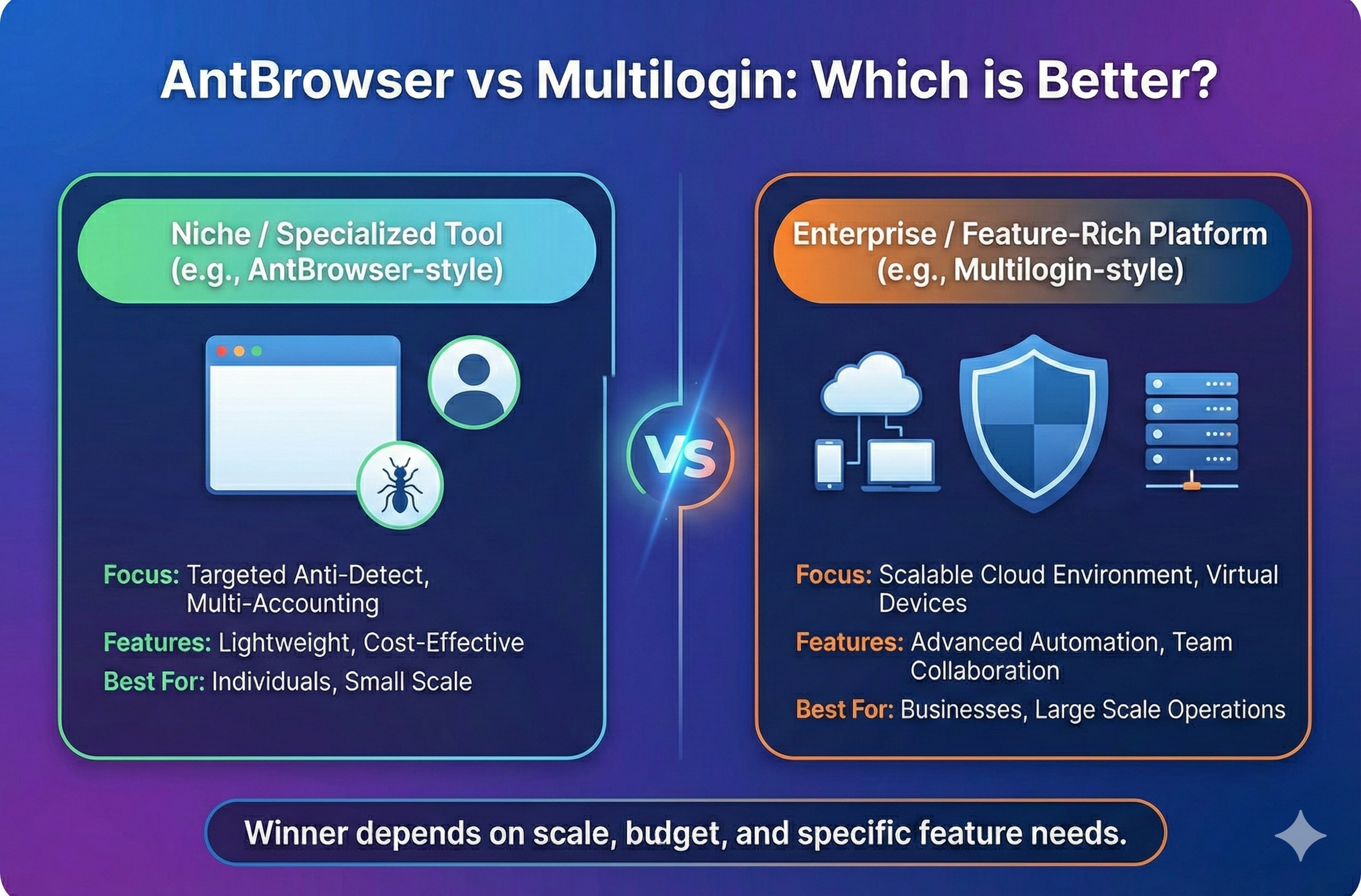
AntBrowser vs Multilogin: Which is Better?
Stop guessing between cloud phones and browser profiles. Read our hands-on comparison of fingerprint control, automation, and pricing to find the perfect fit for your multi accounting team.
View Details
LycheeIP vs OpenVPN: Which One Is Better and for What?
OpenVPN is a VPN tunnel for secure access. LycheeIP is a proxy network for rotation, geo-targeting, and stable sessions. Learn when each wins for automation and scale.
View Details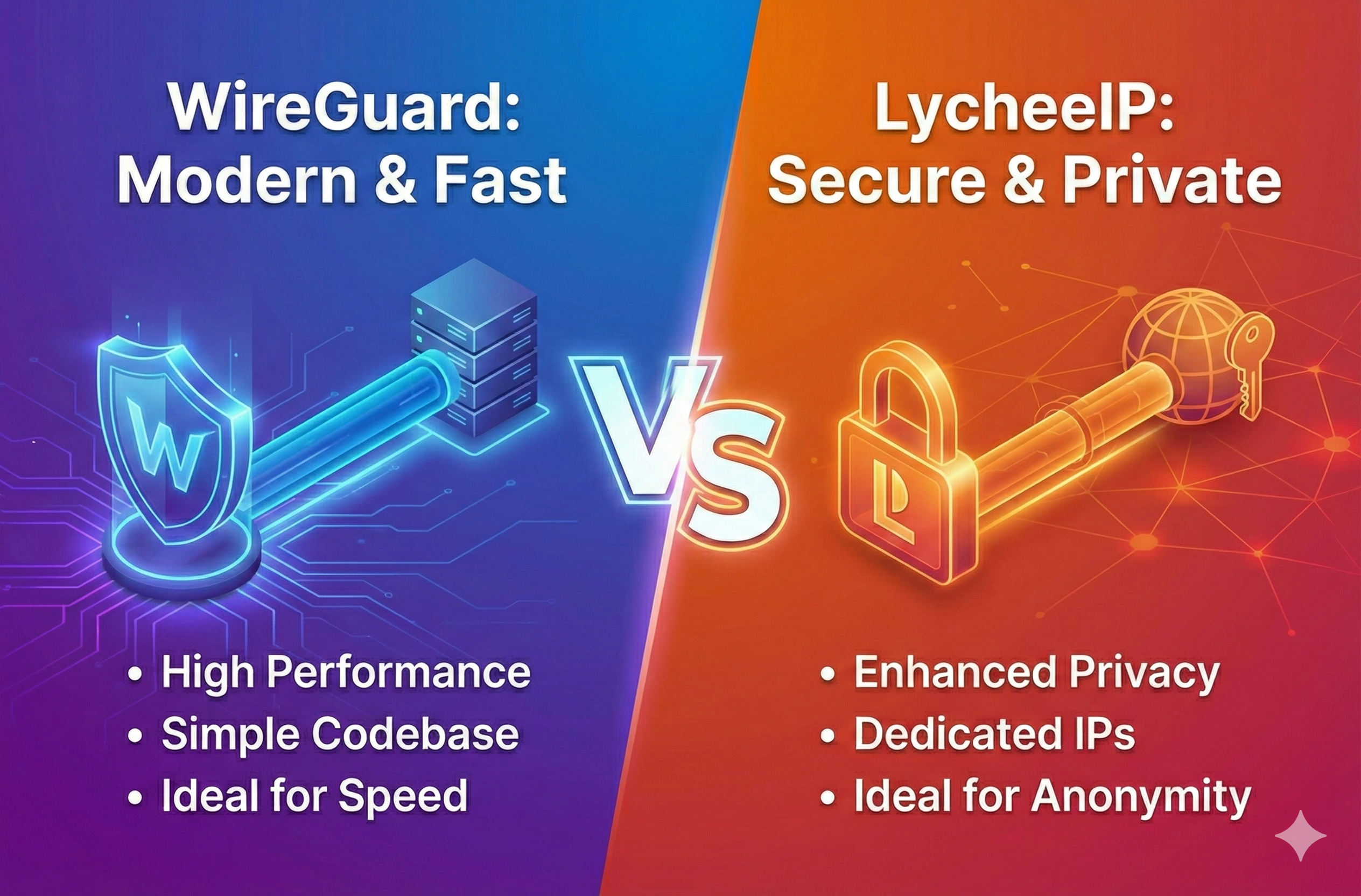
WireGuard vs LycheeIP: Which Is Better (and for What)?
Proxy vs VPN explained for automation. WireGuard secures a tunnel; LycheeIP gives rotating IP identity. Learn when each wins for scraping, geo-targeting, and scale.
View Details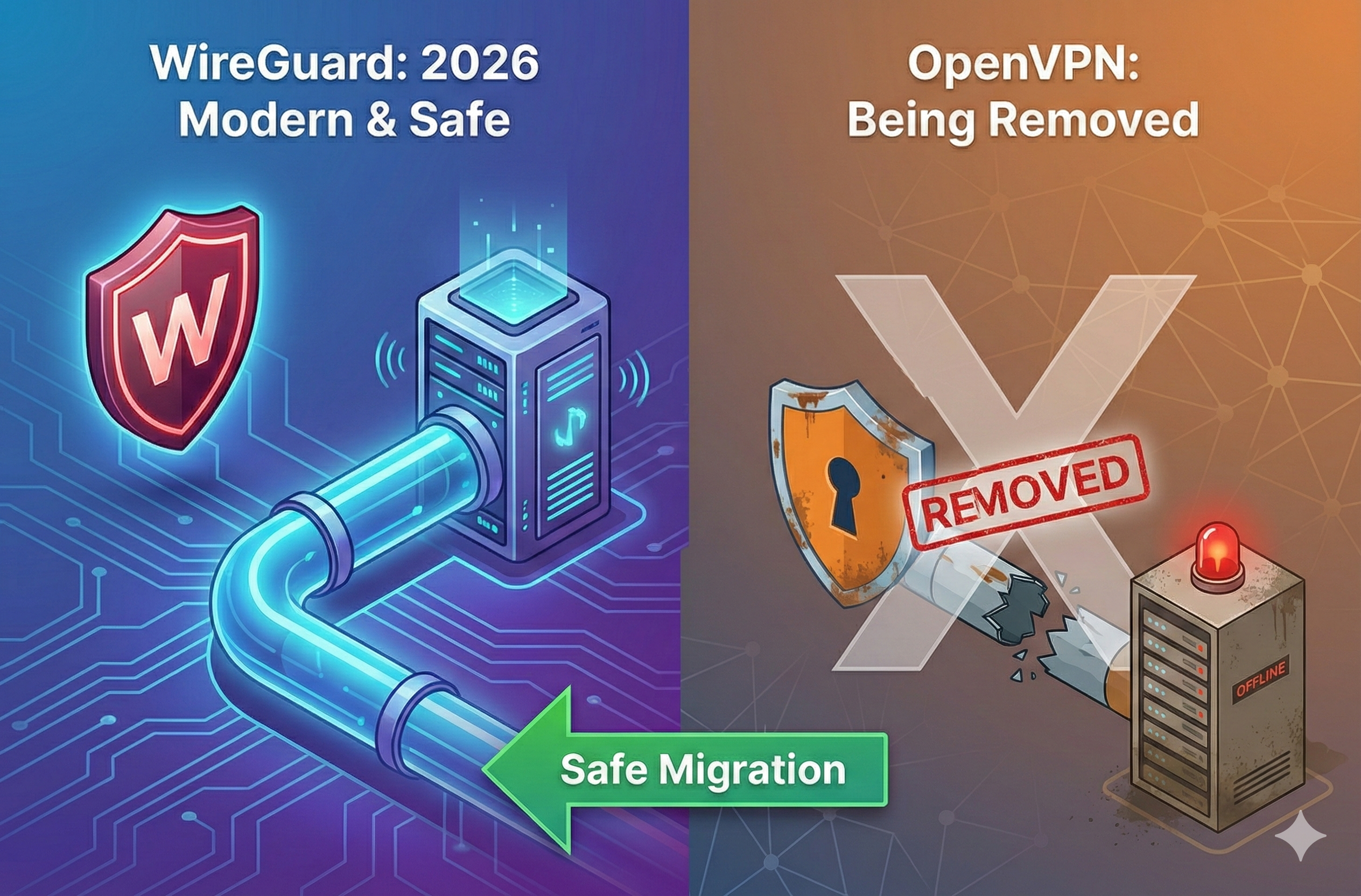
WireGuard vs OpenVPN: Speed, Security, and Migration Guide
WireGuard is usually simpler to deploy and can reduce protocol overhead, while OpenVPN offers mature configuration flexibility and TCP-based compatibility. Neither is universally better: choose by network restrictions, identity model, operational tooling, and rollback requirements. The migration plan below keeps both paths available until validation is complete.
View Details
Cloudflare Acquires Astro: Is Vercel in Panic Mode or Is This the New Edge Stack?
Confirmed facts from Cloudflare/Astro, what’s new in Astro 6 beta (Vite Environment API), and how to choose Pages vs Workers—plus fixes for common deployment/connection errors.
View Details