
Cloudflare Acquires Astro: Is Vercel in Panic Mode or Is This the New Edge Stack?
Cloudflare Acquires Astro: Is Vercel in Panic Mode or Is This the New Edge Stack?
Cloudflare has officially acquired the team behind Astro, shifting the landscape for developers building content-driven websites. For teams using Next.js, Nuxt, or WordPress, this moves the conversation from simple hosting to a deeper integration between the framework and the edge network. The immediate question is not about hype, but about how this impacts your local dev loop, your deployment strategy, and your security posture.
Check LycheeIP's residential proxies
What did Cloudflare announce about acquiring Astro, and what is confirmed?
Cloudflare confirmed it has acquired the Astro Technology Company team, stating that Astro will remain an open-source, platform-agnostic project. This move aligns with the release of the Astro 6 public beta, which aims to accelerate the framework's roadmap using Cloudflare's resources.
What is explicitly confirmed:
- Team Transition: The core Astro team is joining Cloudflare to work on the project full-time.
- Open Source Commitment: The project remains under open-source stewardship with no immediate changes to the license.
- Astro 6 Beta: The new version is live, featuring a redesigned dev server powered by the Vite Environment API.
- Positioning: The press release frames Astro specifically as the premier framework for "content-driven websites."
What the community is debating:
While the official stance is "platform-agnostic," developers are discussing the risk of subtle vendor lock-in. The concern is that future default templates or "happy path" documentation might prioritize Cloudflare Workers over other runtimes like Node.js or Vercel's edge.
Why are developers asking if Vercel is in panic mode?
People use the phrase "Vercel in panic mode" to describe the increased pressure on Vercel's dominance in the frontend platform market, not necessarily their internal state. The acquisition matters because frameworks drive deployment choices, and deployment drives revenue.
Where the pressure is real:
- The "Content" Workload: If Astro becomes the standard for content sites, and Astro works best on Cloudflare, Vercel loses a specific segment of traffic.
- The Full Bundle: Buyers often want security and hosting in one bill. Cloudflare offers a massive network that includes WAF, DDoS protection, and CDN.
- Edge Alignment: Astro 6 aligns local development closer to the Workers runtime, reducing the "it works on my machine" friction that often drives people to Vercel.
However, Vercel retains significant leverage through Next.js ownership and its highly polished developer experience. Their "Vercel Firewall" and collaboration tools remain distinct selling points for enterprise teams who value workflow over raw infrastructure configuration.
What changed in Astro 6, and why does Vite matter for local dev?
Astro 6 redesigns the developer experience by updating the dev server to behave more like a production environment. This reduces the gap between what you see in your terminal and what happens when you deploy to the edge.
Key changes in Astro 6:
- Redesigned Dev Server: It uses the new Vite Environment API to simulate runtimes.
- Dev Equals Prod: The goal is to eliminate bugs that only appear after deployment.
- Astro Joins Cloudflare Context: This release was likely coordinated to showcase how well the framework runs on the new parent company's infrastructure.
Why the Vite Environment API matters:
Vite has introduced a standardized way to define "environments" (like Node, Browser, or Worker). Previously, frameworks had to mock these environments loosely. Now, Astro can tell Vite exactly how the Cloudflare Workers runtime behaves, allowing you to catch edge-specific errors while building website components locally.
Check LycheeIP's residential proxies
How do you deploy an Astro site on Pages vs Workers?
You choose Cloudflare Pages for static-first projects with Git automation, and Cloudflare Workers for applications requiring heavy server-side computation or complex routing logic.
Decision Matrix: Pages vs. Workers
| Feature | Cloudflare Pages | Cloudflare Workers |
| Best For | Static sites, blogs, marketing pages | Dynamic apps, APIs, custom proxies |
| Build Process | Git-integrated (automatic builds) | CLI-based (Wrangler) |
| Configuration | Simple dashboard UI | wrangler.toml file |
| Astro Adapter | @astrojs/cloudflare (static mode) | @astrojs/cloudflare (server mode) |
| Cost Model | Free tier + per build/seat | Request-based / CPU-time based |
Step-by-step for Pages:
- Connect your Git provider (GitHub/GitLab) in the dashboard.
- Select "Astro" from the framework presets.
- Ensure your build command is set to npm run build.
- Deploy. The system handles the static assets and functions automatically.
Step-by-step for Workers:
- Install the adapter: npx astro add cloudflare.
- Configure astro.config.mjs to output: 'server'.
- Deploy using the CLI: npx wrangler deploy.
Which is better for Next.js, Nuxt, and WordPress teams right now?
It depends on your tolerance for configuration versus "one-click" convenience.
- Next.js: You can run Next.js on Cloudflare using the OpenNext adapter. This bridges Next.js features to the Workers runtime. It is powerful but requires more maintenance than deploying to Vercel.
- Nuxt: Nuxt has excellent native support for Cloudflare. You can deploy Nuxt applications to Pages or Workers with minimal friction, as the framework was designed with edge portability in mind.
- WordPress: You generally do not "deploy" WordPress to these platforms in the same way. Instead, you use Cloudflare as a reverse proxy in front of your WordPress host. You can use the official Cloudflare WordPress plugin to manage cache purging and automatic platform optimizations.
What should you check when you see scheduled maintenance or connection errors?
You should first verify if the issue is global (Cloudflare's edge) or local (your origin/config) before changing any code. "Connection errors" are often generic 520, 521, or 522 status codes that require specific triage.
Troubleshooting: Common Failures & Fixes
| Symptom | Likely Cause | Fix |
| Error 520 (Web Server Returns Unknown Error) | Origin crash or empty response | Check your origin server logs for crashes; whitelist Cloudflare IPs at your firewall. |
| Error 521 (Web Server Is Down) | Origin refused connection | Ensure your web server process (Apache/Nginx/Node) is running and listening on port 80/443. |
| Error 522 (Connection Timed Out) | Firewall blocking Cloudflare | Verify that your host's firewall isn't rate-limiting Cloudflare's edge IPs. |
| Deployment Failures (Astro) | Node.js version mismatch | Check the engines field in package.json and match it to the build environment settings. |
| Scheduled Maintenance Alerts | Planned upgrades | Do nothing. Check the status page. Traffic is usually rerouted automatically. |
Check LycheeIP's residential proxies
Which security and sandbox features matter most?
The most relevant security features for modern dev teams are the Web Application Firewall (WAF) controls and the new isolation tools for running untrusted code.
Vercel Firewall vs. Cloudflare WAF:
- Vercel Firewall: Integrated tightly with the deployment workflow. It is excellent for blocking bad traffic based on request paths or IP addresses with simple UI toggles.
- Cloudflare WAF: Sits at the network edge, often processing traffic before it even triggers a serverless function. It provides deeper rule sets, managed rules for common vulnerabilities (like SQL injection), and bot management.
Sandbox SDK Beta:
The Sandbox SDK Beta allows developers to run untrusted code in a secure, isolated environment. This is critical for AI agents or platforms that allow users to write plugins.
- Use case: An AI agent that writes and executes Python code to analyze data.
- Constraint: Since it is in beta, expect API changes and ensure you implement strict timeouts to prevent runaway billing.
How LycheeIP Fits into Your Data Infrastructure
If you are building applications that rely on external data aggregation, scraping, or multi-account management, relying solely on standard edge networks isn't enough. You need clean infrastructure to ensure your requests reach their destination without being flagged.
Why developers integrate LycheeIP:
- Clean IP Pools: LycheeIP provides 100% exclusive global proxy IP services, ensuring your traffic isn't associated with "noisy" neighbors.
- Cooling Period: Every IP undergoes a strict cooling period of more than six months before reuse, drastically reducing the chance of improved blocks.
- Stable Metrics: You get near real-time usage statistics via API, allowing you to monitor your data pipeline's health alongside your Cloudflare logs.
- Bot Resilience: When scraping targets protected by strict WAFs (even Cloudflare's own), using LycheeIP's dynamic residential proxies with AI multi-filtering improves success rates.
Tip: Use LycheeIP's residential proxies for your egress (outbound) traffic when gathering data, and Cloudflare for your ingress (inbound) traffic to protect your app.
When does Cloudflare stock matter, and what should developers watch?
Cloudflare stock (NET) matters to developers primarily as a signal of corporate health and R&D investment, rather than financial advice.
Signals to watch:
- Acquisitions: The Astro deal shows a desire to own the "developer workflow," not just the network plumbing.
- R&D Spend: Sustained investment typically leads to new betas like the Sandbox SDK.
- Hiring: A freeze usually impacts support response times; aggressive hiring often signals new product lines.
If the stock drops significantly, watch for potential price increases in "Enterprise" features or reductions in the free tier limits, though Cloudflare has historically protected its free tier aggressively.
Assumptions & Limitations
- Beta Status: Information regarding Astro 6 and Sandbox SDK is based on Beta release notes; APIs may change before General Availability (GA).
- Deployment: The "Pages vs. Workers" advice assumes standard configurations. Enterprise plans allow for more complex setups (e.g., Workers inside specific network namespaces).
- Pricing: Pricing mentions for third-party services (Vercel, Cloudflare) are current as of early 2026 and subject to change.
Check LycheeIP's residential proxies
Frequently Asked Questions:
1. What is Cloudflare?
Cloudflare is a global network that provides security, performance, and reliability for everything connected to the Internet. It acts as a reverse proxy, handling traffic, caching content, and blocking attacks before they reach your server.
2. Is Cloudflare having issues right now?
If you suspect downtime, always check the official status page first. If the status is clear, the issue is likely a "connection error" between the edge and your specific origin server.
3. What does "Astro joins Cloudflare" really mean for my project?
It means the framework now has significant backing for long-term development. Your project will continue to work, but you may see new features that make deploying to Cloudflare Workers easier than other platforms.
4. Can I still deploy Astro to Vercel?
Yes. The Astro team has confirmed the framework remains platform-agnostic. You can continue using the Vercel adapter or Node.js adapter without changes.
5. What is the main difference between Pages and Workers?
Pages is designed for full-stack websites and static assets (similar to Vercel or Netlify). Workers is a serverless environment for running code (functions) at the edge, often used for APIs or modifying requests.
6. Why am I seeing scheduled maintenance alerts?
Cloudflare performs regular updates to its edge locations. These are usually seamless. If you see an alert, it is typically informational and does not require action unless your traffic specifically routes through that single PoP (unlikely).

Recommended Articles
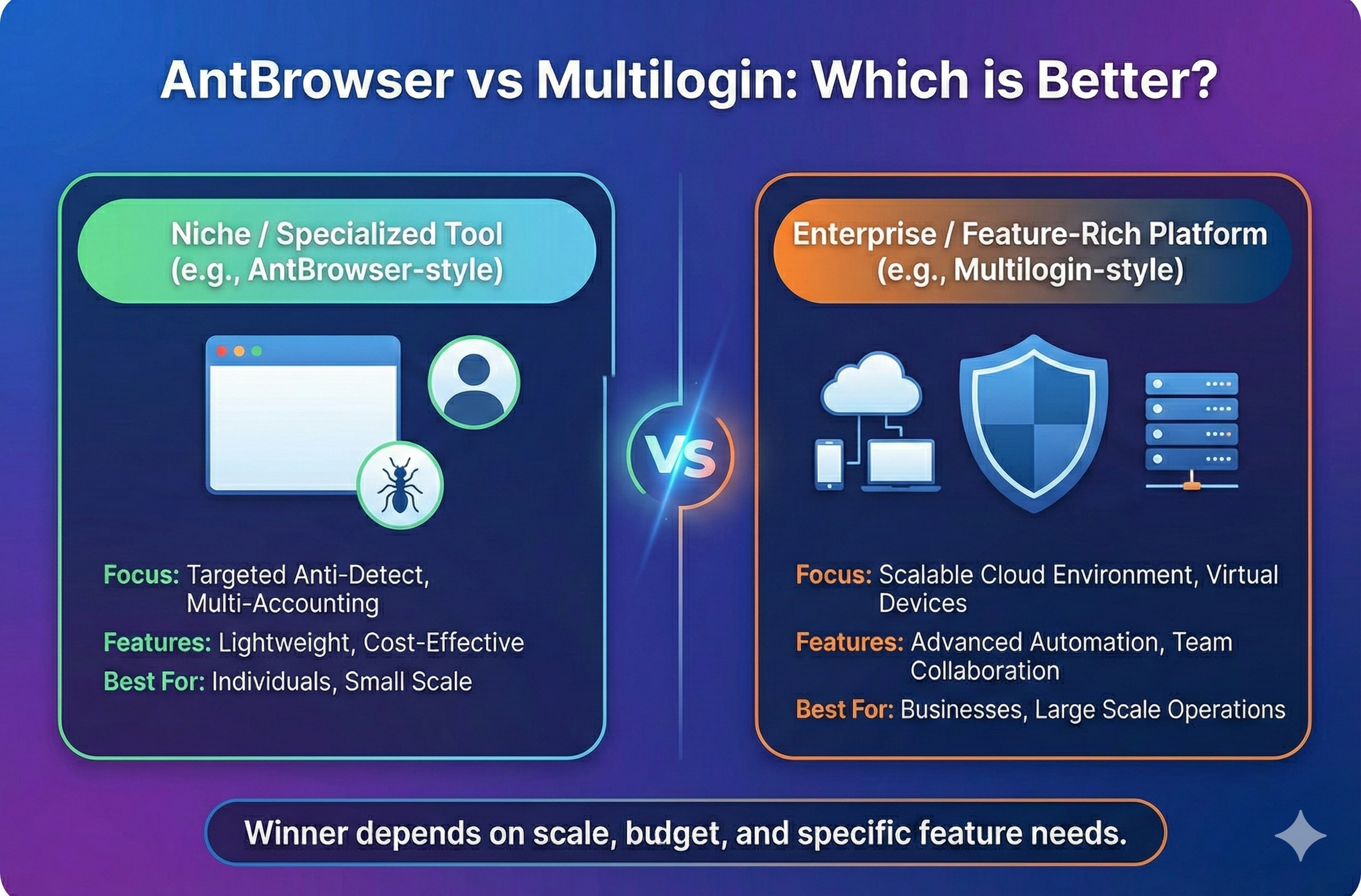
AntBrowser vs Multilogin: Which is Better?
Stop guessing between cloud phones and browser profiles. Read our hands-on comparison of fingerprint control, automation, and pricing to find the perfect fit for your multi accounting team.
View Details
LycheeIP vs OpenVPN: Which One Is Better and for What?
OpenVPN is a VPN tunnel for secure access. LycheeIP is a proxy network for rotation, geo-targeting, and stable sessions. Learn when each wins for automation and scale.
View Details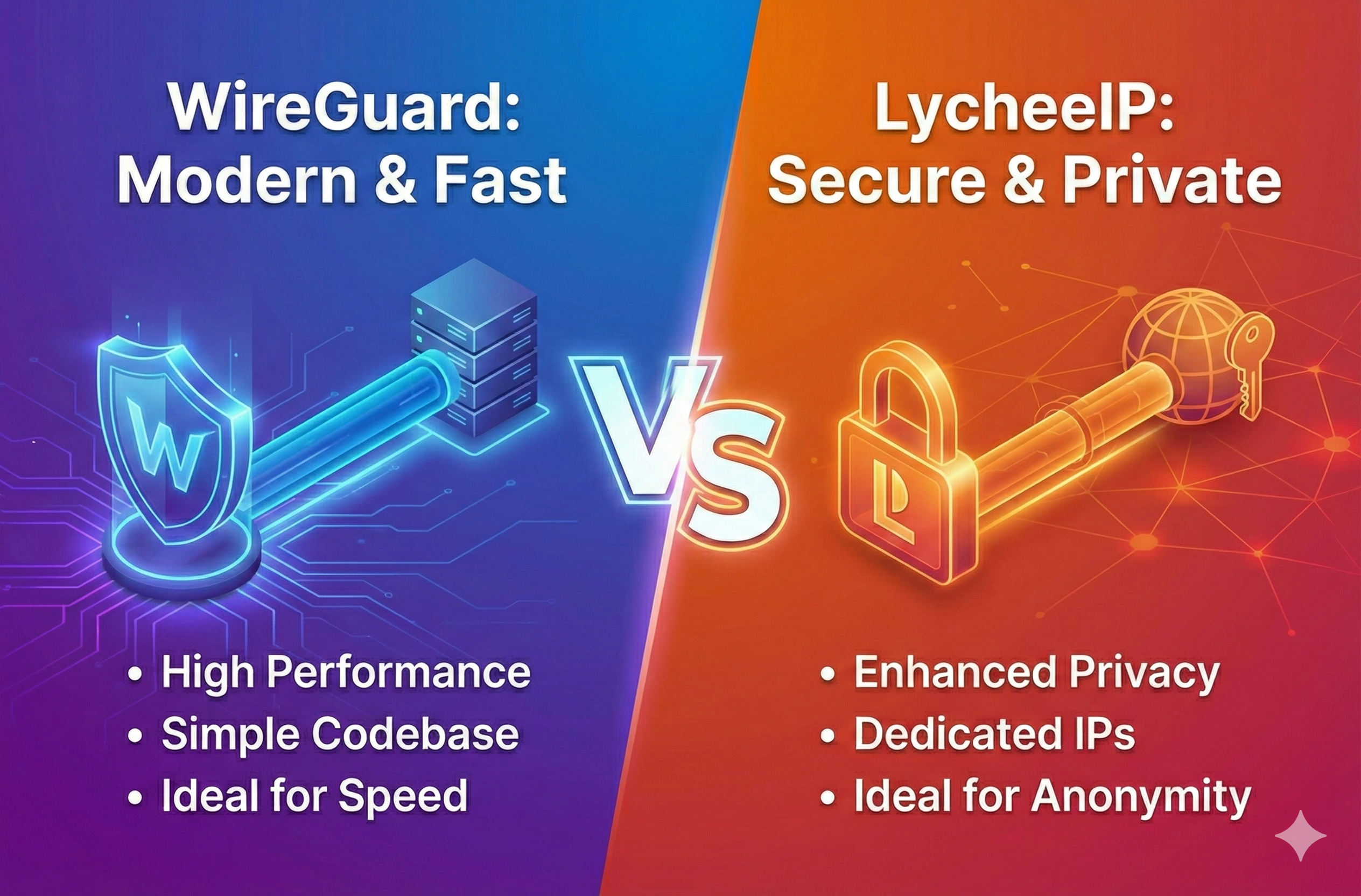
WireGuard vs LycheeIP: Which Is Better (and for What)?
Proxy vs VPN explained for automation. WireGuard secures a tunnel; LycheeIP gives rotating IP identity. Learn when each wins for scraping, geo-targeting, and scale.
View Details
WireGuard vs OpenVPN: Speed, Security, and Migration Guide
WireGuard is usually simpler to deploy and can reduce protocol overhead, while OpenVPN offers mature configuration flexibility and TCP-based compatibility. Neither is universally better: choose by network restrictions, identity model, operational tooling, and rollback requirements. The migration plan below keeps both paths available until validation is complete.
View Details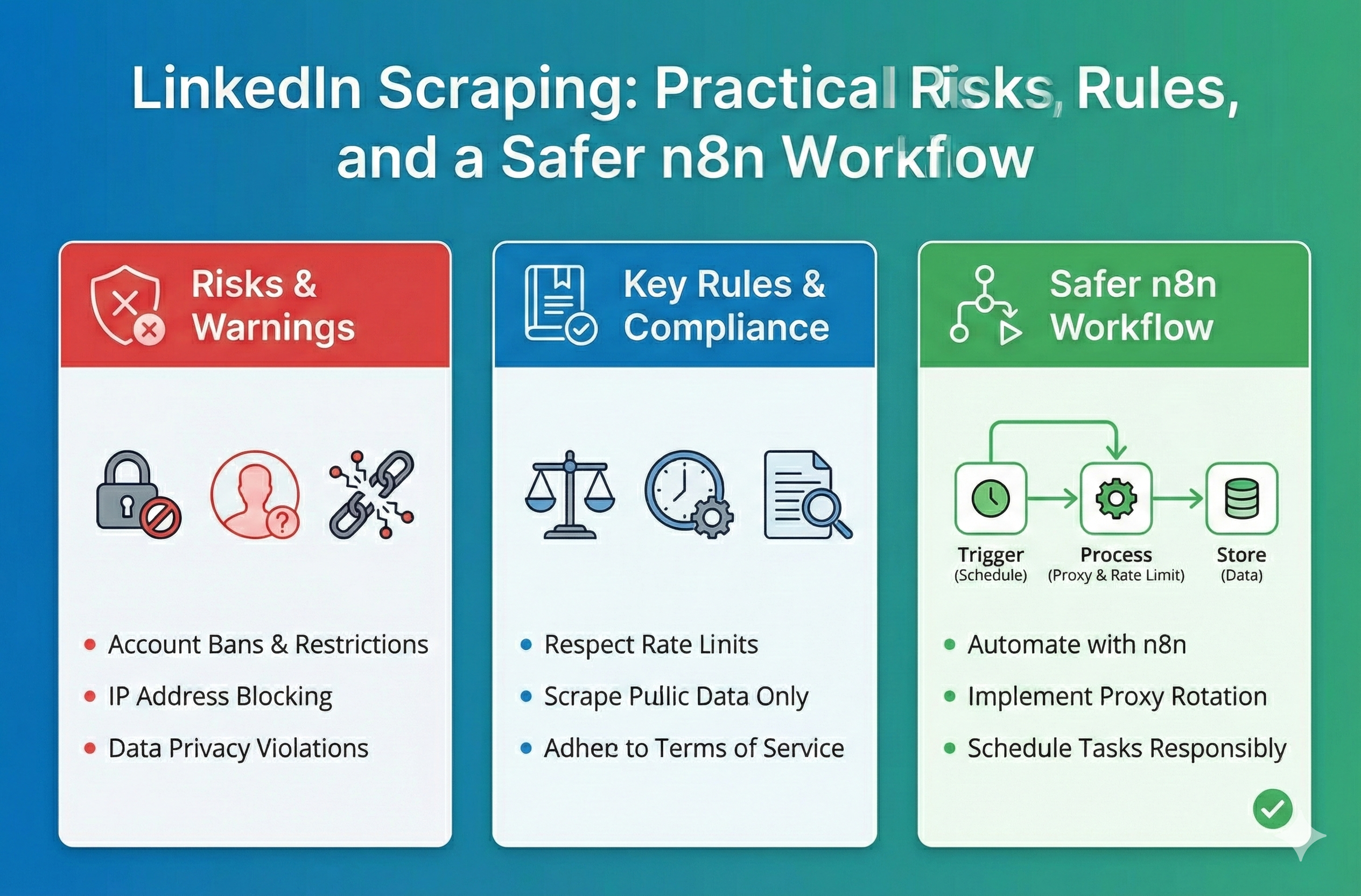
LinkedIn Scraping: Practical Risks, Rules, and a Safer n8n Workflow
Understand the technical and legal reality of LinkedIn scraping. Learn about compliance limits, authentication walls, and how to build a safer n8n data workflow.
View Details